 WriterMorph
Dactylo: a typewriter inside your Mac
Dactylo puts the document you are writing on a sheet of paper in a typewriter, with recorded key sounds, margin stops on the ruler and counters on the machine.
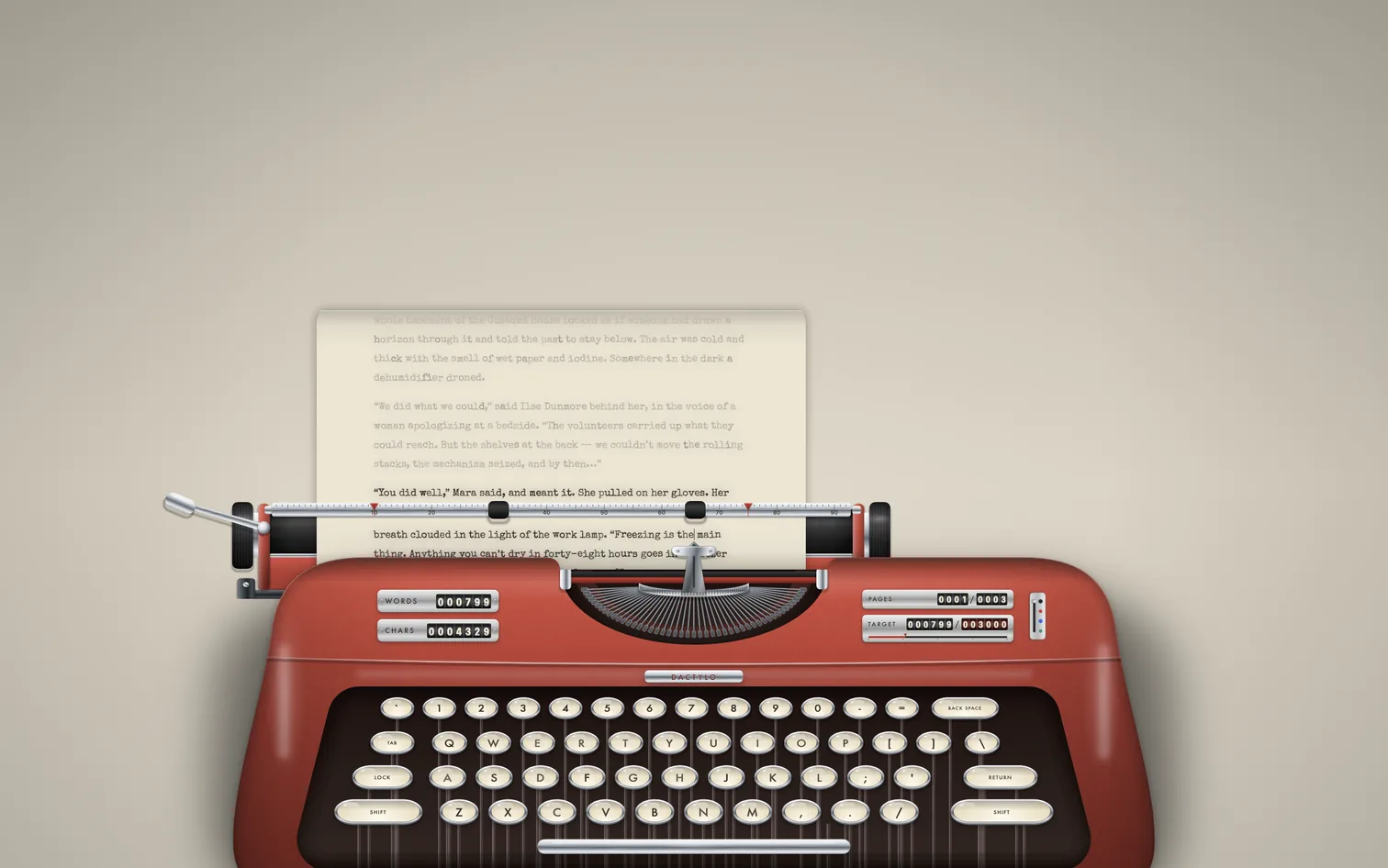
Some drafts want a different kind of attention. Dactylo is for them: turn it on and the document you are writing moves onto a sheet of paper in a typewriter. It is not a separate app or a copy. It is your manuscript, and everything you type is saved in your project as usual.
The page, the carriage and the bell
The paper feeds line by line. The carriage moves with each letter and comes back when you press Return, and a bell rings as you near the end of the line. The keys follow your Mac's keyboard layout, and the key you press goes down as you type.
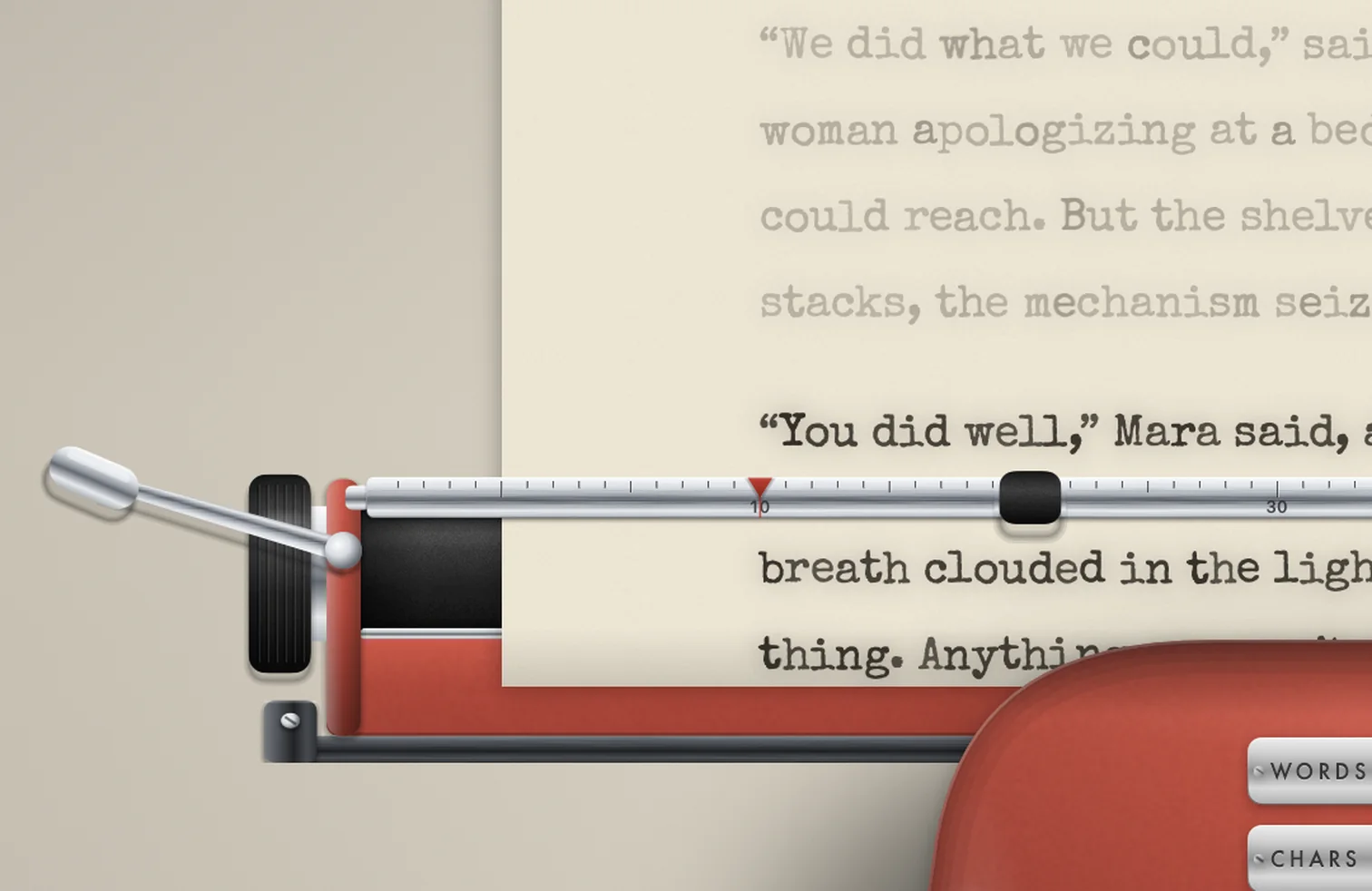
Drag the two red margin stops on the ruler to set the margins. The line you typed before stays readable above the ruler, and you can scroll the paper back to reread any page.
Five machines, your colours
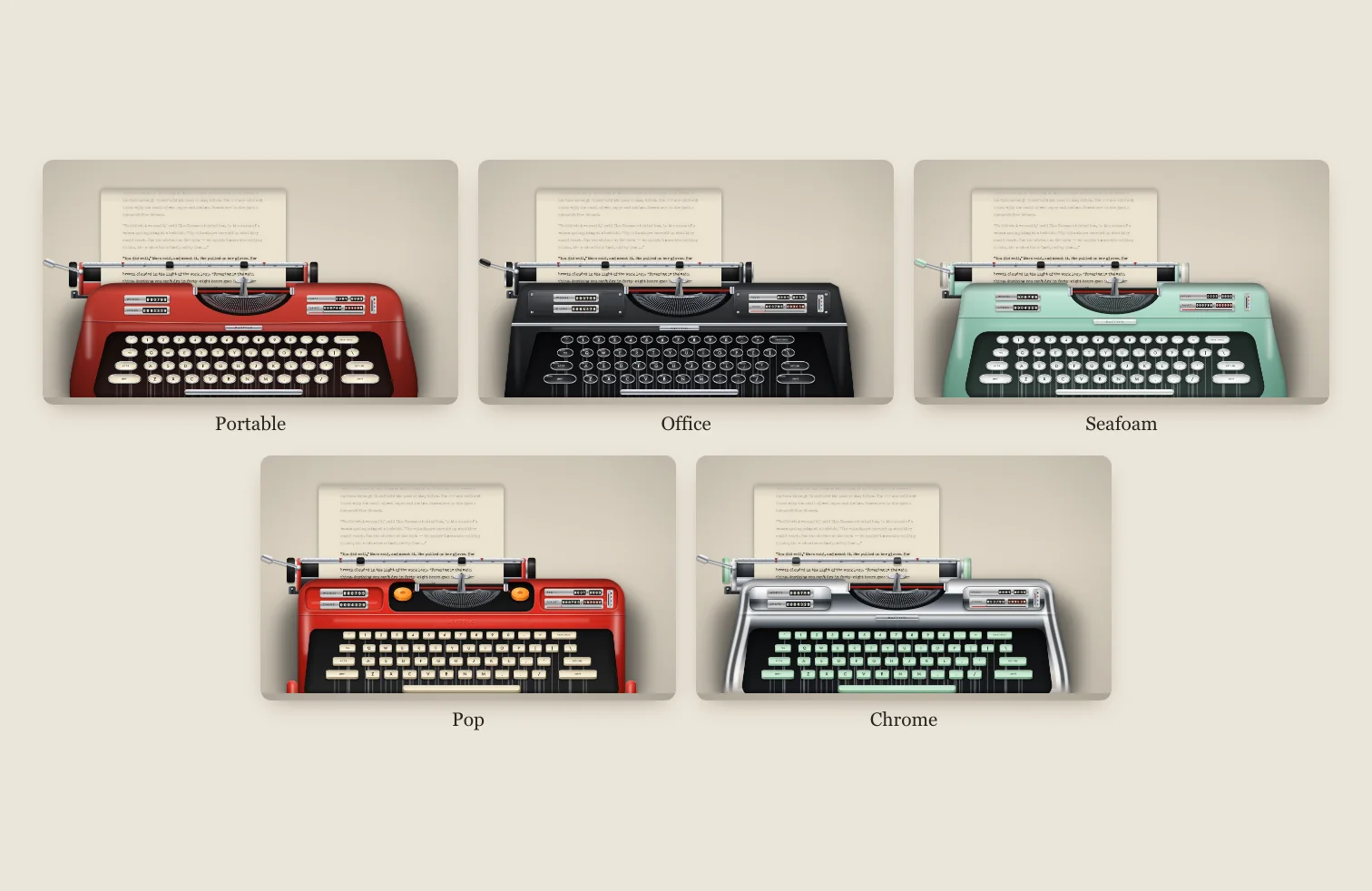
Choose Portable, Office, Seafoam, Pop or Chrome. The key colour can be changed on any of them: ivory, black, grey, mint or red. Pick the paper (white, cream, onionskin, charcoal or midnight), the ribbon (black, red, blue or green) and the typewriter font.
Counters and pages
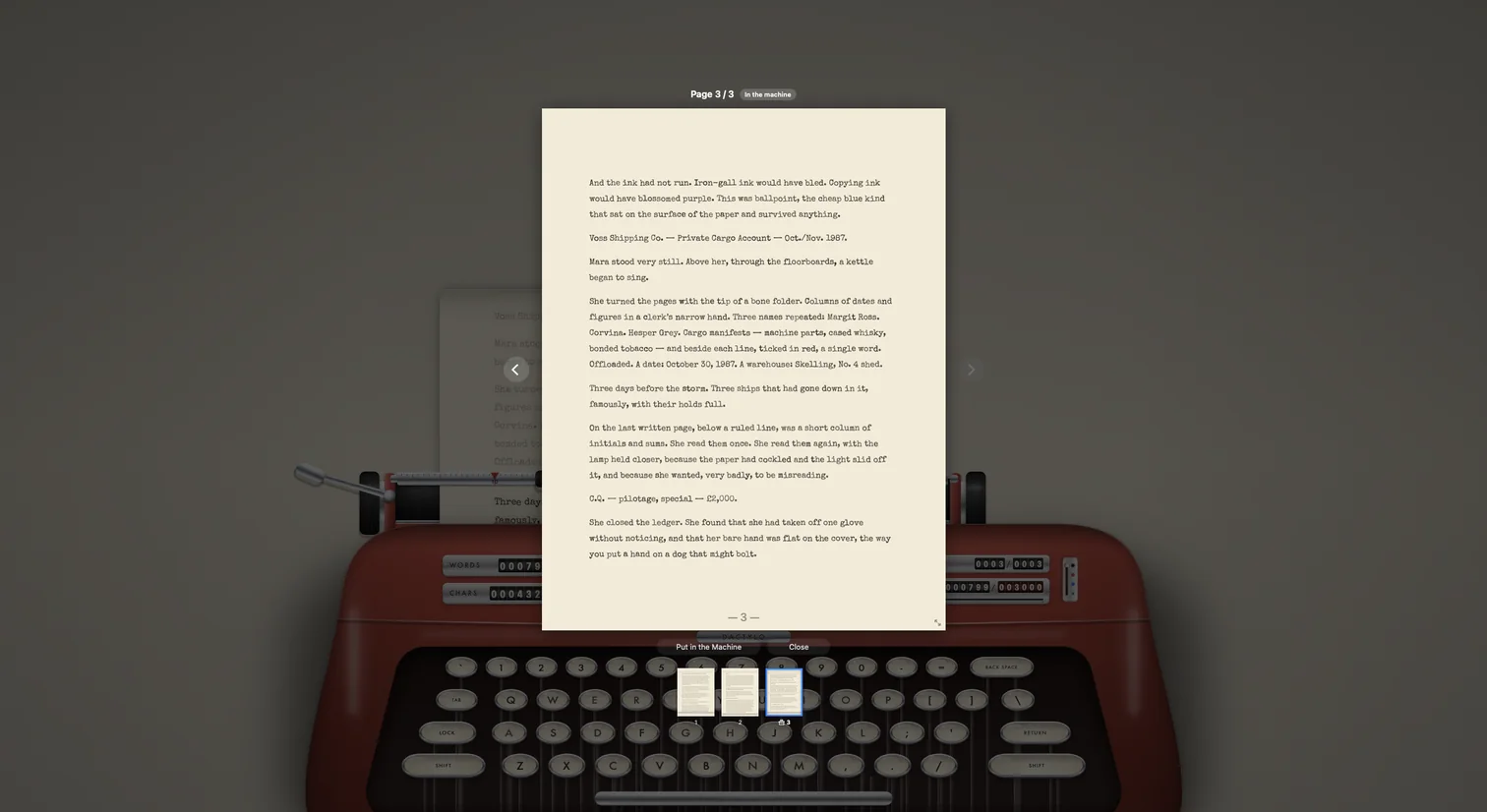
Mechanical counters on the lids of the machine turn as you type: words, characters, pages and your target. With sheets of paper, a new sheet goes in when a page is full.
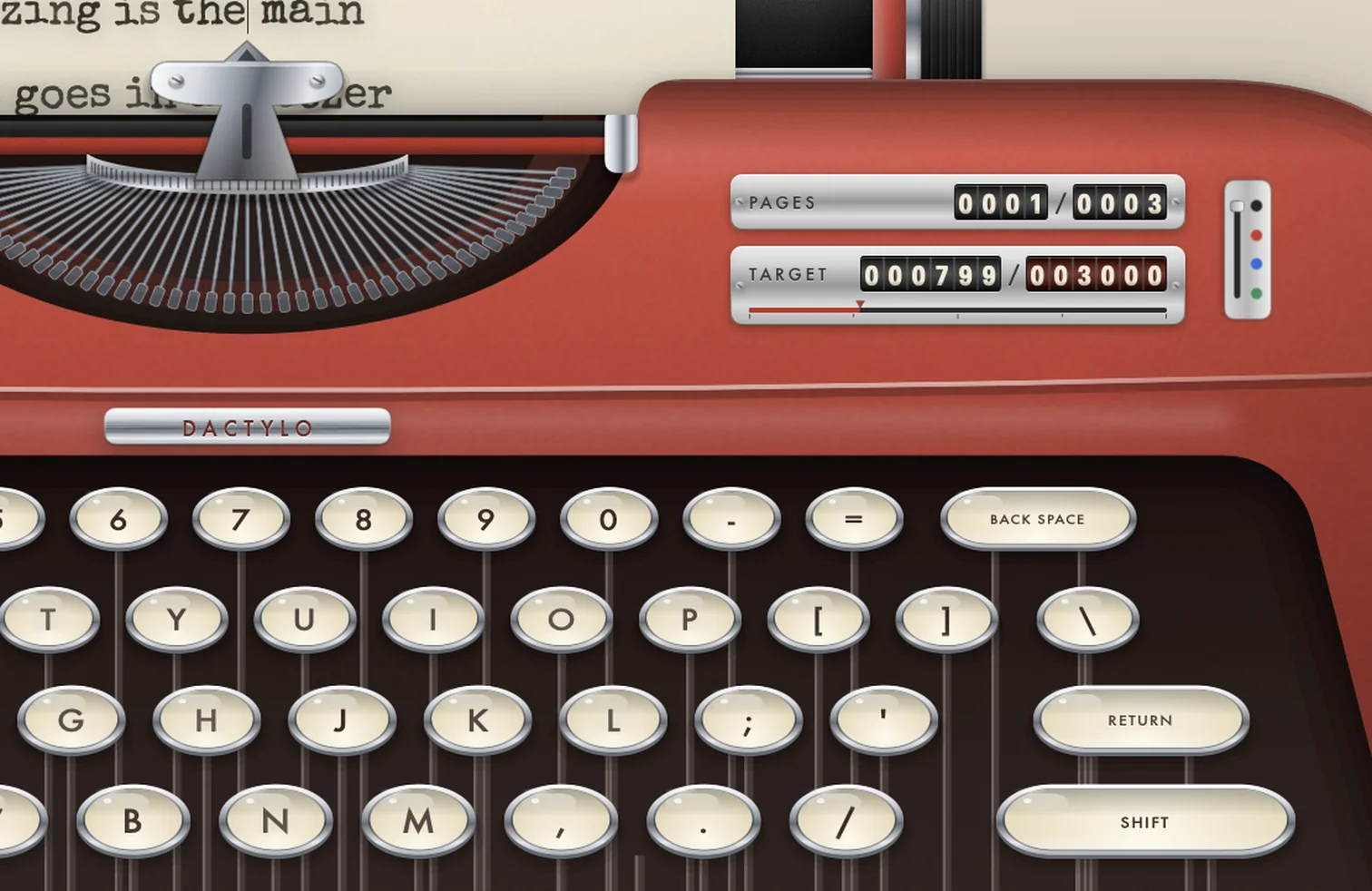
Click the PAGES counter to look through every sheet you typed, large and readable. Put in the Machine rolls the paper back to that page so you can carry on there.
Real sounds
The key, space bar, bell and carriage-return sounds are recordings of a real mechanical typewriter, released under Creative Commons 0. Set the volume, or turn any of the sounds off.
Try it
Click in a document and choose View › Dactylo, or click Dactylo in the Composition bar. Esc takes you back to your normal page. Everything about Dactylo in the help center.