 WriterMorph
Make it look like your book
Themes change how WriterMorph looks while you work. Export styles decide how your book looks when it leaves.
Four export styles, ready to use
Compile Studio starts from one of these and sets the fonts, margins, page size, headers and chapter openings for you. Each page below is a real preview from a sample project.
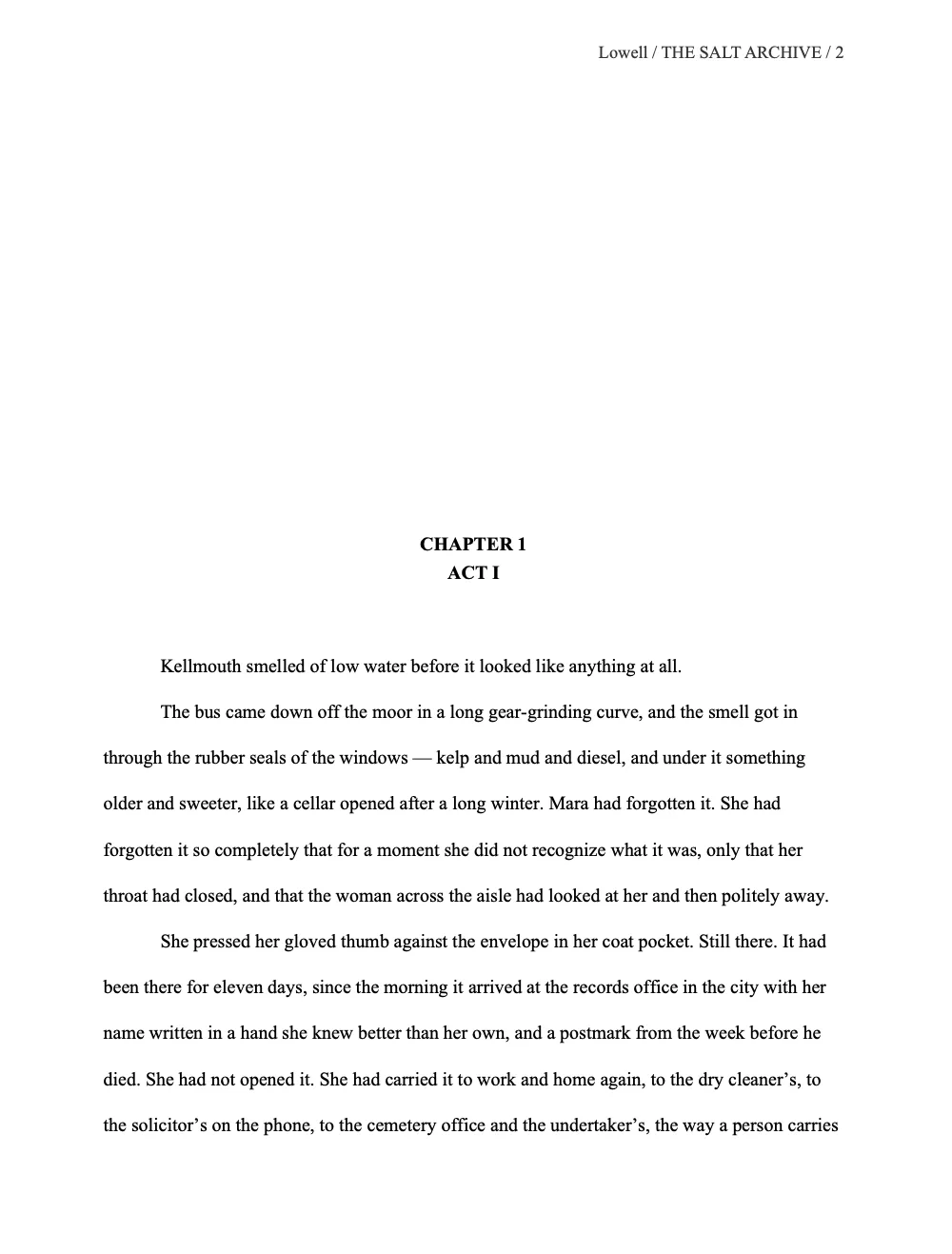
Manuscript
Standard manuscript format for agents and editors: Times New Roman 12, double-spaced, one-inch margins, with your surname, the title and the page number at the top.
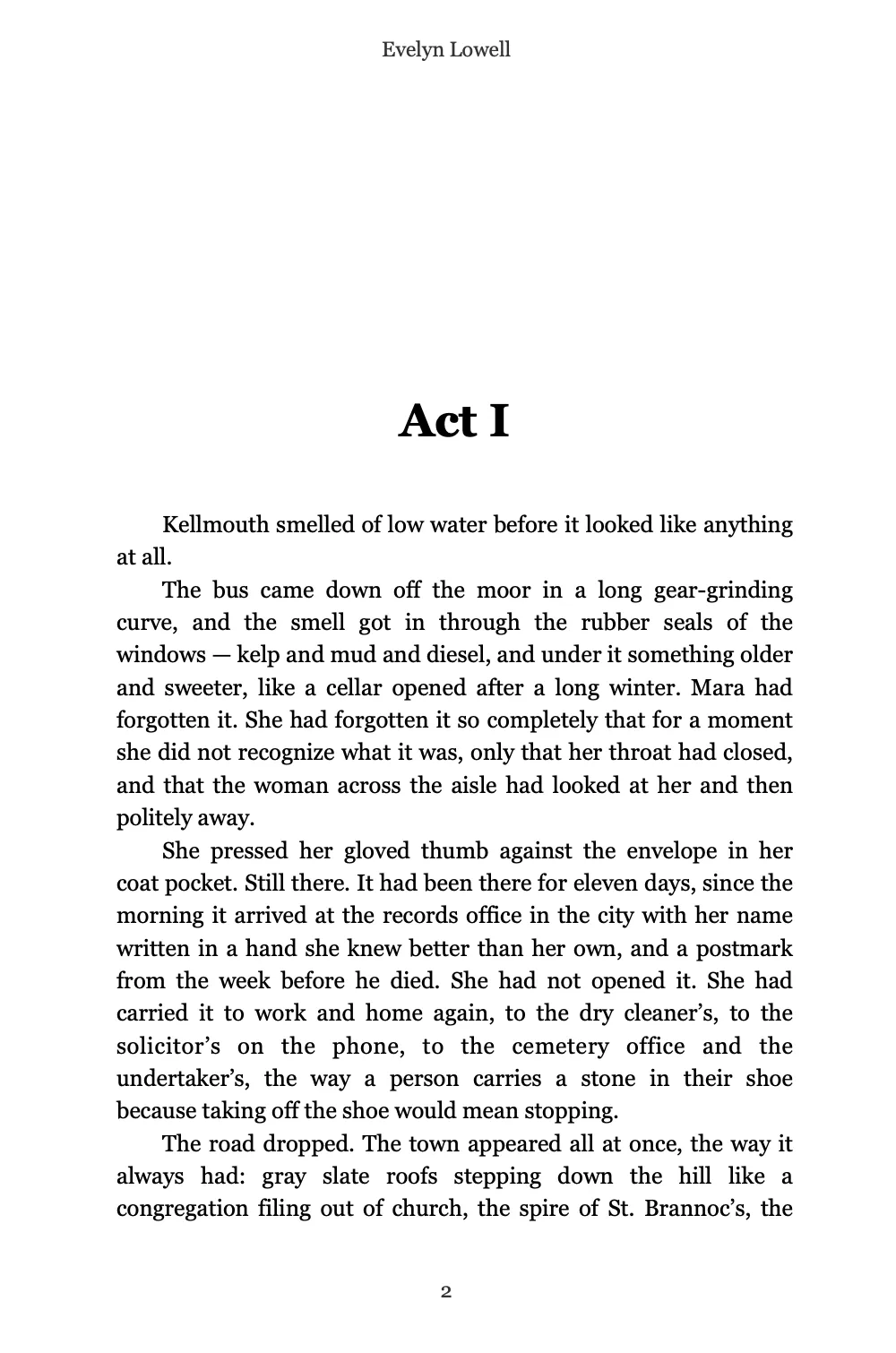
Paperback
A 6 × 9 inch trade book ready for print: Georgia 11, justified text, large chapter titles and running heads.
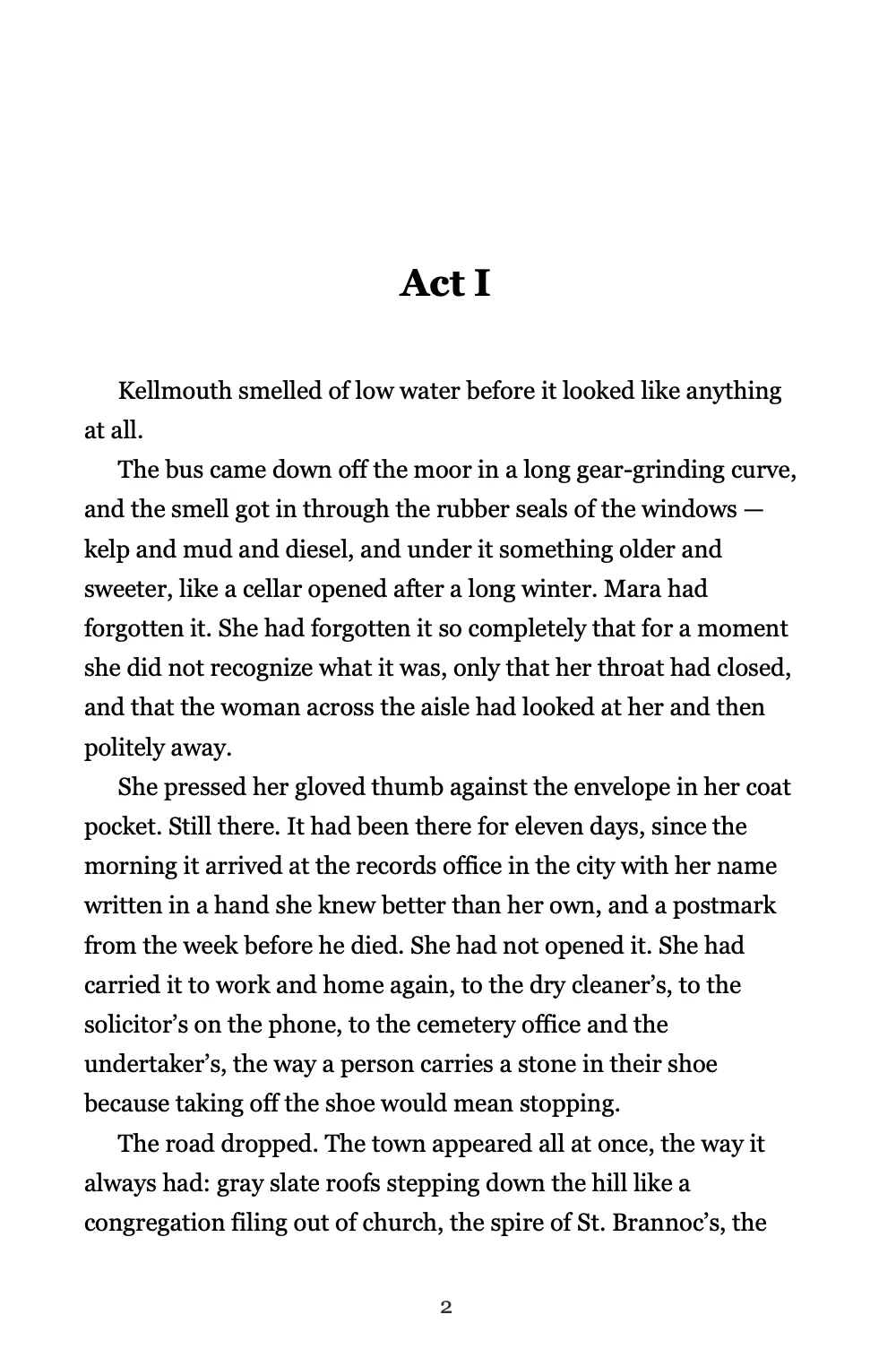
E-book
Reflowable EPUB 3 for Kindle, Apple Books and Kobo, with every chapter in its own file.
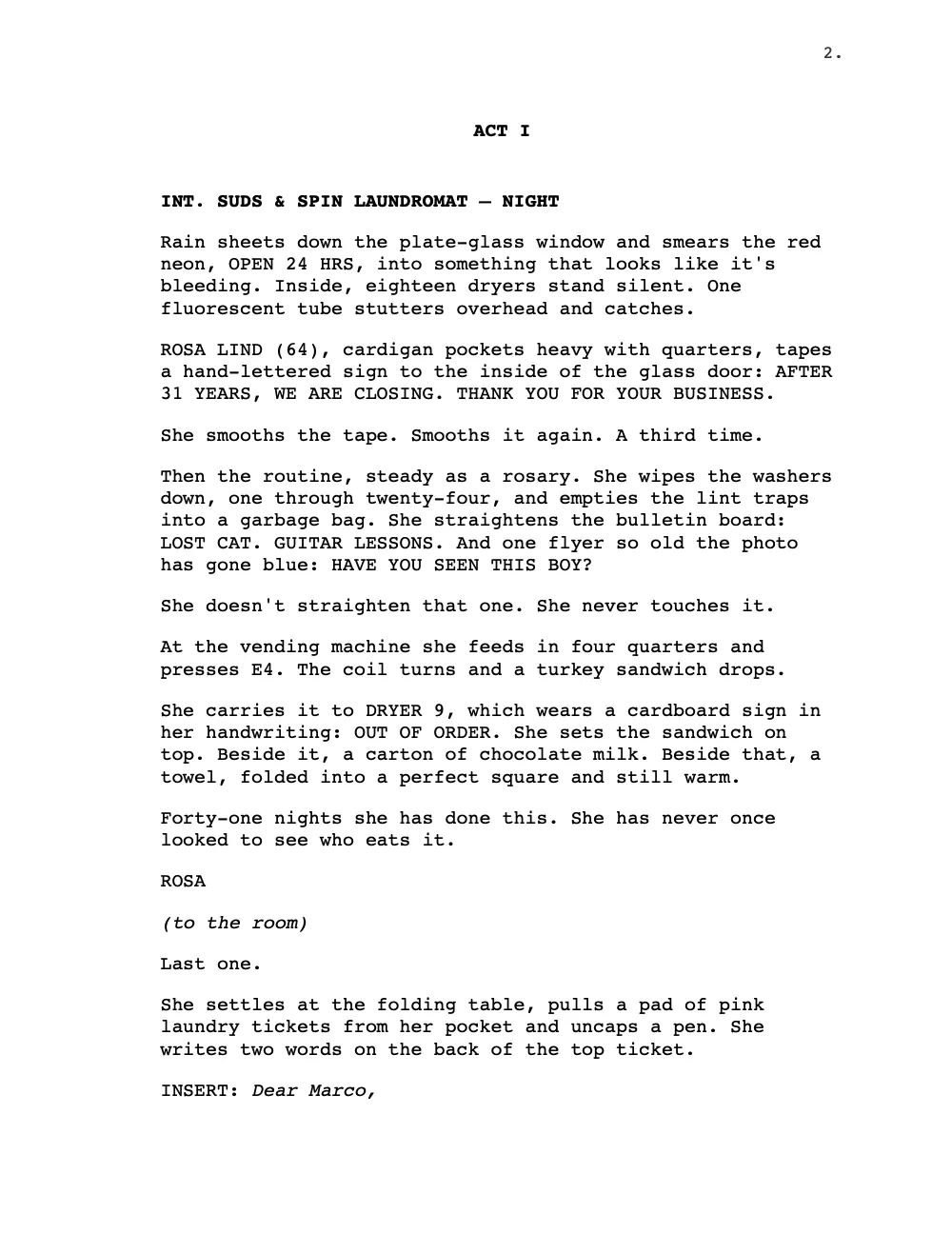
Screenplay
Industry-standard pages: Courier 12, a 1.5-inch left margin, scene headings in capitals and page numbers top right.
Every style exports to PDF, Word, EPUB, HTML, Markdown, LaTeX, RTF, ODT and plain text. How Compile Studio works
Themes for the way you work
WriterMorph has twelve themes, and most come in a light and a dark version. Pick one, or let WriterMorph follow your Mac’s appearance. These are the light ones.
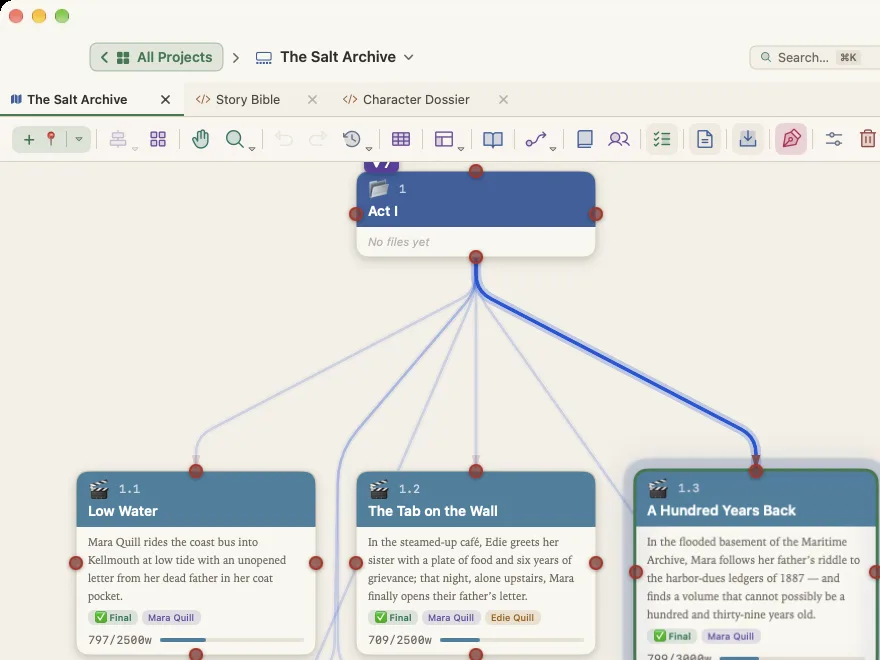
Cream
The default light theme: warm cream with colored cards.
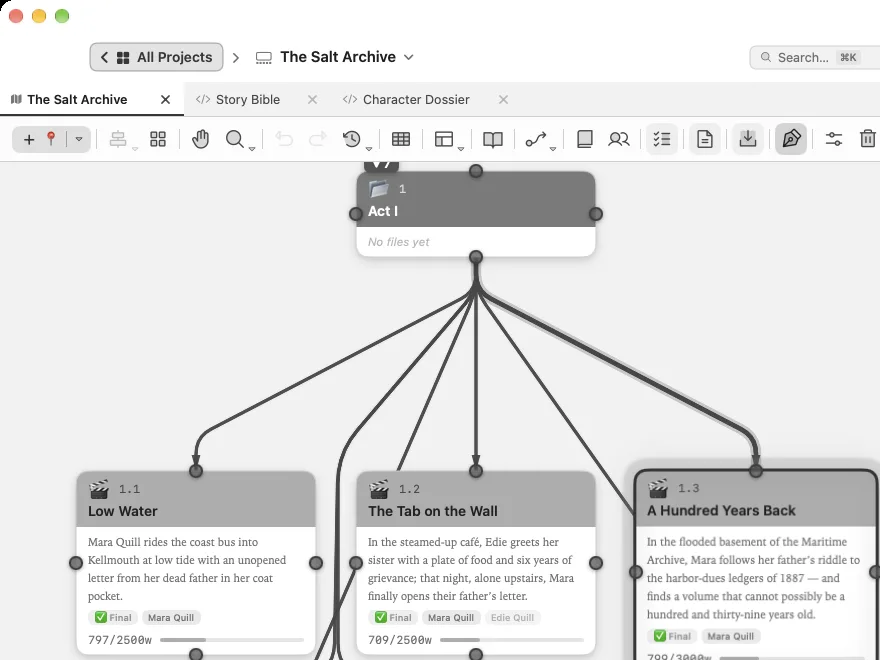
Greyscale
Every color turned to grey, so nothing competes with your words.
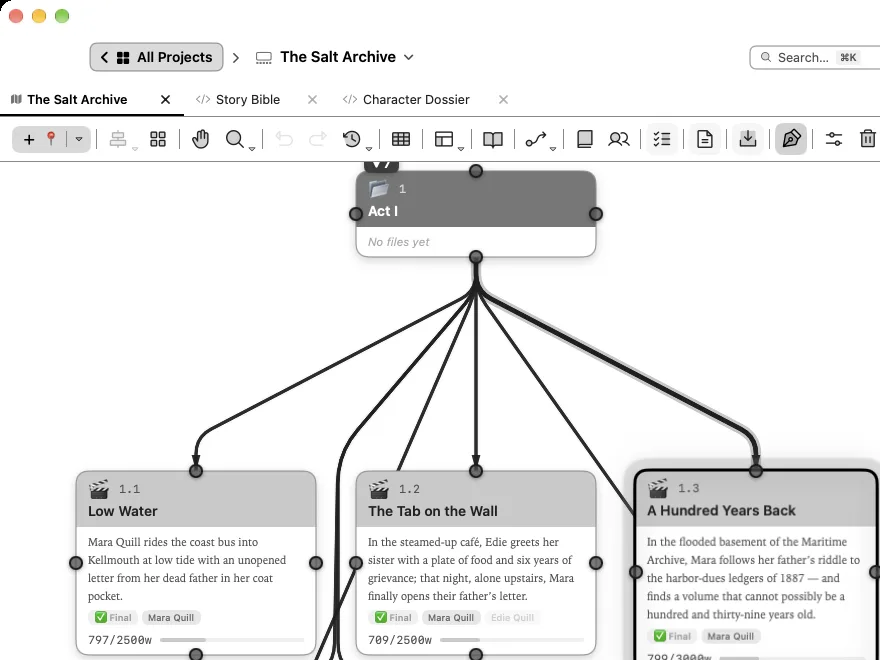
Monochrome
Pure black on white, with crisp lines and nothing else.
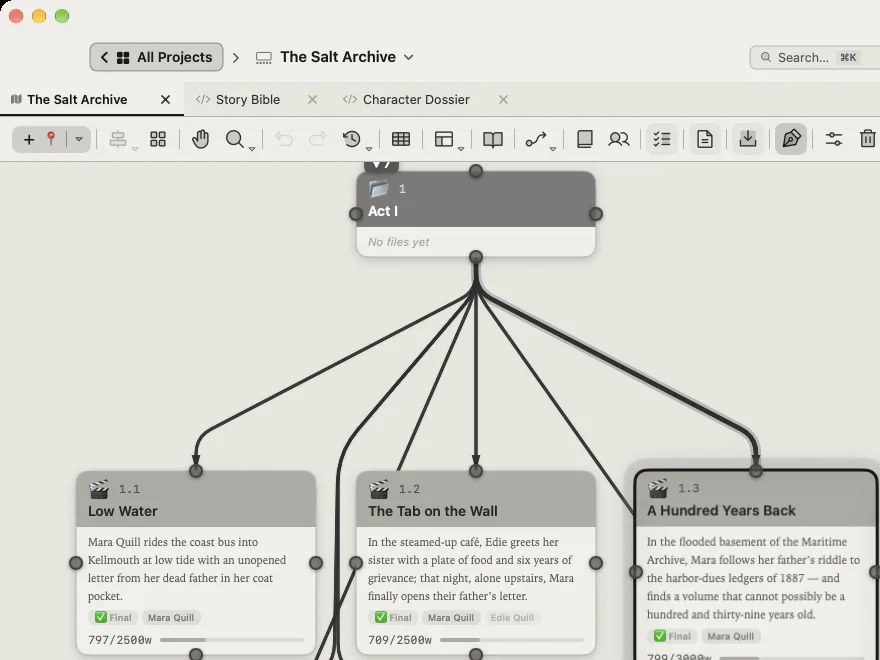
E-ink
Soft black on pale grey, calm like an e-reader.
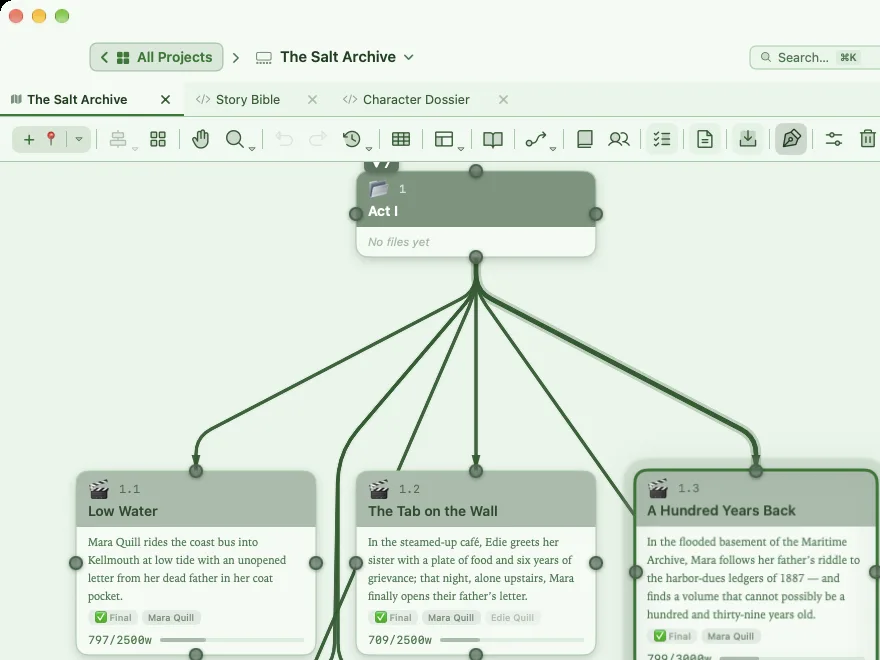
Terminal Green
Deep green on pale mint, a nod to old phosphor screens.
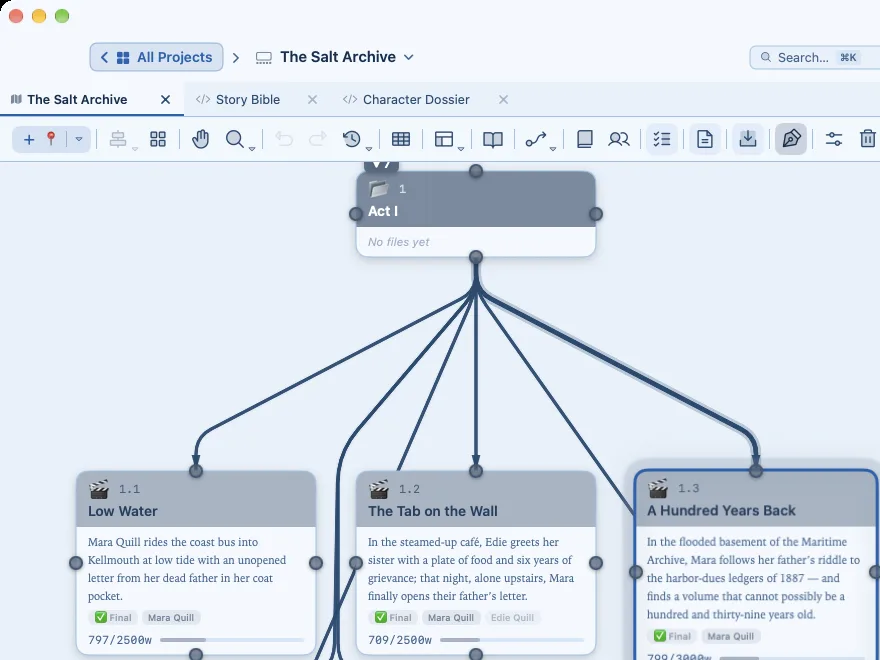
Terminal Blue
Navy on pale sky blue.
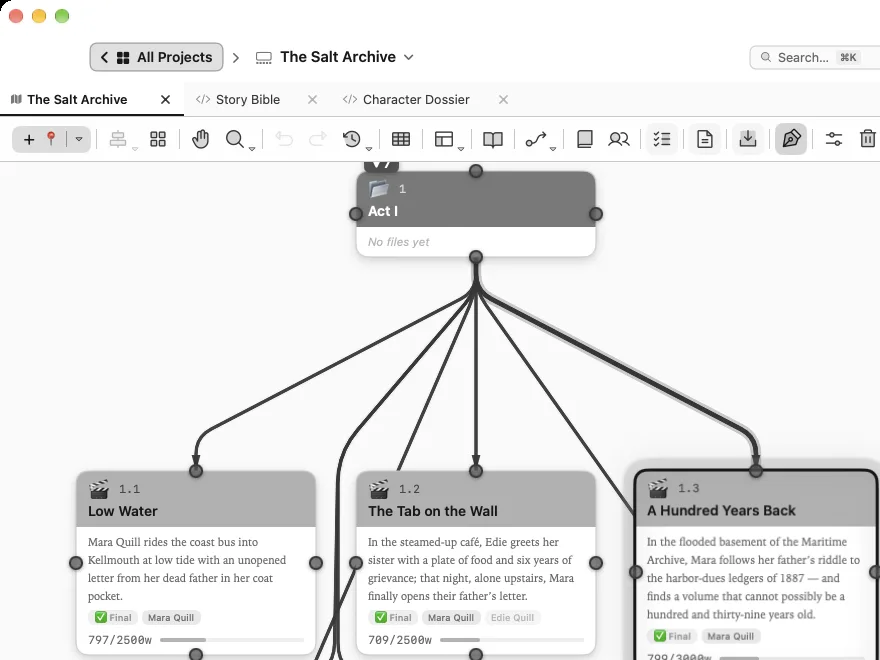
Terminal White
Near-black on white, with a terminal’s plainness.
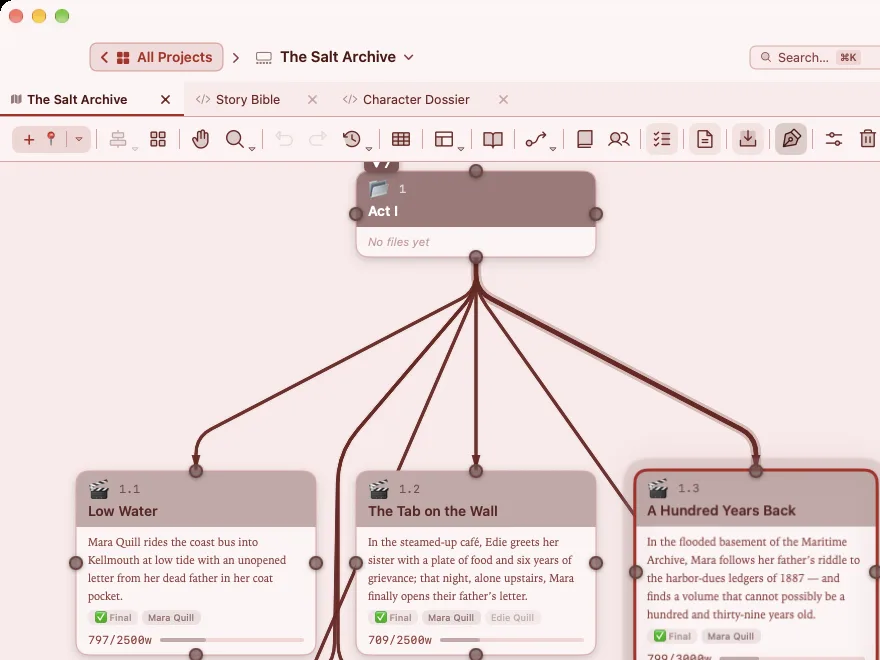
Terminal Red
Dark red on blush pink.
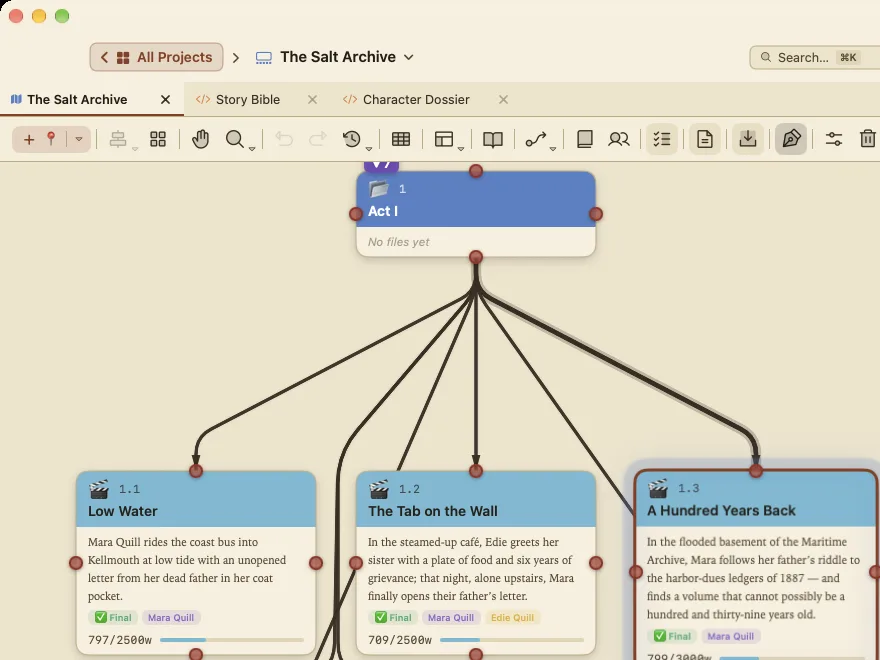
Paper
Warm paper and brown ink.
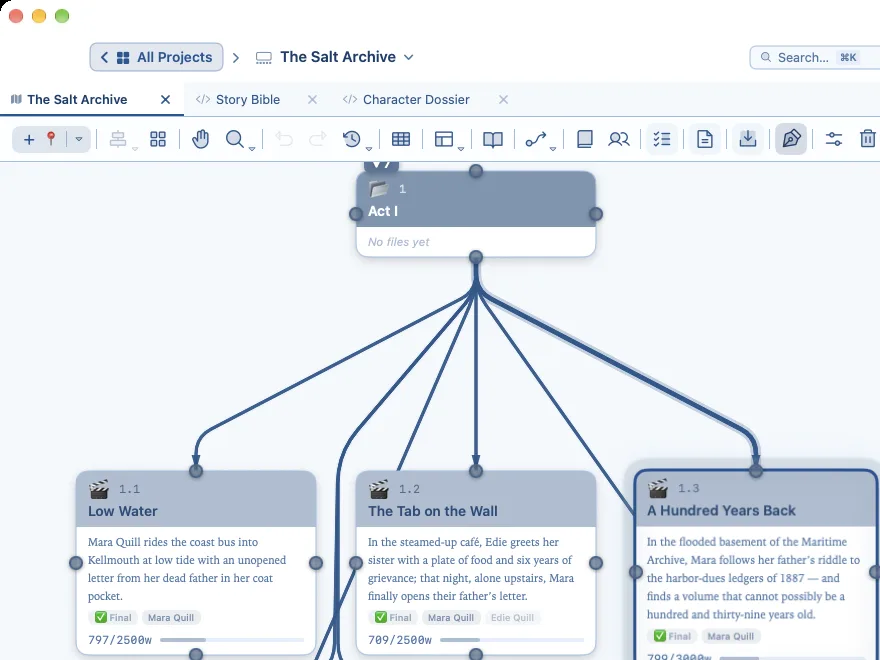
Blueprint
Navy lines on white, like a drafting table.
Choose a theme from WriterMorph › Appearance. More about themes and settings
Your own export style
Change anything in Compile Studio, from page size, margins and fonts to chapter titles, scene separators, headers, front and back matter, line numbers and comments, then save it as a preset. Presets are files, so you can keep one with a project or send it to a co-author or an editor.
Your own theme
The Theme Designer in Settings › Appearance sets nine colors, the size of the interface text and the editor’s default font. Save your theme with Manage… › Save Theme to File…, and anyone can open it with Manage… › Load Theme from File….
Coming to this page: a small library of themes to download. Made one you like? Send it to us.
Other product names mentioned (e.g. Scrivener, Microsoft Word, Obsidian, Notion) belong to their owners and are used only to describe compatibility.