 WriterMorph
Databases and data cards: a first look
New in WriterMorph 1.1. A Labs feature that shows each card type as a database, with tables, galleries, boards and calendars, and keeps data tables on cards.
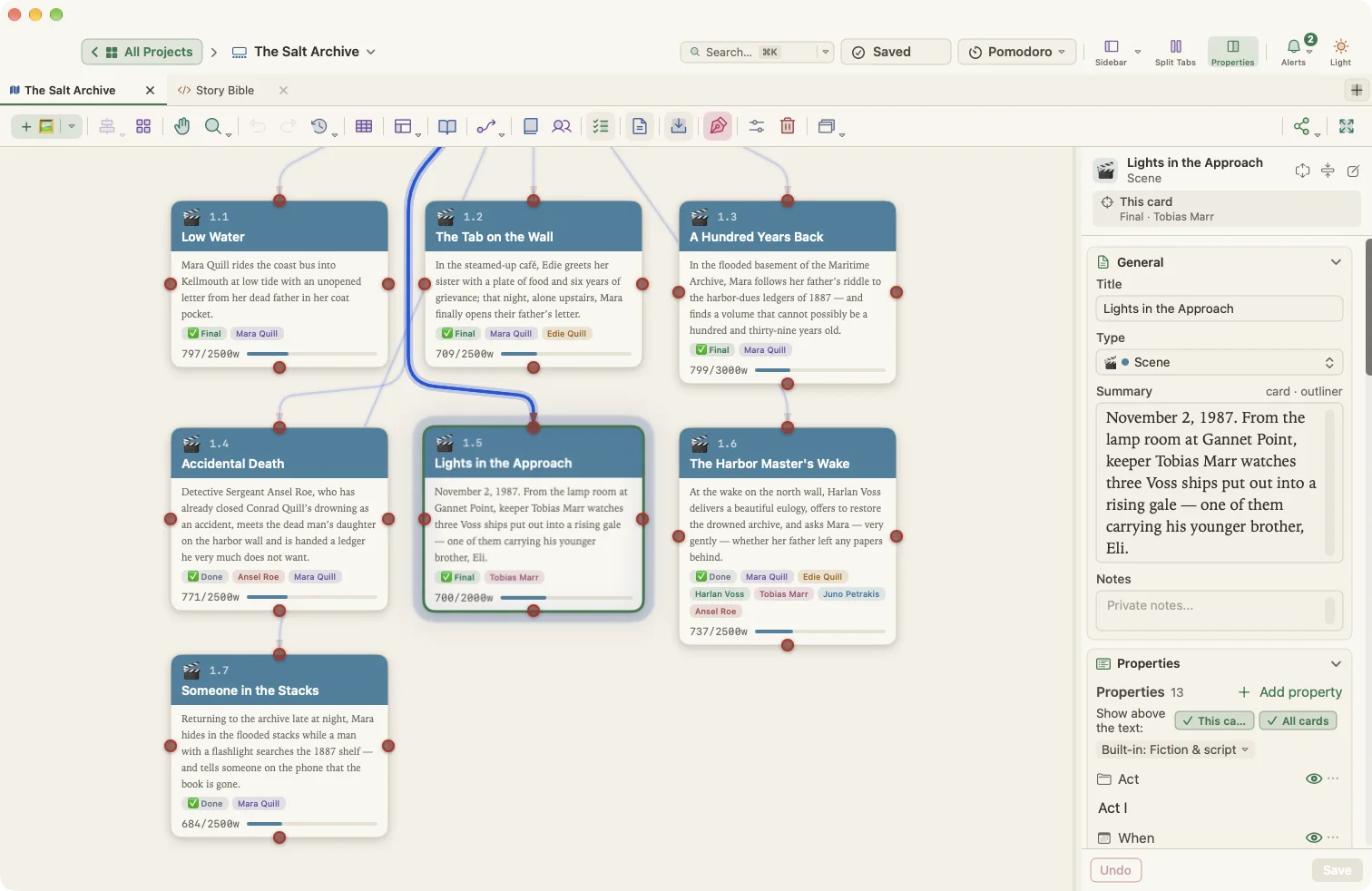
Your cards already carry a lot of structure. A scene has a point of view, a place and a status. A character has a role and an age. In WriterMorph 1.1, those same cards can also work as a database.
Databases are a Labs feature in WriterMorph 1.1: they stay off until you turn them on in Settings › Labs.
Your cards are the records
Turn on Databases and every card type in a planner becomes a database. Its cards are the records and its properties are the fields. Nothing is copied: change a record and you change the card, on the canvas and everywhere else.
Open the Database panel from the planner toolbar or with View › Database, then pick a card type.
Four ways to look
- Table: one row per card. Edit cells in place and click a header to sort.
- Gallery: the cards as tiles, with a cover picture.
- Board: columns from a select field, such as Status. Drag a card to another column to change it.
- Calendar: cards on a date field, by month or by week. Drag a card to another day.
Each view keeps its own sort, filter and fields, so one database can have several views for different jobs.
Fields that link and count
Fields can hold text, numbers, dates, choices, checkboxes, web addresses, images and files. A Relation links records to another database: give your characters a Faction, and each faction lists its members. Formula, Rollup and Lookup fields work values out for you. This formula estimates pages from a word count:
round({Words} / 250, 1)
Data cards
Some data doesn't need cards of its own: a character's inventory, the sources for one chapter, a budget. A data card holds properties and tables instead of text. A table can have your own columns, including images and files, or show one of your databases. When a table outgrows the card, Convert to Database… turns its rows into cards.
Pages and assistants
Live Pages, also in Labs, can query databases and, once you allow it, add records and change data tables. If you use Claude Code or Codex, it can do the same through AI Connections.
Coming from Notion?
File › Import › Notion Export (Markdown & CSV)… turns a Notion export into a new project. Each Notion database becomes a database here, with its fields, and page text becomes card text.
The help article covers every view and field type. To try 1.1 before it reaches the App Store, join the beta.