 WriterMorph
WriterMorph 1.0 is on the Mac App Store
The first version of WriterMorph is out. Download it free, try every feature, and buy it once if it fits the way you write.
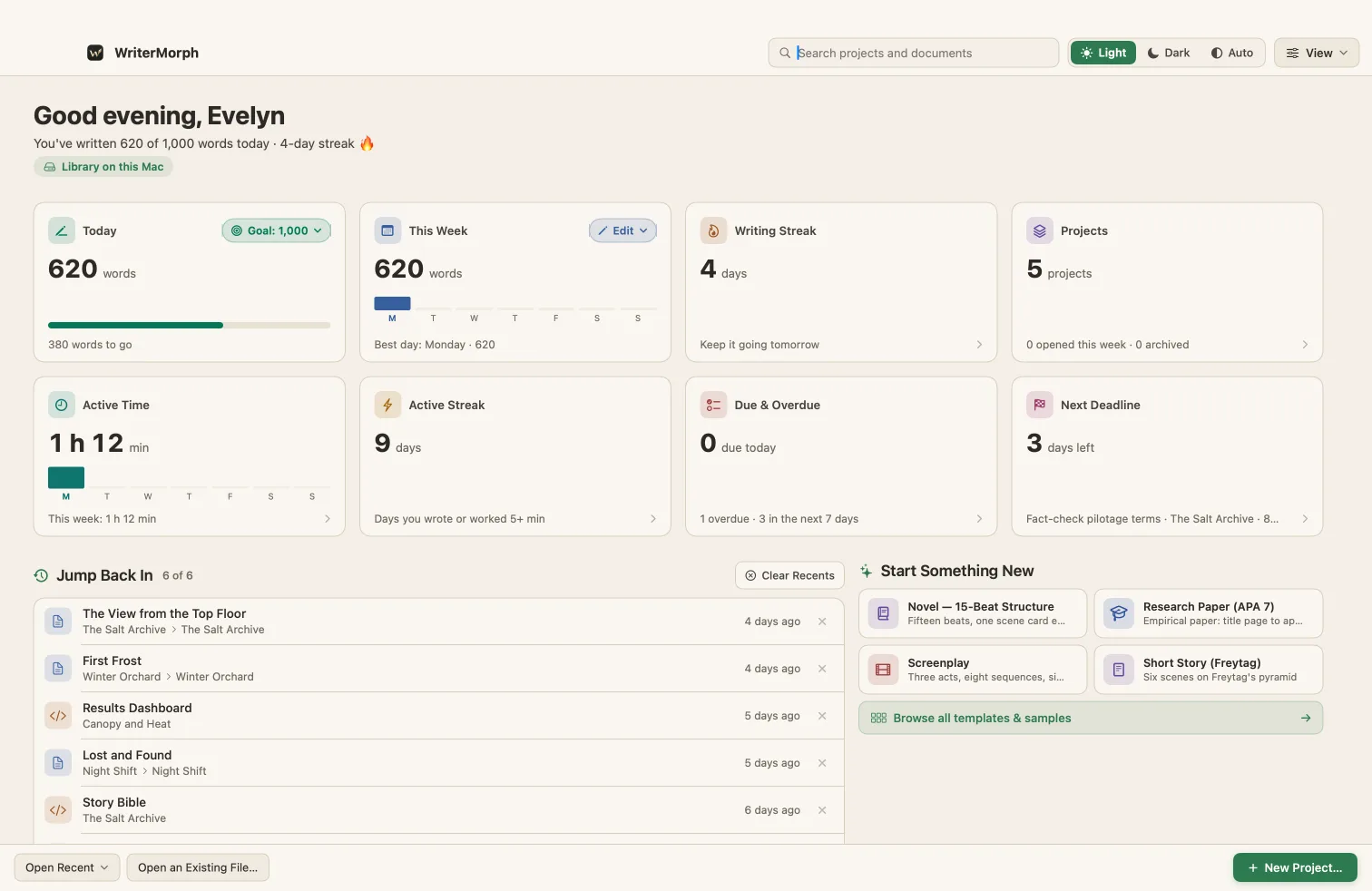
WriterMorph 1.0 is out today on the Mac App Store.
It is a native Mac app for long writing. You plan on a canvas of cards, write in a manuscript with a binder, check structure and story time in the Writer Timeline, and compile the finished book to PDF, Word, EPUB and more. The whole project is one file on your Mac.
What’s in 1.0
- A Visual Planner canvas for scenes, chapters, characters, places and research.
- A manuscript with a binder, editor, corkboard and outliner, plus snapshots and revision colors.
- The Writer Timeline: Plot Board, Chronology, Cast Map and tension curve.
- Compile Studio, with Manuscript, Paperback, E-book and Screenplay styles.
- 29 templates, four demo projects and twelve themes.
- AI Connections, off by default, for writers who already use Claude Code or Codex on their Mac. How it works.
- Live Pages, a Labs preview you turn on in Settings › Labs.
The full list is on What’s new.
Try it, then buy it once
WriterMorph is a free download. Every feature works for 30 days of use, and only the days you open it count. After that you have 10 more days to read and export your projects, and then WriterMorph locks until you buy it.
One purchase of $49.99 unlocks it for good. There is no subscription and no account, and your projects stay on your Mac whether you buy it or not. More about the trial and buying.
Students and teachers pay $24.99: ask for a code.
What you need
A Mac with macOS 15 Sequoia or later.
Where to start
- See it in action: short recordings of the app at work.
- Getting started: your first project and your first ten minutes.
- Sample projects: a finished novel, screenplay, thesis and essay to open and take apart.
If something doesn’t work, or you have an idea, write to us. A person reads every message.