 WriterMorph
Help › Getting Started
All help topics
Free trial and purchase
How the 30 days of use, the read-only period, buying, restoring and redeeming a code work.
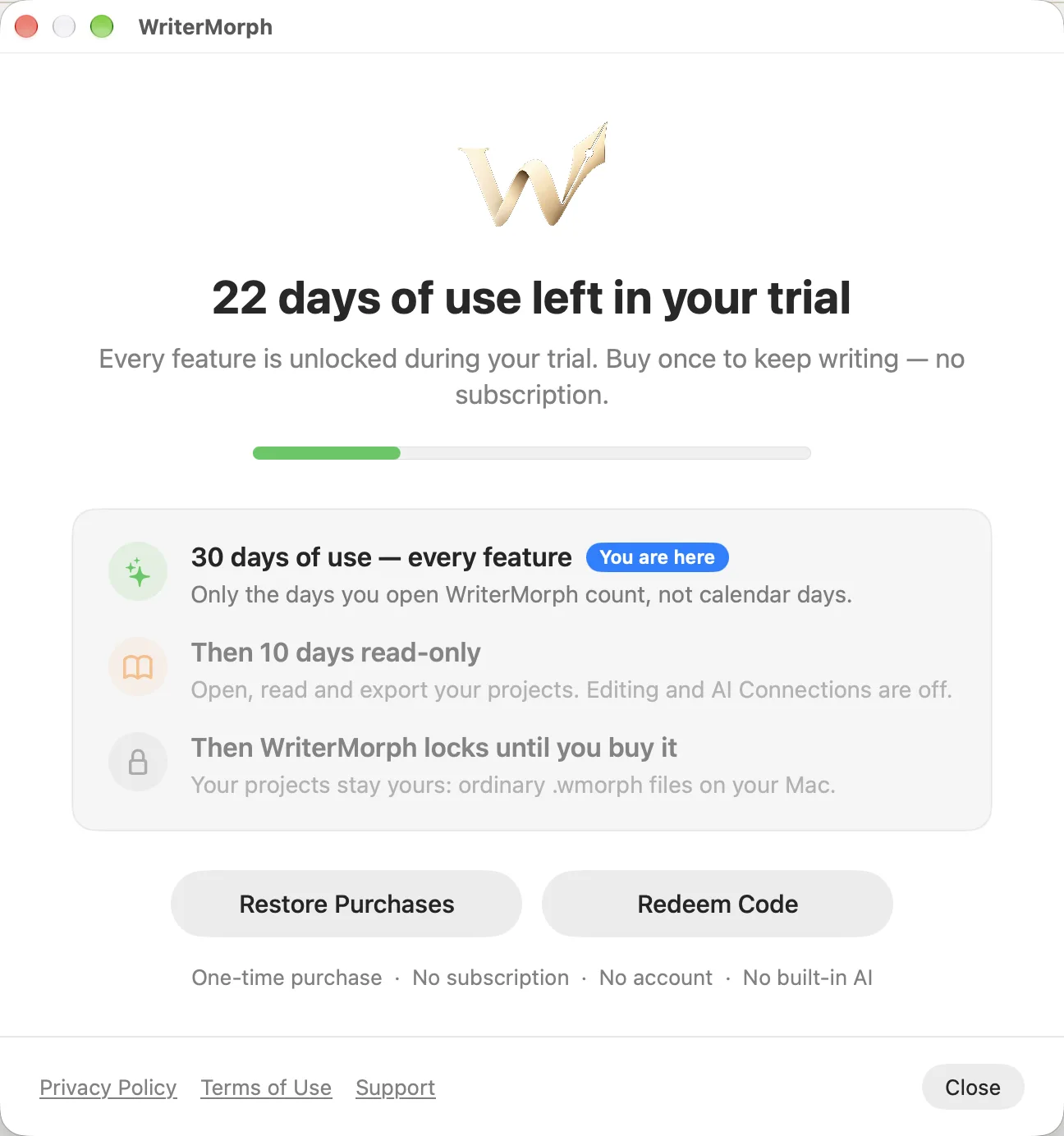
WriterMorph is a free download from the Mac App Store. Every feature works during the trial, and one purchase unlocks it for good. There is no subscription and no account.
How the trial works
- 30 days of use, every feature. Only the days you open WriterMorph count, not calendar days.
- Then 10 days read-only. You can open, read and export your projects. Editing and AI Connections are off.
- Then WriterMorph locks until you buy it. Your projects stay yours: ordinary
.wmorphfiles on your Mac.
When you first open WriterMorph, choose Start the Free Trial.
See where you are
- A badge in the top bar and on the Home screen shows Trial · N days left, Read-only · N days left or Trial ended. Click it to open the License window.
- WriterMorph › Buy WriterMorph… opens the License window too. It also opens once each time you start WriterMorph during the trial, and in the trial's last seven days a reminder appears.
Buy, restore, redeem
- Buy WriterMorph in the License window: a one-time purchase of $49.99 through the Mac App Store.
- Restore Purchases, in the License window or the WriterMorph menu, unlocks WriterMorph on another Mac signed in with the same Apple Account.
- Redeem Code…, in the WriterMorph menu or the License window, accepts an Apple offer code, such as the student discount.
Refunds
Purchases go through Apple. You can ask Apple for a refund at reportaproblem.apple.com. If something isn't working, tell us first.