 WriterMorph
Help › Getting Started
Templates and Demo Projects
Start from one of 29 ready-made templates, explore complete sample projects, and save your own projects as templates.
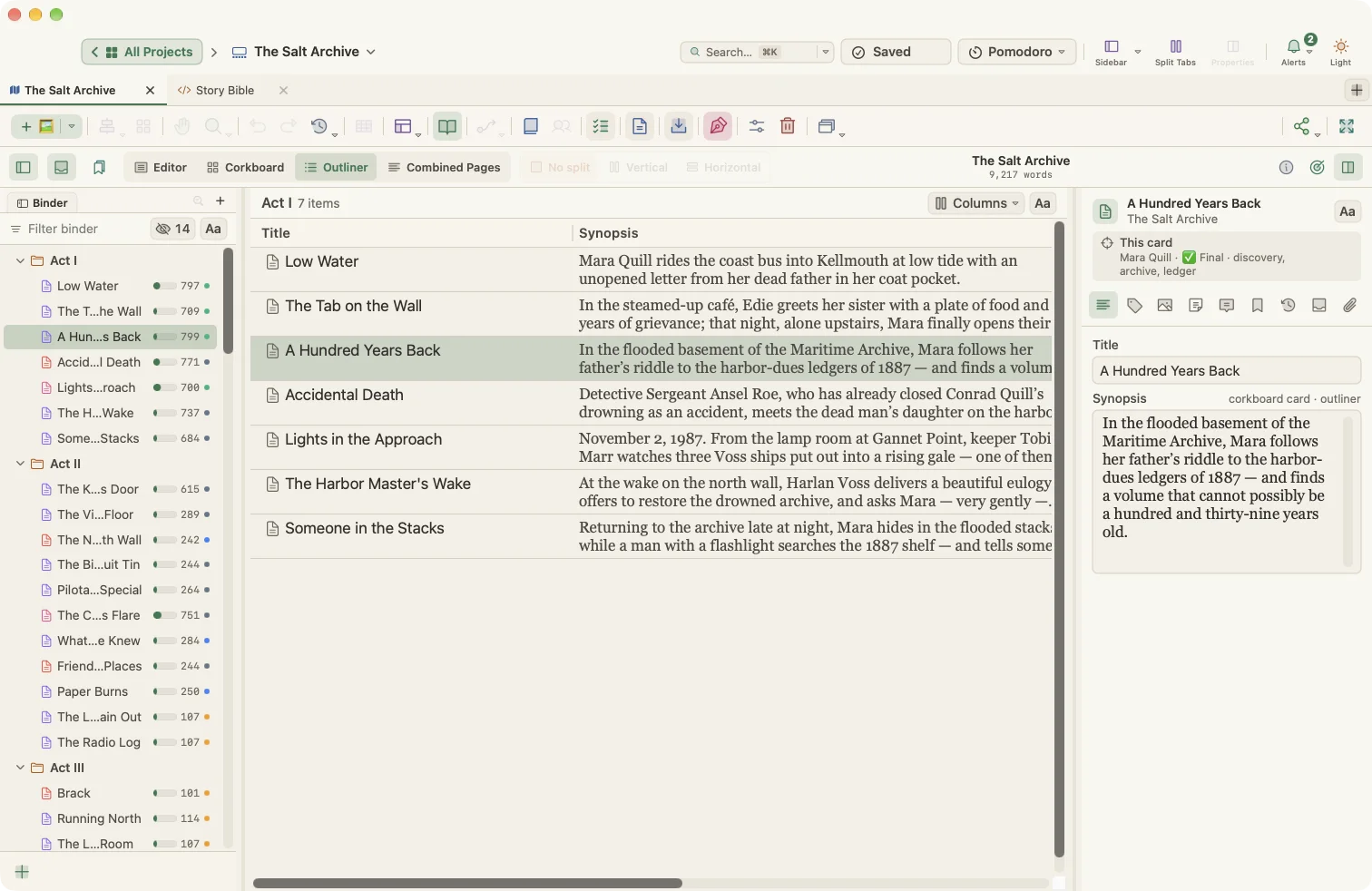
You never have to start from a blank page. WriterMorph includes 29 project templates, plus complete sample projects you can explore.
Opening the template gallery
Choose File › New Project… (⇧⌘N) or File › New Project from Template…. The Project Templates window opens:
- Categories on the left: Getting Started, All, Blank, Fiction, Non-Fiction, Academic, Student, Scriptwriting, Miscellaneous, Sample Projects and My Templates.
- Thumbnails in the middle. Select one to read its description.
- A search field to find a template by name or description.
- Create… to make a new project from the selected template.
The Home screen also shows a few quick templates under Start Something New, with a link to Browse all templates & samples.
What a template gives you
A template is a complete, ready-to-use project:
- Folders and documents in the binder, in book order, such as acts and scenes or chapters and sections.
- Guidance in every card: what goes here, questions to answer and a checklist. Replace it with your own text.
- A synopsis on each card, so the corkboard and canvas make sense from the start.
- Word targets for academic and student sections, so progress bars work immediately.
- Story structure for fiction: every scene is tagged with a beat and a target tension, so the Plot Board, Writer Timeline and tension curve show your book's shape before you write a word.
- Reference folders such as Characters, Places, Research Notes or a Show Bible. These stay outside the manuscript and are never compiled.
The templates
Fiction
| Template | Structure |
|---|---|
| Novel: Three Act | Three Act Structure, 14 scenes |
| Novel: Save the Cat | Save the Cat, 15 beats |
| Novel: Hero's Journey | Hero's Journey, 12 stages |
| Novel (with Parts) | Three Act Structure, three parts of four chapters |
| Short Story (Freytag) | Freytag Pyramid, 6 scenes |
| Romance Novel | Save the Cat, with romance beats |
| Mystery / Thriller | Three Act Structure, with a Clue Tracker |
Non-Fiction
- Non-Fiction Book: front matter, introduction, seven chapters in three parts, conclusion and back matter
- Memoir: an opening, three parts and a present-day reflection, with a Memory Bank
- Book Proposal: everything an agent or editor asks for, section by section
Academic
- Research Paper (APA 7)
- Essay (MLA 9)
- Essay (Chicago): notes-bibliography style
- Thesis / Dissertation: the classic five-chapter structure
- Research Proposal
- Literature Review: with a synthesis matrix
- Lab Report
Student
- Five-Paragraph Essay
- Argumentative Essay
- Book Report
- College Application Essay: a 650-word personal statement
Scriptwriting
- Screenplay: three acts, eight sequences, sixteen scenes
- Stage Play: two acts on Freytag's pyramid
- Podcast / Radio Script: a 25-minute episode with a running time per segment
Miscellaneous
- Getting Started: a ten-minute tour of WriterMorph
- Poetry Collection
- Journal / Daily Writing
- Blog / Newsletter
- Recipe Collection
Demo projects
Sample projects are finished examples you can open, explore and change freely. They show what a project looks like when every field is filled in: synopses, story dates, points of view, beats, tension, word targets and reference material. Open them from Help › Demo Projects or from the Sample Projects category in the gallery.
If you open a sample project you already have, WriterMorph asks whether to open the existing copy or replace it with a fresh copy. Replacing moves the old copy to the Trash.
Your own templates
Turn any project into a template:
- Open the project, or right-click it on the Home screen.
- Choose File › Save Project as Template… (or Save as Template… on the Home screen).
- Name it. It appears under My Templates in the gallery.
The gallery's Options ▾ menu lets you set a default template, hide the Getting Started category, import and export templates, edit a template's info or contents, and delete templates you made.
Document templates
For single documents, set a Shared Templates folder in Settings › General. Any .md, .html or .txt file in that folder appears under Documents › New from Template.