 WriterMorph

How to write a short story: one change, Freytag's pyramid and a finished draft
A short story follows one character through one change. Plan it on Freytag's pyramid in a handful of scenes, keep it to length, revise it and send it out. Then the same steps in WriterMorph.
A short story is not a small novel. A novel has room for subplots, a large cast and years of story time. A short story usually has room for one person, one situation and one change, and that narrow focus is what makes it work: every scene points at the same moment.
What makes a short story different
- One central change. Something is different at the end: what a character knows, believes or is willing to do. Before you write, finish this sentence: the character begins ___ and ends ___. If you can't, the story isn't ready yet.
- Few characters. One viewpoint character and one or two others is a common shape. Every extra person needs pages the story doesn't have.
- A narrow frame. One place, or two, and a short stretch of time.
- Start late, end early. Open close to the moment that sets the change going, and stop soon after it lands.
- Details that do two jobs. A gesture that shows character and builds the setting; an object that returns at the end with a new meaning.
A novel can survive a slow chapter. A story of a few thousand words rarely survives a slow page.
The five parts of the Freytag pyramid
The German playwright and novelist Gustav Freytag described the shape of five-act drama in Die Technik des Dramas (1863). He drew it as a pyramid: tension climbs to a peak and falls away. With one rise, one climax and one fall, it suits a short story well.
- Exposition: who, where, and what is about to change.
- Rising action: a problem arrives, and each attempt to deal with it raises the pressure.
- Climax: the decisive moment, a choice or a revelation.
- Falling action: the immediate result, what the choice cost or earned.
- Denouement: the knot untied, and the world after the change. Freytag, writing about tragedy, called this part the catastrophe.
Freytag put the climax in the middle, in the third of five acts. Most short stories climb for longer and keep the fall short: a page or two after the climax is often enough.
WriterMorph's built-in short story demo, The Last Crossing, follows the pyramid in six scenes: a ferryman refuses to leave the valley his daughter's reservoir will flood. Its scene cards show each part at work:
| Part | Scene | What happens |
|---|---|---|
| Exposition | Low Water | Ines comes home a week before the reservoir fills and finds her father still running the empty ferry |
| Rising action | The Bell | Tomas deflects every conversation about leaving |
| Rising action | The Survey | Duarte brings the final notice and reveals that Ines's model set the flood line |
| Climax | High Water | In a storm, Tomas takes the ferry out; Ines goes in after him and persuades him to let it go |
| Falling action | The New Shore | At dawn, Tomas watches the village go under |
| Denouement | First Crossing | In May, at a new landing, Tomas rings the bell for the first passenger crossing |
Three characters, two places and one change: a father who would not leave lets the ferry go.
Plan it in five to eight scenes
For a story of a few thousand words, five to eight scenes is a workable rule of thumb: one for the exposition, two or three for the rising action, one for the climax and one or two to finish. Give each scene a one-line synopsis that says how it turns; how to write a scene has more on that.
Then write a short synopsis of the whole story, ending included. Check that the climax answers the question the opening raises. A scene that doesn't move the story toward its change should be merged or cut.
How long a short story is
Length labels are conventions, and magazines and contests draw their own lines. As rough guides:
| Form | Rough length |
|---|---|
| Flash fiction | Up to about 1,000 words |
| Short story | About 1,000 to 7,500 words |
| Novelette | About 7,500 to 17,500 words |
| Novella | About 17,500 to 40,000 words |
Revise, then send it out
Let the draft rest for a few days, then read it in one sitting, aloud if you can. Cover the first paragraph: if the story still starts, cut it. Check that every scene serves the one change, and that the ending shows the change rather than explaining it. For revising in passes, see how to edit a novel.
Before you submit, read each market's guidelines: word limits, file type, reading periods, and whether simultaneous submissions (the same story sent to several places at once) are allowed. Unless told otherwise, use standard manuscript format, as described in how to format and compile your manuscript. Keep a record of where each story went, when, and what came back.
Writing a short story in WriterMorph
Start from the Short Story (Freytag) template
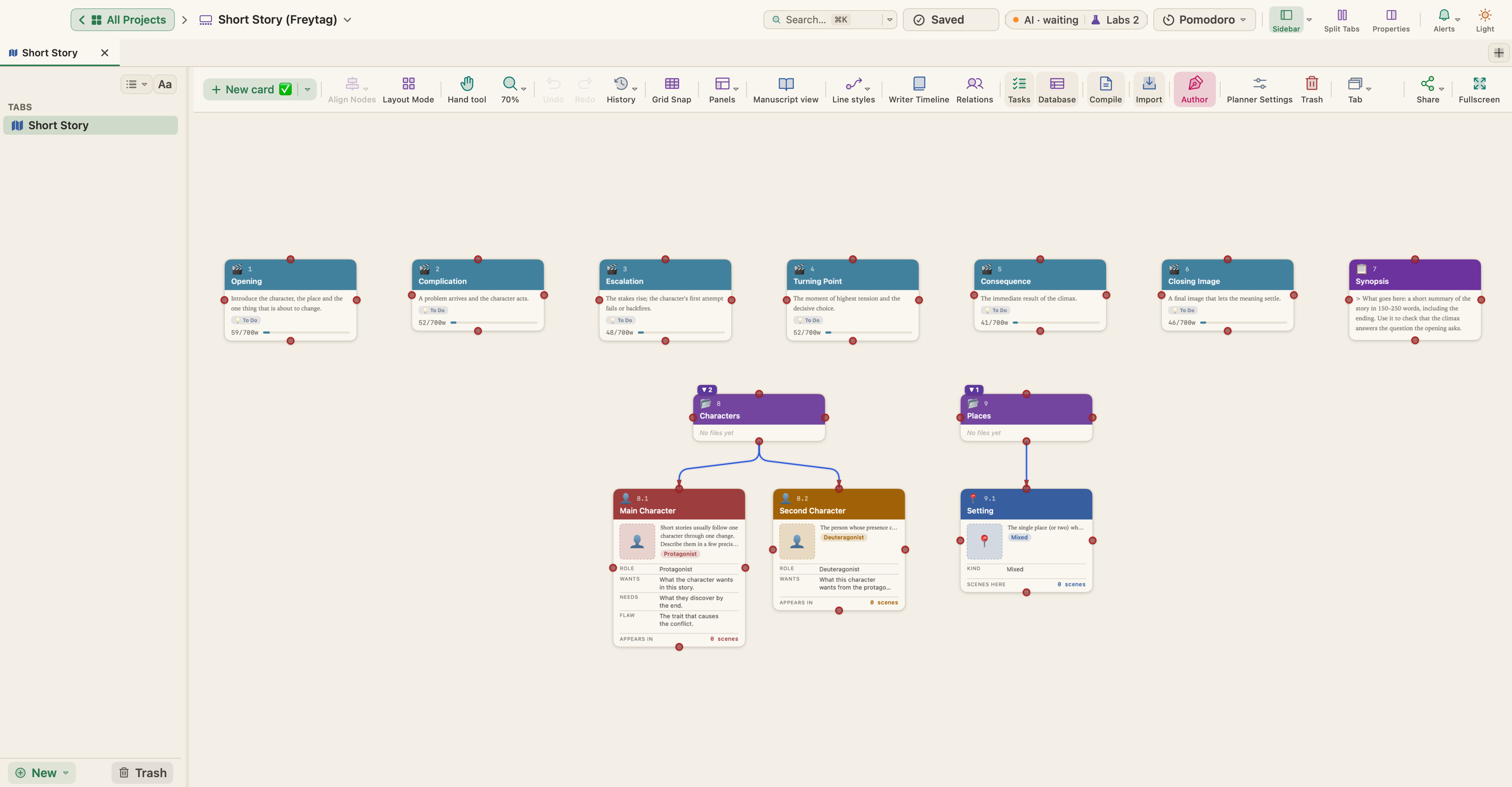
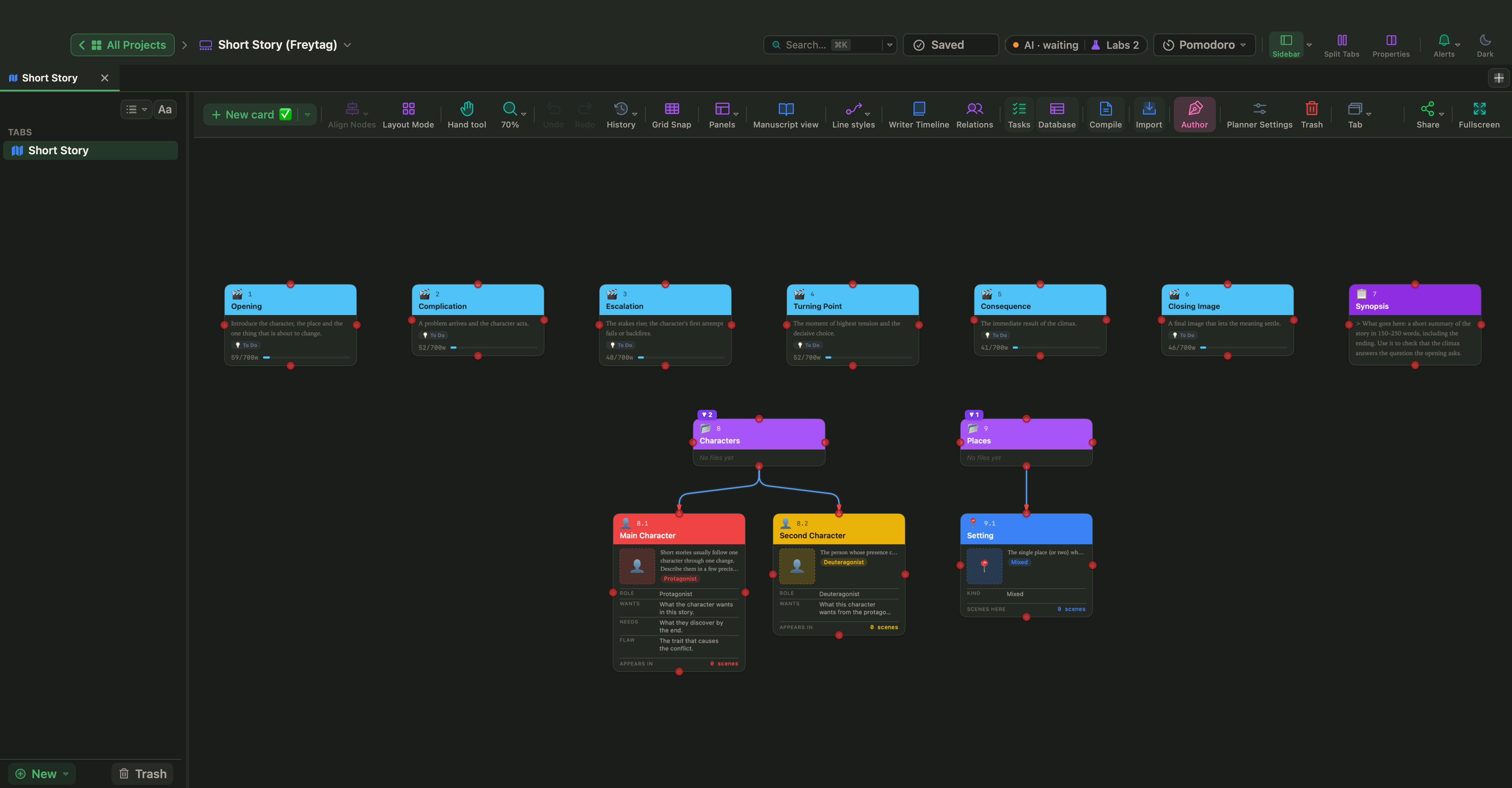
Choose File › New Project… (⇧⌘N), select the Fiction category and pick Short Story (Freytag). As in the picture at the top, the project has six scene cards: Opening (exposition), Complication and Escalation (rising action), Turning Point (climax), Consequence (falling action) and Closing Image (denouement). Each has a synopsis, questions to answer, a 700-word target and a target tension that climbs from 2 to 9 at the Turning Point and falls back to 3.
There is also a Synopsis page with a line for the change (the character begins ___ and ends ___), two character profiles, Main Character, with fields for want, need and flaw, and Second Character, and a Setting card. Replace the guidance in each card with your own text.
Check the shape
Choose View › Writer Timeline (⌥⌘T); fiction templates turn on the Author mode it needs. The template's structure is Freytag Pyramid, so the Plot Board lays your scenes over its five parts. In the Tension panel, rate each scene from 1 to 10 and see the curve; drag a point to change a scene's tension. A story on the pyramid should show one clear peak.
Set a word target
The 700-word targets put progress bars on the cards, in the Outliner and in the Properties panel (View › Properties Panel, ⌥⌘P), where Target words under Targets changes them. For the whole story, choose Project › Show Project Targets (⇧⌘T) and set a Manuscript target, for example a little under a magazine's limit. Turn on Deadline, choose a due date and your Writing days, and WriterMorph tells you how many words a day you need.
Open The Last Crossing
Choose Help › Demo Projects and open The Last Crossing from the Fiction & Screen submenu, or find it in the Sample Projects category of the template gallery. Every scene has its synopsis, point of view, cast, place, beat and tension filled in.
Compile in standard manuscript format
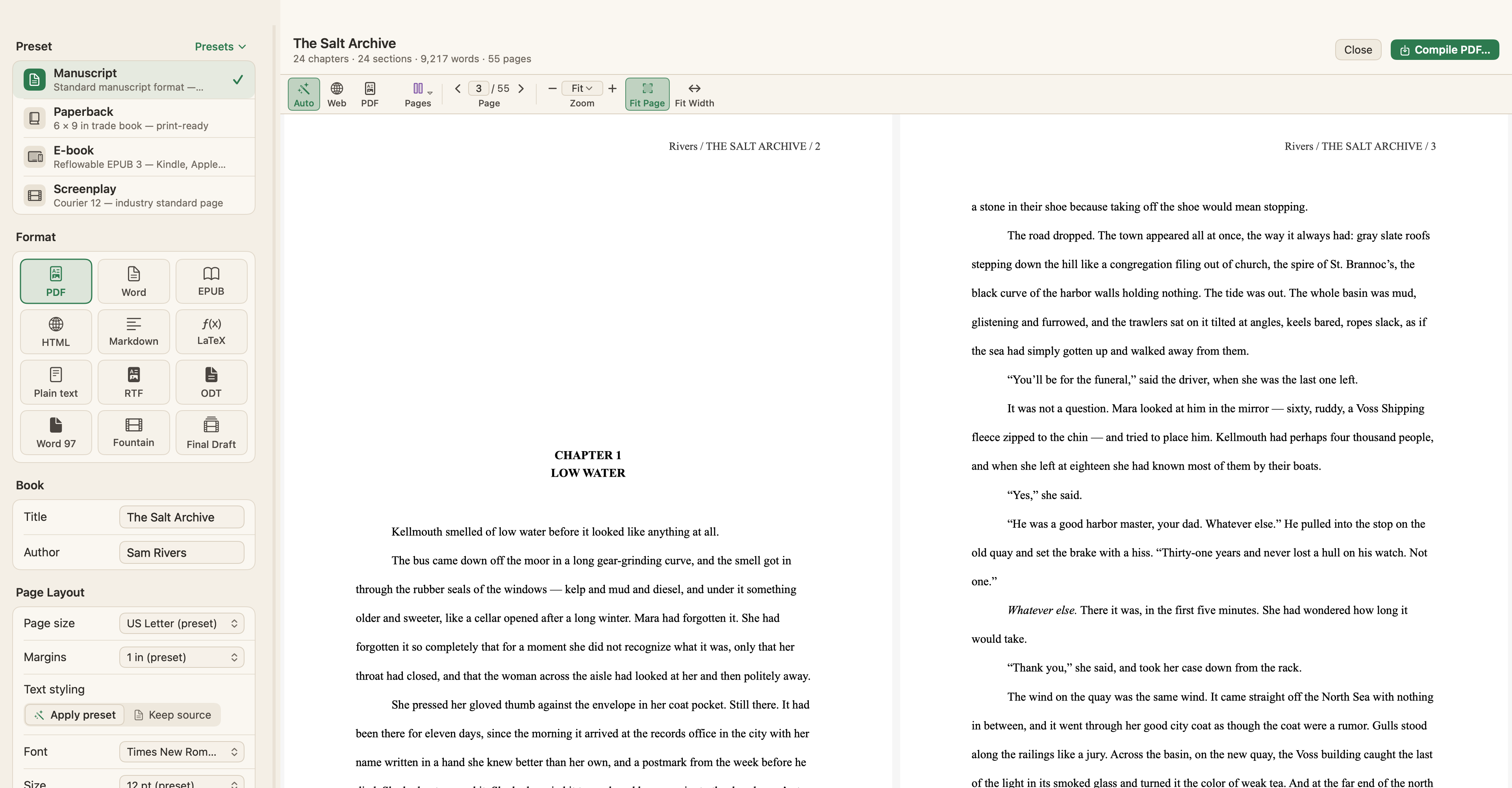
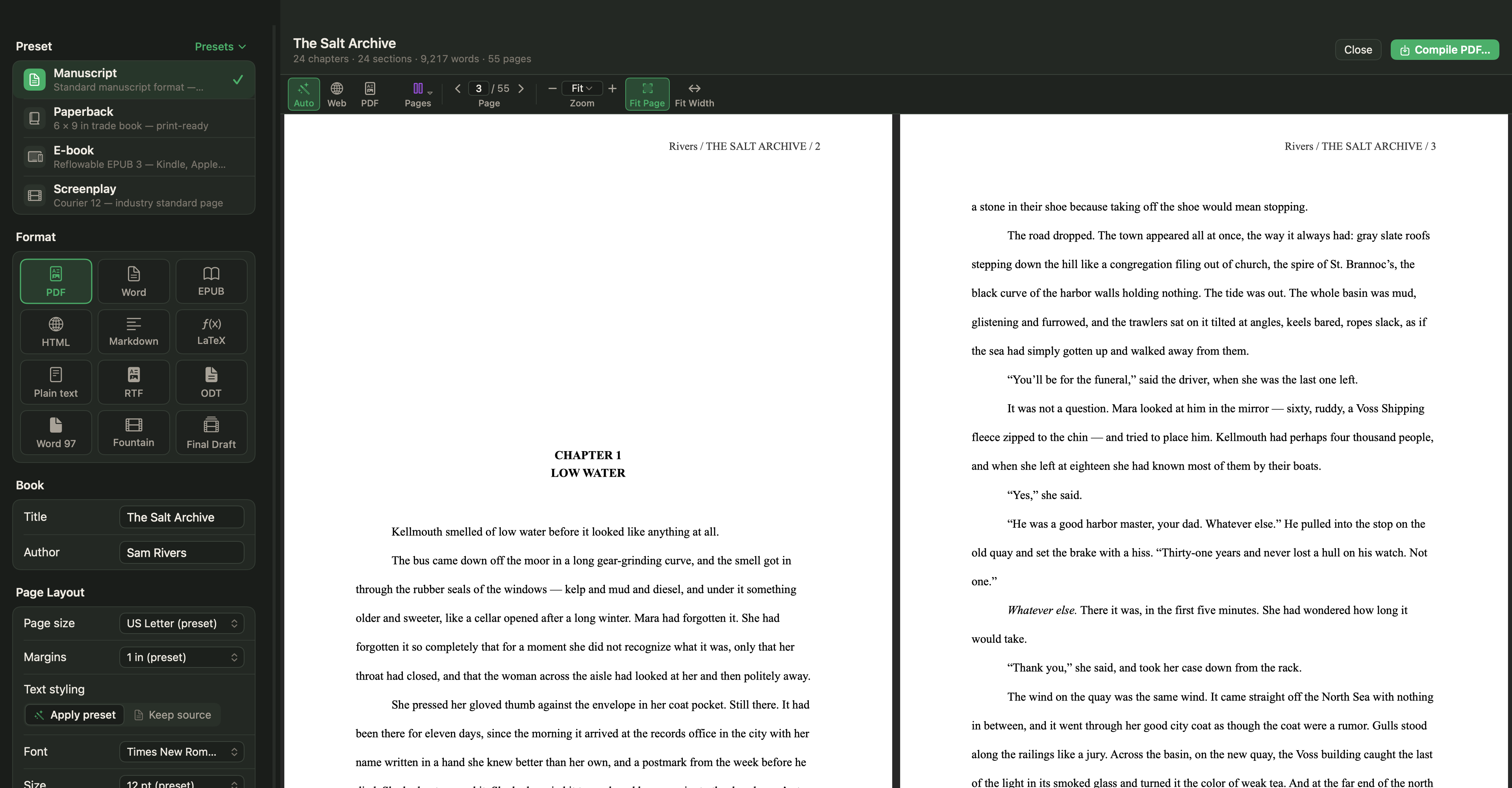
Choose Project › Compile… (⌥⌘E) and the Manuscript preset: US Letter, Times New Roman 12 pt, double-spaced, 1" margins and "#" scene breaks. The Author defaults to the name in Settings › General › Author Information, and the preset puts your address details on the title page. The running header reads "Surname / SHORT TITLE / page"; set a Short title under Metadata if the full title is long. Pick PDF or Word, whichever the market asks for, and check the page-by-page preview before you compile.
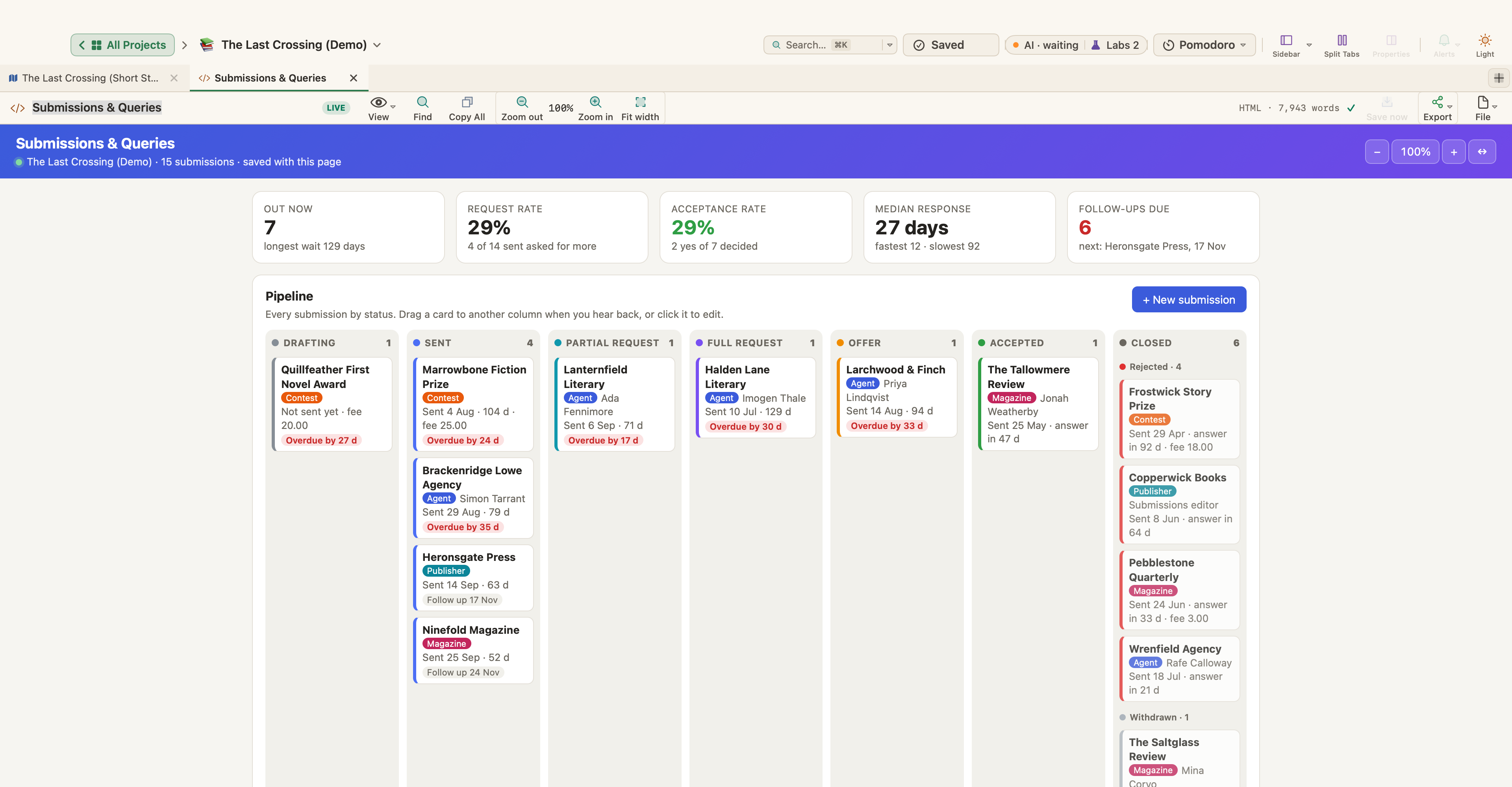
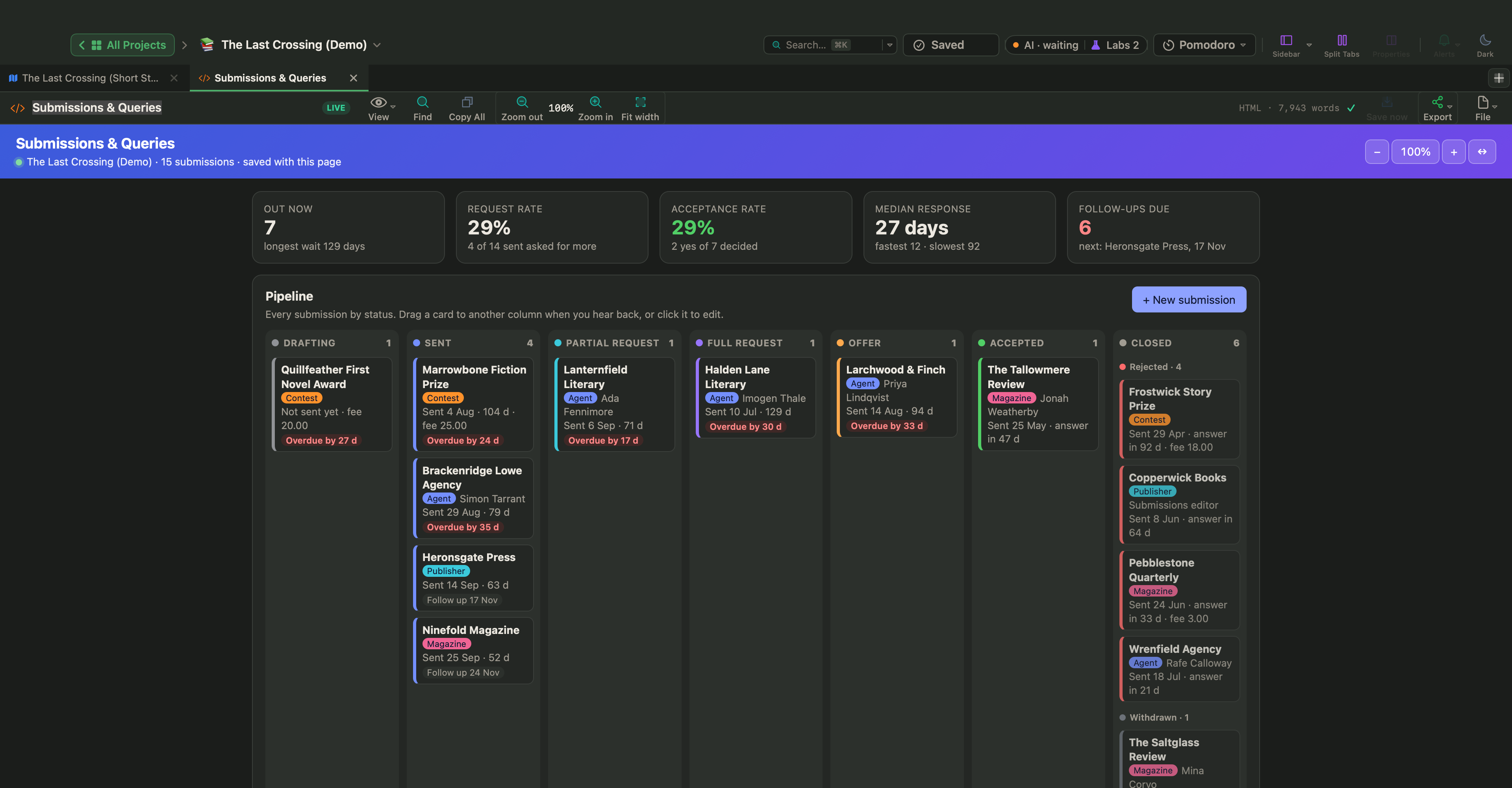
Track submissions with a Live Page
Live Pages are a Labs feature. Turn on Turn HTML pages into small apps (Live Pages) in Settings › Labs, then choose New ▾ › Live Page ▸ › Examples ▸ in the sidebar; Submissions & Queries is in the Writing & Publishing submenu. It tracks where your work is out, with agents, publishers, magazines and contests: a status board, response times, request and acceptance rates, follow-ups due and a timeline. It starts empty; The Last Crossing comes with one filled in with fictional data.
Write the change down first, in one sentence. Then plan five or six scenes toward it, draft to the target, and cut whatever doesn't lead there.