 WriterMorph

Stuck in the middle of your novel? Nine ways to get the draft moving again
Most abandoned novels stop somewhere between the first third and the midpoint. Here is how to tell which kind of stuck you are, nine ways out that work on a real draft, and how to see the gap in the middle of your book in WriterMorph.
A draft begun on 1 November at 1,667 words a day passes 30,000 words on the 18th. That is about where most drafts slow down, in November or in any other month: the opening has been written, the ending is still far away, and the plan that felt complete at the start turns out to say little about the part in between.
Being stuck in the middle is the most common way a novel stops, and it is rarely a sign that the book is bad. It usually means a decision hasn't been made yet. This article helps you find which one, gives nine ways to make it, and shows how to see the gap on screen in WriterMorph.
Why the middle is where drafts stop
The beginning of a novel runs on the idea that made you start. The ending runs on momentum, because by then every scene has a clear job. The middle has neither. It is also the longest part: in a three-act story the second act is about half the book, and it is the part most outlines cover with one line, such as "things get worse".
So the middle asks for more decisions than the rest of the book, at the moment you have the least energy to make them.
First, find out which kind of stuck it is
"Stuck" covers several different problems, and they have different fixes. Before you change anything, name yours.
| What it feels like | What is usually wrong | Start with |
|---|---|---|
| "I don't know what happens next" | The plan has run out, or the last scene ended without a consequence | Ways 1, 3 and 5 |
| "It went wrong a few chapters ago" | A wrong turn: a choice that took the pressure off | Way 2 |
| "I know what happens, and I can't make myself write it" | The scene has no conflict, or it is only a bridge to a better one | Ways 4 and 7 |
| "Half my characters have disappeared" | A plotline has been left alone too long | Way 6 |
| "It's all bad" | You are judging a first draft as if it were a finished book, or you are tired | Ways 8 and 9 |
Nine ways out
1. Read the story, not the prose
Don't reread the chapters; you will start polishing them. Write one line per scene that says what happens, in order, and read that list. It takes an hour for half a book. You are looking for promises you made and then forgot: a letter nobody opened, a threat nobody carried out, a character who said they would be back. The next scene is often already announced on page 40.
2. Go back to the last scene that worked
If the draft felt alive until a certain scene, the problem is usually the decision straight after it. A typical wrong turn is a choice that made things easier for the main character: they got the information without paying for it, the argument was patched up, the journey went smoothly. Go back to that point and make the easy thing cost something. You rarely have to throw away more than a chapter.
3. Ask the two scene questions
For the scene you can't write, answer two questions in one line each: what does the main character want right now, and who or what is in the way? If you can't answer the first, the character is waiting, and a waiting character stops a draft. Give them something to go after, even something small. Then decide how the scene ends: with "yes, but" (they get it, and it causes a new problem) or "no, and" (they fail, and it gets worse). Either answer hands you the next scene. A plain "yes" or "no" doesn't. Goal, conflict and outcome are covered in How to write a scene that works.
4. Let the other side make a move
In a stalled middle the opposition is often standing politely offstage, waiting for the hero to do something. Ask what the antagonist, the rival, the family or the weather has been doing since they were last on the page, and let the result arrive now. Raymond Chandler joked that when he was in doubt he had a man come through a door with a gun in his hand. The useful part of the joke is that someone else acts, and your main character has to respond.
5. Build the midpoint
Many middles sag because nothing changes the question the book is asking. A midpoint does that: a discovery or a reversal after which the story can't go back. In Pride and Prejudice it is Darcy's first proposal and the letter that follows. Before it, the question is whether Elizabeth is right about him; after it, the question is what she will do now that she knows she was wrong. Find the fact that would change your main character's aim, and put it in the middle of the book. Story structure and turning points shows where the other turns fall.
6. Bring back what you dropped
List your plotlines and note the last chapter each one appeared in. One of them has probably been silent for a long stretch. Bring it back, and bring it back at a bad moment: the sister arrives on the night of the break-in, the debt is called in the week of the wedding. Two plotlines meeting in one scene do more for a middle than a new complication invented from nothing.
7. Skip ahead
Nothing says a draft must be written in order. If you can see a later scene clearly, such as the confrontation, the confession or the ending, write it today. Leave a one-line placeholder for what you jumped over: "[BRIDGE: Mara gets the key from Edie]". When you come back, you will know what the bridge has to deliver, and quite often you will find the book doesn't need it at all.
8. Make the job smaller
A target that was fine in week one can be too big in week three. Halve it for three days, or replace it with one 25-minute session a day, and count those days as kept. Ernest Hemingway's advice to a young writer, in a 1935 piece for Esquire, was to stop for the day while the work is going well and you know what will happen next. It works because tomorrow then begins with typing rather than with deciding. If you have fallen behind a deadline, don't double tomorrow's number; spread the gap over the days that remain, as described in How to hit your daily word count.
9. Change the conditions
When the problem is tiredness rather than plot, change something physical. Write the next scene by hand, or in another room, or with everything on screen hidden except the page. Or tell the story so far to someone, aloud, in two minutes. The place where you hesitate or say "and then some things happen" is the place that needs a decision.
Three things not to do
- Don't rewrite chapter one. It feels like progress, but the problem is in the middle, and the middle will still be there. Revision has its own time and its own method: see How to edit a novel.
- Don't delete. If a chapter has to go, move it out of the book and keep it. Cut material is often needed again fifty pages later.
- Don't start a new book this week. A new idea always looks better than a half-written one. Write the idea down in three lines, close the note, and come back to it when this draft is done.
Finding the gap in WriterMorph
Read the draft as a list of events
Choose View › Writer Timeline (⌥⌘T) and click Outline. The view reads like a synopsis: the chapters are grouped by act, and each scene shows its summary. Filter by plotline to read one storyline on its own, and double-click a scene to add the one-line description it is missing. This is way 1 without retyping anything. The Writer Timeline needs Author mode, which the fiction templates turn on; elsewhere, turn it on in Project › Project Settings… under Canvas › Writing.
See which plotline has gone quiet
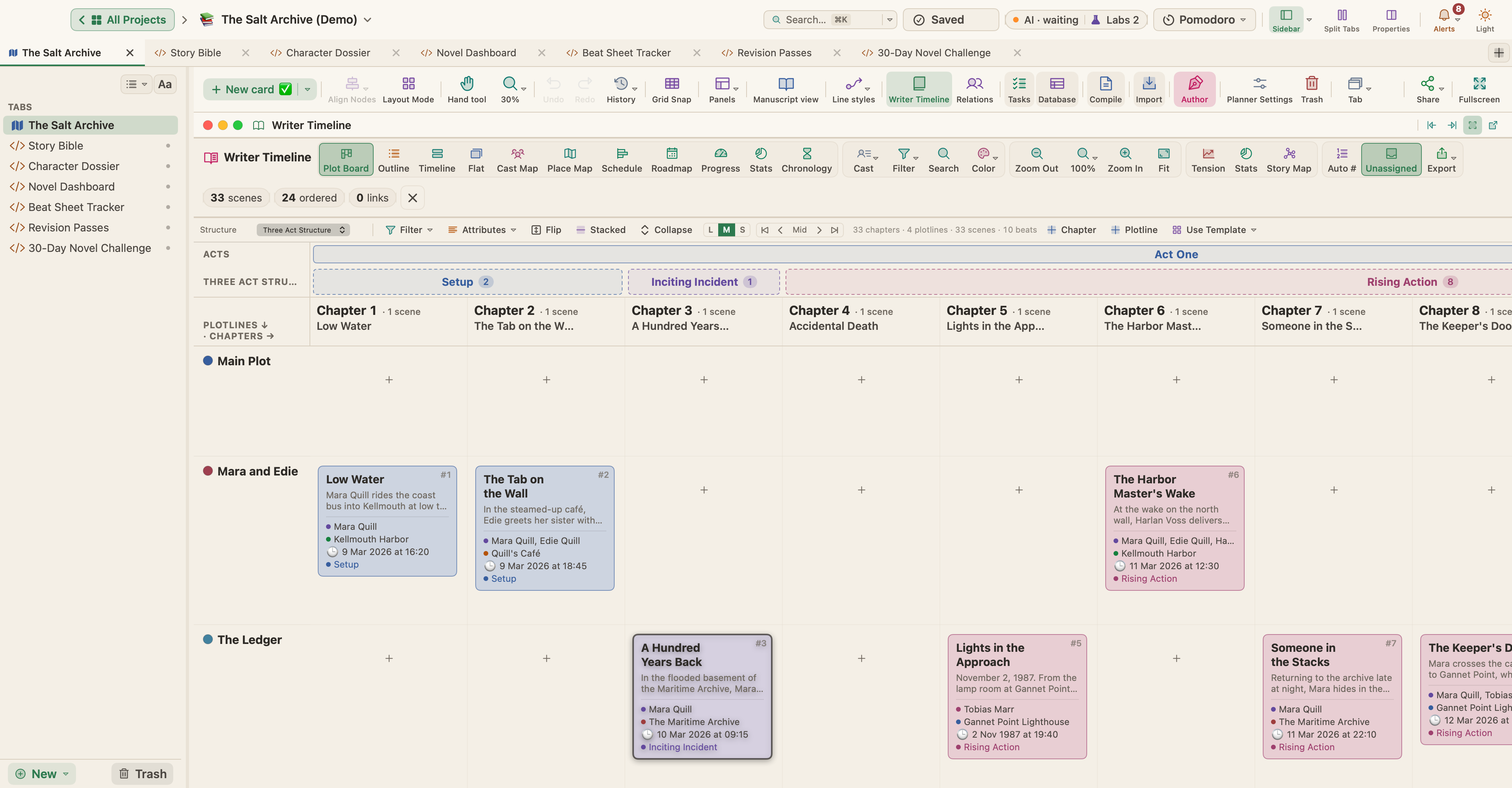
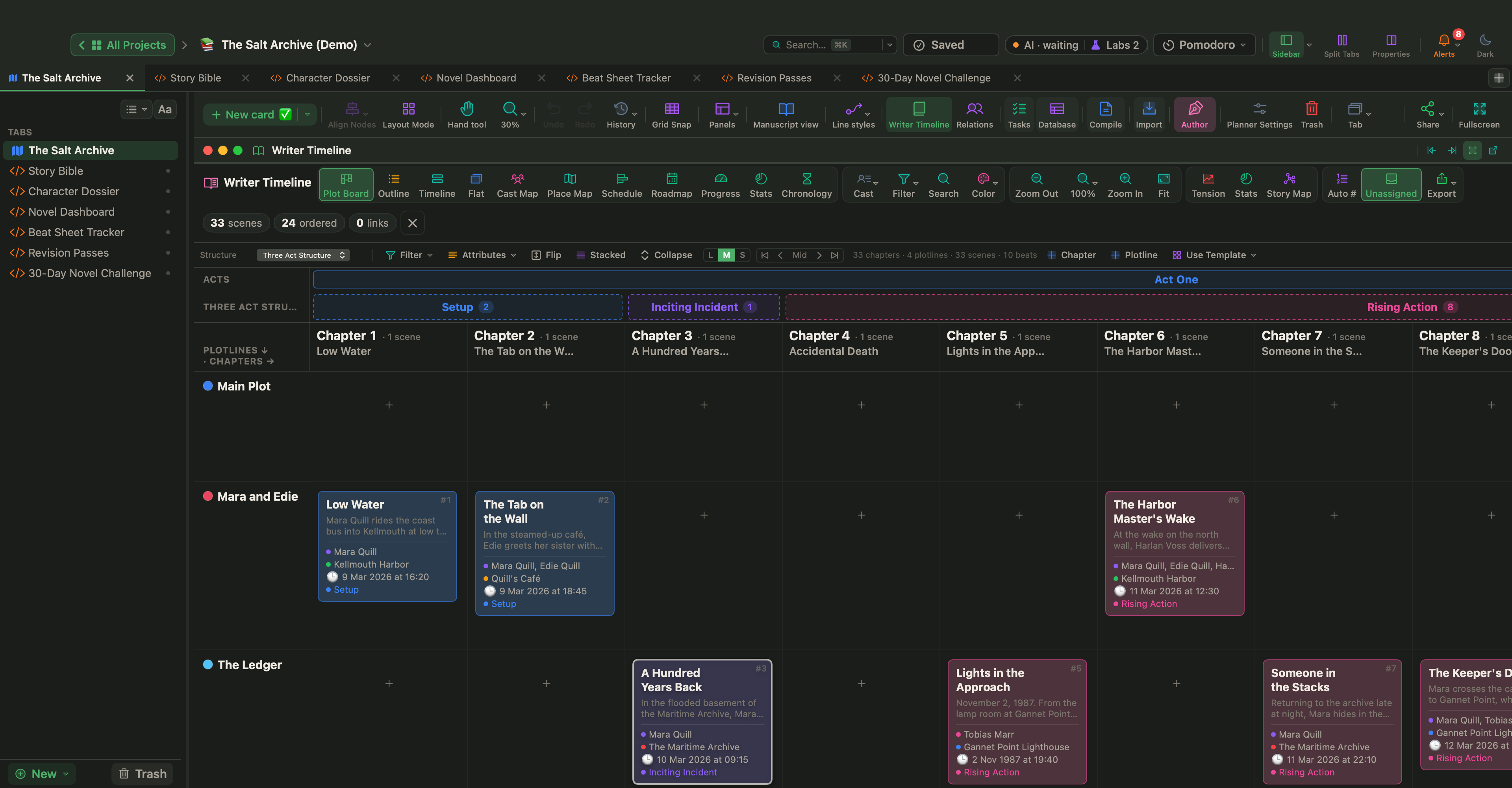
Click Plot Board. It is a grid with chapters across and plotlines down, with your scenes in the cells, as in the picture at the top. Choose a Structure to show the beats and acts above the chapters. A row with a long run of empty cells is a plotline nobody has touched for chapters, and a group of chapters with almost no cards is the thin part of your middle. Cast Map does the same for people: characters down, chapters across, so you can see who has been missing and for how long.
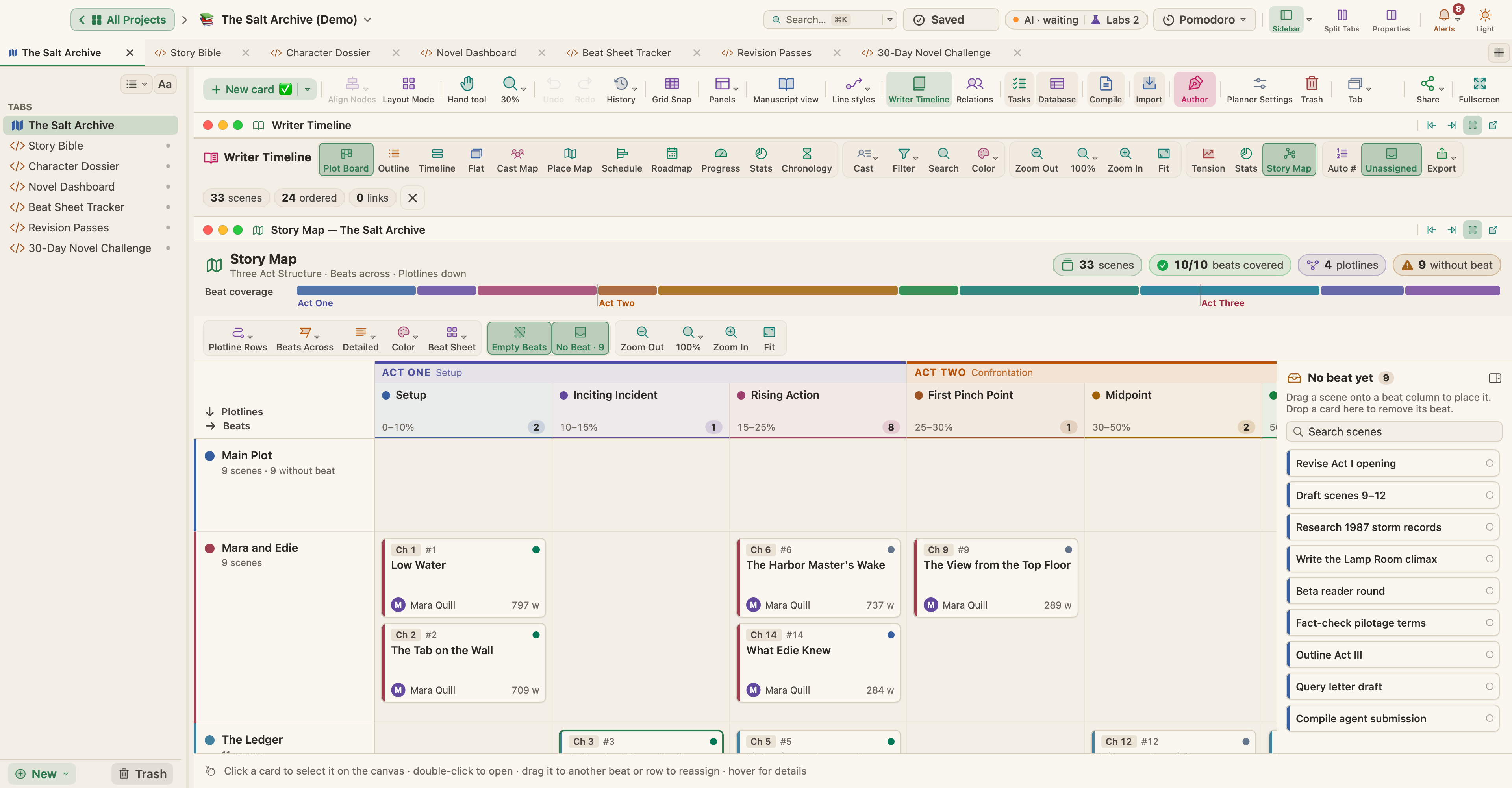
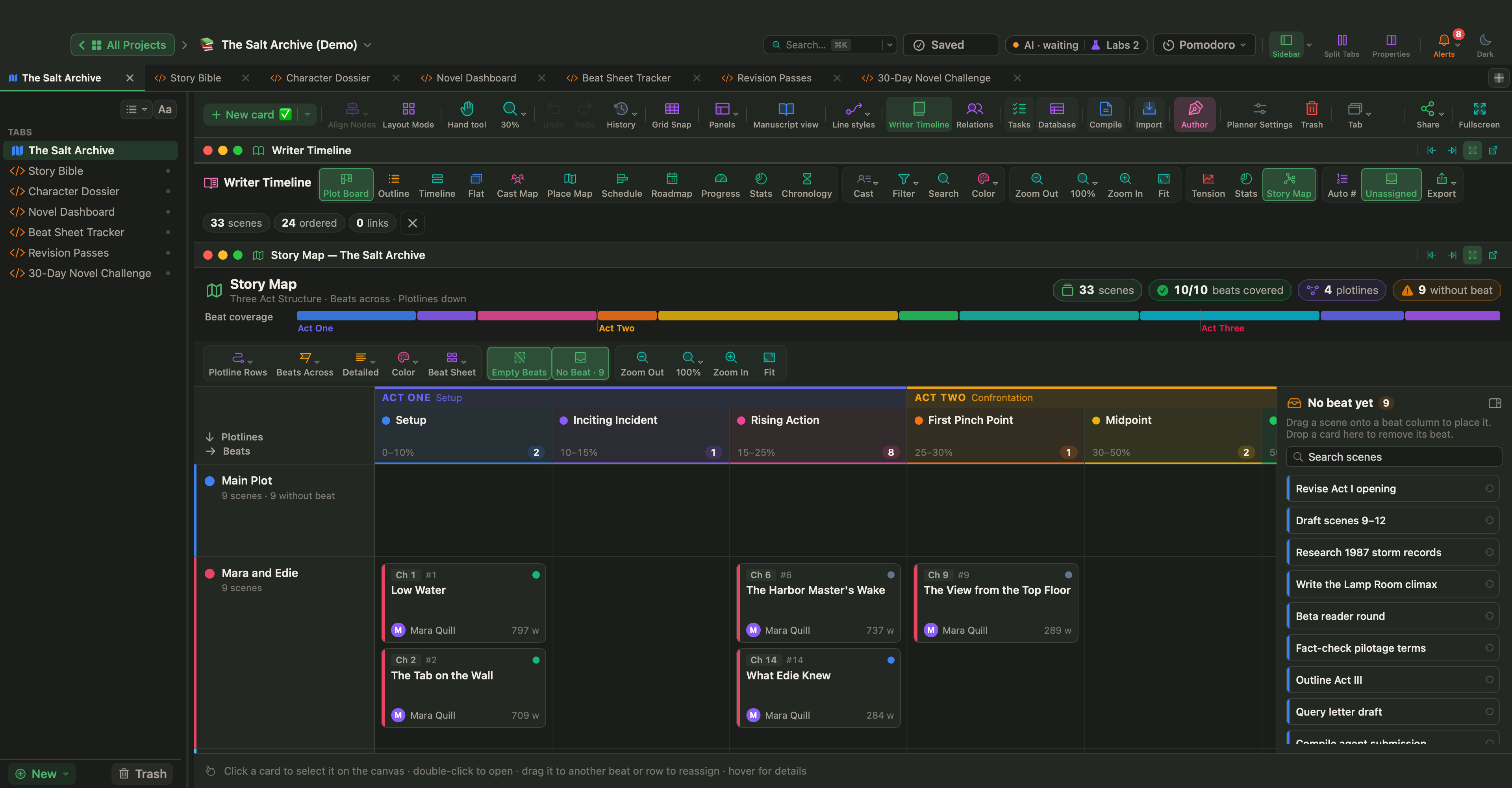
The Story Map button opens the whole book on one screen, with the beats of your structure across and the scenes that fill each one. Missing beats appear as dashed columns.
For a second opinion, click Tension. If your scenes have tension ratings, the header of the curve names its overall shape, and "sagging middle" is one of the shapes it can report. Pacing a novel explains how to rate scenes and what to do with the curve.
Skip ahead without losing your place
In the Story Map, right-click an empty cell and choose New scene here: the scene you can already see gets its beat and its plotline, and you can write it now. In Manuscript Mode, right-click in the binder and choose New Text to add a document for the bridge, give it its one-line synopsis and leave it empty. On the Corkboard the bridge is an index card like any other, and dragging a card reorders the book, so the scene you wrote early can be moved to its place later.
Keep the doubts out of the text
Thoughts such as "is Edie too passive here?" should not go into the manuscript. The Inspector's Notes tab holds notes for a single document, Project › Project Notes opens one note for the whole project, and Window › Quick Notes (⇧⌘⏎) is a notepad shared by all your projects. Before you try a different version of a scene, choose Documents › Snapshots › Take Snapshot with Title… (⇧⌘5) and name it, for example "Before the wrong turn". The old version stays in the Inspector's Snapshots tab, and you can compare it with the new one or restore it.
Make the next session small
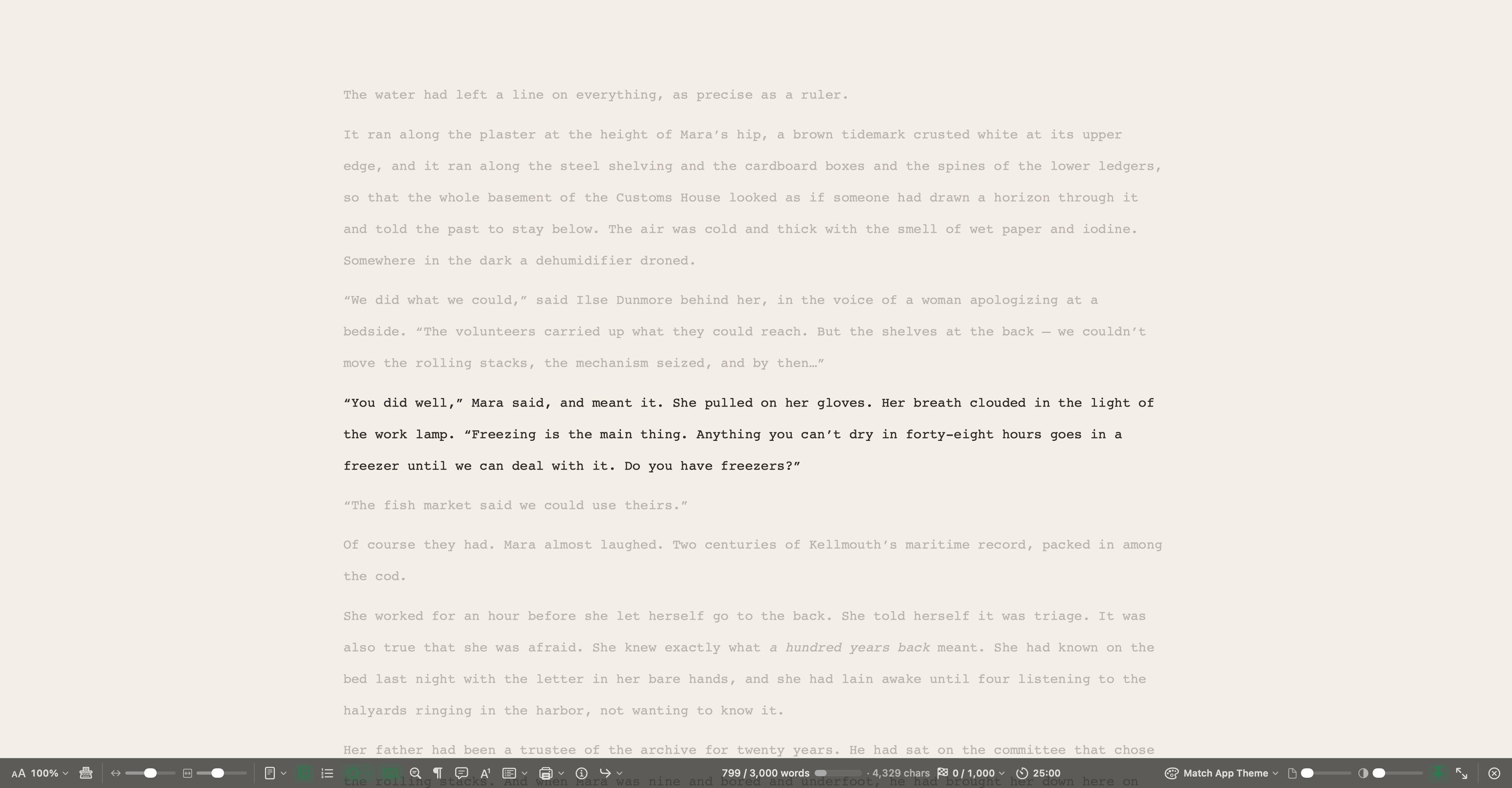
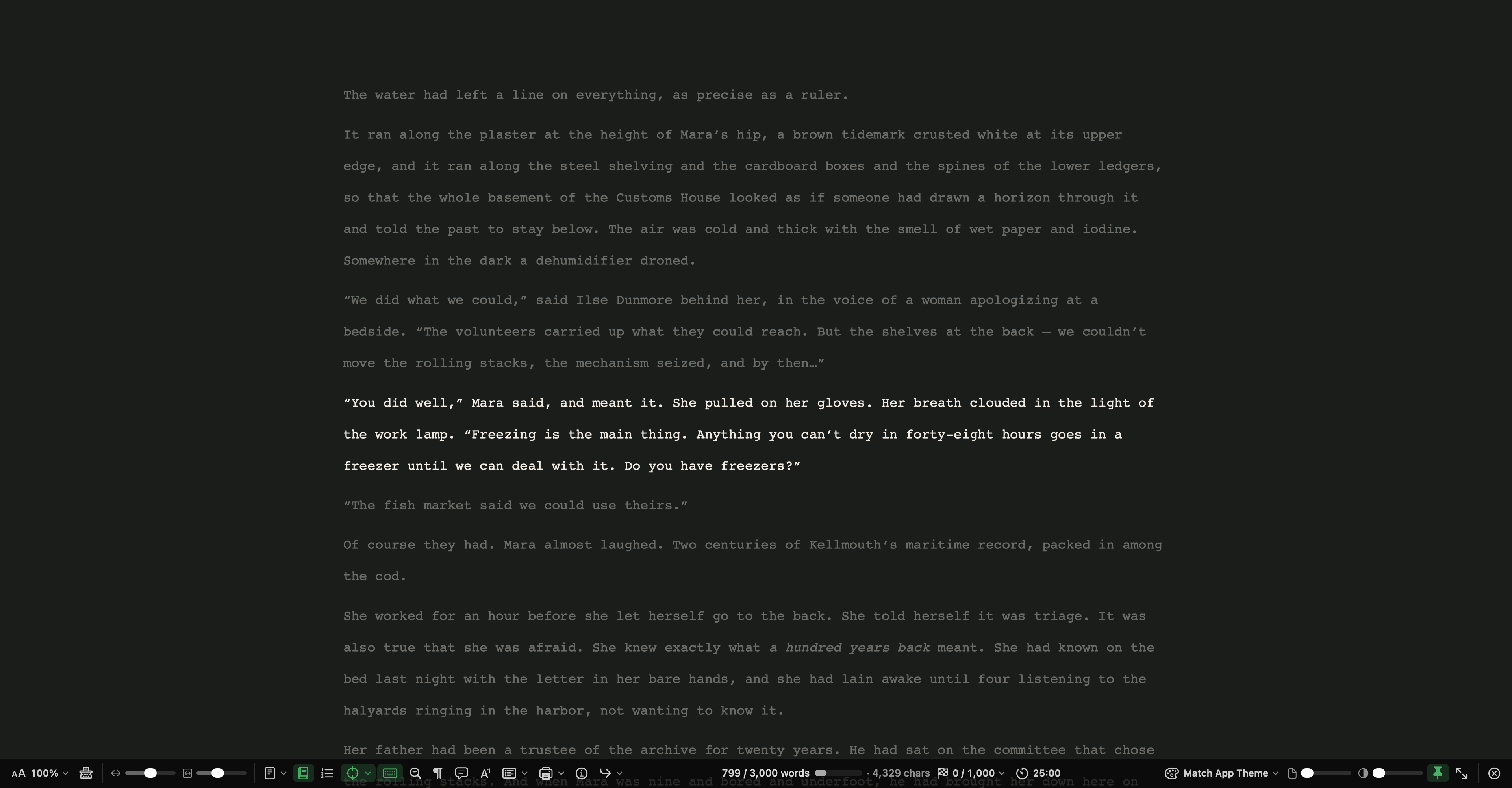
Click the Pomodoro pill in the top bar and start a focus session; the default is 25 minutes. View › Composition Mode (⌃⌥⌘F) hides everything except your text, and Focus dims all but the current line, sentence or paragraph. If you have a deadline, Project › Show Project Targets (⇧⌘T) with Set the session target from the deadline turned on spreads the words you missed over the writing days that remain.
Choose the way that matches your kind of stuck and give it one session today. The middle of a draft is not where the book fails. It is where the decisions you put off at the start come due, and each one you make gives you the next scene.