 WriterMorph

How long should a novel be? Word counts by genre, and whether 50,000 is enough
A November draft ends at 50,000 words, and the first question is whether that is a book. Here are the lengths that count as a novel, the ranges agents expect in each genre, what to do with a draft that is too short or too long, and how to keep count in WriterMorph.
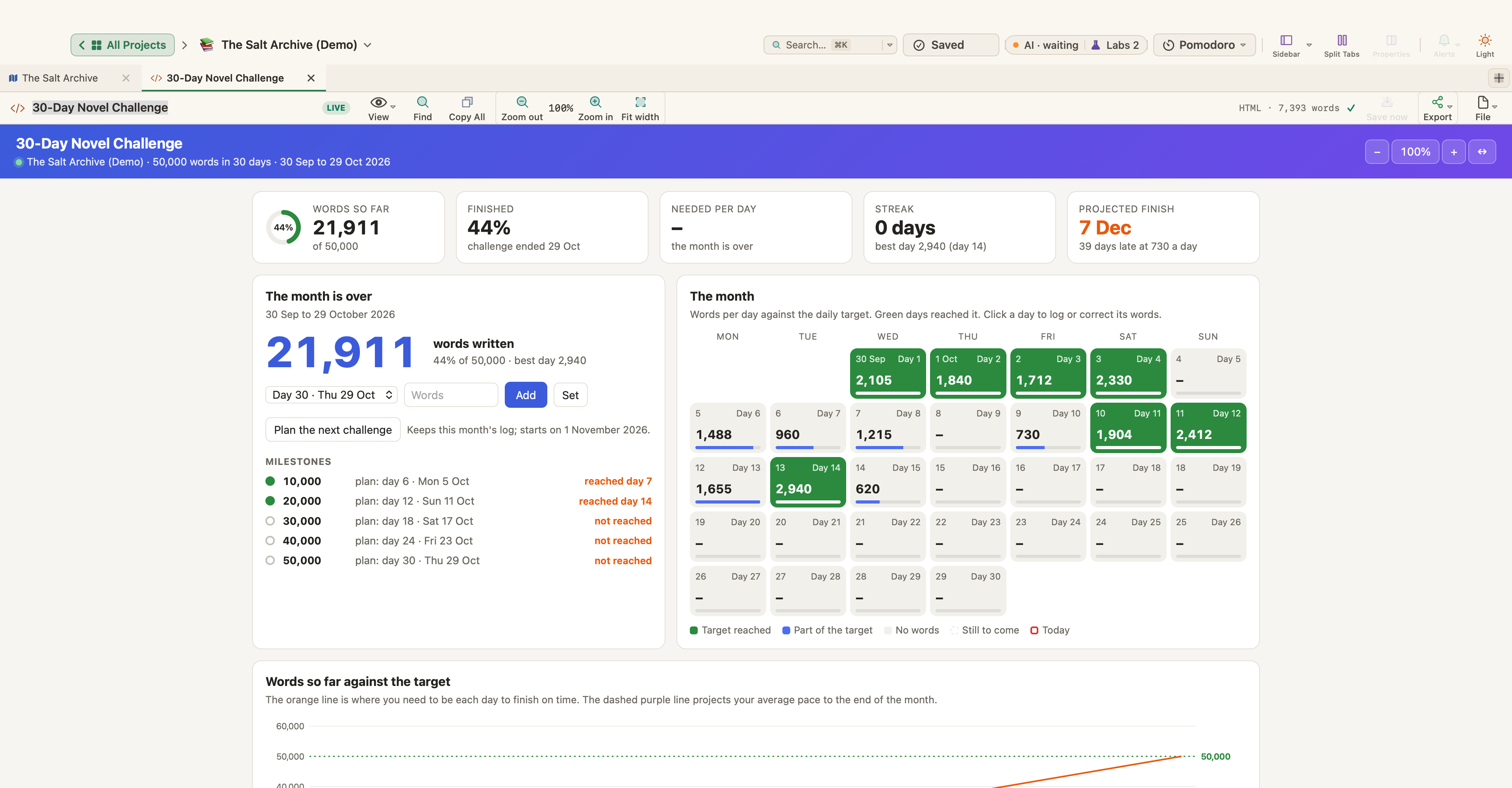
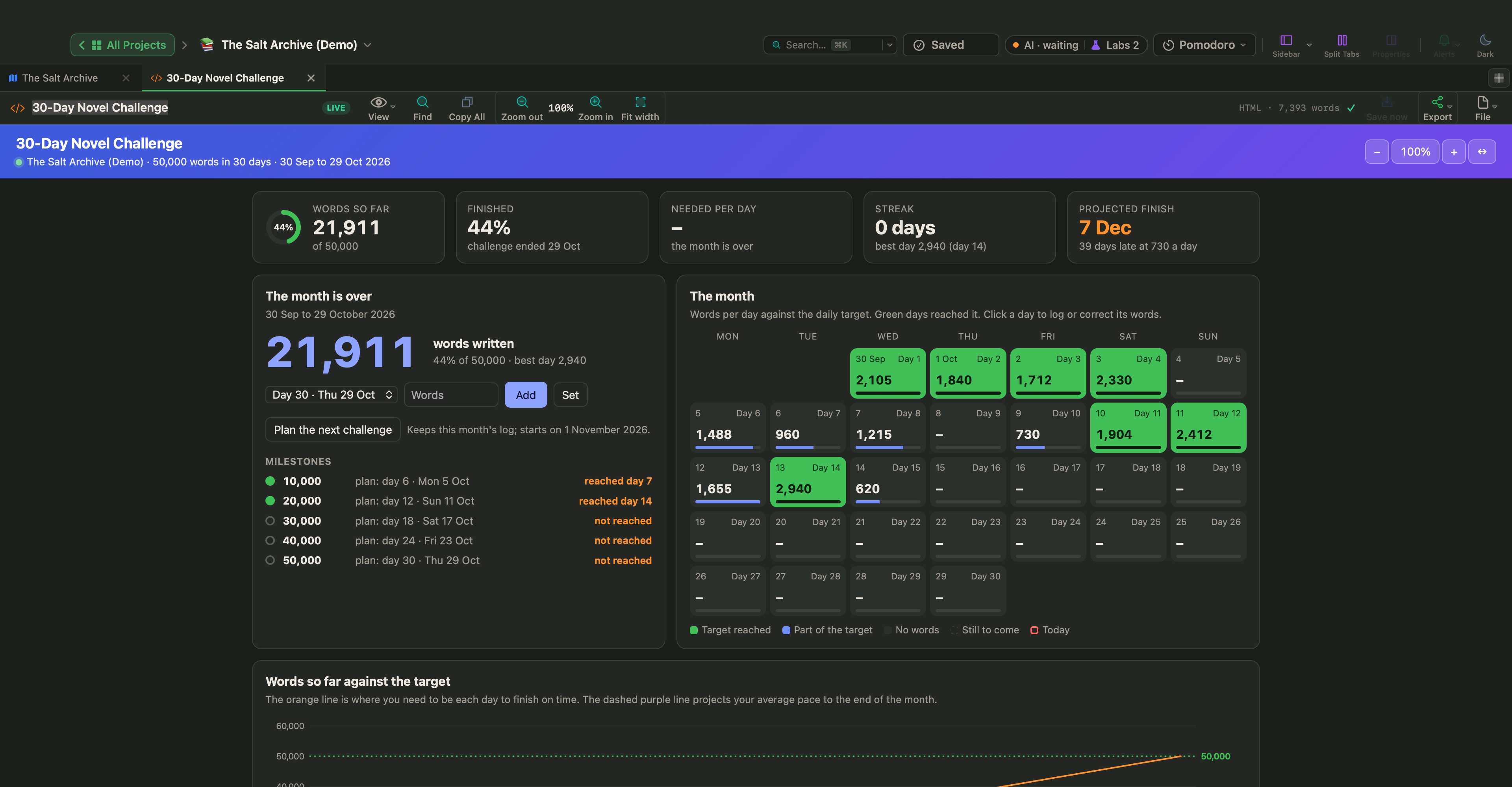
At the end of November a lot of writers have a draft of about 50,000 words and the same question: is this a novel, or half of one? The honest answer is that it depends on who is asking. By the rules of the major awards, 50,000 words is a novel. For most agents and publishers it is short, and how short depends on the genre.
This article gives the numbers: what counts as a novel, what the trade expects in each category, what the lengths of well-known books are, and what to do when your draft comes out under or over. The last part shows how to count and plan by length in WriterMorph.
What counts as a novel
The clearest definitions come from awards, which have to draw lines. The Science Fiction and Fantasy Writers Association uses these for its Nebula Awards, and the Hugo Awards draw the same lines:
| Form | Words |
|---|---|
| Short story | Under 7,500 |
| Novelette | 7,500 to 17,500 |
| Novella | 17,500 to 40,000 |
| Novel | 40,000 or more |
So a 50,000-word draft is a novel, and a short one. That puts it in good company. The Great Gatsby runs to about 47,000 words and Fahrenheit 451 to about 46,000.
What agents and publishers expect, by genre
Being a novel and being a length that publishers buy from a new author are different things. In her guide to query letters, the publishing expert Jane Friedman calls 80,000 words the industry standard for a debut novel, puts the minimum for most novels at 50,000, and warns that anything beyond 120,000 is a hard sell. A much-quoted Writer's Digest guide to word counts breaks this down by category:
| Category | The safest range | Notes |
|---|---|---|
| Literary and mainstream fiction, romance, mystery, thriller, horror | 80,000 to 90,000 | 70,000 to 110,000 is the outer range; below or above it is a risk |
| Science fiction and fantasy | 100,000 to 115,000 | 90,000 to 124,000 is the outer range |
| Young adult | 55,000 to 80,000 | The most flexible category; some run a little over 80,000 |
| Middle grade | 20,000 to 55,000 | 20,000 to 35,000 for younger readers, 40,000 to 55,000 for upper middle grade |
| Westerns | 50,000 to 80,000 | About 65,000 is a solid target |
| Memoir | 80,000 to 90,000 | The same as for a novel |
Read the table with three cautions:
- These are ranges for a first book sent to agents. Established authors get more room, and self-publishing follows what its own readers expect.
- They are guidelines, not rules. Every range has famous exceptions. The guides exist because a debut far outside the range is harder to sell, not because it is impossible.
- An agent's own page comes first. If a submission page names a range, use it.
Science fiction and fantasy run longer because a new world has to be built on the page. Books for younger readers run shorter, and the range moves with the age of the reader.
Well-known books, for scale
Counts differ a little with the edition and the way of counting, so take these as round figures.
| Book | Words, about |
|---|---|
| Fahrenheit 451, Ray Bradbury | 46,000 |
| The Great Gatsby, F. Scott Fitzgerald | 47,000 |
| Frankenstein, Mary Shelley | 75,000 |
| Harry Potter and the Philosopher's Stone, J. K. Rowling | 77,000 |
| Pride and Prejudice, Jane Austen | 122,000 |
In manuscript format, with 12-point type and double spacing, a page holds roughly 250 to 300 words, so an 80,000-word novel is about 270 to 320 manuscript pages.
If your draft is 50,000 words
A fast first draft is usually a skeleton. It has the events and little else, and the second draft makes it longer. Before you decide the book is too short, look at what a quick draft tends to leave out:
- Reactions. After a big event, the characters need a scene, or part of one, to take it in and decide what to do. Fast drafts jump from event to event.
- Place and physical detail. Readers need to know where they are. Drafts written against the clock often happen in empty rooms.
- The second plotline. The subplot was planned and then dropped around the middle.
- The middle. The second act of a novel is about half its length. If yours is a third, the complications are missing, and the ways out of a stalled middle apply.
- The ending. The climax in two pages and the aftermath in a paragraph is the mark of a draft finished on the last day of the month.
Don't pad. Every word you add should belong to a scene that changes something. A useful check is to list your scenes by act and count the words in each act: the short act is where the missing material is. After the first draft shows how to map a finished draft scene by scene.
There is another possibility. The story may be complete at its present length, and then you have a novella or a book for younger readers. Decide which book it is before you revise, because the revision is different.
If your draft is too long
A draft of 140,000 words in a category that expects 90,000 can't be fixed one adjective at a time. Cut in this order:
- Structure. Remove a subplot, merge two minor characters, start the story later, end it sooner. One decision here can take out 15,000 words.
- Scenes. Find scenes that do the same job twice, such as two arguments about the same thing or two journeys in which nothing changes, and keep the better one.
- Lines. Only then cut within scenes. Stephen King's formula in On Writing is that the second draft is the first draft minus ten per cent.
Splitting the book in two is rarely the answer for a debut. The first volume has to stand as a complete story, and half a story with a break in the middle does not.
Count the right thing
- Count the manuscript only. Notes, outlines, the synopsis and the acknowledgements are not part of the number.
- Use the real count. Your writing software's word count is the figure to use. The old method of multiplying pages by 250 belongs to the age of typewriters.
- Give a round number. In a query letter, write 87,000 words, not 86,742.
- Count at the right time. The length that matters is the length of the revised book, not of the first draft. Expect a short draft to grow and a long one to shrink.
Word counts in WriterMorph
Set the length you are aiming for
Choose Project › Show Project Targets (⇧⌘T) and enter a Manuscript target: the middle of your category's range is a sensible first number. Any card or document can have its own word target too, with a progress bar on the card, in the Outliner and in the Properties panel. If you give each scene a target, a scene that runs to twice its length shows up while you are still writing it.
See where the words are
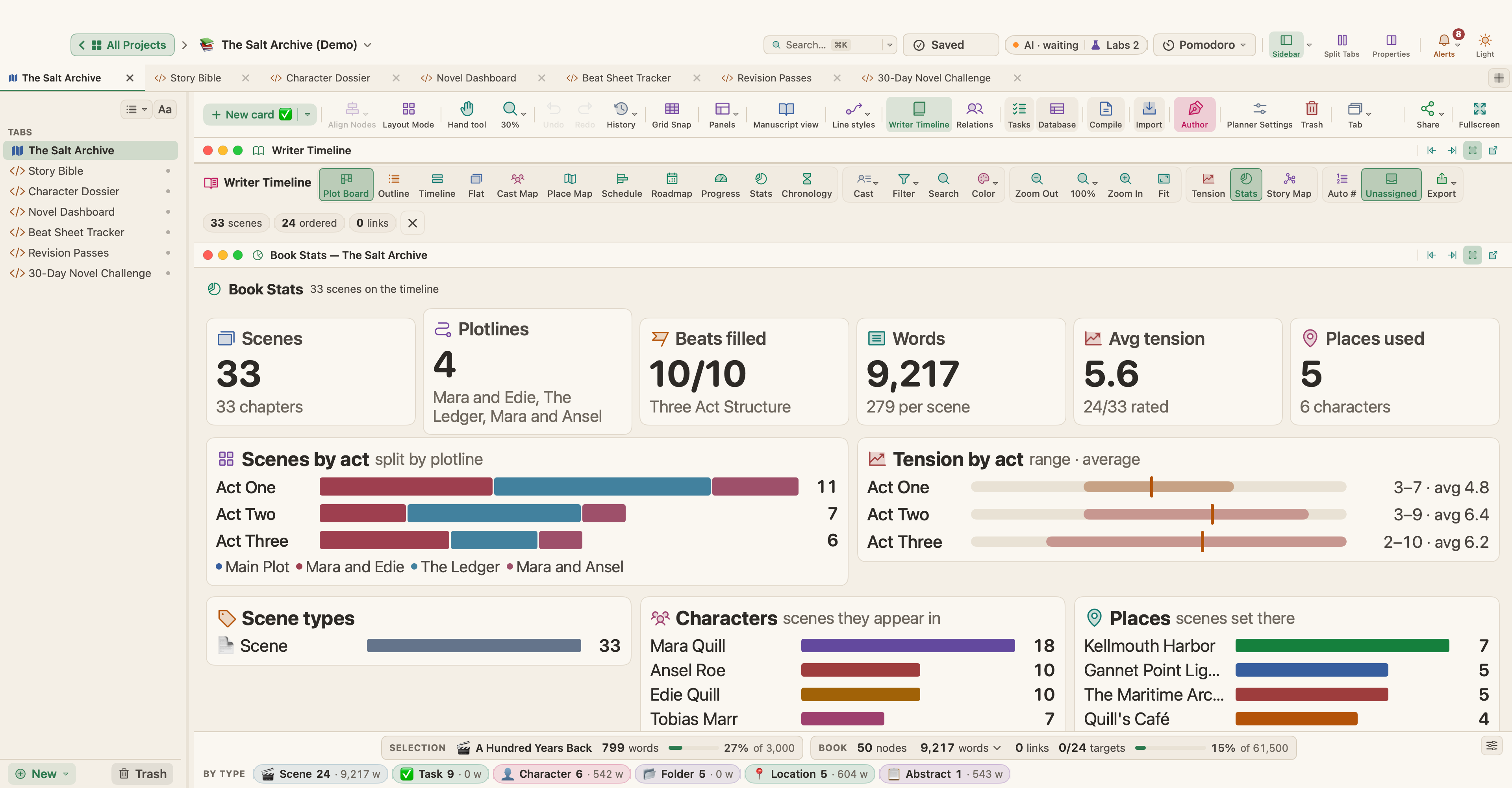
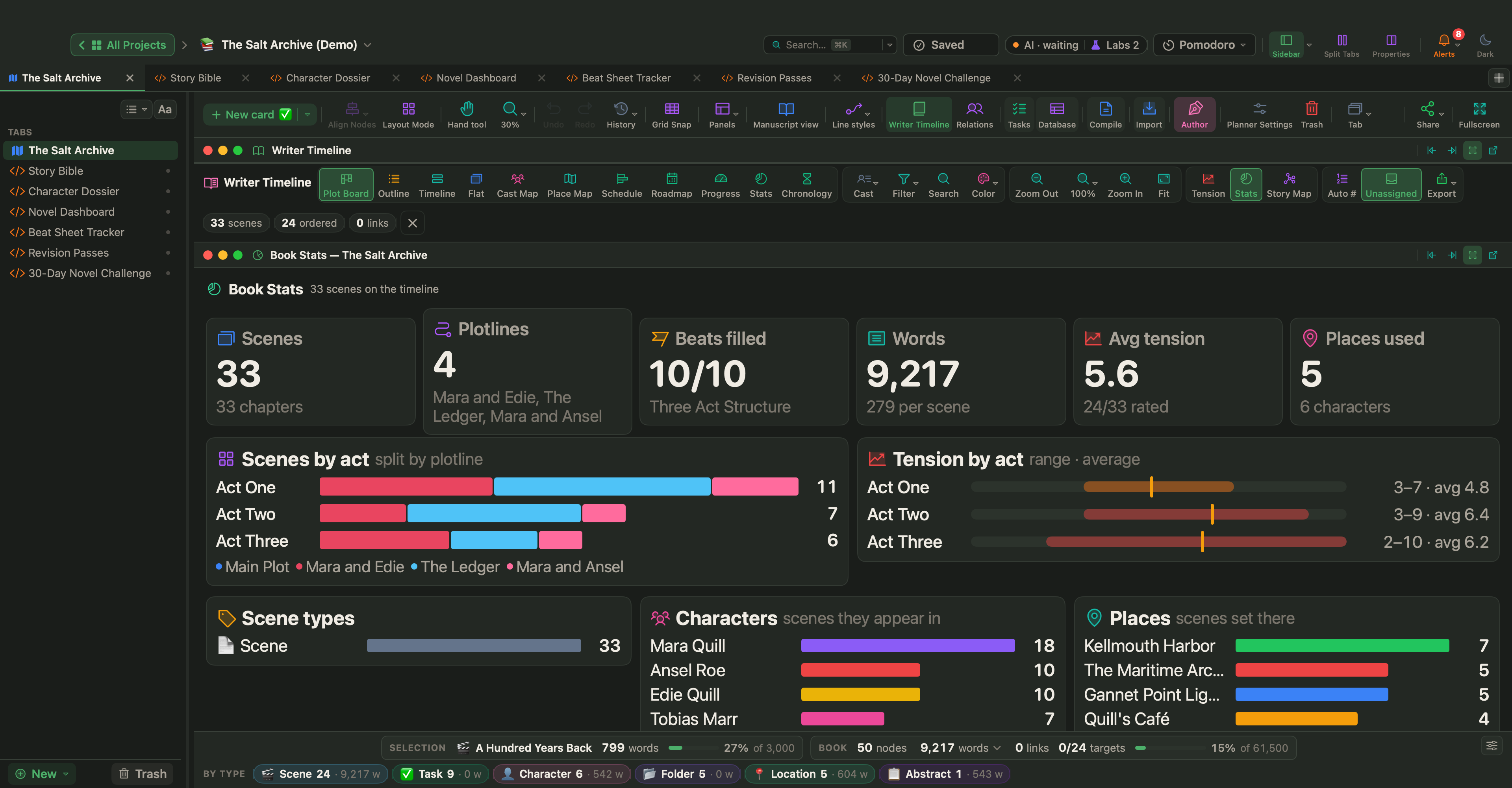
The binder shows each scene's word count next to its title. In the Writer Timeline (View › Writer Timeline, ⌥⌘T), the Progress view sets every chapter against its target, and Stats opens Book Stats, which counts scenes, plotlines, filled beats and words, with breakdowns by act, scene type, character and place. The breakdown by act shows at a glance when one act is much thinner than the others.
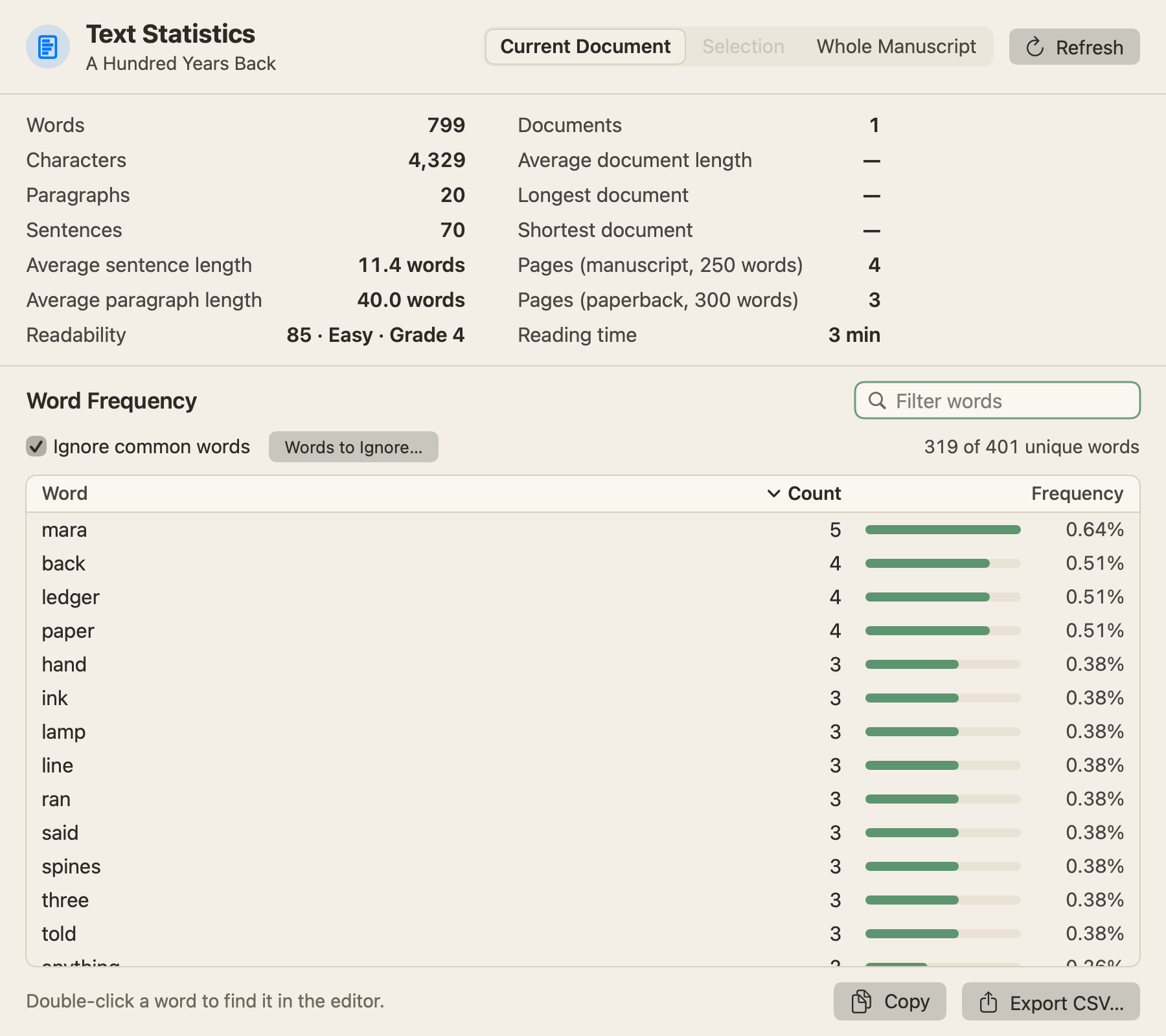
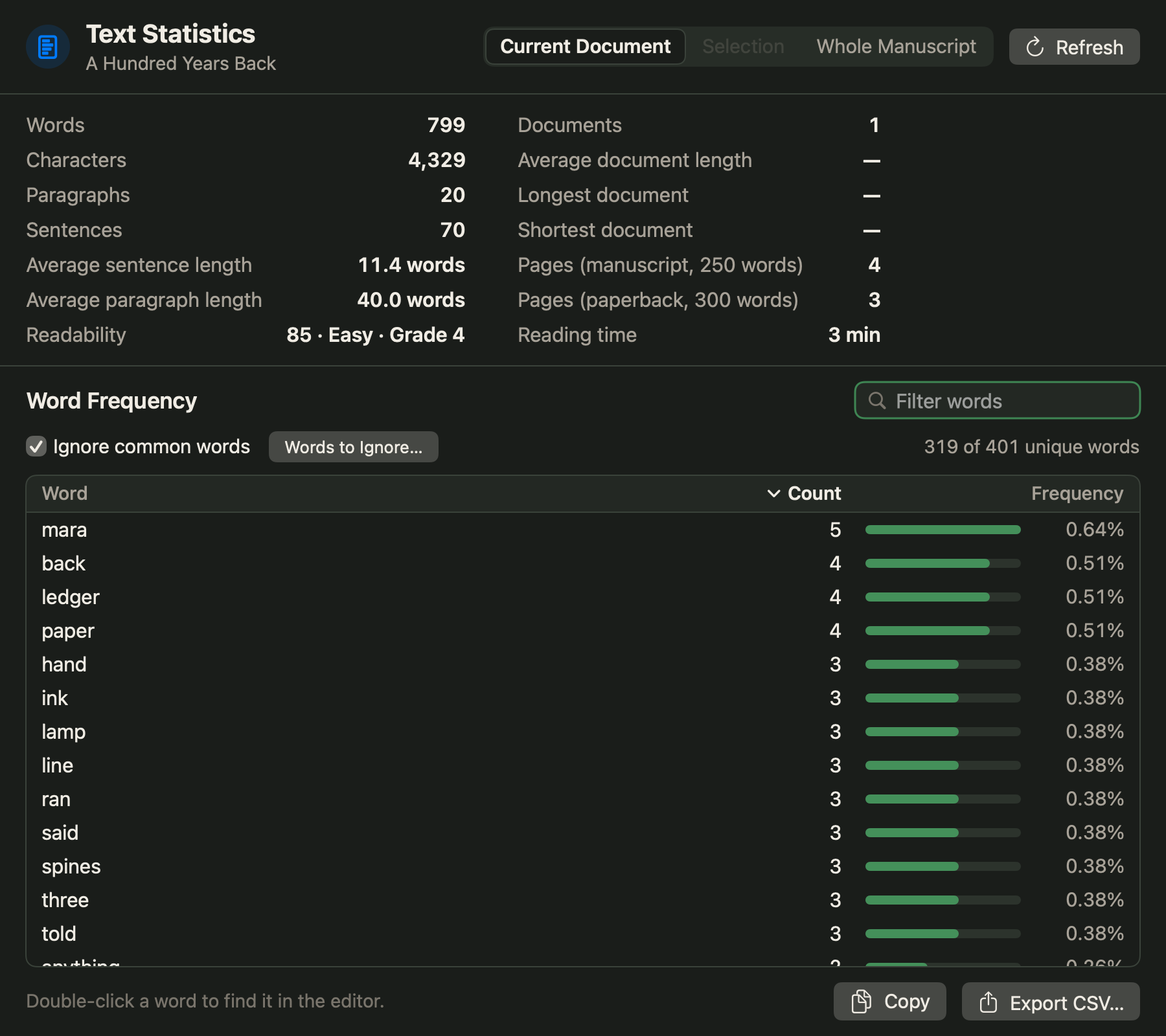
Project › Text Statistics & Word Frequency… counts words and sentences and gives the average sentence length, a readability score and the reading time, for one document, a selection or the whole manuscript. Project › Writing History… lists the words you wrote each day, and keeps Draft, the words written in the book, apart from Other, the words written in the rest of the project, so notes and outlines don't inflate the book's number.
Follow a challenge to the end
The page at the top of this article is the 30-Day Novel Challenge, one of the built-in Live Pages. It is set to 50,000 words from 1 November by default and shows your running total against the target, your streak, a projected finish and the words needed each day. Live Pages are a Labs feature: turn on Turn HTML pages into small apps (Live Pages) in Settings › Labs, then choose New ▾ › Live Page ▸ › Examples ▸ in the sidebar; the page is in the Writing & Publishing submenu. In the Fiction submenu, the Novel Dashboard draws each scene as a bar of its words against its target.
Cut and add without losing anything
Before a cutting pass, select your scenes in the binder, right-click and choose Take Snapshots; each scene keeps a copy of its text as it is that day. Then choose Format › Revision Mode and turn on Mark Deletions: what you delete stays visible, struck through, until you accept or reject it. To join two scenes that do the same job, select them and choose Documents › Merge (⇧⌘M). To give a new scene its own document, put the cursor where it should start and choose Documents › Split › Split at Selection (⌥⌘K). See Revisions, History and Snapshots.
A word count is a way of asking whether the story has the room it needs, and no more than that. Find your category's range, set a target in the middle of it, and let the revision decide the final number.