 WriterMorph

Story structure and turning points: acts, beats and choosing a beat sheet
What acts, sequences and turning points do, how to choose a beat sheet that suits the book you are writing, and how to check a draft's structure in WriterMorph without forcing it into a formula.
Structure is the order in which a story's big changes happen. A beat sheet names those changes and suggests roughly where they fall. Use it to question a draft and it helps; follow it as a formula and the book can feel assembled.
This guide is about the turns and how to choose a beat sheet for your book. For the outlining steps and where the common structures come from, see how to outline a novel.
Three sizes of structure
A story can be cut at three sizes, and they nest.
- Acts are the large movements. In three-act terms: a setup, a long middle in which the trouble grows, and a resolution. An act ends on a turn the protagonist cannot undo.
- Sequences are runs of scenes that pursue one short-term aim and end in a turn of their own: a search, a pursuit, one line of an investigation. Some screenwriting teachers divide a feature film into eight; WriterMorph's Screenplay template has three acts, eight sequences and sixteen scenes.
- Scenes are the units of action, each with its own small turn. How to write a scene covers them.
A scene turns a moment, a sequence a situation, an act the story. A middle often sags because its scenes turn a little but never add up to a sequence that changes anything.
What a turning point does
A turning point sends the story somewhere it could not have gone before. Syd Field called the two biggest ones plot points. Most turns work in one of three ways:
- Reversal. Fortune flips: the plan fails, the ally betrays, the safe place burns. Aristotle's Poetics calls it peripeteia.
- Revelation. Someone learns something that changes the meaning of what came before; Aristotle's word is anagnorisis, recognition. Robert McKee, in Story, notes that a scene turns either on action or on revelation.
- Decision. The character chooses, and the choice closes other doors: they take the job, cross the border, tell the truth.
The strongest turns combine them: a revelation forces a decision, and the decision brings on a reversal. Between the big turns, beat sheets add smaller ones: a midpoint that changes what the protagonist understands or wants, pinch points that show how strong the opposition is, a crisis before the climax.
Two tests for any turn. After it, is the way back to how things were closed? Has the question the reader is asking changed? If both answers are no, it is an event, not a turn.
Use structure to ask questions
Beat sheets were drawn from stories that already worked, and their positions are averages. Use them as questions:
- Where does the protagonist commit, so that going back is no longer possible?
- Does the middle contain a turn that changes the stakes, or does it repeat the first act's problem at greater length?
- Is there a low point before the climax, and does the climax depend on a choice the protagonist makes?
A turn that lands later than a template expects is not wrong if the pages before it are doing work. What matters is that the turns exist, that they escalate, and that each is caused by what came before.
Choosing a beat sheet for your book
Pick the structure that asks the questions your book needs:
| Your book | Try | It shows you | Watch for |
|---|---|---|---|
| One strong plot line, such as a mystery or a thriller | Three-act structure with a midpoint and pinch points | Whether the middle has turns of its own | Pinch points with nothing at stake |
| A quest, an adventure, a coming-of-age story | The Hero's Journey, in the twelve stages Christopher Vogler drew from Joseph Campbell for The Writer's Journey | The inner change behind the outer journey | Mentors and thresholds the story doesn't need |
| A short story, a play, a tragedy | Freytag's pyramid, from Gustav Freytag's analysis of five-act drama | One rise, one climax, one fall | Little room for subplots |
| A commercial novel you want to pace closely | A fifteen-beat sheet; the best known is Blake Snyder's, in Save the Cat!, written for screenwriters | Where each stretch of the book should land | Beats filled in for their own sake |
With several plotlines, use one structure for the main plot and check that each subplot has a start, a turn and an end. It also helps to look through two structures: if both show a hole in the same place, it is probably real.
Structure in WriterMorph
In WriterMorph each scene card carries its beat, and the Writer Timeline draws the beats as columns. Open it with View › Writer Timeline (⌥⌘T); it needs Author mode, which fiction templates turn on for you.
Choose a structure on the Plot Board
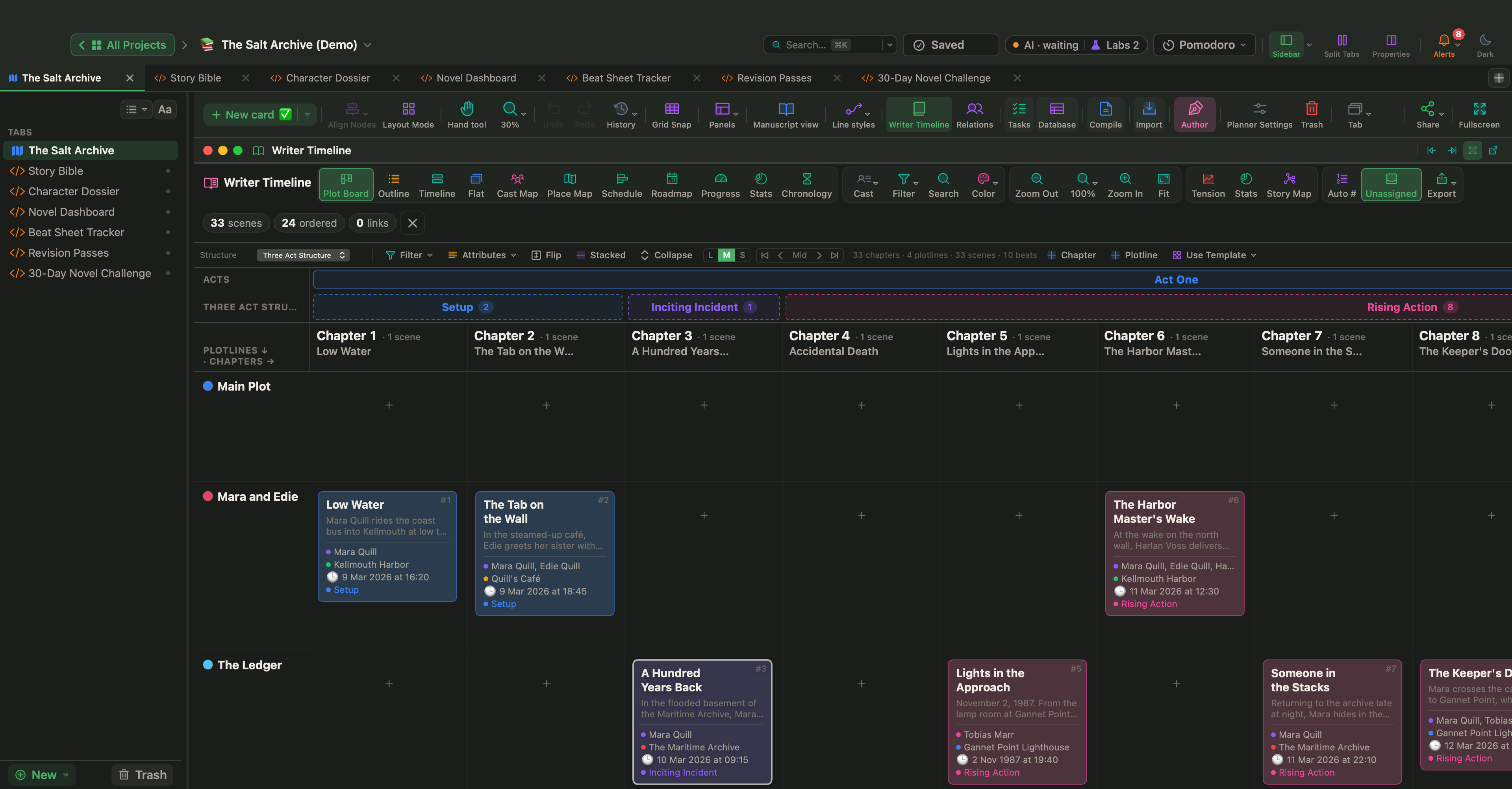
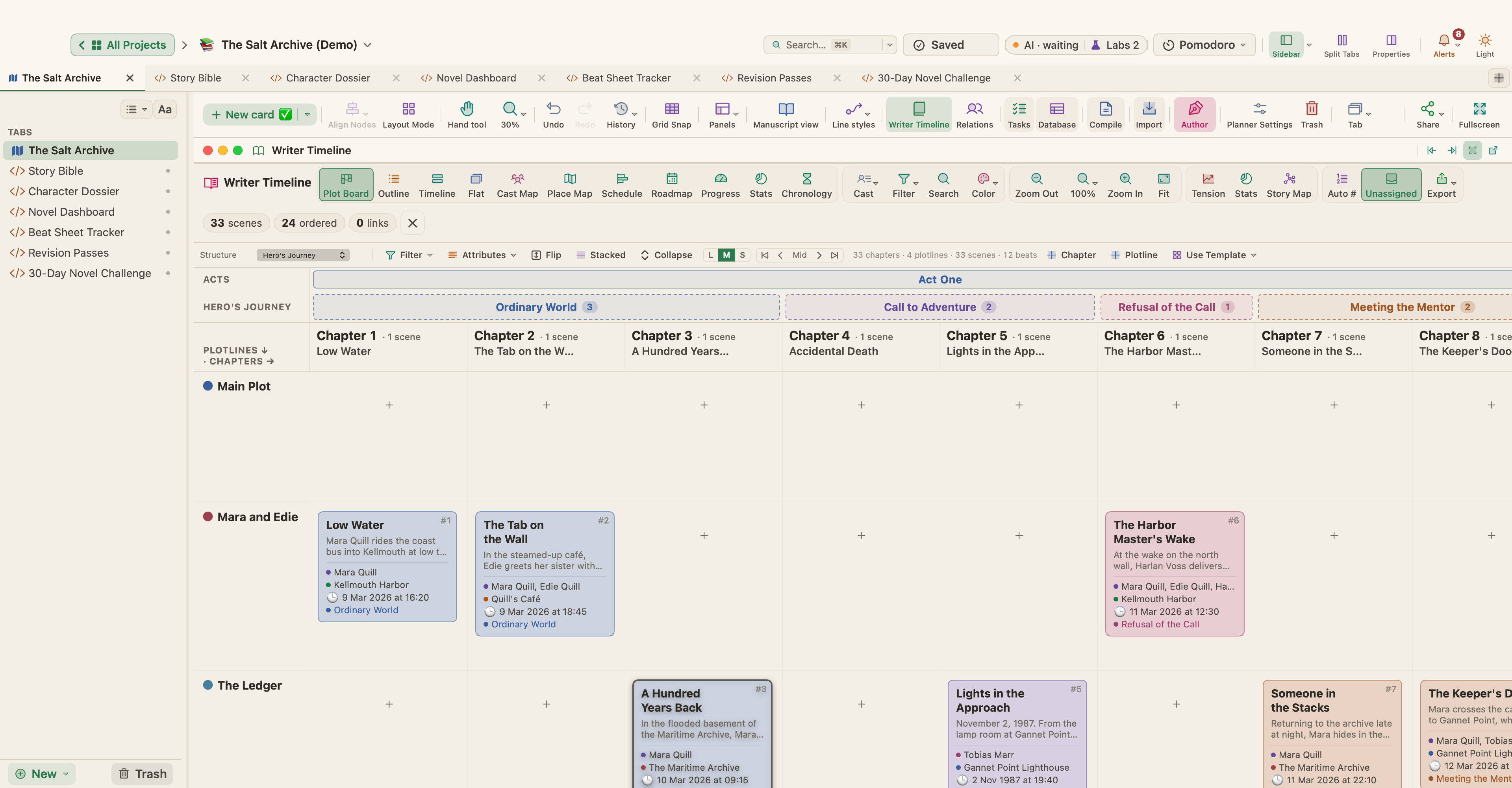
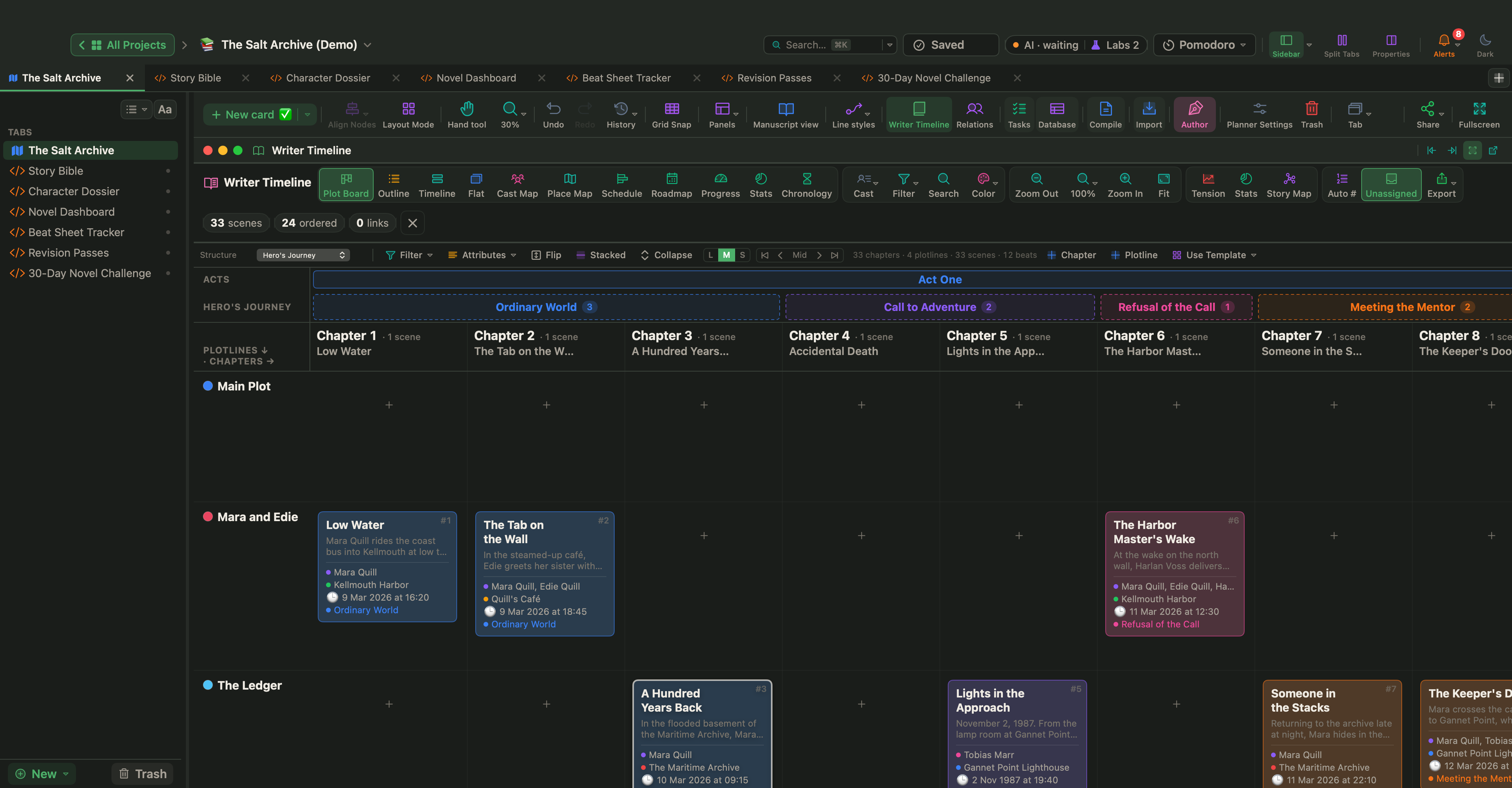
The Plot Board is a grid of chapters across and plotlines down. Pick a beat sheet from its Structure menu: Three Act Structure, Hero's Journey, 15-Beat Structure or Freytag Pyramid. The acts and beats then run above the chapters, each beat with a count of its scenes. The same choice is in the Story Map's Beat Sheet menu and the Structure picker above the Timeline view.
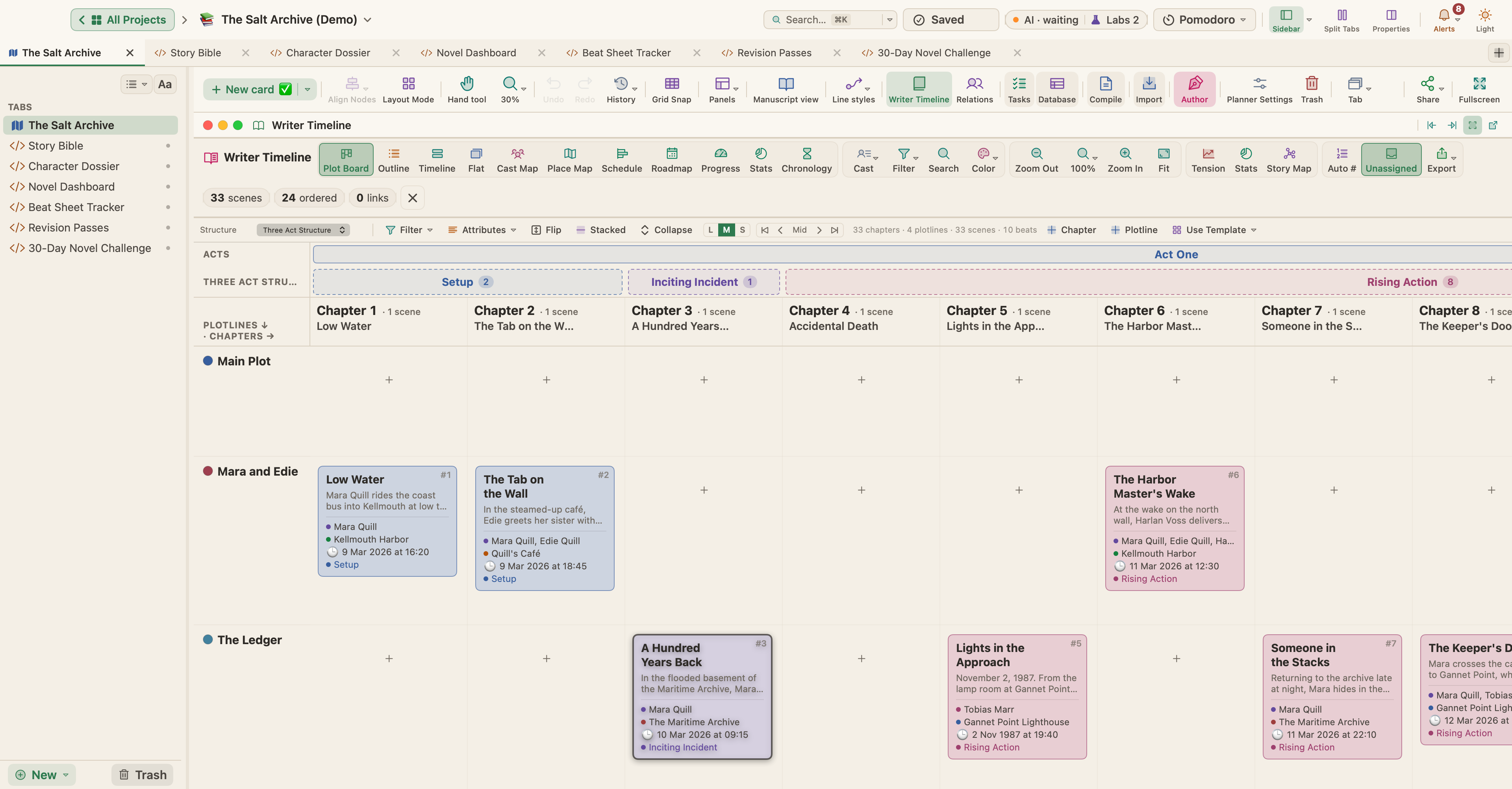
To give a scene its beat, set Beat Assignment in the Writer Timeline section of the Properties panel (⌥⌘P), or right-click the scene in the timeline. Select several cards, and Bulk edit sets the beat for all of them.
Switch structures to test the book
When you switch structures, WriterMorph spreads your scenes over the new beats. Switch back, and your earlier beat assignments return, so trying a second lens costs nothing. Use Template goes a step further: it switches to a beat sheet and adds its beat cards to the canvas.
See beat coverage on the Story Map
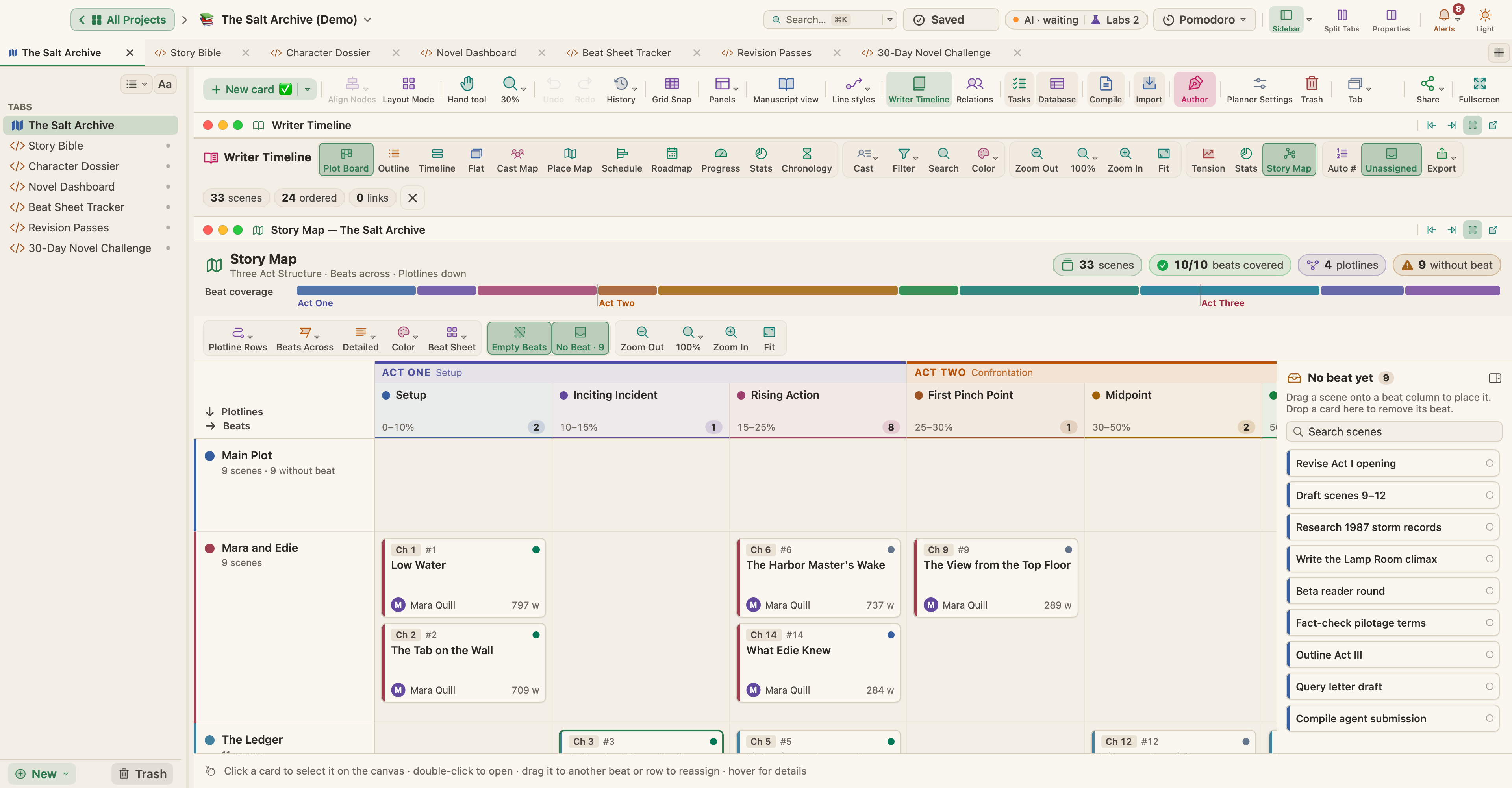
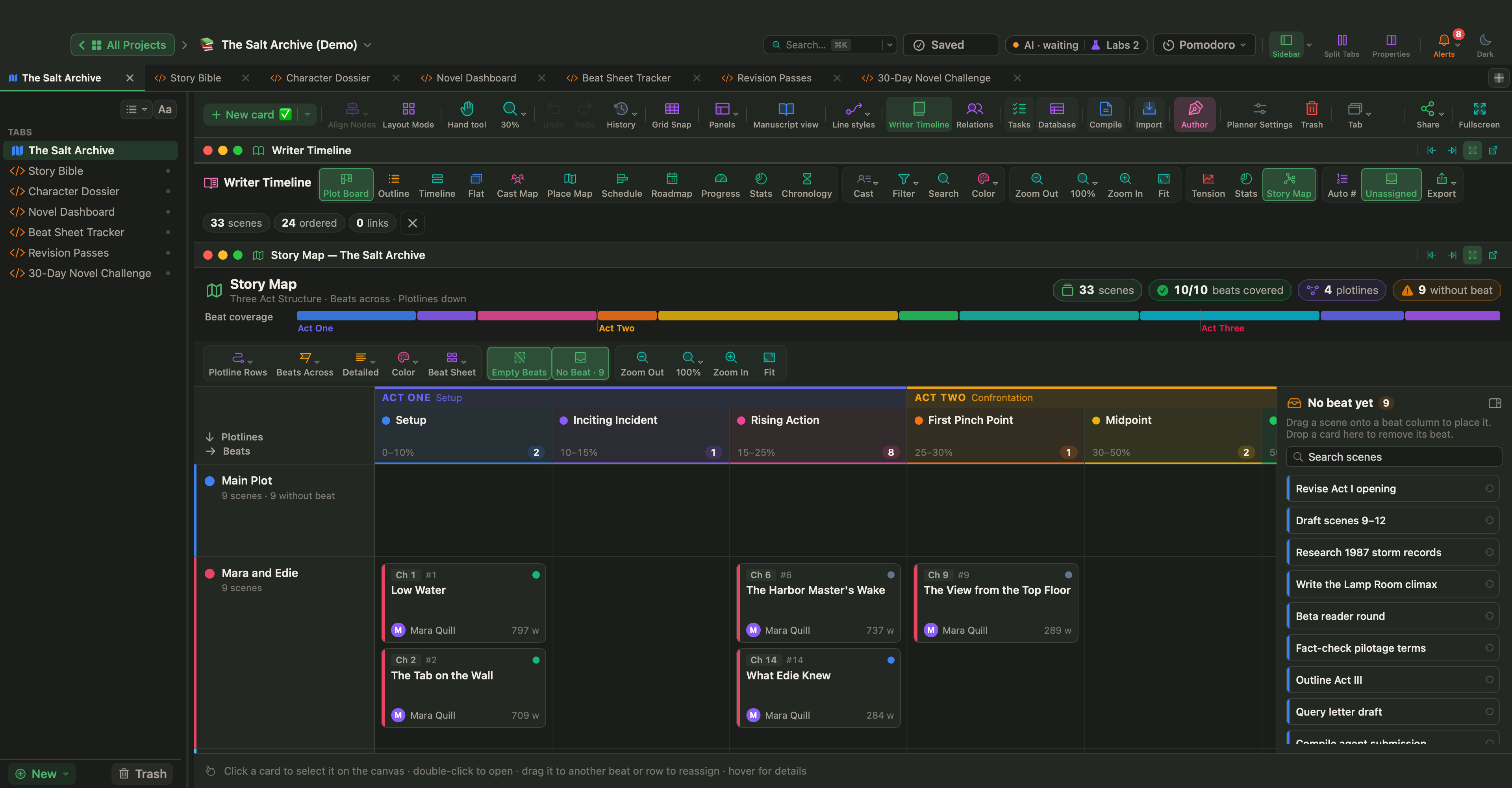
The Story Map, shown at the top of this article, puts beats, acts or chapters across and plotlines, POV, location or scene type down. Missing beats appear as dashed columns, and each beat column shows where the template expects it, such as 10–15% of the book for the Inciting Incident. Drag a scene into a cell to set its beat.
Track the beats with a Live Page
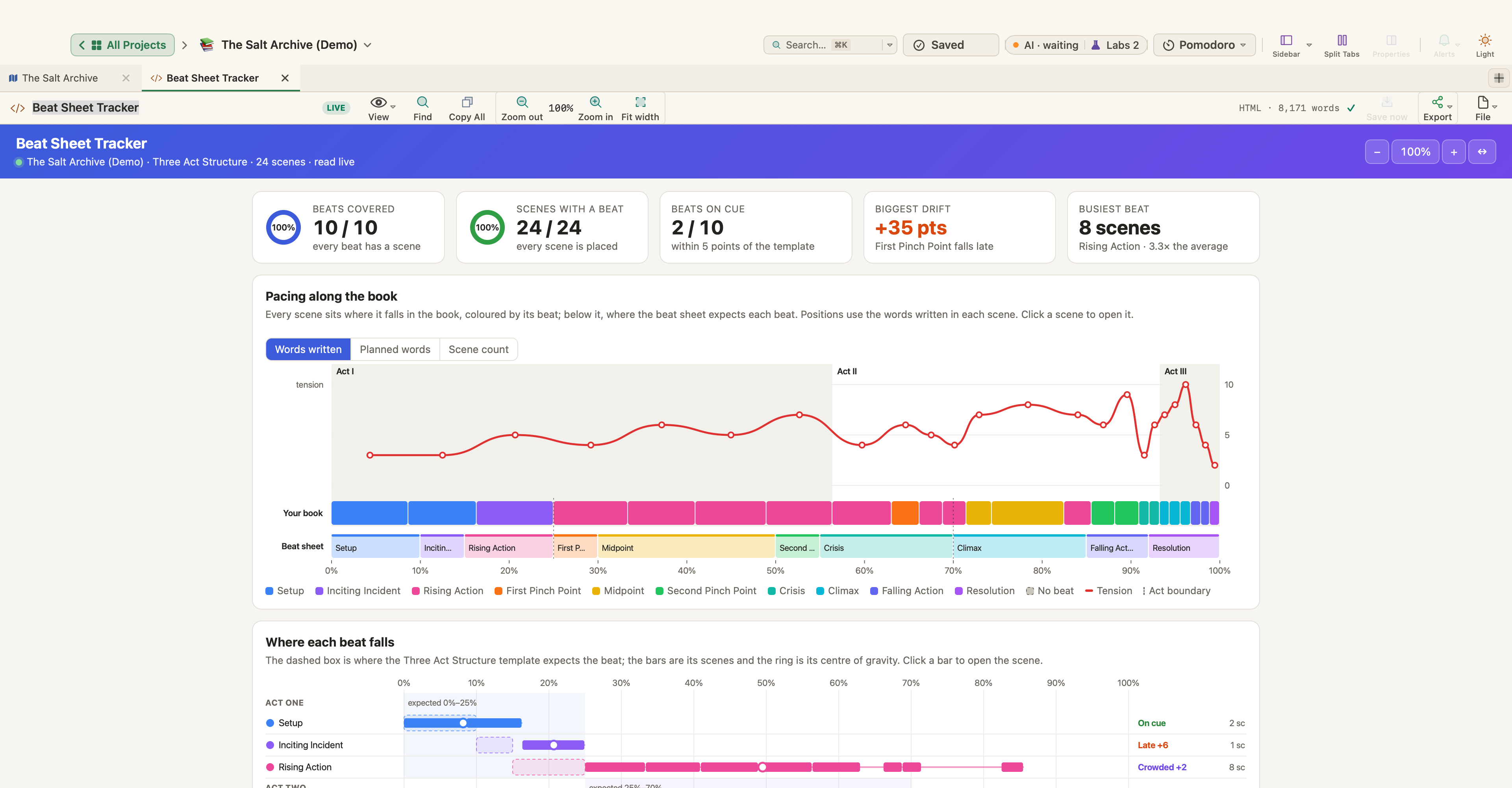
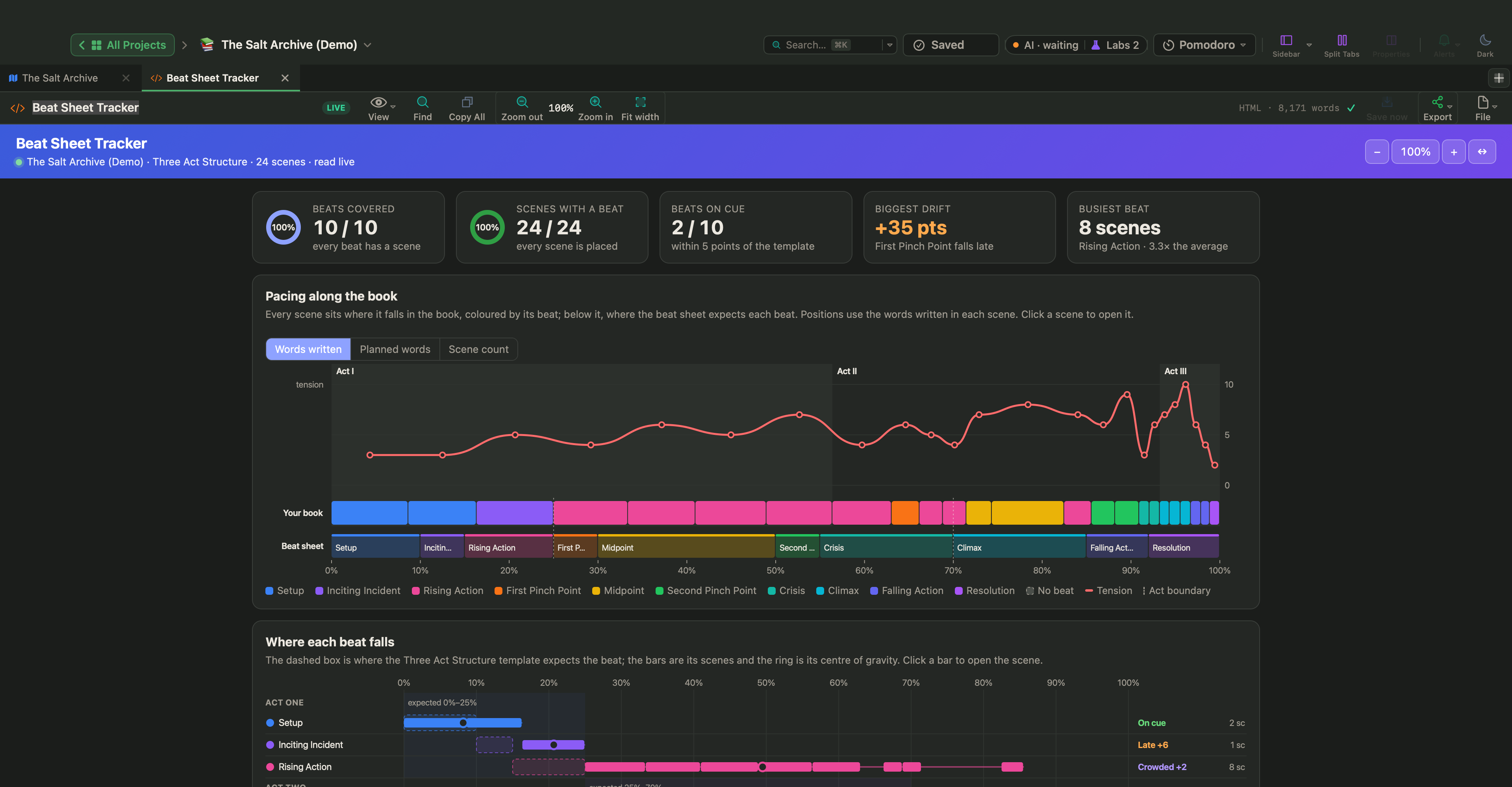
Live Pages are a Labs feature. Turn them on in Settings › Labs with Turn HTML pages into small apps (Live Pages), then choose New ▾ › Live Page ▸ › Examples ▸ in the sidebar and pick Beat Sheet Tracker under Fiction. It shows how your scenes cover the beat sheet: gaps, crowded beats, beats that land early or late against the template, act balance and a pacing strip with tension. Scenes without a beat can be given one in one click.
The Salt Archive beat by beat
The Salt Archive, a sample mystery you can download or open from Help › Demo Projects, uses the Three Act Structure, and each of its 24 scenes has one of the ten beats.
- Setup, two scenes: Mara Quill comes home to Kellmouth with an unopened letter from her dead father, and opens it that night.
- Inciting Incident, one scene: in A Hundred Years Back, a revelation. Among the 1887 harbor ledgers is a volume that cannot be that old.
- Rising Action, eight scenes, the busiest beat.
- First Pinch Point: in The View from the Top Floor, Harlan Voss, the antagonist in the book's Story Bible, invites Mara to his top-floor office.
- Crisis and Climax: on the tension curve, the Crisis marker sits on The Last Train Out, where the line drops to 3, close to calm. A few scenes later, past the Climax marker, it peaks at 10 in The Lamp Room.
With Live Pages on, the demo's Beat Sheet Tracker counts 10 of 10 beats covered and all 24 scenes placed, but only 2 of 10 beats on cue, and the First Pinch Point 35 points late.
That is not a verdict. The tracker places scenes by Words written, and the book is a draft in progress: 9,217 of 61,500 planned words, with the Act I scenes at roughly 700 to 800 words each and most later ones under 300. Switch to Planned words or Scene count before you move anything. If the pinch point still lands late, ask a craft question: does each of the eight Rising Action scenes turn, or could two become one so Voss steps in sooner?
Choose one structure, give your scenes their beats as you outline, and open the board when the draft feels stuck. If the turns are there and each raises the stakes, a beat that lands a little late matters much less.