 WriterMorph

How to edit a novel: revising in passes, from structure to proofreading
Revise a finished draft in passes, from the big questions down to typos. Read it aloud, use beta readers well and keep earlier versions safe so you can cut boldly. Then the same work in WriterMorph.
A first draft tells you what the book is about. Editing makes it say so. Finding problems is the easy part; the hard part is fixing them in an order that doesn't waste work. There is no point polishing the sentences of a scene you are about to cut.
The usual answer is to revise in passes, from the biggest questions to the smallest. The last part shows the passes in WriterMorph, with The Salt Archive, a sample mystery you can download, as the example.
Let the draft rest first
Finish the draft, then leave it alone long enough to forget some of it, so you come back as a reader rather than as the person who wrote it. When you return, read the whole book in as few sittings as you can, and take notes instead of fixing. The read-through is for diagnosis.
Edit in passes, from big to small
Each pass asks one kind of question and deliberately ignores the others:
| Pass | What you check | What you ignore for now |
|---|---|---|
| Structure | Premise, turning points, stakes, arcs, subplots that pay off, the order of scenes, what to cut or add | Sentences, word choice, typos |
| Scenes | Whether each scene turns, whose point of view it is in, where it starts and ends | Line-level polish |
| Line | Sentences, rhythm, voice, dialogue, repetition, clarity | Moving or cutting scenes |
| Proof | Typos, punctuation, names, formatting, consistency | Everything else: no rewriting now |
Structure: the story as a whole
Make a reverse outline: one line per scene saying what happens and what changes, as when you outlined the book. Read the list as a story. Check that the turning points land, that the protagonist's want and need both come to a head, that the antagonist acts, and that every subplot pays off. Cut, merge, move and add scenes now, while it is cheap.
Scenes: each one should turn
Each scene should change something: what a character knows, has, wants or believes. Dwight V. Swain's scene and sequel is a useful test: a scene has a goal, conflict and a disaster; a sequel has a reaction, a dilemma and a decision. A scene that doesn't turn is a summary in disguise. Many also start too early and end too late. There is more in how to write a scene.
Line: sentences, voice and repetition
Cut what the reader doesn't need: hedges such as "seemed to", adverbs propping up weak verbs, explanations of what the dialogue already shows. Watch for a pet word that comes back every page and sentences that all run the same length. A good line edit makes the book sound more like itself.
Proof: typos and consistency
Last, and only last: spelling, punctuation, missing words, names spelled two ways, eyes that change color. Check against your style sheet or story bible. Proofread a fresh copy in a different form from the one you wrote in, because the eye skims what it has seen many times.
Read it aloud
Your ear catches what your eye forgives: a sentence that runs out of breath, a rhythm that repeats, dialogue nobody would say. If reading your own work aloud feels strange, let the computer read it to you; a flat synthetic voice makes missing words hard to miss.
Beta readers and editors
Beta readers tell you how the book feels to someone who didn't write it. Give them a draft that has had at least a structure pass, and ask about their experience: where they got bored or confused, which character they didn't believe, where they put the book down. When several readers stumble in the same place, something is wrong there, even if each suggests a different cure.
Professional editing follows the same order: a developmental edit for the story as a whole, a line edit for the prose, a copyedit for correctness and consistency, a proofread for the final pages. Don't pay for a proofread while the structure is still moving.
Keep versions so you can cut boldly
Writers keep scenes they should cut because cutting feels permanent. Make it not permanent: save a copy of a scene before you rewrite it, keep the cut passages, and back up the project somewhere other than the computer you write on. Then you can try the bold version and compare.
Editing in WriterMorph
Plan the passes
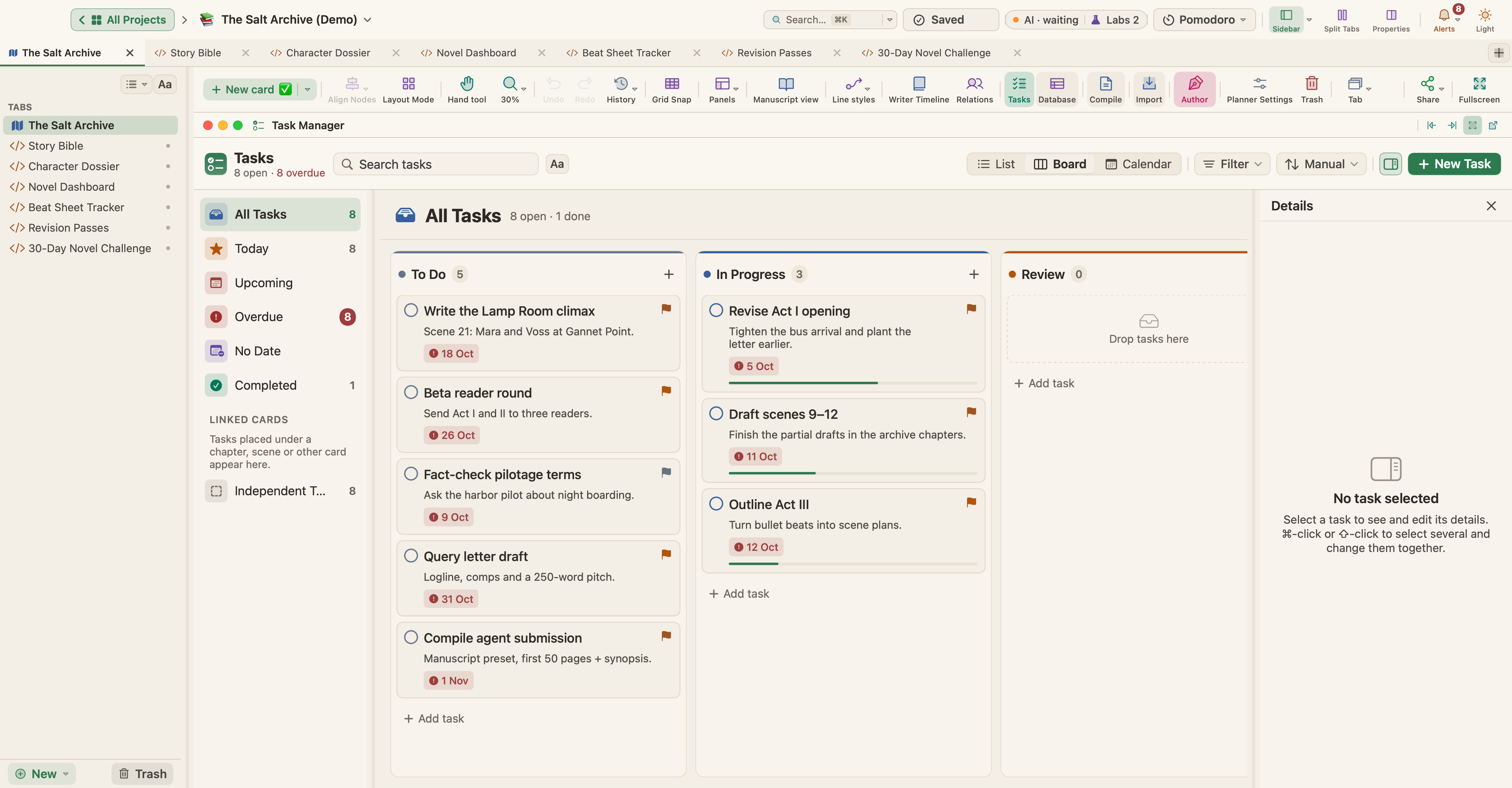
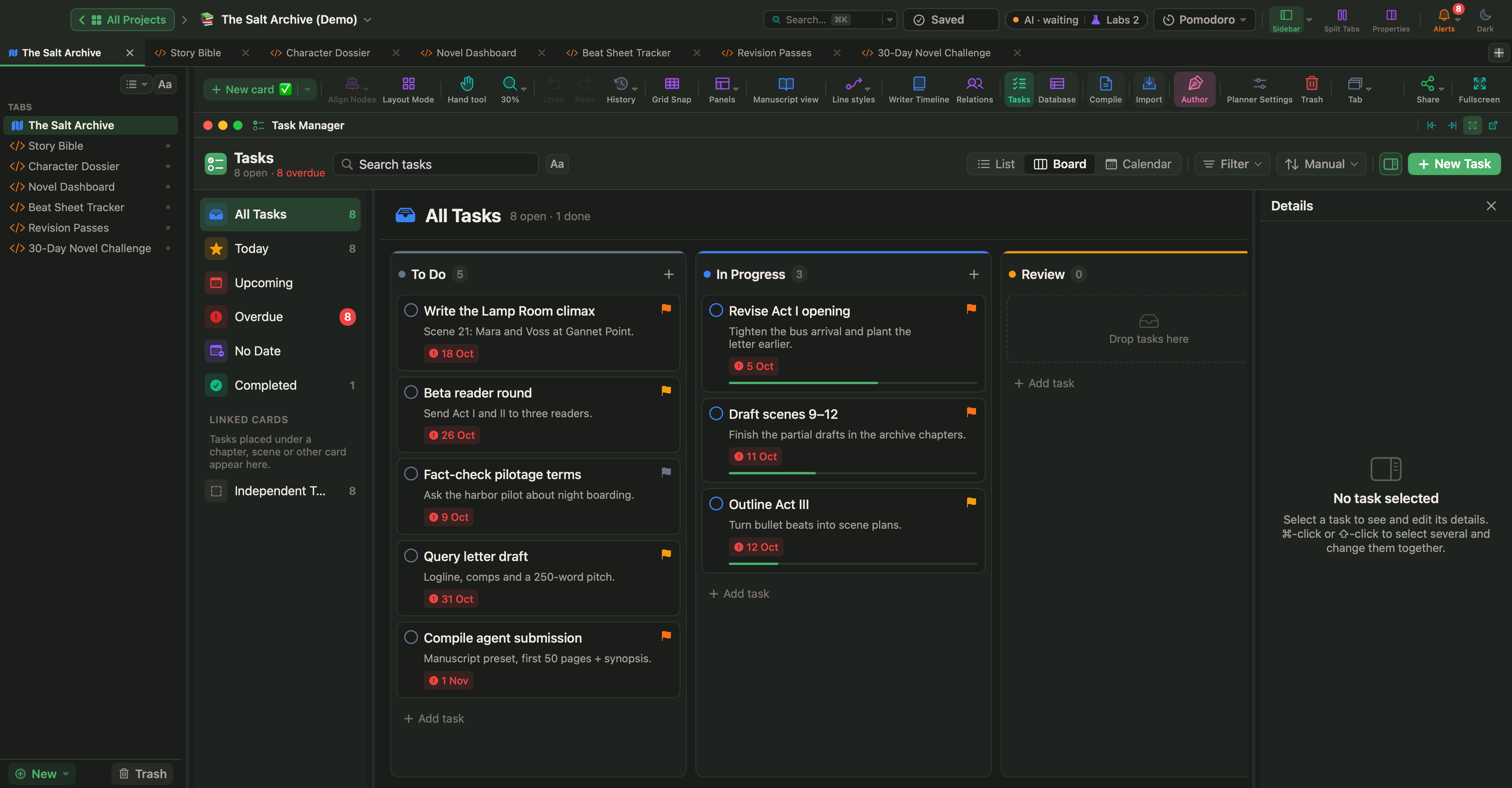
The Salt Archive keeps its revision plan as task cards, as in the picture at the top: Revise Act I opening (tighten the bus arrival and plant the letter earlier), Fact-check pilotage terms and Beta reader round (send Act I and II to three readers). Open them with View › Task Manager (⌃⌘K); Insert › New Task Card adds one. See Tasks, Schedule, Targets and Pomodoro.
For the passes scene by scene, there is the Revision Passes Live Page. Live Pages are a Labs feature: turn on Turn HTML pages into small apps (Live Pages) in Settings › Labs, then choose New ▾ › Live Page ▸ › Examples ▸ in the sidebar; Revision Passes is in the Writing & Publishing submenu. It sets every scene against every pass in a grid you click through, with progress by pass and by act, a heat grid, the next five scenes to work on and the words revised. Mark a scene Revision or Final there and its card changes too.
In The Salt Archive the page tracks five passes, Structure, Character, Dialogue, Line edit and Proofread, and Edit passes changes the list. Its heat grid shows big-to-small at work: structure is at 92%, proofreading at 0%.
Without Labs, a status on each document shows where it stands. Set it in the Inspector's Metadata tab and show it in the Outliner or, through View › Corkboard Options, as a stamp on the Corkboard. A collection such as "Needs revision" groups documents without moving them: Documents › New Collection from Selection….
Snapshots before you cut
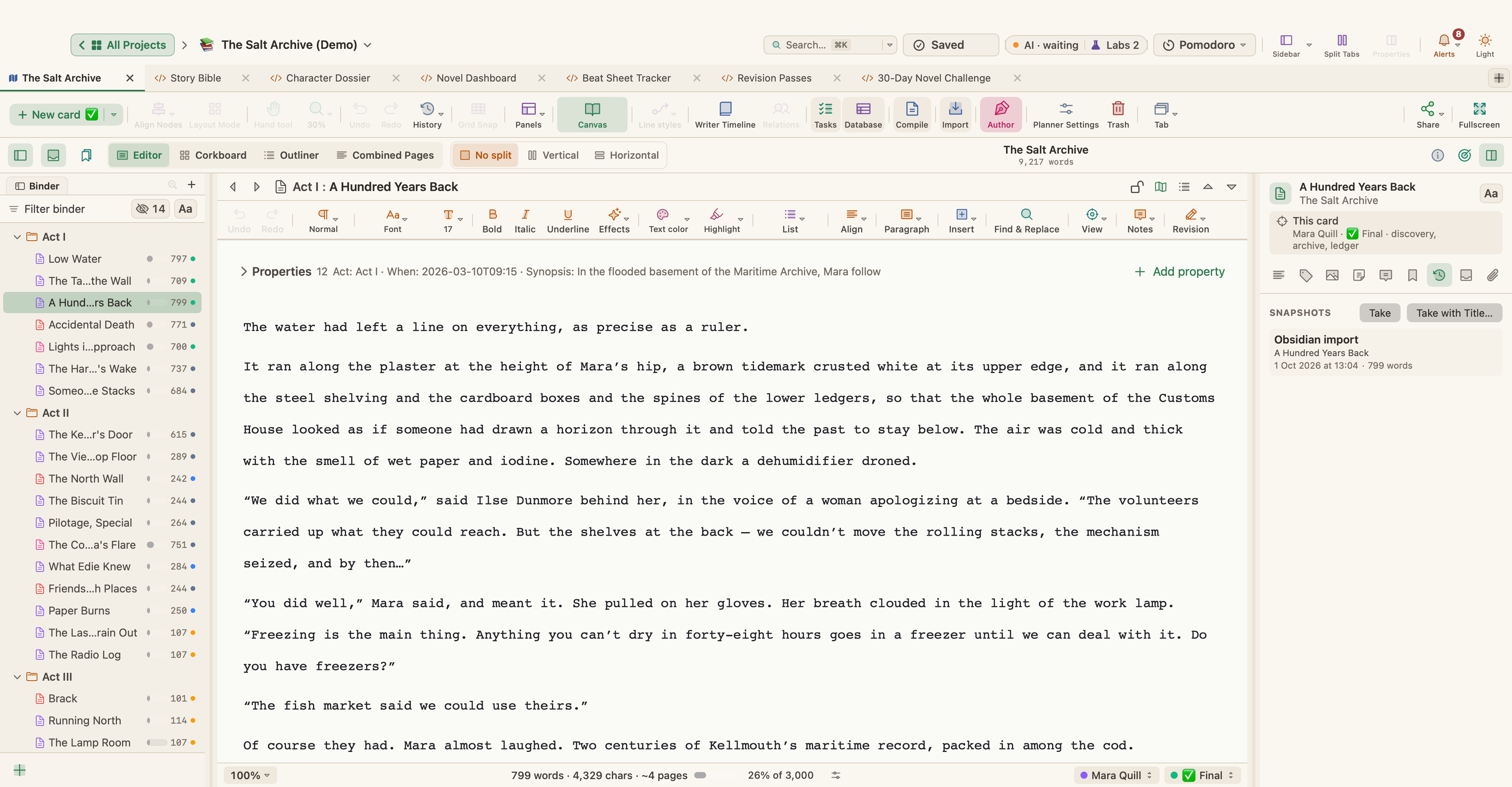
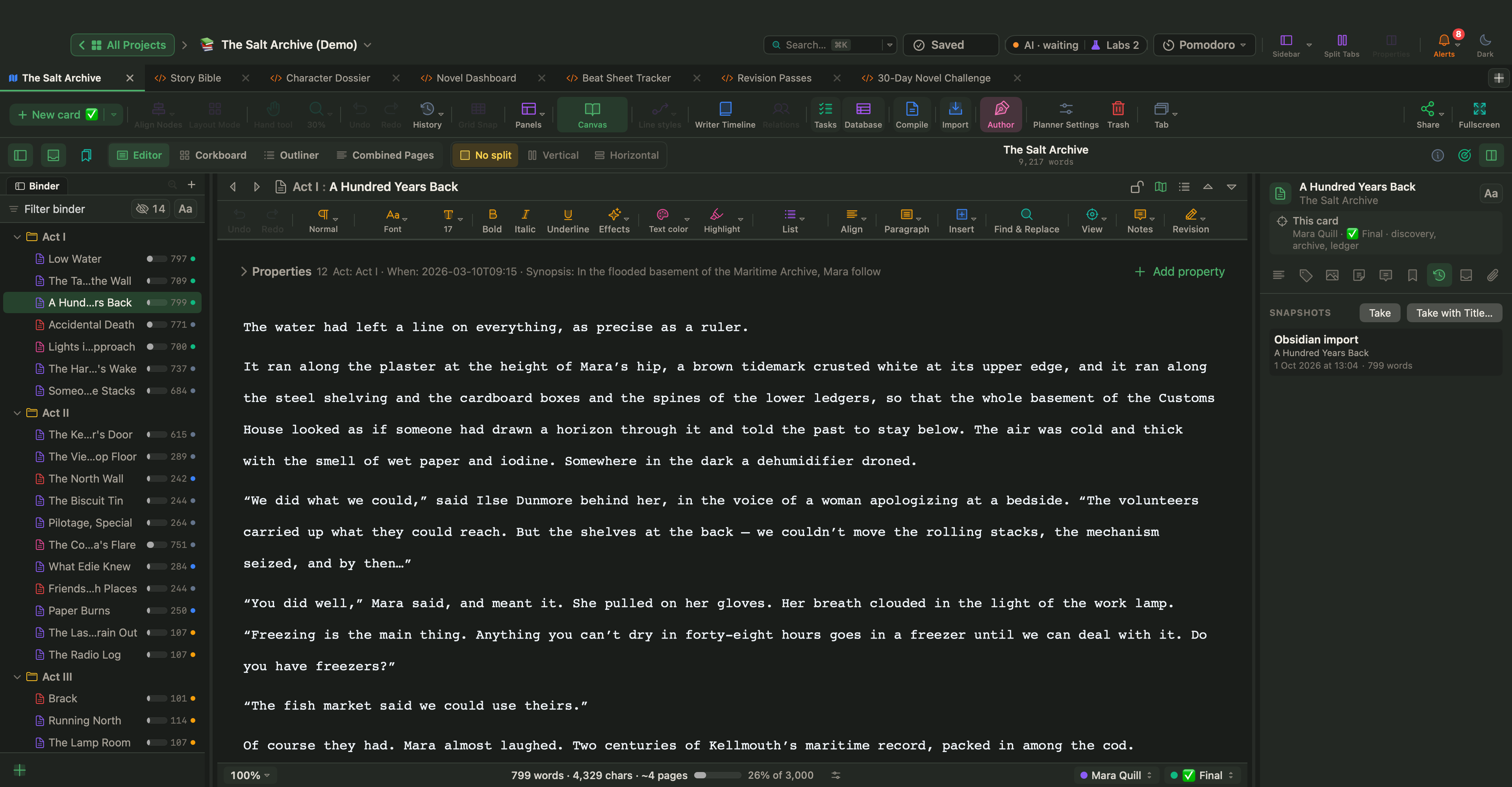
Before rewriting a scene, choose Documents › Snapshots › Take Snapshot (⌘5), or Take Snapshot with Title… (⇧⌘5) to name it, for example "Before rewrite". The Inspector's Snapshots tab lists them, with Compare with Current and Restore. Cards also keep a version each time you save them in the card editor, and View › Revert History rolls the whole planner back to an earlier point.
Revision Mode
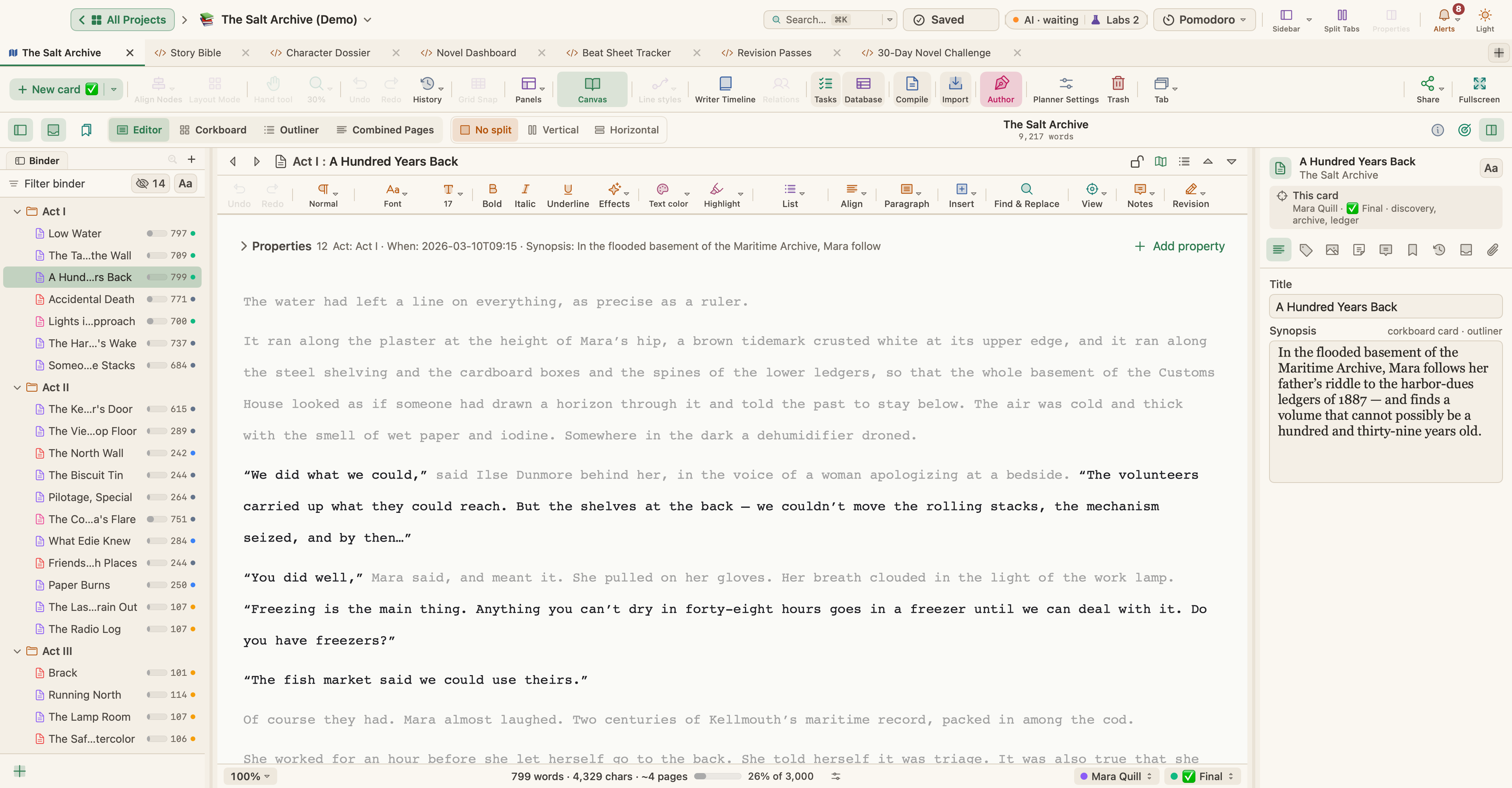
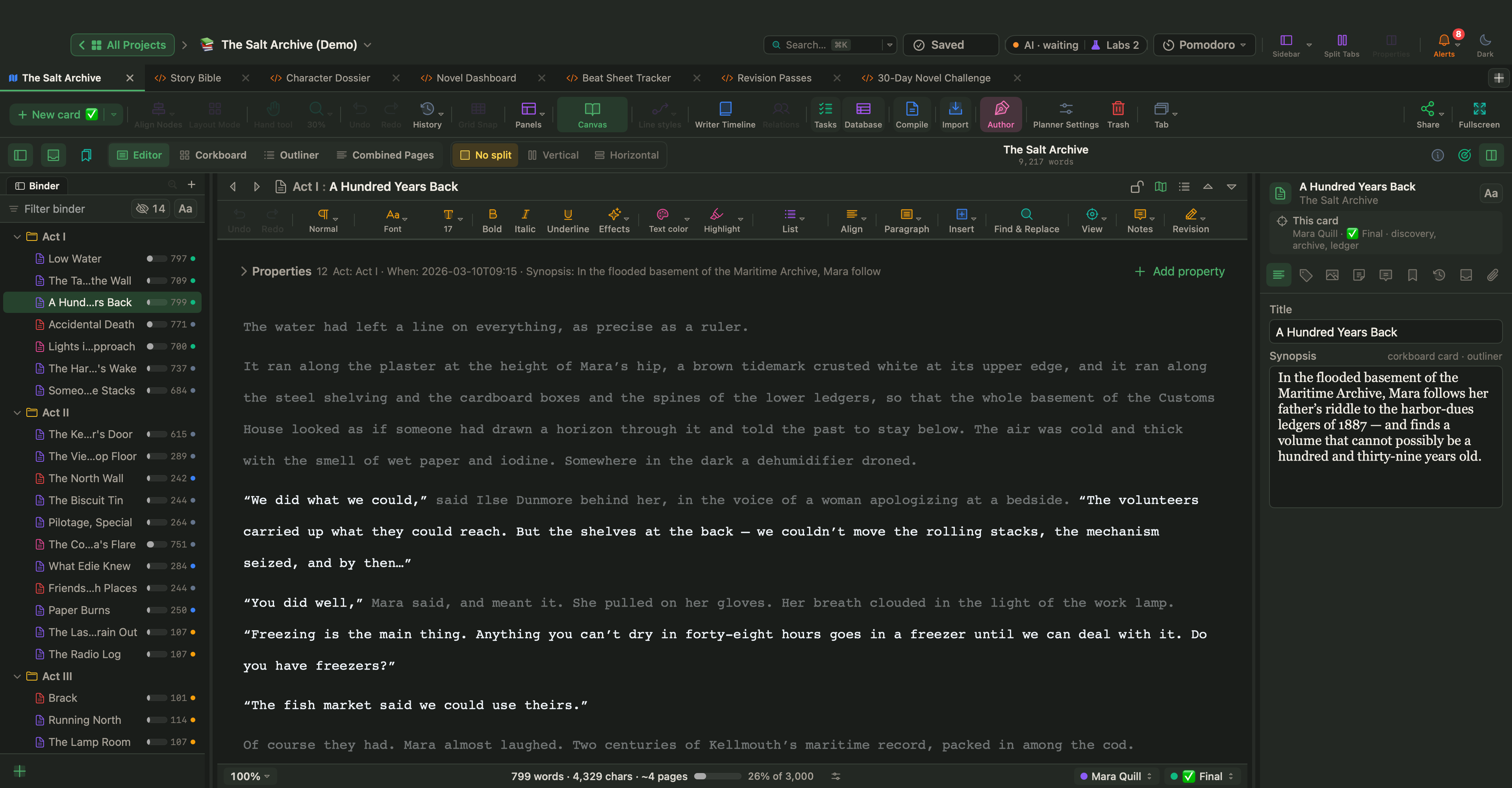
Choose Format › Revision Mode and a level from First Revision to Fifth Revision, and new text appears in that level's color; Mark Deletions keeps cut text visible, struck through. Use a new level for each pass, then review with Accept Revision Marks in Selection and Reject Revision Marks in Selection. When an editor returns a Word file with tracked changes, importing it into the book offers Keep as Revision Marks, so their changes can be reviewed the same way.
Line-editing tools
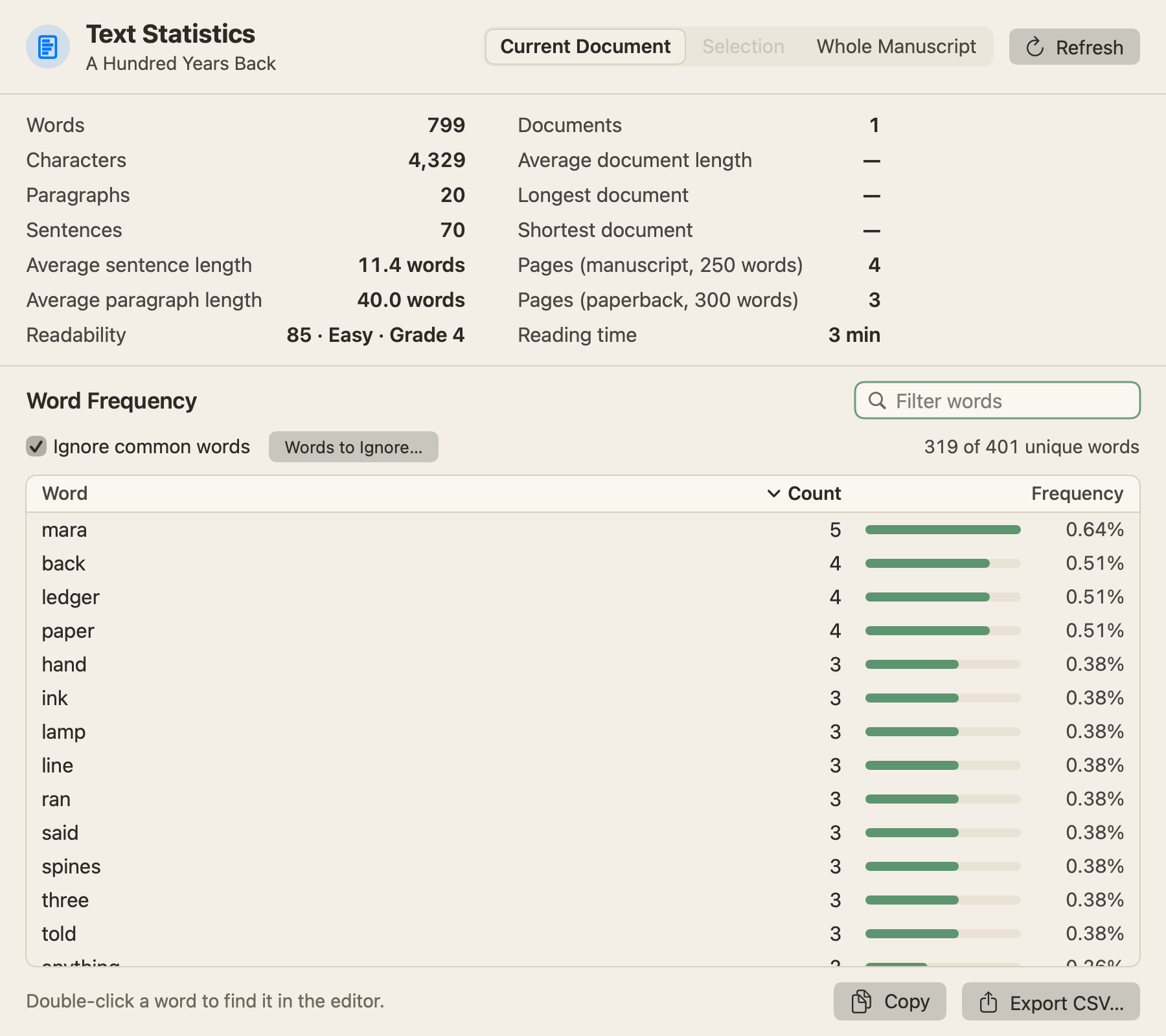
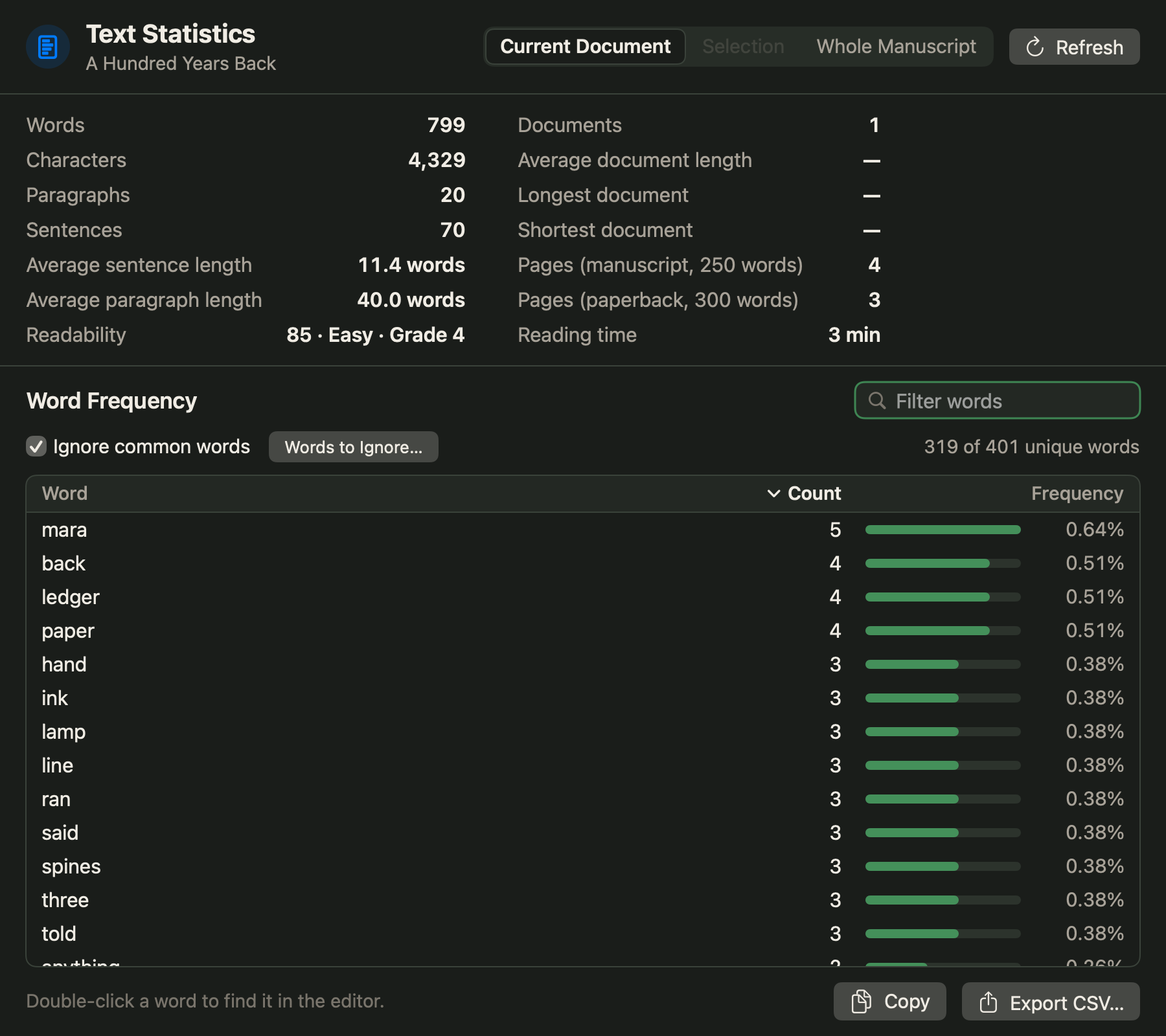
Project › Text Statistics & Word Frequency… counts words, sentences, average sentence length and readability for the Current Document, the Selection or the Whole Manuscript, and lists the words you use most. Edit › Spelling and Grammar › Linguistic Focus… (⌃⌘L) fades everything except the kind of word you choose, such as Adverbs, Direct Speech or Echoes (Repeated Words); only the view changes, never the text. To hear a passage, select it and choose Edit › Speech › Start Speaking.
Proof copy and backups
Before a proof, clear out leftovers. Edit › Find › Find by Formatting… finds Comments, Highlighted Text or Revisions in This Document or the Whole Book, and the find bar (⌘F) can search the whole project for a placeholder such as TODO. Then choose Project › Compile… (⌥⌘E), the Manuscript preset and PDF, and read the pages away from the editor. Contents can limit it to a selection, a folder or a collection, such as the first two acts for beta readers. For an editor in Word, Word (DOCX) can carry comments as Word comments and revision marks as tracked changes. See Compile your manuscript.
WriterMorph backs up the project when you open and close it, keeping the 25 most recent by default (Settings › Backup). Before a big edit, choose File › Back Up › Back Up Now, or Back Up To… for a copy on another disk. See Projects, Files and Backups.
Pick one pass and finish it before starting the next. Mark each scene as you go, take a snapshot before anything drastic, and leave the proofread until nothing else will move.