 WriterMorph

Pacing a novel: where tension should rise, rest and peak
Tension is not the same as action. See the shape of your book, learn where it should climb, rest and peak, and fix a sagging middle, a rushed ending or a flat climax, with the tension curve in WriterMorph.
Pacing is how fast a book feels to the person reading it. That feeling depends less on how much happens than on how worried the reader is about what happens next. A slow book is rarely one where nothing explodes. It is one where the worry stays at the same level for too long. So look at tension first: where it climbs, rests and peaks.
Tension is not action
Action is what happens on the page: a chase, a fight, a slammed door. Tension is a question the reader cares about, with something at stake. A fight between characters nobody cares about is loud and slack; a quiet dinner can be unbearable if the reader knows what one guest is hiding.
Alfred Hitchcock's well-known example makes the point: show the audience a bomb under the table, and the dull conversation above it becomes gripping. What changed is information. Tension comes from:
- A goal with an obstacle in the way.
- A question: who did it, what is in the letter.
- A clock: a deadline, a tide, a train that leaves at nine.
- A secret the reader knows and a character doesn't.
- A relationship under strain.
The shape of a novel
Freytag's pyramid, drawn from five-act drama, puts the climax in the middle. Most novels climb for longer and save the highest point for the final act.
Scene by scene, the climb is a sawtooth: tension rises, drops a little, then rises past the last peak. Dwight V. Swain, in Techniques of the Selling Writer, split fiction into scenes (goal, conflict, disaster) and sequels (reaction, dilemma, decision). The sequel is the rest: the reader catches their breath while the character decides on the move that starts the next rise.
A rough map:
- Opening: not necessarily high, but a question in the first scene.
- First turning point: a clear step up.
- Middle: rises and rests, each low a little higher than the last, and a midpoint that changes the stakes.
- Before the climax: the protagonist's lowest point. Their hopes are at the bottom; the reader's worry should not be.
- Climax: the highest point.
- After: a short fall, long enough for the ending to land.
To see your book's shape, rate each scene from 1 to 10 for how worried a reader is by its end. Rate scenes against each other, and read the line rather than the numbers.
Pacing problems and their fixes
| Problem | Symptom | Fix |
|---|---|---|
| Sagging middle | The curve flattens after the first act; scenes repeat the same kind of trouble | Add a midpoint turn, raise the stakes, move a reveal earlier, cut or merge scenes that do the same job |
| Too many quiet scenes in a row | Three or more low scenes back to back, often in one place or one long conversation | Merge two, cut one, or put a clock or a complication between them |
| No rest at all | Every scene at 8 or 9, and the reader goes numb | Follow a peak with a reaction scene; let one peak land before the next starts |
| Rushed ending | A long build, then the climax and aftermath in a few pages, partly in summary | Give the climax its own scenes, dramatize instead of summarizing, give the aftermath a scene |
| Flat climax | No higher than an earlier peak, or the protagonist watches instead of acting | Raise what can be lost, make the protagonist choose, save the biggest reveal for it |
Most fixes come down to five moves: cut a scene that changes nothing, merge two that do the same job, raise the stakes, move a reveal (earlier to lift a middle, later to feed the climax) and vary scene length. Short scenes and short sentences read faster; a run of scenes of the same length and kind drones even when the content changes.
Mapping tension in WriterMorph
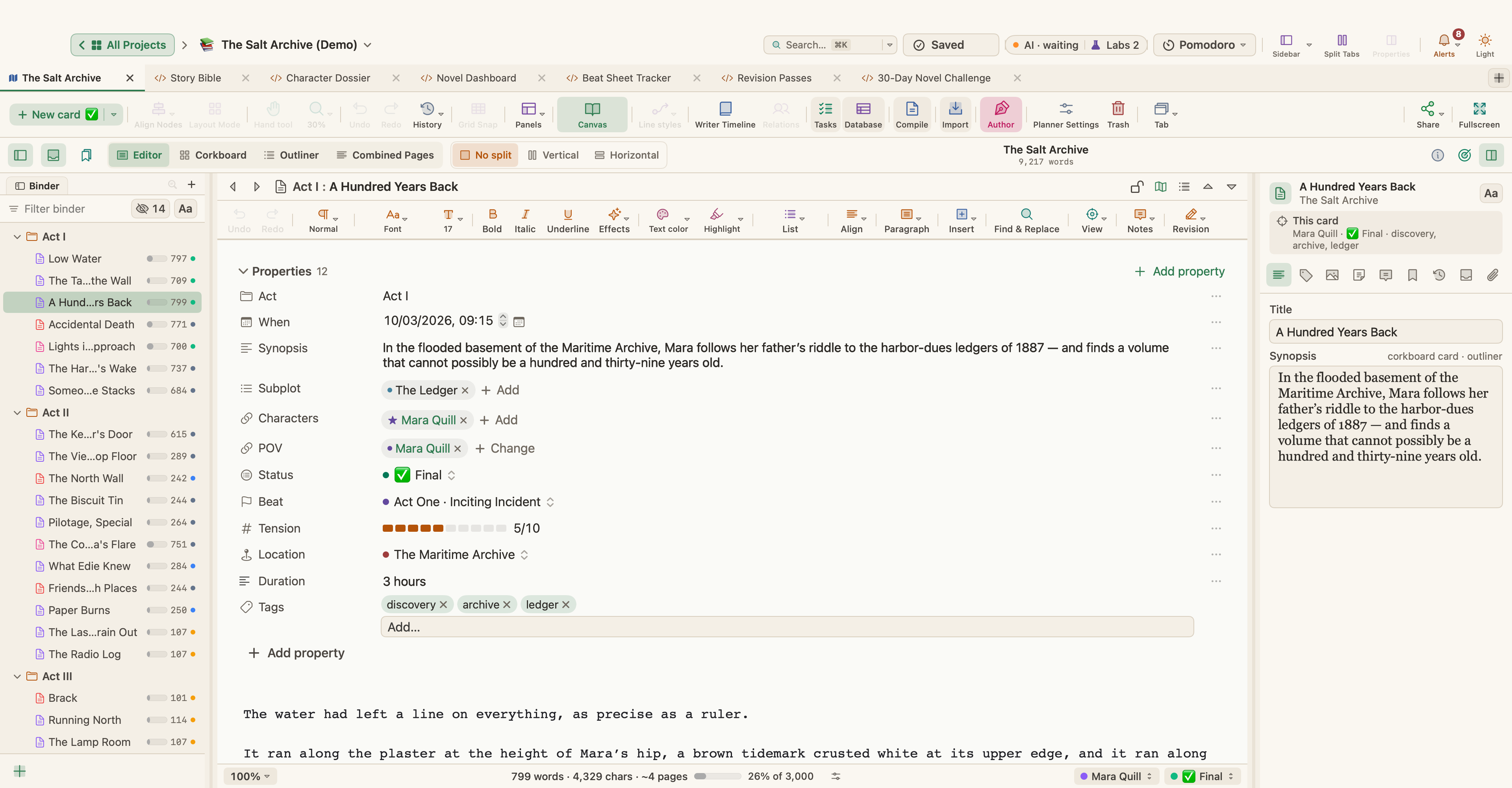
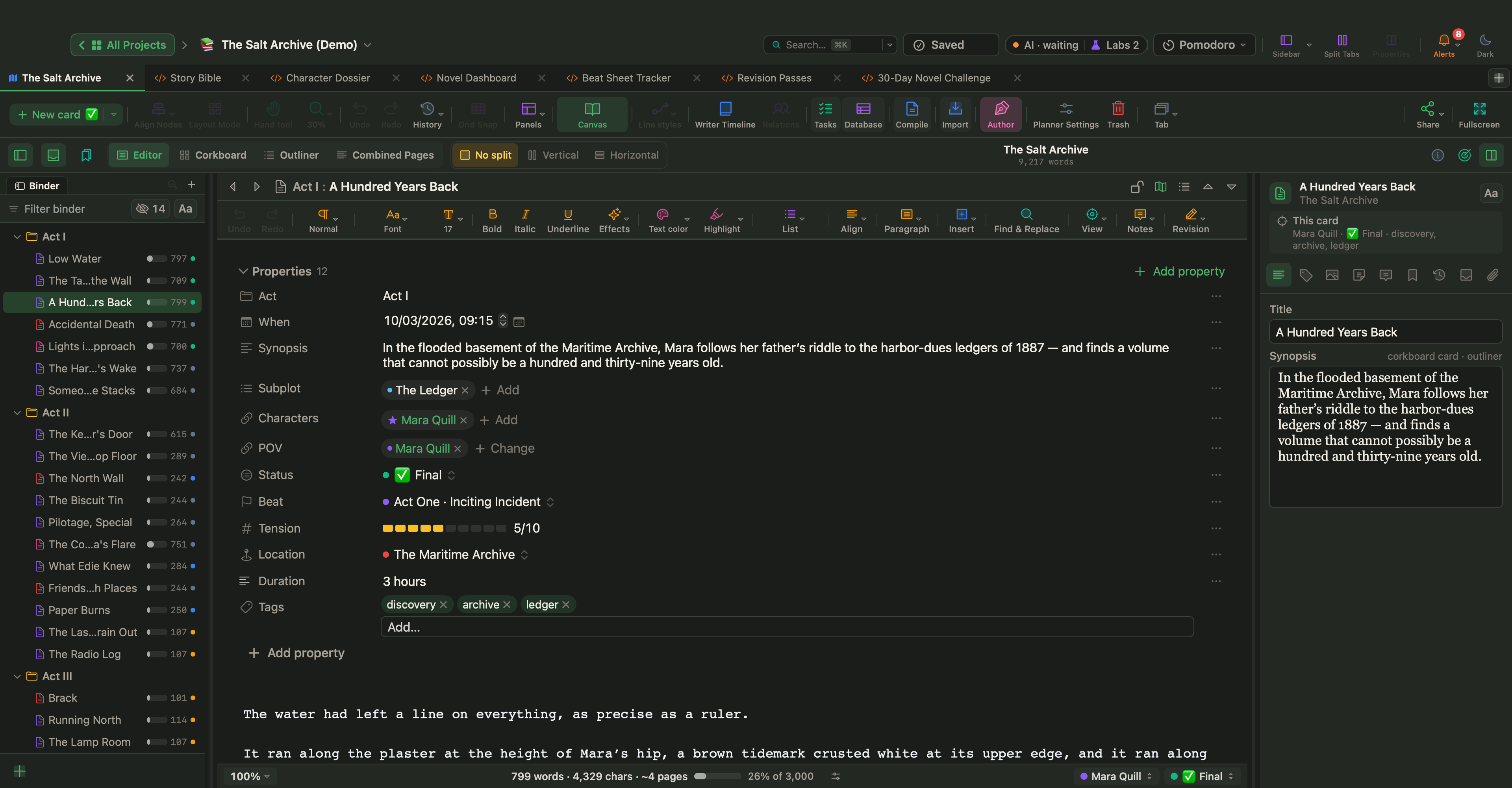
In WriterMorph each scene card carries its own tension, and the Writer Timeline draws it: View › Writer Timeline (⌥⌘T). It needs Author mode, which fiction templates turn on for you; elsewhere, turn it on in Project › Project Settings… under Canvas › Writing. Fiction templates also tag every scene with a beat and a target tension, so the curve has a shape before you write a word.
Select a scene and open View › Properties Panel (⌥⌘P): its Writer Timeline section holds Tension Level (1–10). The same value appears as Tension in the property block above the text. You can also right-click a scene in the Writer Timeline to set its tension, or select several cards and use Bulk edit.
Click Tension in the Writer Timeline toolbar for the curve, and drag a point to rescore a scene. Plot by scene order, chapter or word position; word position places each scene where it falls in the manuscript, so a long quiet stretch takes the room it takes in the book. Show adds beat markers, an average line and act bands, and Ideal Shape lays a classic three-act shape over your curve. The header gives the number rated, the average, the peak, the low point and the overall shape: rising, falling, arch, sagging middle or even.
Colour in the story views colors scenes by tension level or by scene type (Action, Dialogue, Revelation and more), so a run of quiet scenes, or of one kind of scene, stands out. Book Stats gives the average tension and lists unrated scenes under Needs attention. For pace at the sentence level, Project › Text Statistics & Word Frequency… shows the average sentence length of a document, a selection or the whole manuscript: compare your climax with a quiet scene.
The tension curve of The Salt Archive
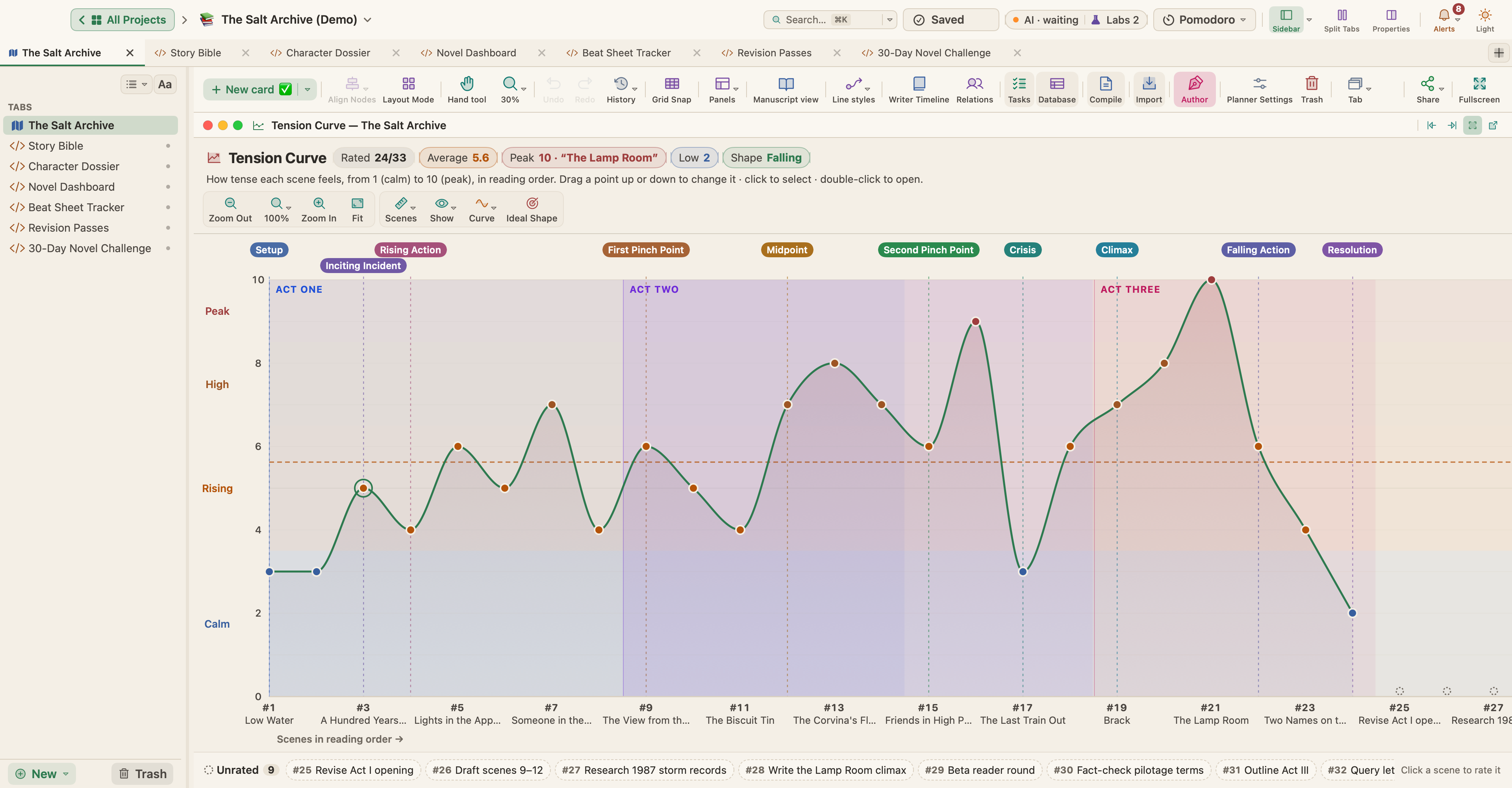
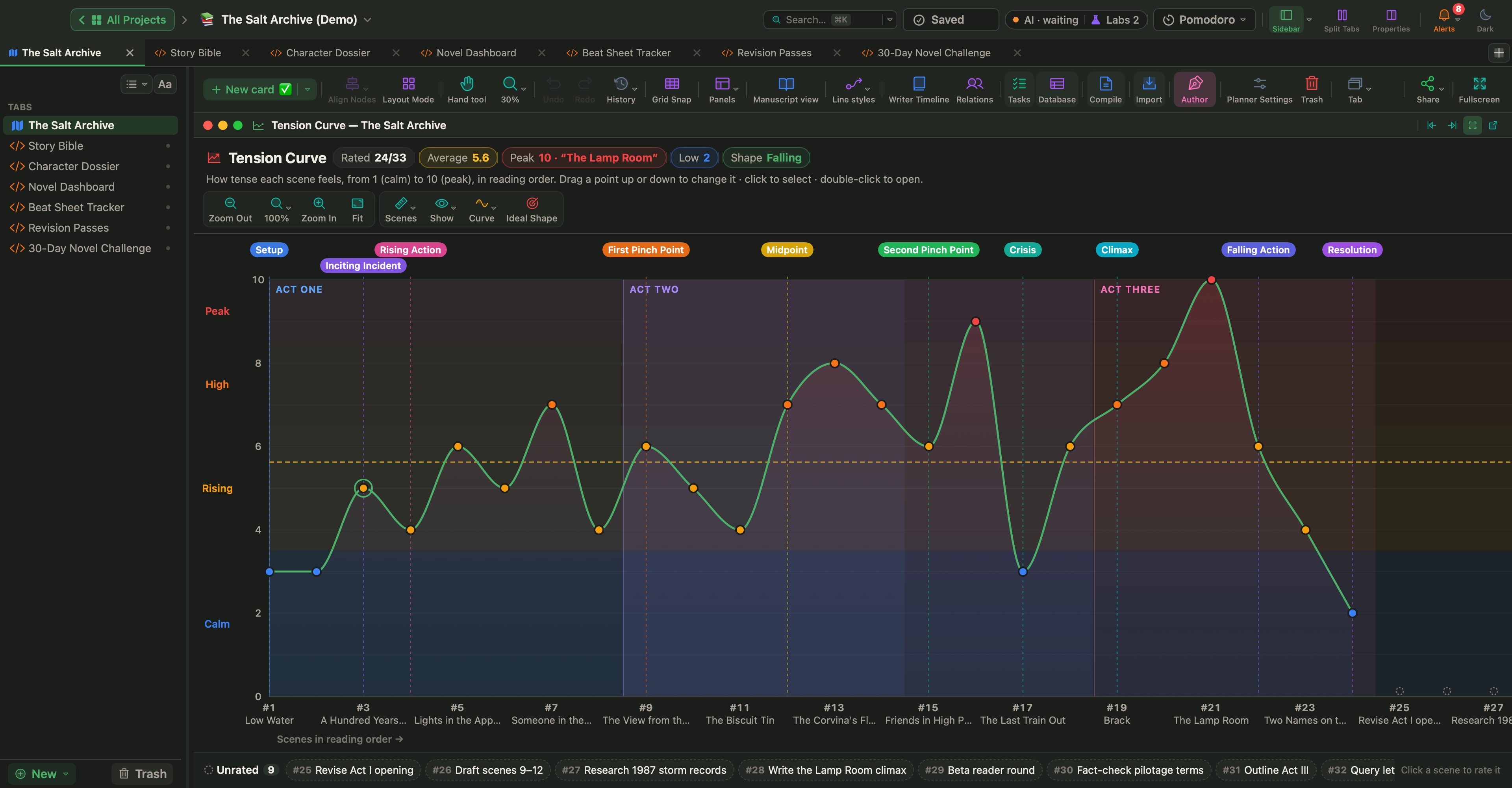
The Salt Archive, a sample mystery you can open from Help › Demo Projects or download, has tension ratings on its 24 scenes. The curve at the top of this article reads:
- Act One starts calm, at 3 for Low Water and The Tab on the Wall, and climbs in a sawtooth to 7 at Someone in the Stacks.
- Act Two dips to 4 at The Biscuit Tin and rises to 8 at The Corvina's Flare and 9 at scene 16. Then The Last Train Out, under the Crisis marker, drops to 3, the deepest dip since the opening.
- Act Three opens at 7 with Brack, climbs to the peak, 10, at The Lamp Room, and falls to 2 at scene 24, the last.
The header reads Rated 24/33 (the nine unrated cards are the project's tasks), Average 5.6, Peak 10 and Low 2, with the shape Falling. Book Stats breaks it down by act: Act One runs from 3 to 7 (average 4.8), Act Two from 3 to 9 (6.4), Act Three from 2 to 10 (6.2). Act Three holds the peak yet has the lower average, because its falling action counts too. Averages hide shape; read the curve.
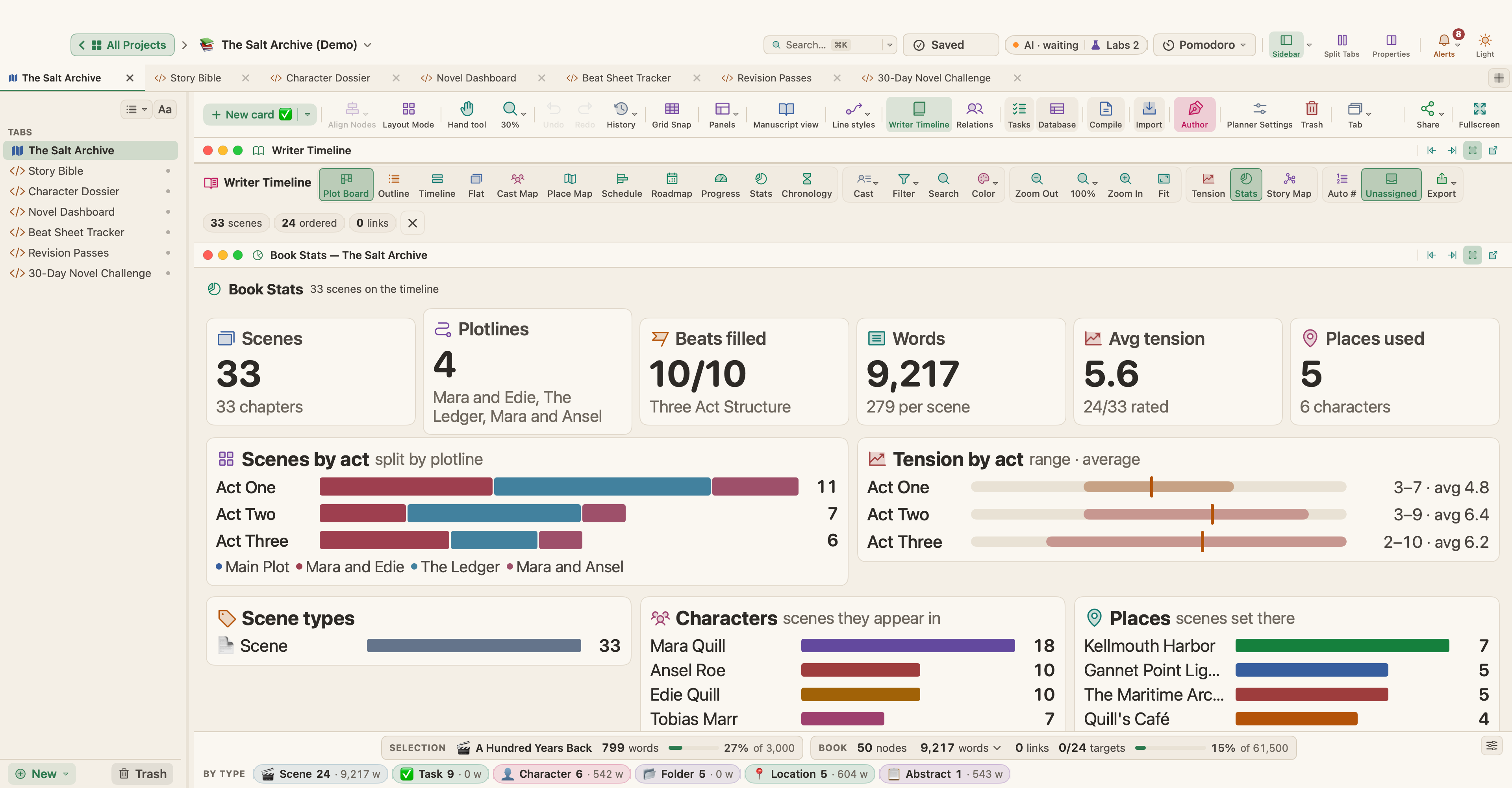
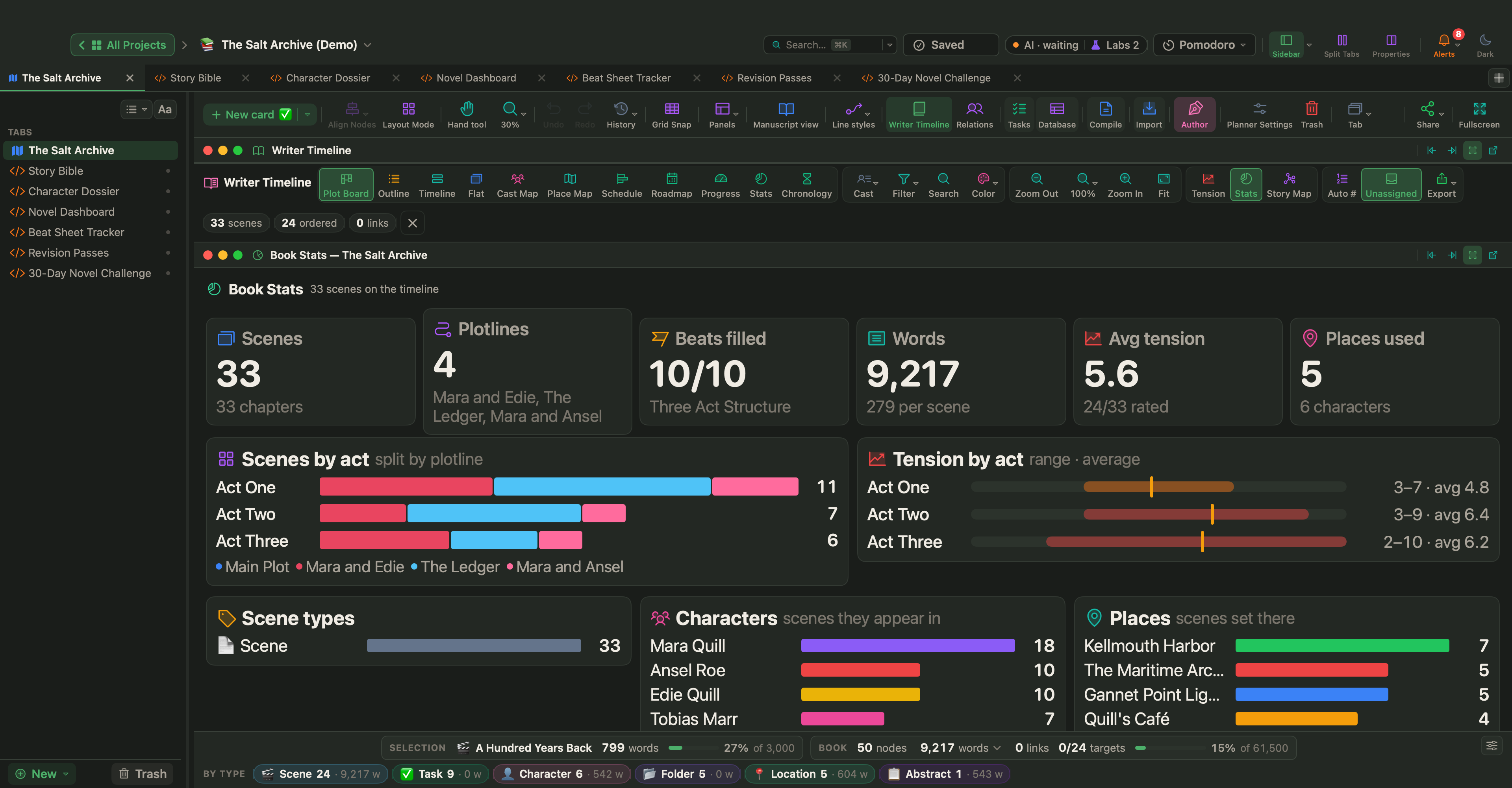
Read as an editor, the 3 at The Last Train Out deserves a second look. If the scene is a breath before the final climb, it is right. If it is meant as the crisis, ask why the reader should worry less there than anywhere since the opening. Treat the one-word shape the same way: a prompt to look, not a verdict.
The Novel Dashboard (Labs)
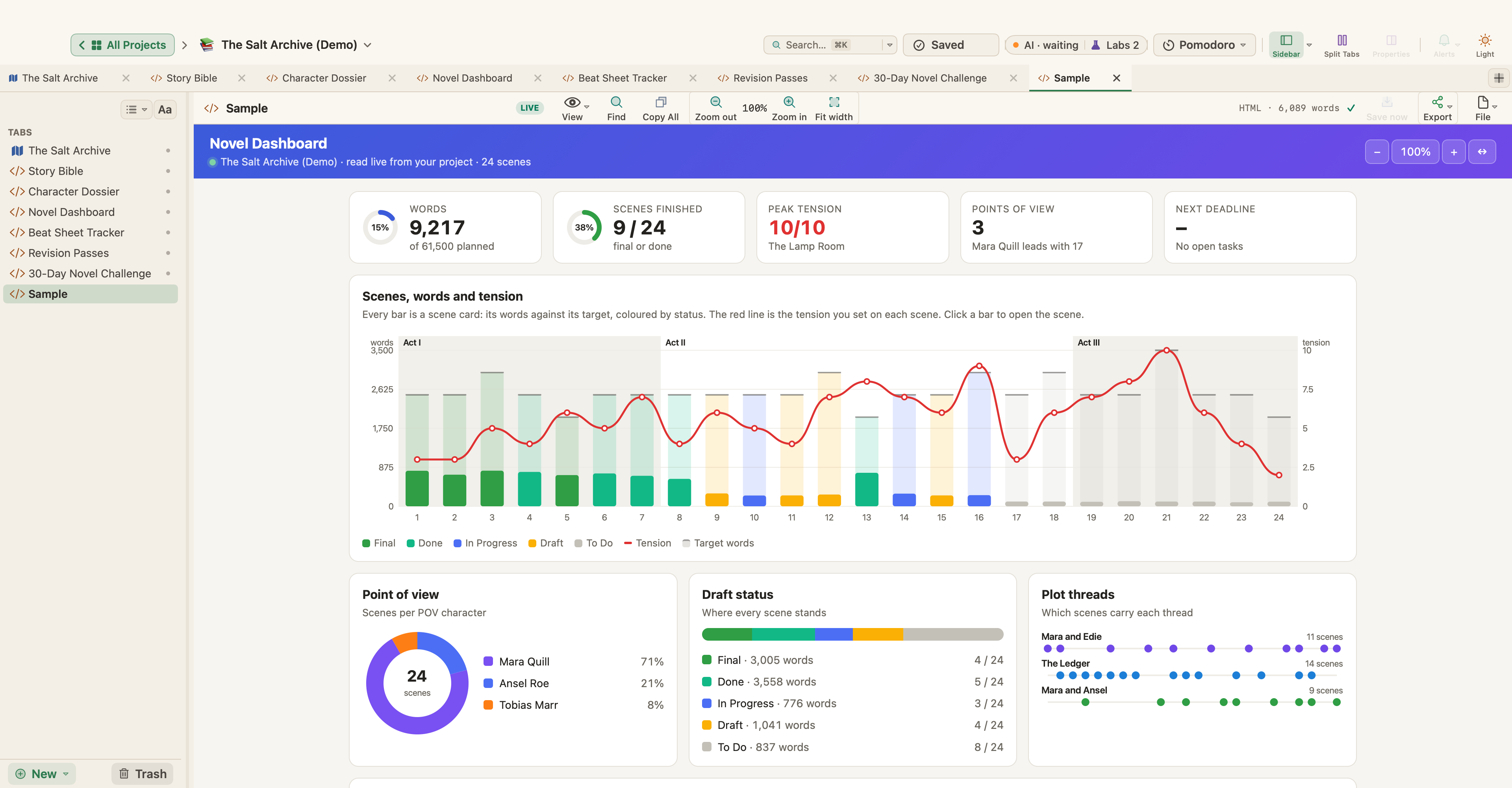
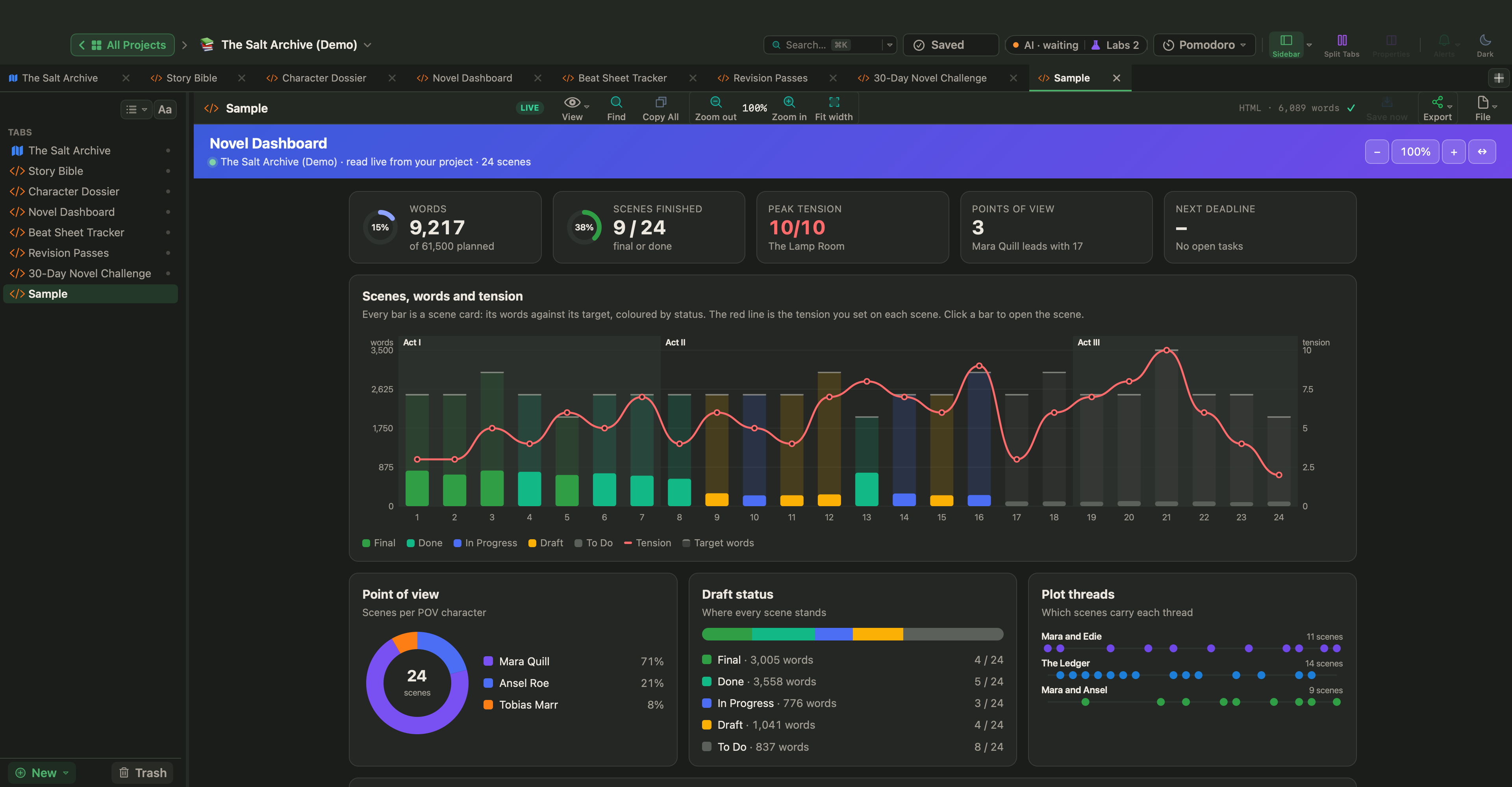
Live Pages are a Labs feature. Turn them on in Settings › Labs with Turn HTML pages into small apps (Live Pages), then choose New ▾ › Live Page ▸ › Examples ▸ in the sidebar; the Fiction submenu has Novel Dashboard, which reads your scene cards as you write. Its Scenes, words and tension chart draws each scene as a bar of its words against its target, colored by status, with tension as a red line on top: you can see whether your longest scenes are the tense ones or the slack ones. See Live Pages.
Rate every scene in one sitting so the numbers agree with each other, then look for the flat stretches and the highest point. Fix the biggest problem first, usually the middle, and rate again after each revision pass. To see where the turning points fall, read story structure and turning points.