 WriterMorph

How to format a screenplay: scene headings, action, dialogue and transitions
What each part of a screenplay page does, from the scene heading to the transition, the conventions readers expect and a short example scene. Then write, plan and compile a script in WriterMorph.
A screenplay is read long before it is filmed: by producers, actors, a director, and whoever turns it into a shooting schedule. Its format is plain on purpose. Every reader finds the same information in the same place, and a page means roughly the same screen time in any script.
Below are the elements, the conventions and a short example, then the same format in WriterMorph.
The elements of a screenplay page
| Element | What it does | How it looks |
|---|---|---|
| Scene heading (slugline) | Says where and when the scene takes place | Capitals at the left margin: INT. or EXT., the place, the time of day |
| Action | Describes what we see and hear, in the present tense | Plain paragraphs across the full width |
| Character (cue) | Names who speaks next | The name in capitals, well in from the left |
| Parenthetical | A few words on how, or to whom, a line is said | In parentheses, on its own line under the name |
| Dialogue | The words spoken | A narrower column under the name |
| Transition | Marks how one scene passes to the next | Capitals at the right margin: CUT TO:, DISSOLVE TO: |
Scene headings
Start a new heading whenever the place or the time changes. INT. means interior, EXT. exterior, and INT./EXT. a scene that moves between the two, such as a moving car. Then comes the place, then the time of day: usually DAY or NIGHT, or CONTINUOUS when the action runs straight on.
Name each place the same way every time. A production groups scenes by location, so THE KITCHEN in one heading and KITCHEN in the next look like two sets. Add a room after a dash: INT. FARMHOUSE - KITCHEN - NIGHT.
Action
Action lines say what the audience will see and hear, in the present tense. Keep paragraphs short, often three or four lines at most. Leave out what a camera cannot show, such as a memory or a private feeling, unless it comes out in what a character does.
The first time a character appears, write the name in capitals, often with an age. Night Shift, the sample short film that comes with WriterMorph, introduces ROSA LIND (64) on its first page; after that, she is Rosa.
Character, parenthetical and dialogue
Each speech starts with a character cue: the speaker's name in capitals. Extensions after it add information: (V.O.) for a voice-over, (O.S.) for a voice from off screen, (CONT'D) when the same character speaks again after a line of action. The dialogue sits in a narrower column under the cue. Keep speeches short.
Use parentheticals sparingly: for who a line is addressed to or a small action mid-speech, not to tell the actor how to feel. On Night Shift's first page, the only one reads (to the room).
Transitions
CUT TO:, DISSOLVE TO: and the like sit at the right margin. Many writers use few or none: a new scene heading already tells the reader the scene has changed, so a transition is kept for a cut that means something. FADE IN: at the start and FADE OUT. at the end are traditional.
Conventions every reader expects
- Courier, 12 point. In a monospaced font every character has the same width, so pages compare from script to script.
- Margins. On US Letter paper, about 1.5 inches on the left for binding and about an inch elsewhere.
- Page numbers at the top right; the title page carries the title, the writer's name and contact details.
- Roughly a page a minute. A rule of thumb: quick dialogue plays faster than dense action. Many feature scripts run 90 to 120 pages.
- No scene numbers and few camera directions in a spec script, the version you send out.
An example scene
This invented scene uses most of the elements:
INT. EMPTY HOUSE - FRONT ROOM - DAY

Bare floorboards. Pale squares on the wallpaper where
pictures used to hang. In the middle of the room, a
piano under a dust sheet.

HAL BREWER (60s), a piano tuner, sets down his tool case
and pulls the sheet away.

NELL (30s) watches from the doorway, car keys in hand.

                      HAL
          Everything else went to the sale?

                      NELL
          Everything else fitted through the
          door.

Hal presses one key. The note is badly flat.

                      HAL
                (to the piano)
          Hello, you.

Nell puts the car keys down on the windowsill.

                                                     CUT TO:

EXT. EMPTY HOUSE - DAY

Hal's van, alone in the drive. From inside, the same note,
again and again, a little truer each time.
The one parenthetical says who the line is for. The CUT TO: is there to show the format; most writers would drop it, because the next heading does its job.
If you are adapting a novel
Prose can go inside a character's head; a screenplay can only show and let us hear.
- Turn thought into behavior. A feeling becomes a look, an action or a line, or it goes.
- Think in scenes, not chapters. Every change of place or time needs a new heading.
- Count the pages. At about a page a minute, a feature holds a fraction of a novel's events. Find the turning points first.
Writing a screenplay in WriterMorph
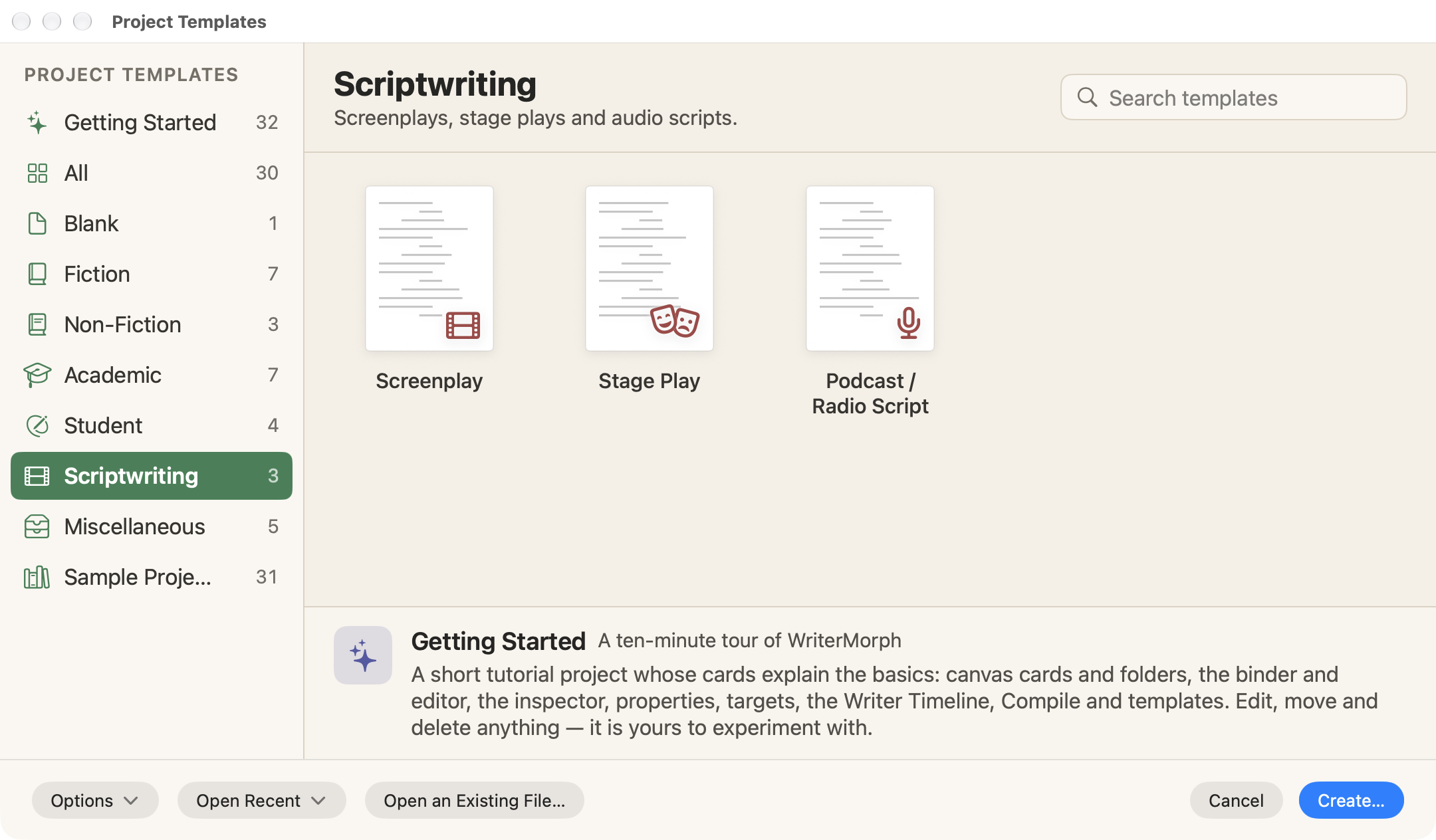
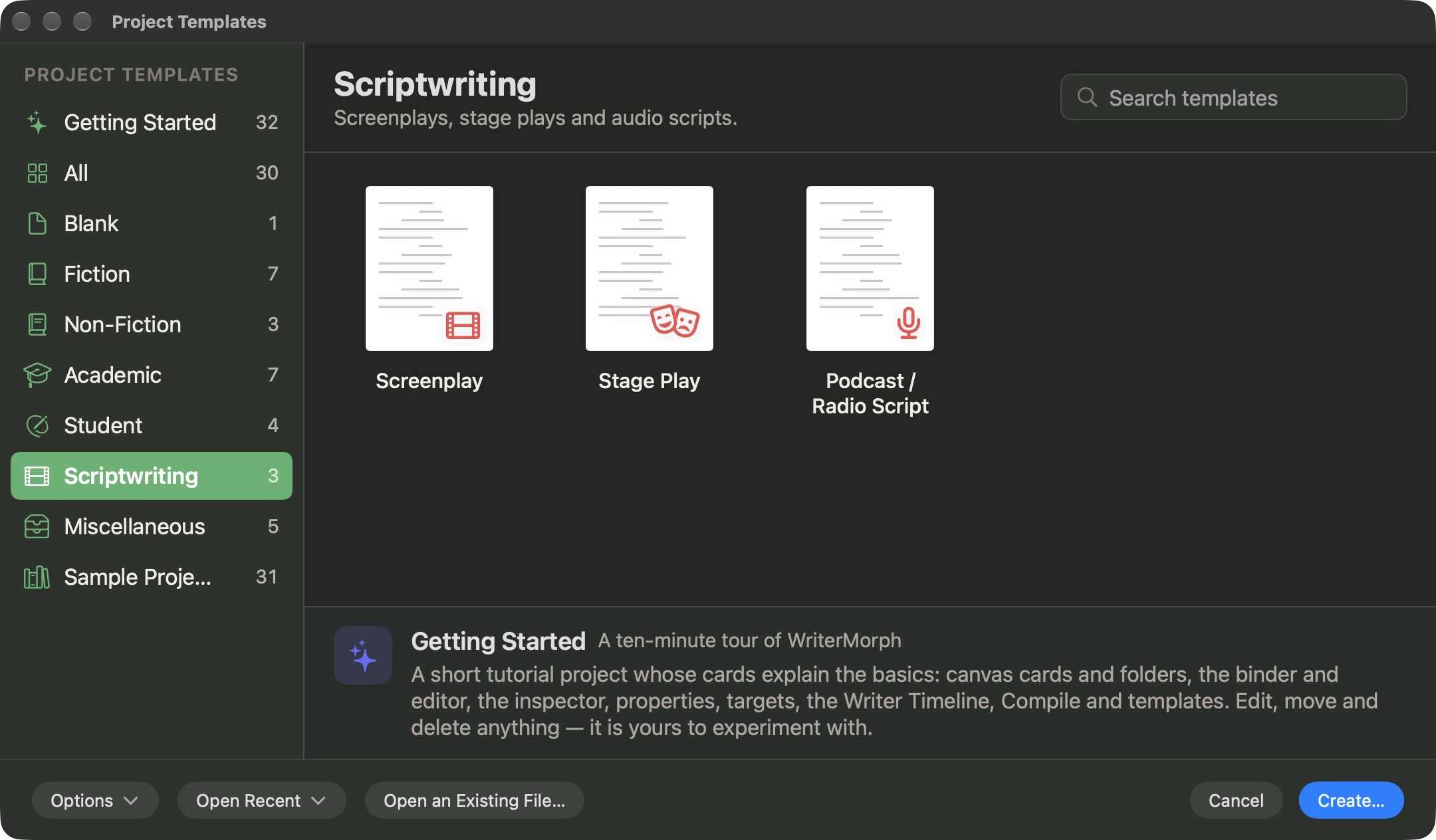
Start from the Screenplay template
Choose File › New Project… (⇧⌘N), pick the Scriptwriting category, select Screenplay and click Create…. The template lays out a feature in three acts, eight sequences and sixteen scenes. Each scene card starts with a placeholder scene heading, such as INT. LOCATION — DAY, and questions to answer, and a Formatting Notes page keeps the conventions above as a checklist.
Write in Script Mode
Open a scene and choose Format › Scriptwriting › Script Mode (⌘8). The editor becomes a screenplay editor, in which each paragraph is a script element: Scene Heading, Action, Character, Parenthetical, Dialogue, Transition, Shot or General. Return starts the element that usually comes next, and Tab switches to a related one:
| In this element | Return | Tab |
|---|---|---|
| Scene Heading | Action | — |
| Action | Action (on an empty line: Scene Heading) | Character |
| Character | Dialogue | Transition |
| Parenthetical | Dialogue | Dialogue |
| Dialogue | Action | Parenthetical |
| Transition | Scene Heading | — |
⇧Tab goes back. To set an element yourself, choose it from Format › Scriptwriting; No Element (Plain Text) turns a paragraph back into ordinary text. In Character and Scene Heading lines, the auto-complete list offers the names and places already in the script, plus the character and place cards in your project, which helps you name each place the same way every time. More in The Editor.
Plan with scene cards
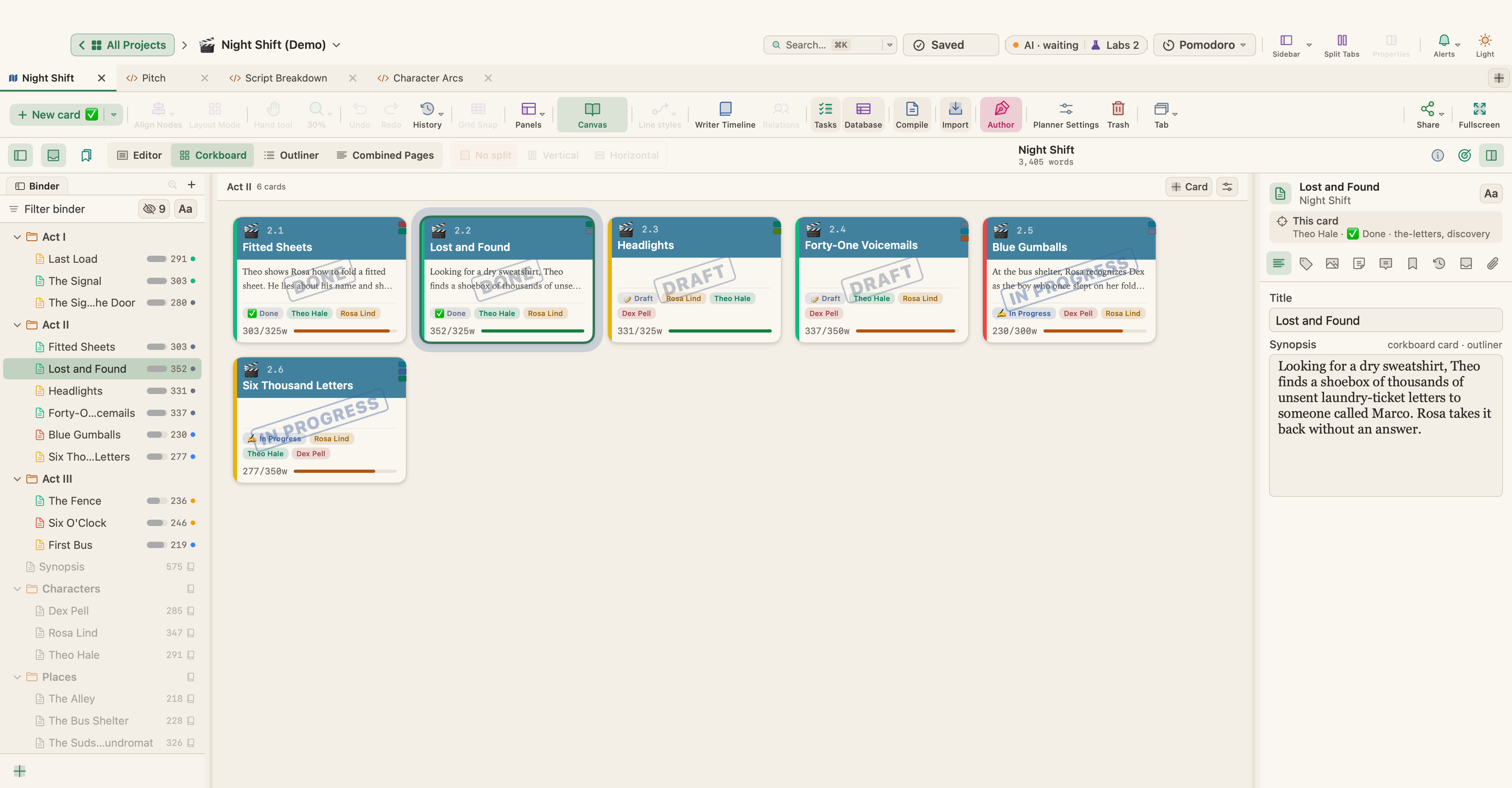
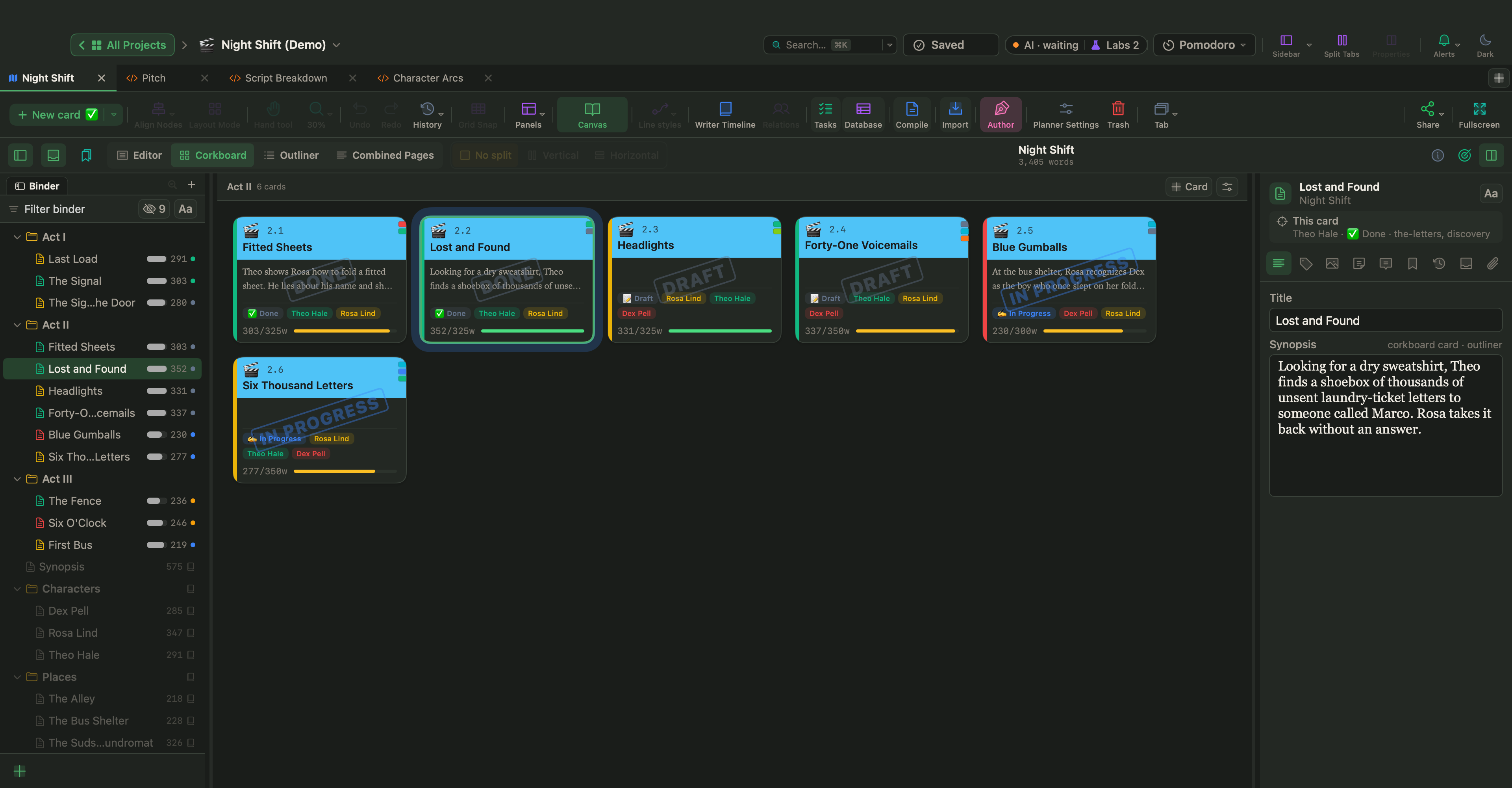
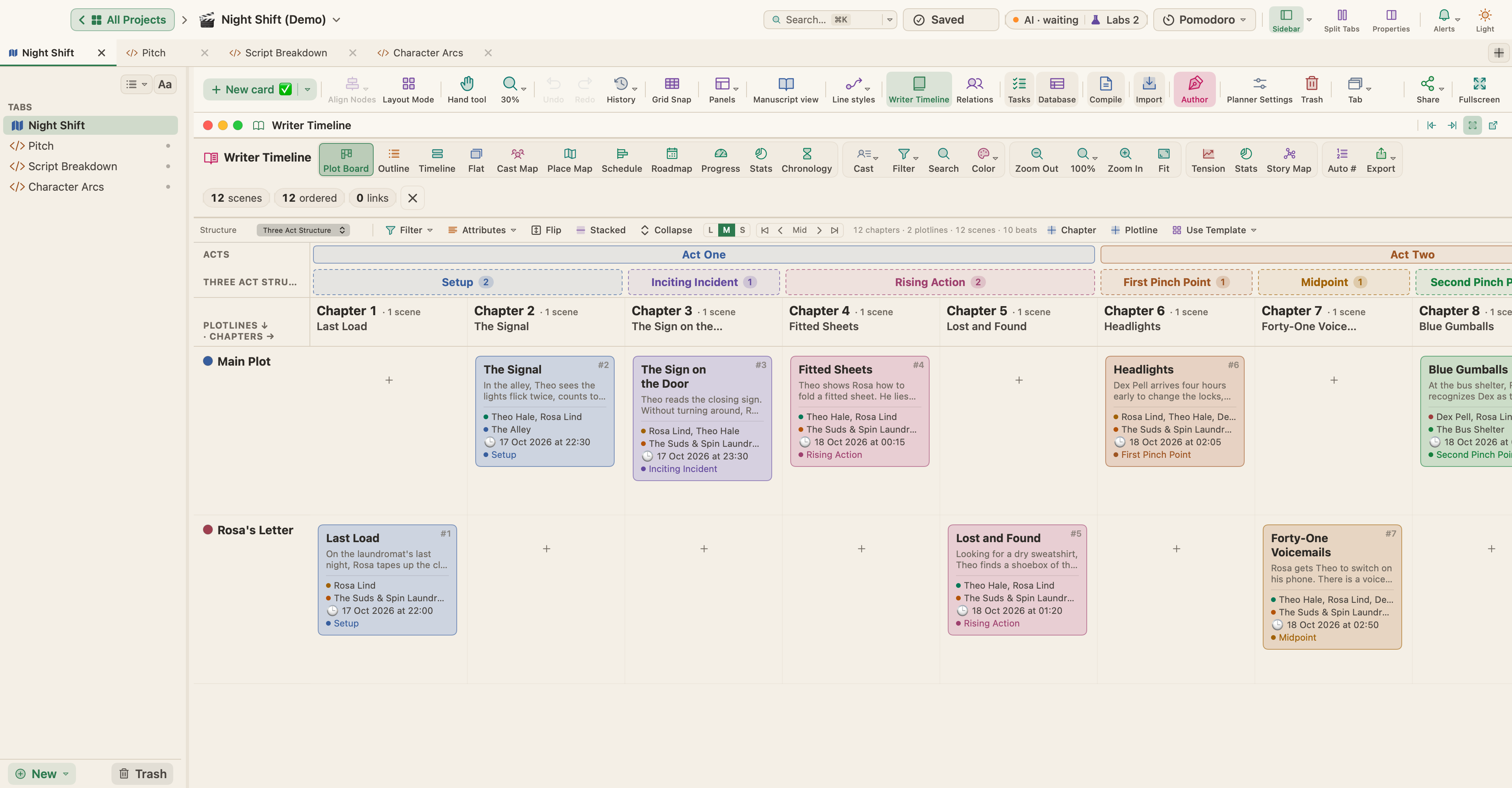
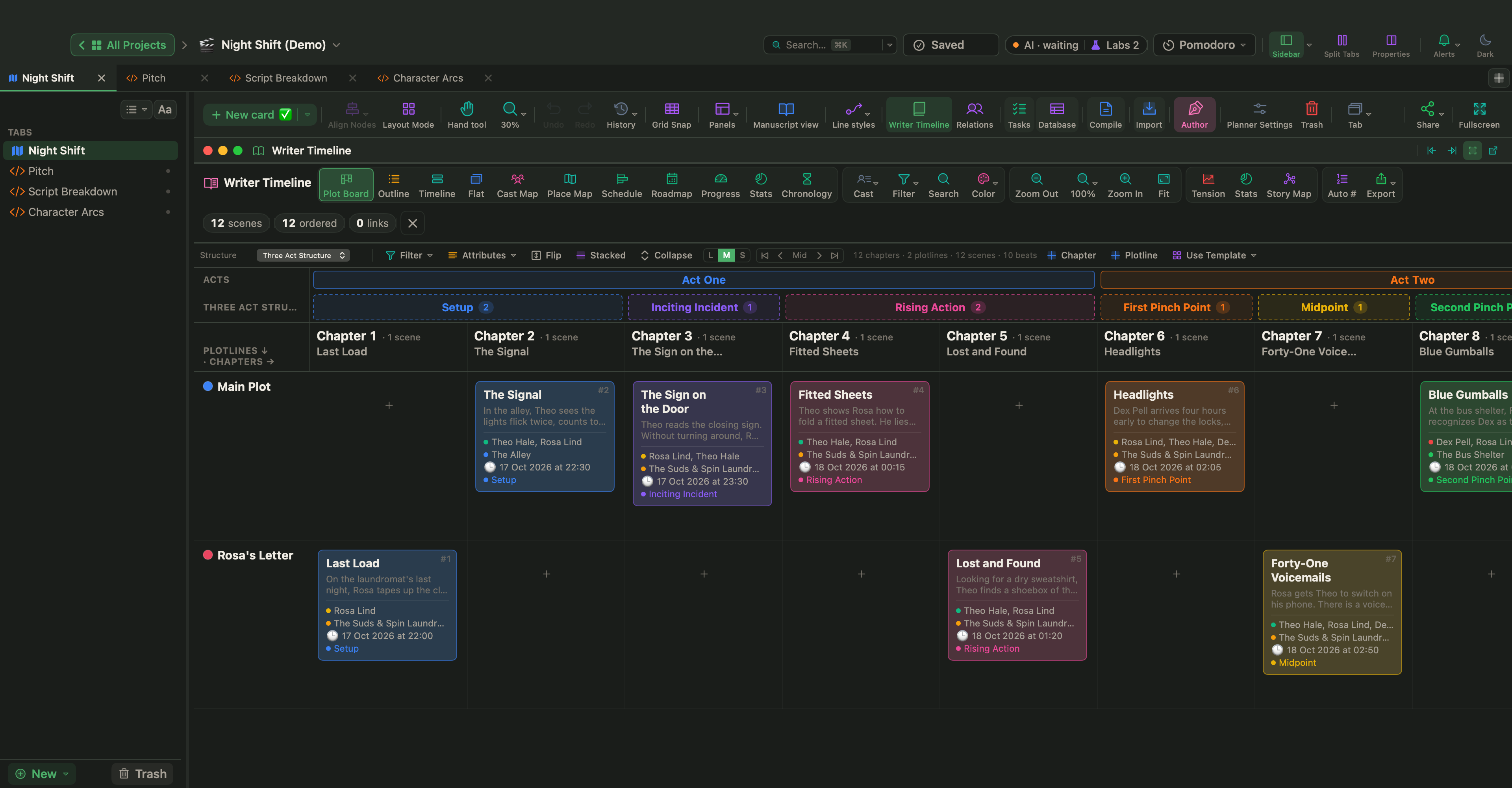
Each scene is a card. In Manuscript Mode (⌃⌘M), the Corkboard (⌘2) shows the scenes as index cards with their synopses. View › Writer Timeline (⌥⌘T) has the Plot Board: chapters across, plotlines down. Script templates turn on Author mode, which the Writer Timeline needs.
Night Shift, which you can open from Help › Demo Projects or download, tells the last night of a 24-hour laundromat in twelve scenes. Its Plot Board keeps the main story and a second plotline, Rosa's Letter, in separate lanes.
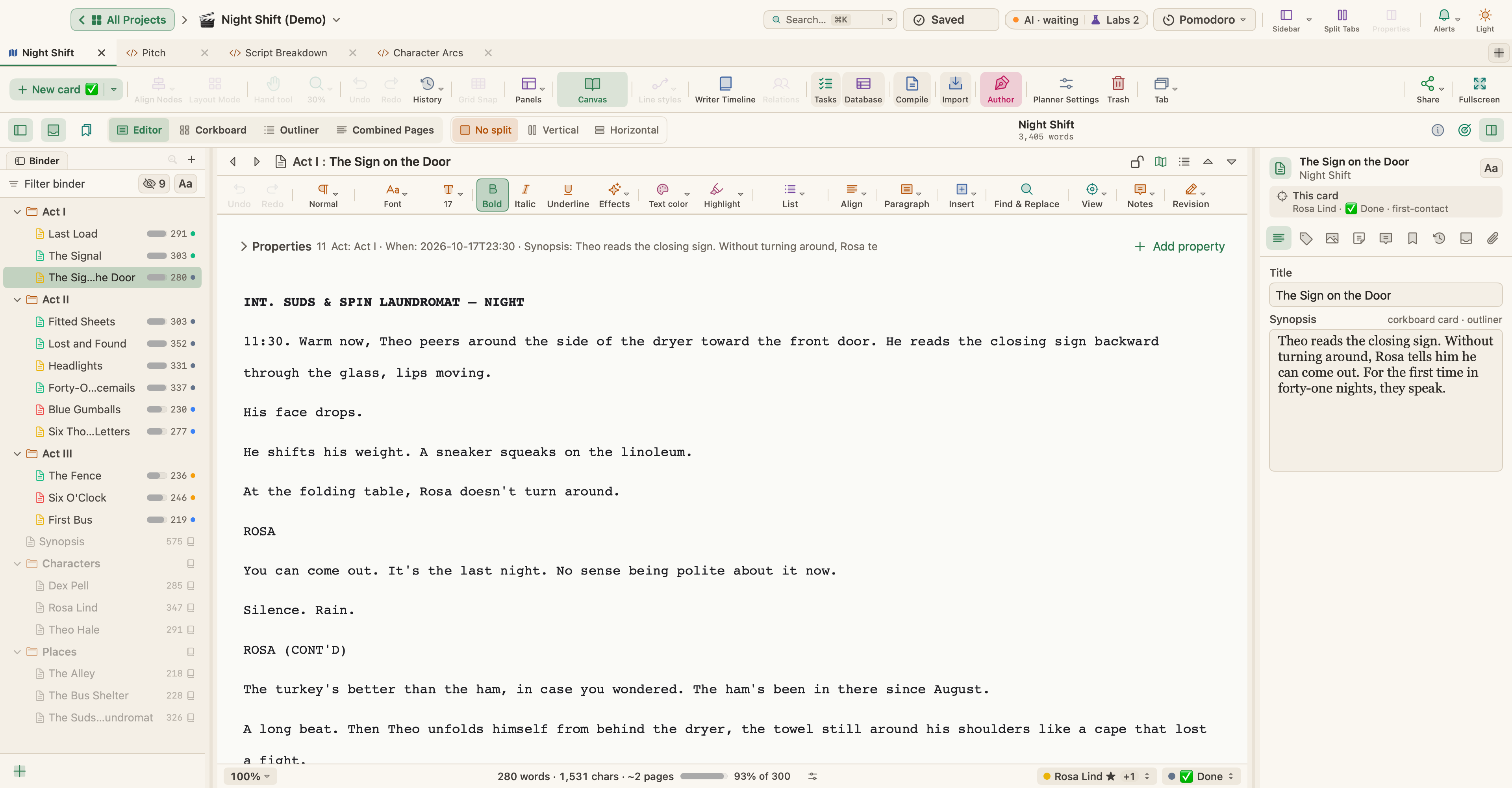
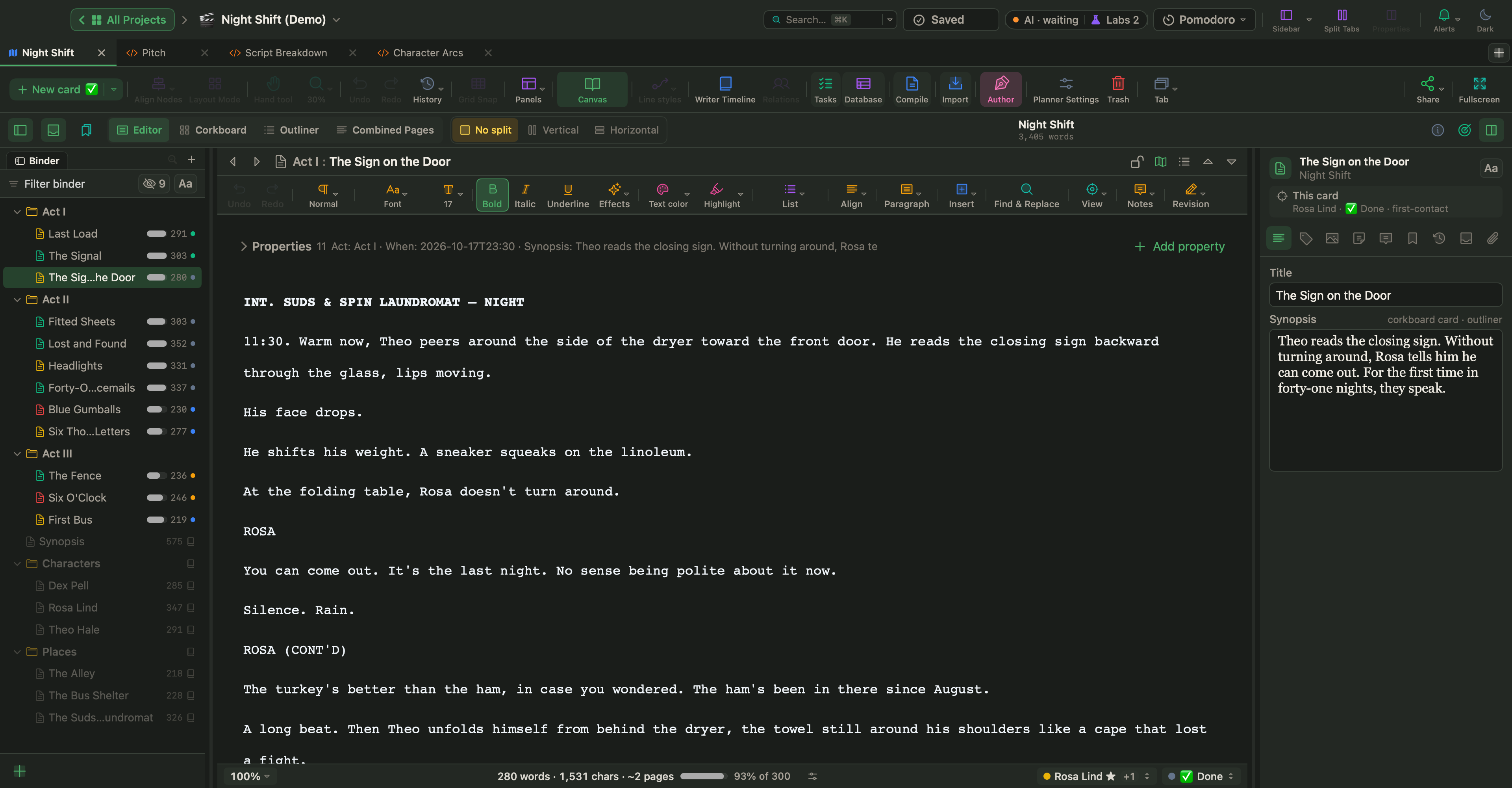
Open a scene, and its facts sit in the property block above the text.
Import a script, compile the pages
Already have a script? With Manuscript Mode open, choose File › Import Files › Fountain or Final Draft Screenplay…. It arrives in a folder named after the file, as one document per scene or a single document, with its scene headings, action, characters and dialogue kept, ready for Script Mode.
To make the pages, choose Project › Compile… (⌥⌘E) and pick the Screenplay preset: US Letter, Courier 12 pt and a 1.5-inch left margin, with scene headings in capitals and page numbers at the top right. Compile to PDF for readers, or to Fountain (.fountain) or Final Draft (.fdx) for another screenwriting app; both use the script elements from Script Mode. The preview shows the page count, handy for the page-a-minute check, and compiling never changes your text. See Compile and Export.
Start small: write one scene, compile it to PDF and read the page as a stranger would. If you can see the scene and hear it, the format is doing its job; for what goes inside it, see how to write a scene.