 WriterMorph

How to hit your daily word count: targets, sessions and a pace you can keep
Work out a daily target from your total and your deadline, write it in short timed sessions, keep an honest streak and get back on pace after a missed day without doubling up. Then the same in WriterMorph.
A novel is too big to finish in a day, but a day's share of it is not. That is the idea of a daily word count: turn one huge job into a small one you can finish before bed, then repeat it.
The November challenge of writing 50,000 words in a month works this way, at about 1,667 words a day, and so does any book with a deadline. The arithmetic is easy. The hard part is a pace you can keep.
Start from the total and the deadline
A daily target is arithmetic: words left divided by writing days left. Count only the days you will really write. If Sunday belongs to your family, leave it out now rather than fail on it later.
| Goal | Writing days | Words a day |
|---|---|---|
| 50,000 words in 30 days | 30 | about 1,667 |
| The same, with one day off a week | 26 | about 1,925 |
| An 80,000-word draft in six months, weekdays only | about 130 | about 615 |
| A 90,000-word draft in a year, weekdays only | about 260 | about 350 |
Then check the number against your speed: time a few ordinary sessions and count the new words per hour. If the target needs three hours a day and you have one, change the deadline or the total now, not in week three. A target you can hit on a bad day beats one you only hit on a good one. Plan to finish a few days early, too; the buffer absorbs a cold or a family crisis.
Write in sessions, not one long sitting
Two or three short sessions are easier than one long one. Timeboxing helps: you fix how long you will write, not how much, and the words come out of the time.
The best-known version is the Pomodoro Technique, devised by Francesco Cirillo and named after a tomato-shaped kitchen timer: 25 minutes on one task, a 5-minute break, and a longer break after four rounds. During the 25 minutes you only write. The email, the research question and the name you can't remember wait for the break.
Before each session, note what it is for, such as "the argument in the kitchen". End each one knowing what comes next, so the next one starts with typing rather than thinking; an outline makes this easier.
Draft now, edit later
Drafting and editing are different jobs, and switching between them slows a draft down. Don't reread yesterday's chapter to polish it. When you need a fact, a name or a better word, leave a marker such as [CHECK tide times] and keep going. The fixes wait for the revision, which has its own method: how to edit a novel.
Track the streak honestly
A streak records a habit, and it is only useful if it measures the same thing every day:
- Count new draft words, not notes, outlines or pasted research.
- Set a floor in advance for bad days, such as 300 words or one session. Decide it once, not at midnight.
- Watch the average, not the best day. One 4,000-word Saturday says less about your pace than a month of ordinary days.
- Record the gaps. A missed day you write down teaches you something; one you hide teaches you nothing.
After a missed day, recalculate
Missing a day is normal. The mistake is trying to write two days' words the next day; a double target is how one missed day becomes three.
Recalculate instead. Say you are on pace after ten days of a 30-day challenge, with 16,670 words, and lose day 11. From day 12 you have 33,330 words left and 19 days: about 1,755 a day. That is 88 extra words a day, not 3,334 tomorrow. If the gap grows too large to spread, move the deadline or lower the total, and say so. A changed plan is better than a quietly abandoned one.
Protect a fixed time and place
A habit grows around a cue: the same time, the same chair, the same first move. A short slot you can defend every day beats a long one you only hope for. Take the friction out in advance: the document open, the note for the next scene ready, the phone in another room, and the people you live with knowing that this half hour is taken.
Daily targets in WriterMorph
Set the target and the deadline
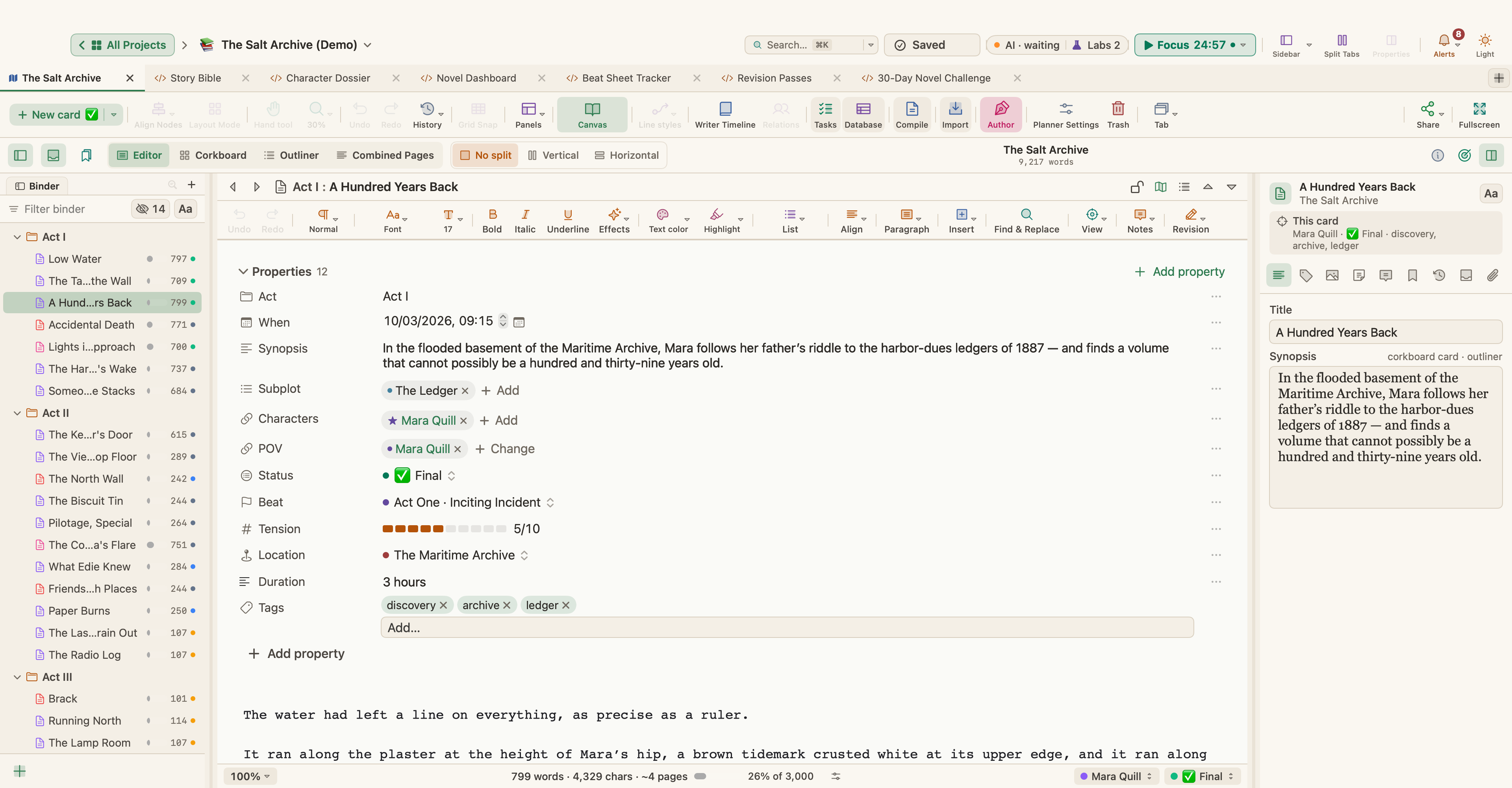
Choose Project › Show Project Targets (⇧⌘T) and enter a Manuscript target. Turn on Deadline, pick the date and click your Writing days, and WriterMorph tells you how many words a day you need. Turn on Set the session target from the deadline and the Session target becomes words left divided by writing days left, so a missed day is spread over the days that remain. Tell me when a target is reached shows a message, with an optional sound, when you reach the session or project target.
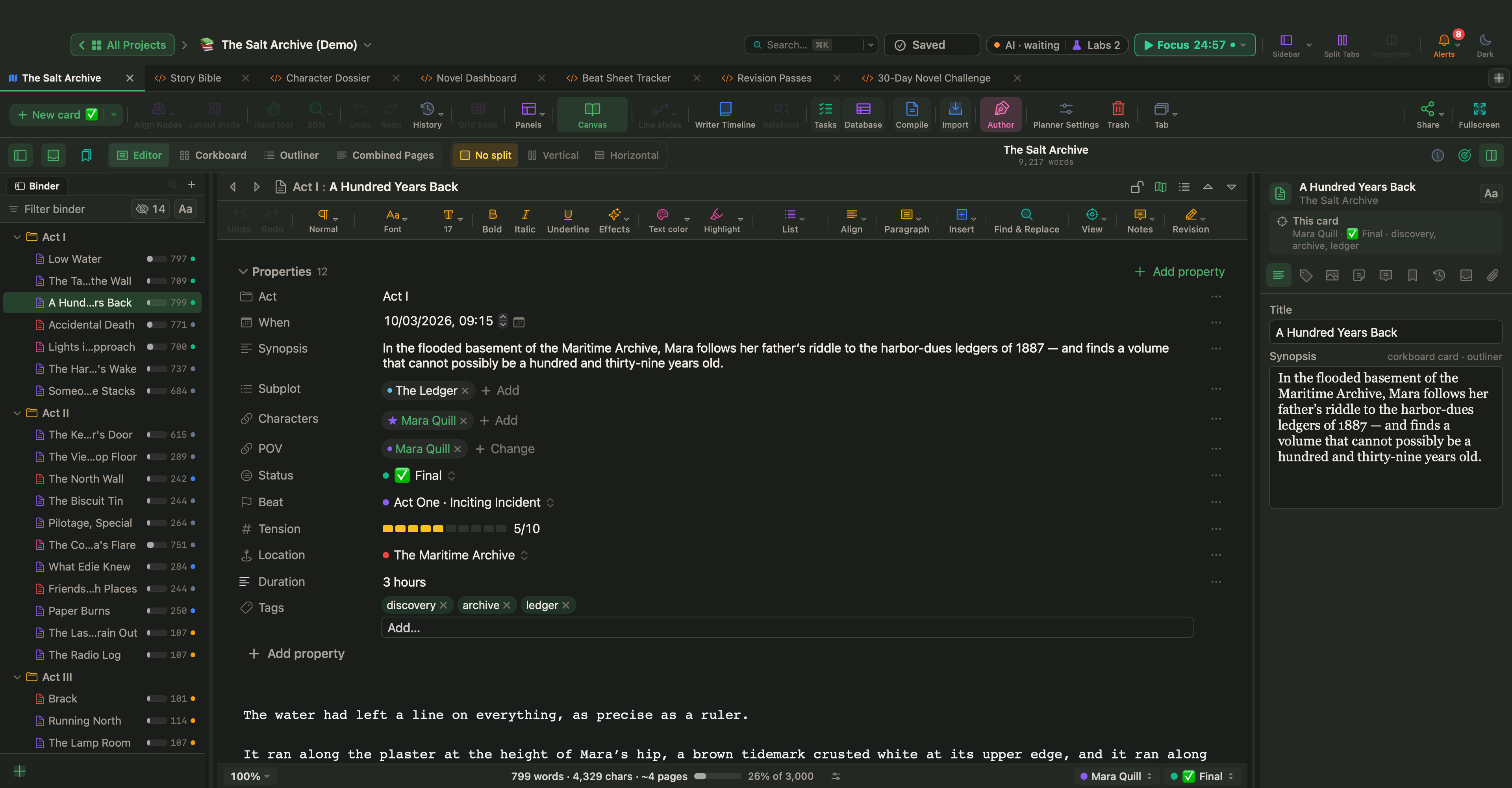
Any card or document can also have its own word target, with a progress bar on the card, in the Outliner and in the Properties panel. See Tasks, Schedule, Targets and Pomodoro.
Time your sessions
Click the Pomodoro pill in the top bar, or choose Window › Pomodoro. Type what you are working on and click Start; the pill shows the time left. When a phase ends, a small card offers Start Break or Start Focus. The defaults are 25 minutes of focus, a 5-minute short break and a 15-minute long break every 4 sessions; you can change them in the popover, which also counts today's sessions.
To give sessions a fixed slot, add them as task cards (Insert › New Task Card) and drag them onto an hour in the Task Manager's Calendar view (View › Task Manager, ⌃⌘K). A Reminder in a task's Properties sends a macOS notification while WriterMorph is running.
Write with nothing else on screen
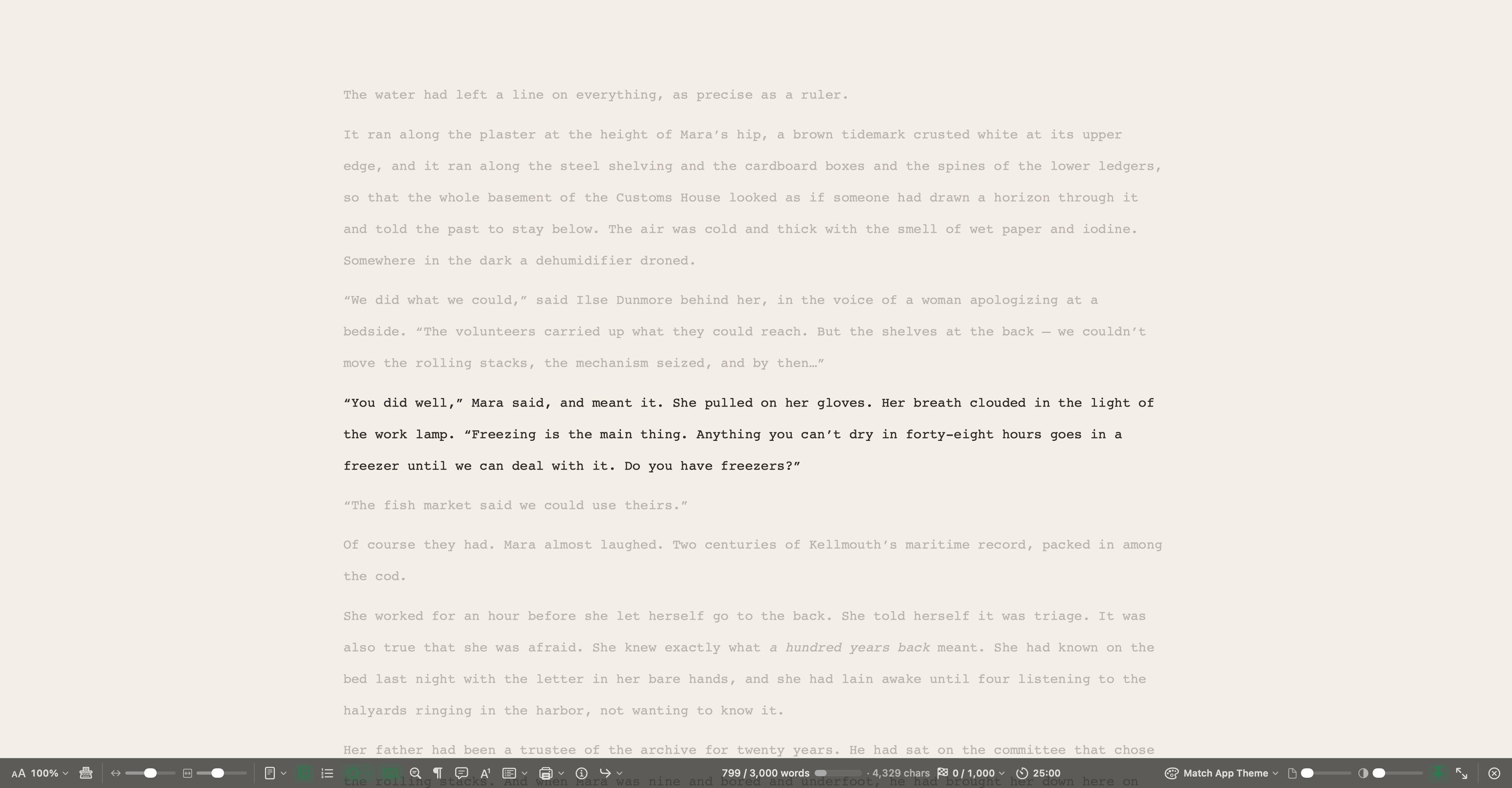
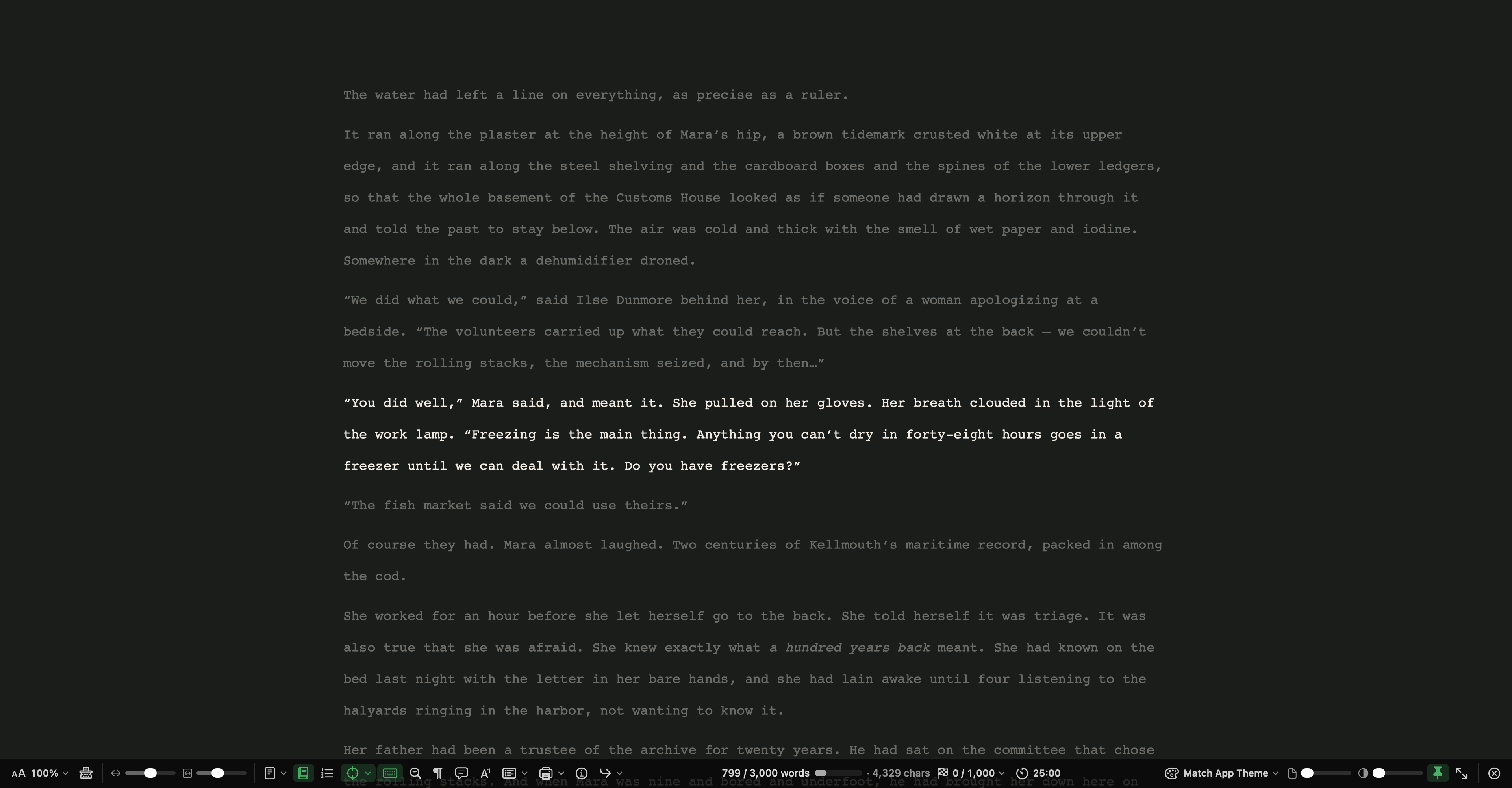
View › Composition Mode (⌃⌥⌘F) hides everything but your text. Focus dims all but the current line, sentence or paragraph, and Typewriter keeps the line you are typing in the middle of the screen. The bar at the bottom shows the document's words and its target, and its Today cell counts the words you have written in Composition Mode today; click it to Set Daily Target…. The same bar starts and pauses the Pomodoro timer, and Esc takes you back. See Composition Mode.
Keep your streak
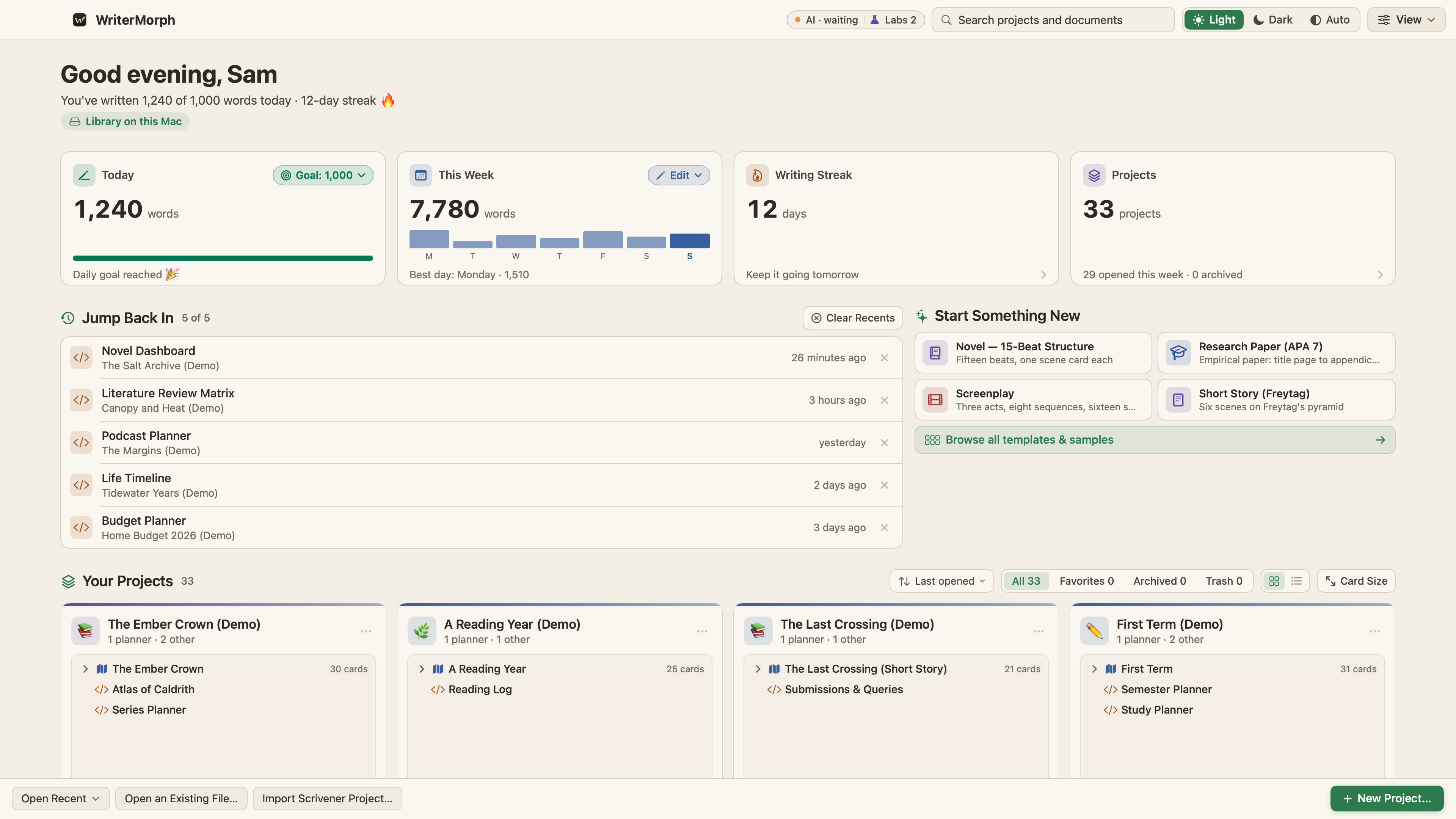
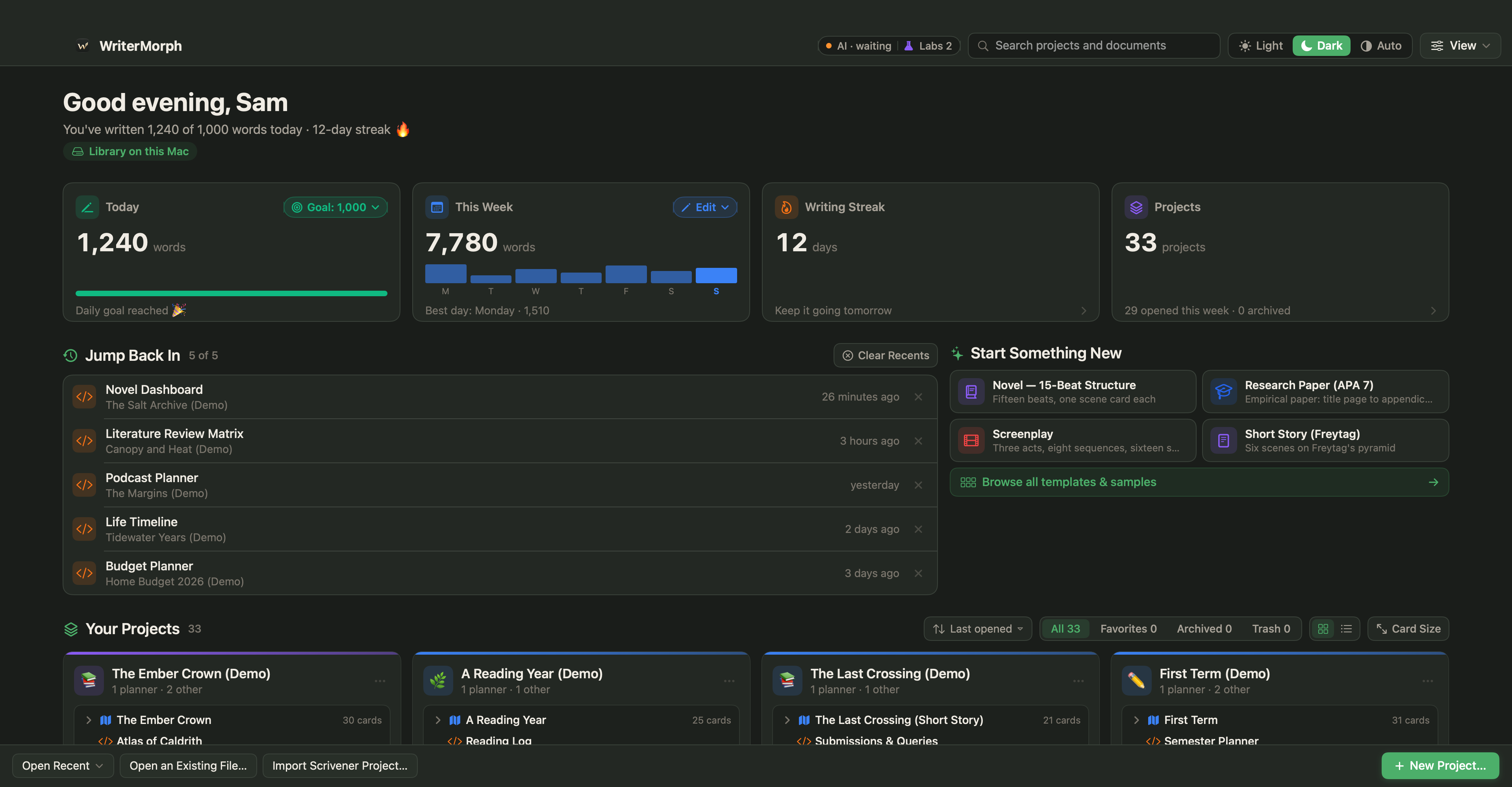
The Home screen, pictured at the top, shows Today (words today against your daily goal; click Goal to change it), This Week and Writing Streak, the days in a row you have written. Settings › General › Home Screen adds cards such as Active Time, Active Streak (days you wrote or worked for at least five minutes) and Project Goal, one book's progress towards its target. See The Home screen.
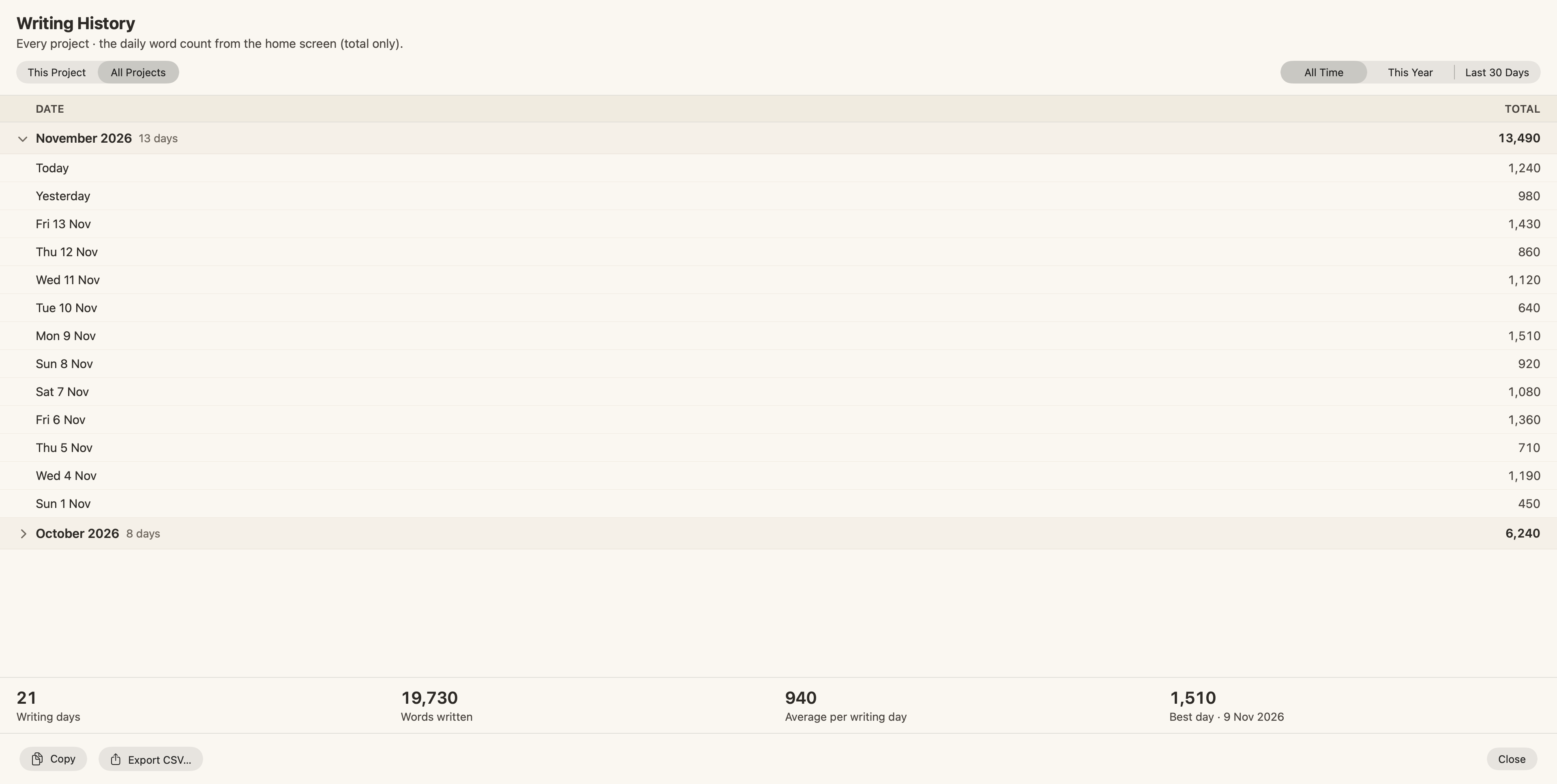
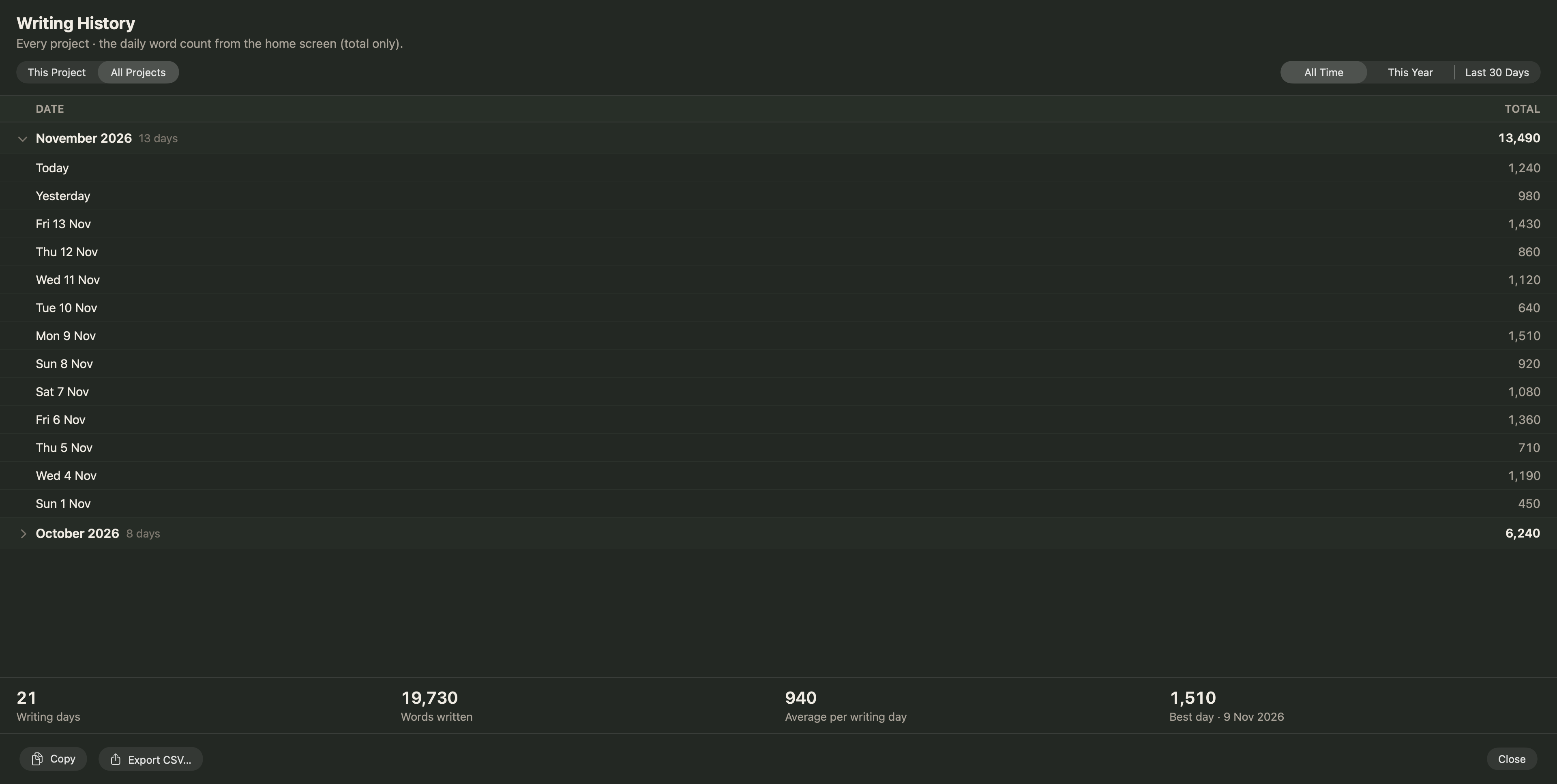
Project › Writing History… shows the words you wrote each day. Draft counts words written in the book and Other those written in the rest of the project, so the book's own count stays separate. Below the table are your writing days, the average per day and your best day.
Challenge pages (Labs)
Live Pages are a Labs feature: turn on Turn HTML pages into small apps (Live Pages) in Settings › Labs, then choose New ▾ › Live Page ▸ › Examples ▸ in the sidebar. In the Writing & Publishing submenu, the 30-Day Novel Challenge is set to 50,000 words from 1 November by default, with a calendar of daily words, your running total against the target, your streak, a projected finish and the words needed a day. In the Fiction submenu, the Writing Dashboard shows words today, your streak, the book's total against a target and an estimated finish date. See Live Pages.
Set your number tonight from the total and the deadline, and put tomorrow's first session in the calendar. Write it, record it, and if a day goes missing, recalculate and carry on.