 WriterMorph

How to plan a thesis or dissertation: chapters, sources and a timeline you can keep
Turn your research question into a chapter plan, count back from the submission date, keep every source tied to the chapter it supports, and set the whole thesis up in WriterMorph.
A thesis is usually the longest piece of writing a student has attempted, and it gets written while the research behind it is still moving. What keeps it manageable is a plan with three parts: chapters you can see whole, a timeline that ends before the deadline, and sources you can find again.
The planning comes first and works whatever you write in; the steps in WriterMorph follow.
Turn the research question into chapters
Write down your research question, or your two or three questions, before you plan anything else. Every chapter then answers a question about it. In many empirical theses the plan looks like this:
| Chapter | It answers | Typical sections |
|---|---|---|
| Introduction | What is the problem, and what exactly do you ask? | Background, problem statement, research questions, scope |
| Literature review | What is already known, and where is the gap? | Themes, theoretical framework, the gap |
| Methods | How will you answer the question? | Design, data, procedures, analysis, ethics |
| Results | What did you find? | Findings, often one section per question |
| Discussion | What does it mean, and where are its limits? | Interpretation, implications, limitations |
| Conclusion | What is the answer, and what comes next? | Summary, contribution, future research |
Fields differ. A humanities thesis is often built around an argument or a set of themes, some departments combine discussion and conclusion, and some accept a thesis made of published papers. Your department's regulations and your supervisor's advice come first.
Two habits make the plan useful. Give each section a working word budget, so the total fits the word limit. And write one sentence per section saying what it adds to the answer. A section you can't tie to the question may belong in an appendix, or nowhere.
Plan backwards from the submission date
Start with the due date and count back. Just before it come formatting, proofreading, checking references, forms and, in some places, printing and binding. Before those comes the time your supervisor needs to read the full draft, and the time you need to act on it.
Then set milestones for the work itself: ethics approval if you need it, data collected, analysis done, each chapter drafted, the full draft sent. Anything that depends on other people tends to take longer than planned, so leave buffer time between milestones rather than one hopeful gap at the end.
A Gantt chart, the bar chart of tasks against time named after Henry Gantt, suits this: it shows which tasks overlap and which must wait for another to finish.
Keep each source tied to its chapter
Make one note per source as you read: the full reference, the key point, any quotation with its page number, and where in the thesis you will use it. The last item is the easiest to skip and the one you will most want later.
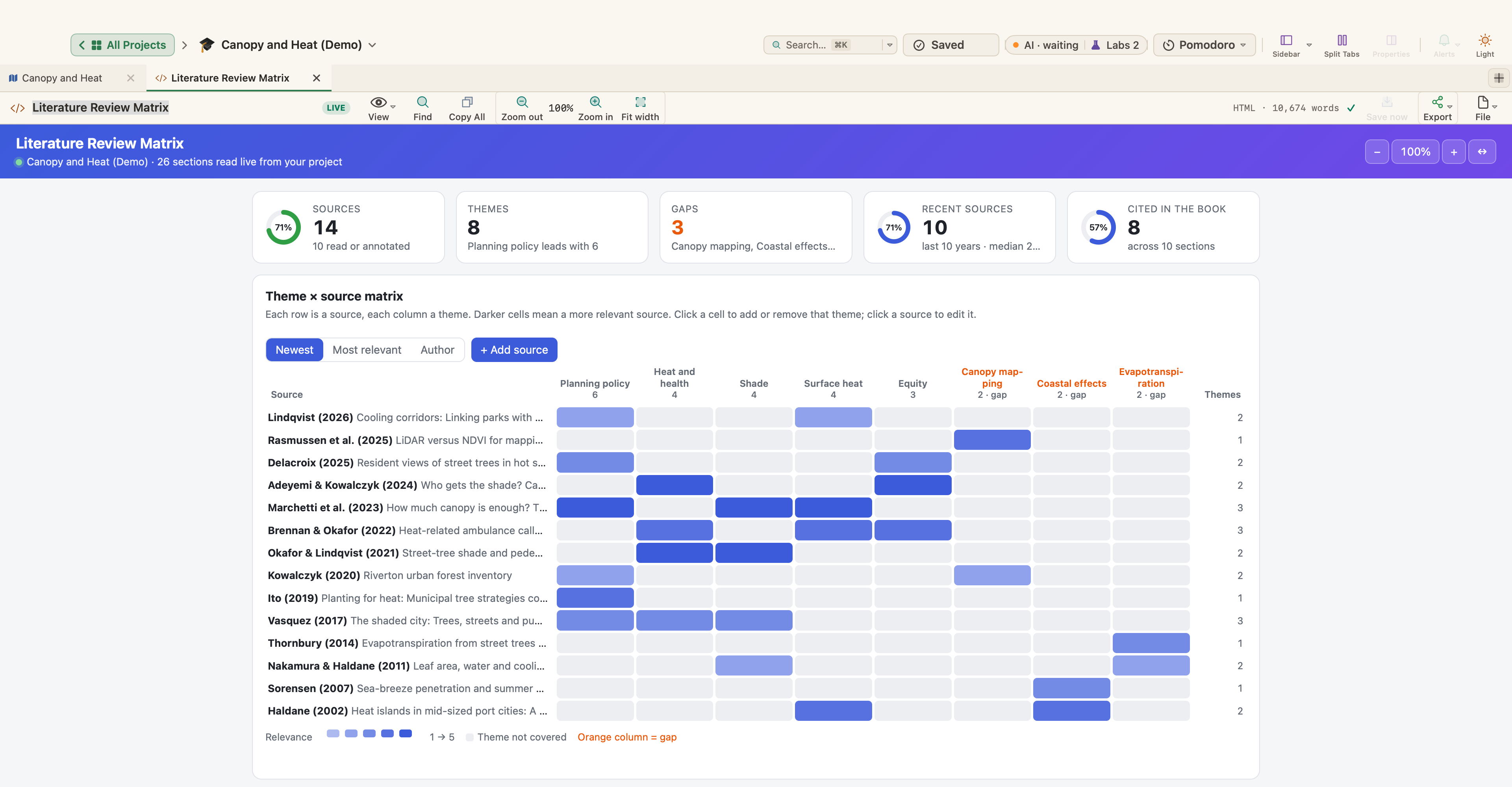
For the literature review, a matrix helps: sources down the side, themes across the top. A theme with few sources may be a gap worth naming; a source that fits no theme may not belong in the review.
Record each reference in full the first time, in the citation style your department requires. APA, MLA and Chicago are among the most common; follow your department's guide rather than your memory.
Write in a useful order
You don't have to write the chapters in reading order. A common approach:
- Methods early, while the details are fresh; writing them often exposes gaps in the design.
- Literature review early, revised late, because your reading goes on.
- Results, then discussion, as the analysis settles.
- Introduction and abstract last, when you know what the thesis argues.
Send chapters to your supervisor as they are ready, not all at the end, and say whether you want comments on structure or on detail. Log each meeting (date, discussion, agreed actions) and keep a copy of every version you send.
Setting up a thesis in WriterMorph
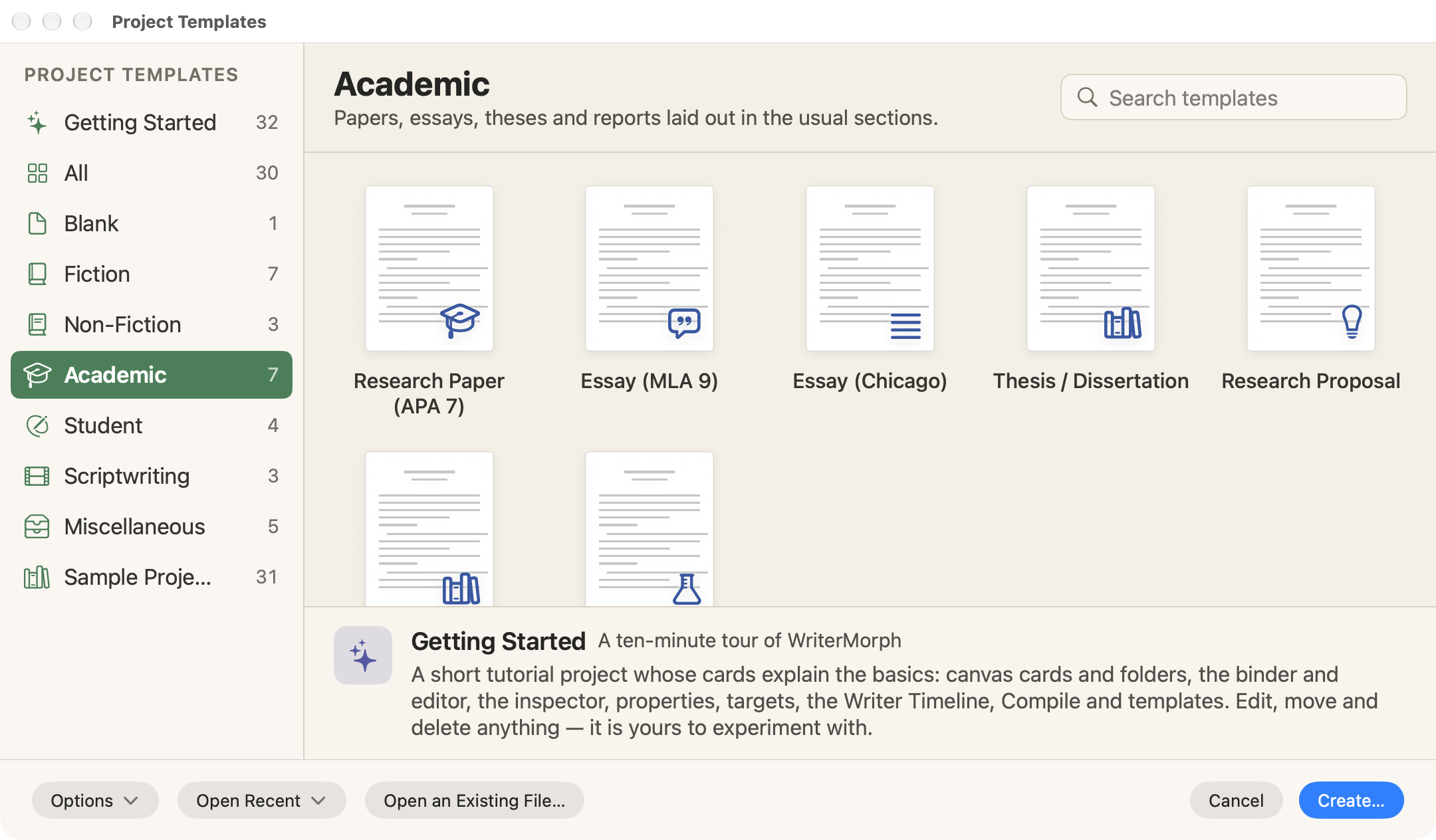
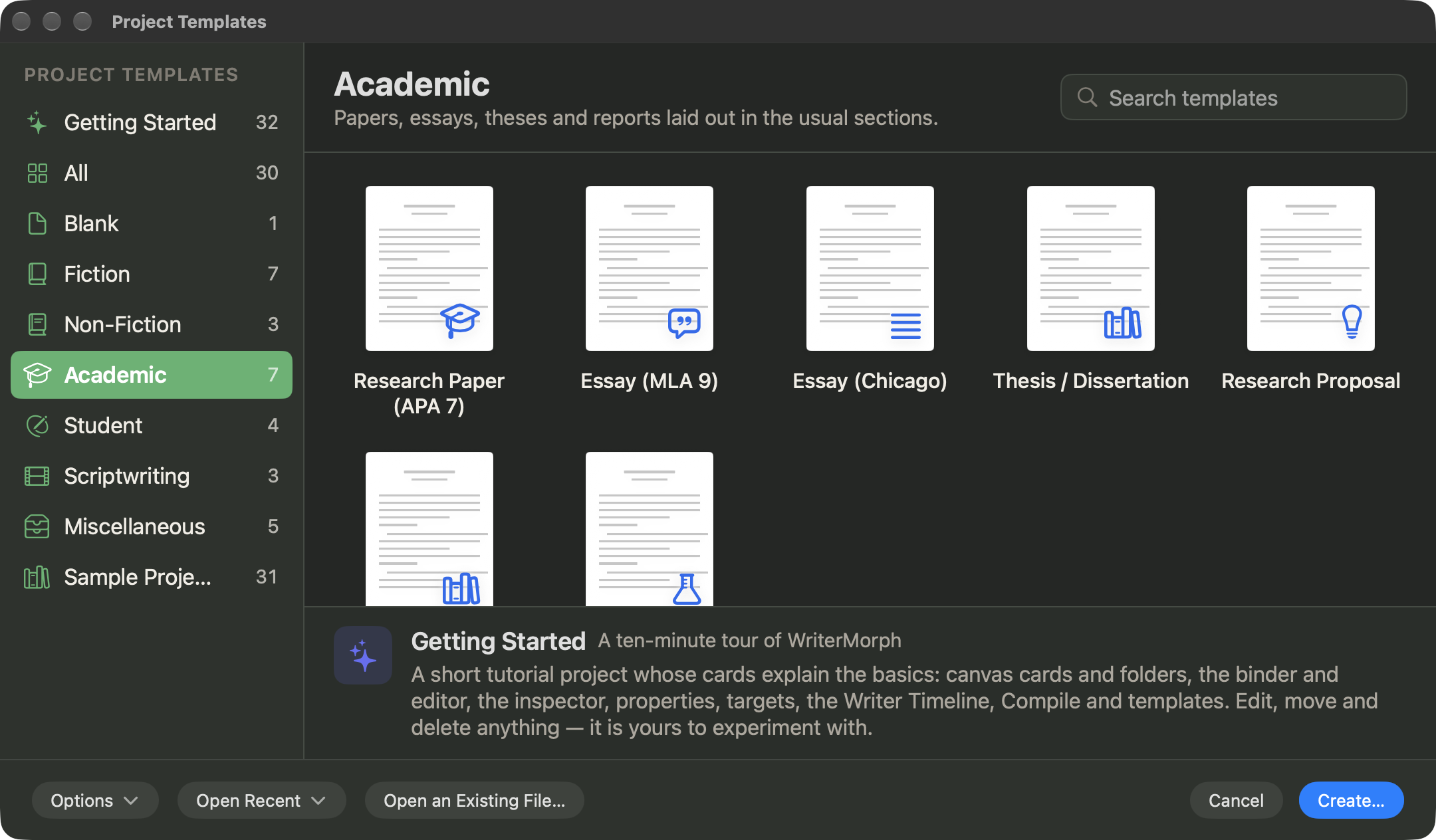
Start from the Thesis / Dissertation template
Choose File › New Project… (⇧⌘N), select the Academic category and pick Thesis / Dissertation. The binder holds the front matter, five chapters (Introduction, Literature Review, Methodology, Results, and Discussion and Conclusion) and back matter with references and appendices. Every section card says what goes there, and the abstract and every chapter section have a word target. A Research Notes folder with Source Notes, Supervisor Meetings and Submission Requirements stays outside the manuscript and is never compiled. Rename, add or remove sections to match your department.
The other academic templates are Research Paper (APA 7), Essay (MLA 9), Essay (Chicago), Research Proposal, Literature Review (with a synthesis matrix) and Lab Report; see Templates and Demo Projects.
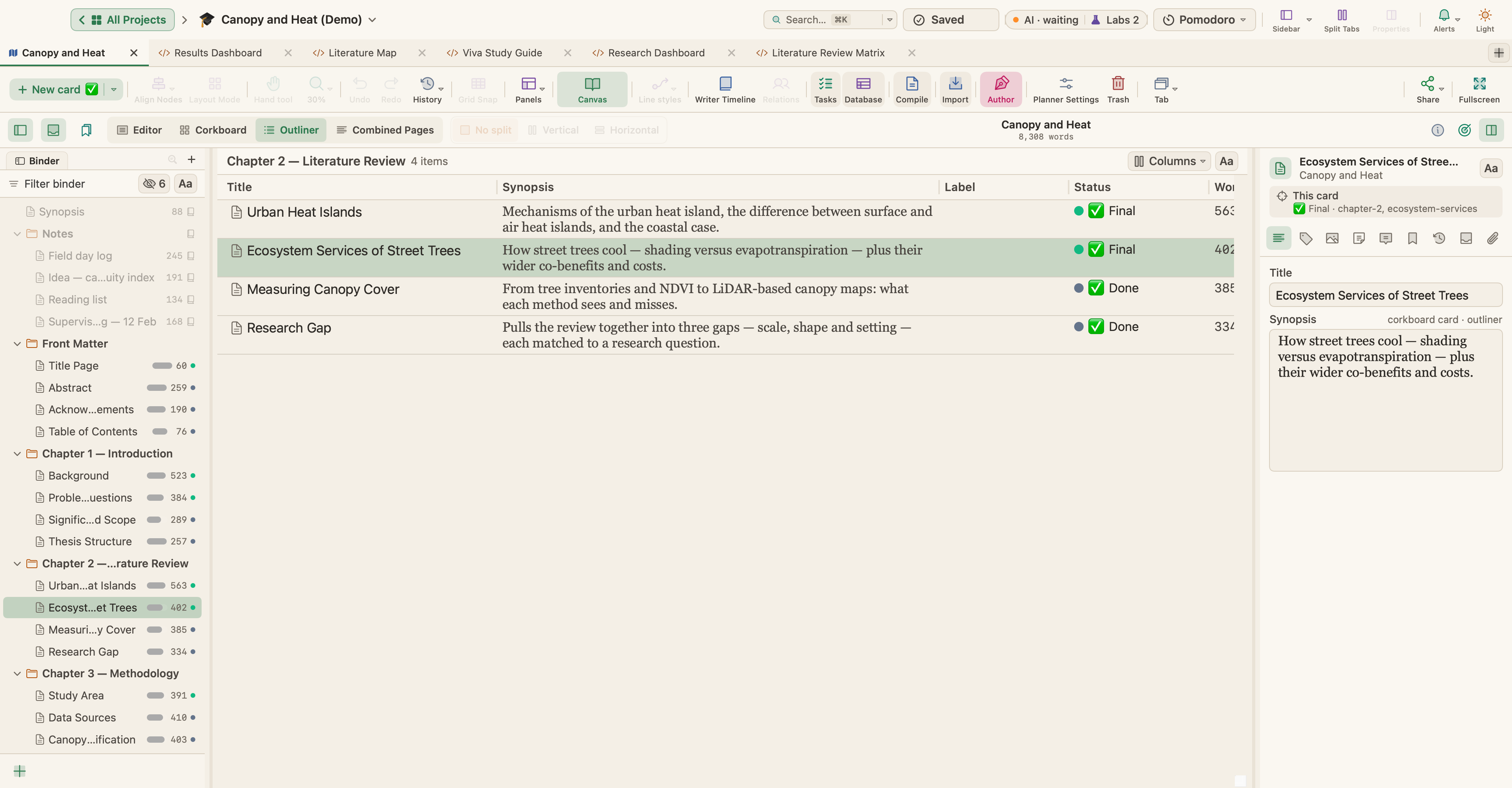
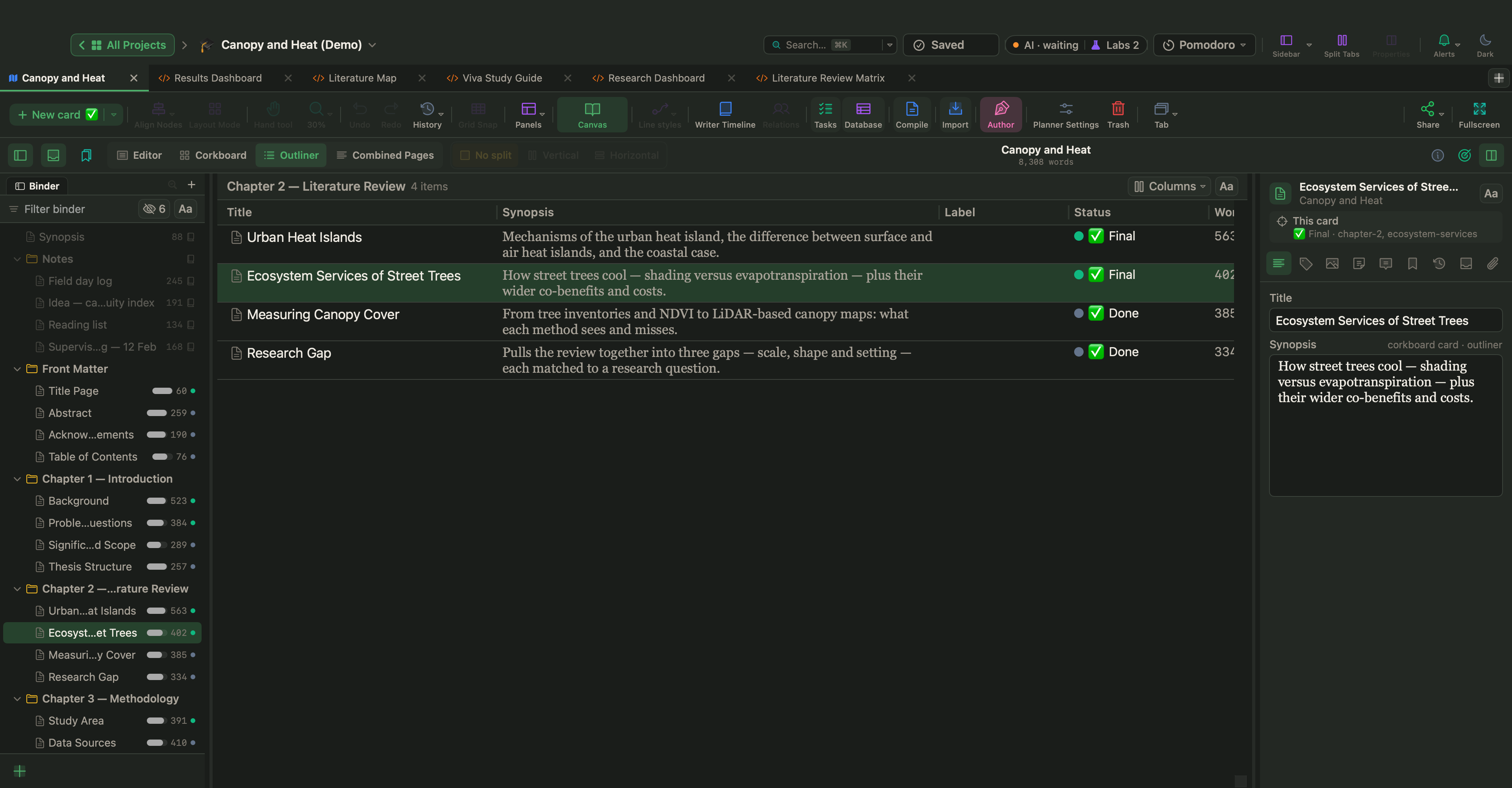
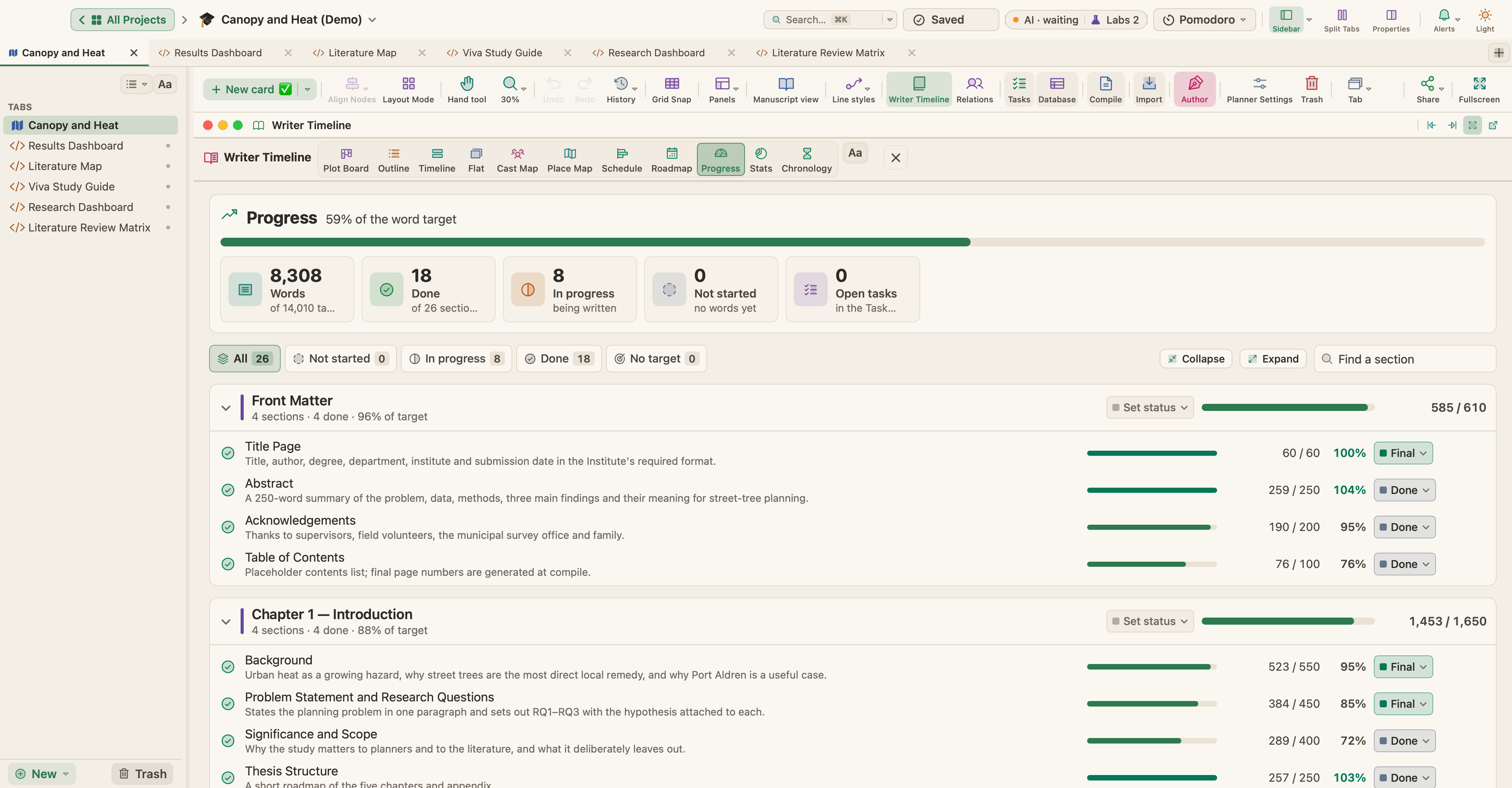
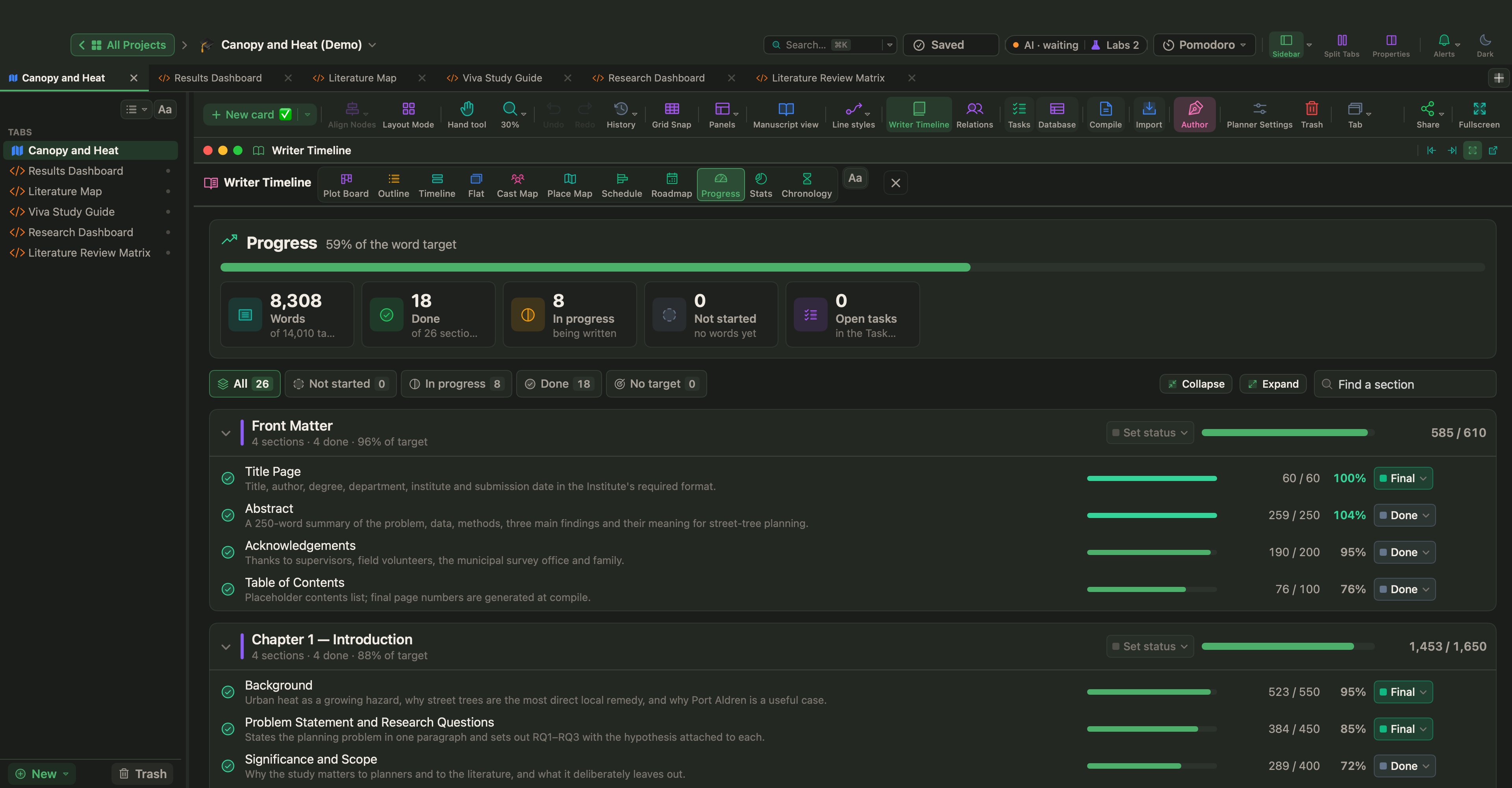
For a finished example, open Canopy and Heat from Help › Demo Projects: a sample master's thesis on street-tree cover and summer surface temperatures in a coastal city, with 26 sections, word targets, and supervisor notes and a field log outside the manuscript.
In Manuscript Mode (⌃⌘M), the Outliner (⌘3) lists a folder's sections with their synopses; View › Outliner Options adds columns such as Status, Target and Progress.
Put the plan on a calendar
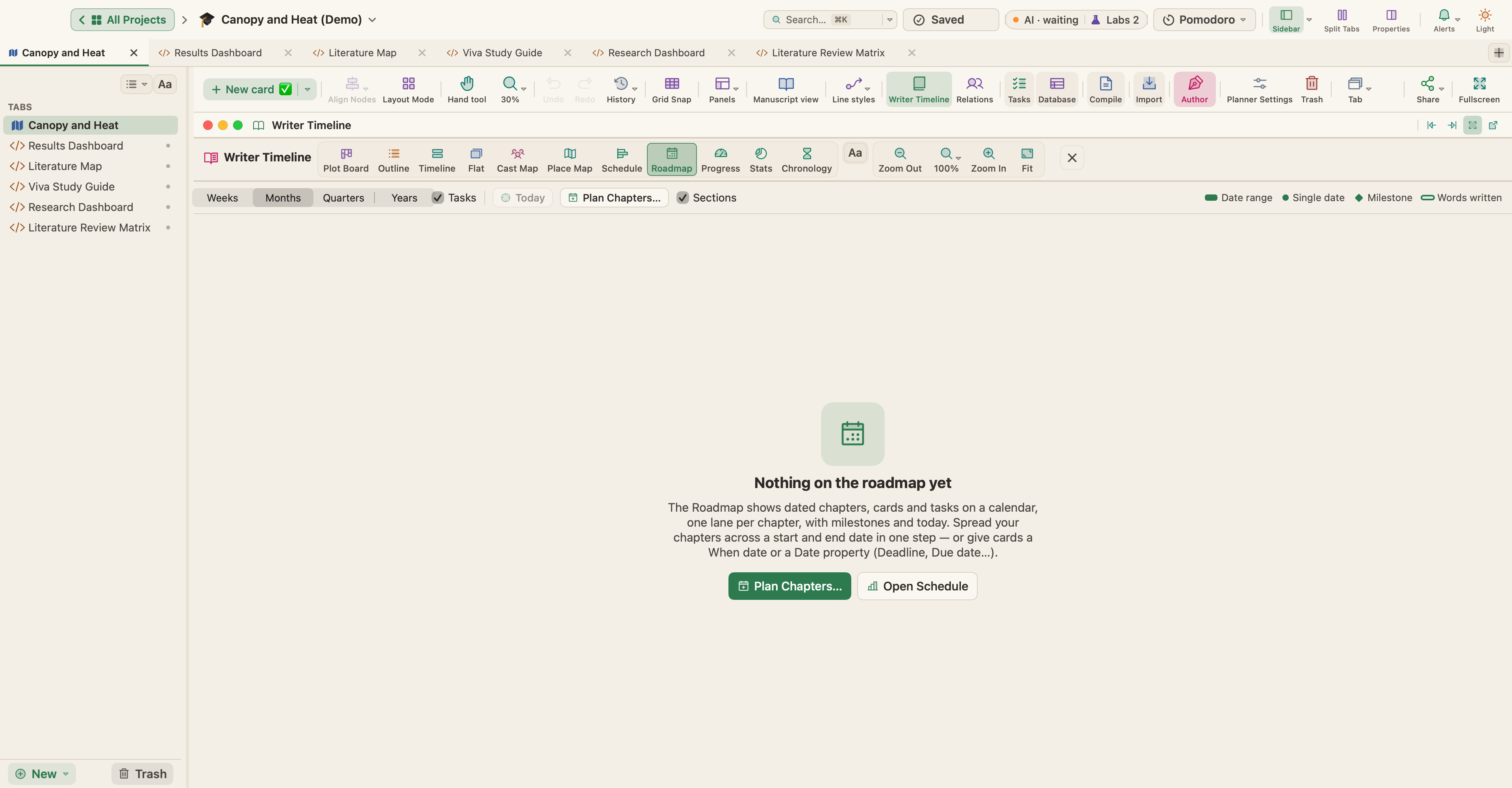
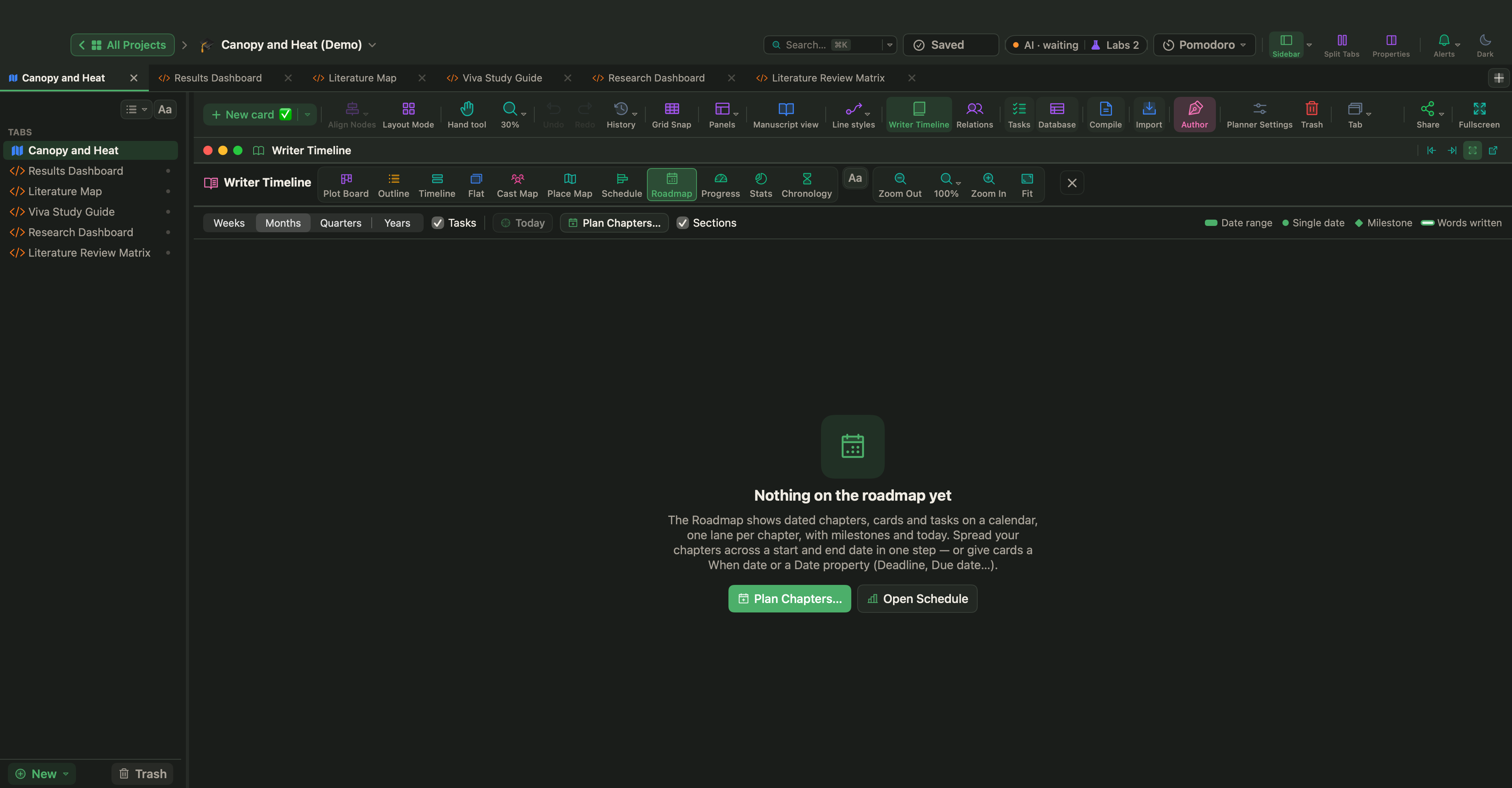
Press ⌥⌘T to open the project timeline. In an academic project the View menu calls it the Research Timeline; with the story tools on, as in the sample thesis, it is the Writer Timeline. In its Roadmap view, Plan Chapters… takes a start and an end date and spreads the chapters by Equal time or By word target; drag the bars afterwards to adjust.
The Schedule view is a Gantt chart of sections and tasks: drag across a row to date it, and link dependencies. Insert › New Task Card adds a task, with types such as Research, Review, Deadline and Milestone, and a task can be linked to its chapter. The Task Manager (⌃⌘K) shows tasks as a list, a board or a calendar. More in Tasks, Schedule, Targets and Pomodoro.
Project › Show Project Targets (⇧⌘T) sets a word target for the manuscript. Turn on Deadline and choose your Writing days, and WriterMorph tells you how many words a day you need.
Keep sources beside the text
Each document has a Notes tab in the Inspector for private notes that are never compiled. PDFs dragged from the Finder into the binder become research items, which stay out of the compiled thesis. View › Editor Layout › Split Vertically lets you read your notes in one pane while you write in the other.
Project › Bibliography… imports references as BibTeX, CSL JSON or RIS, and Insert › Citation… adds one to the text. With Format citations on, Compile formats them as Author–Date (APA), Chicago Author-Date or Numeric, with the references listed at the end.
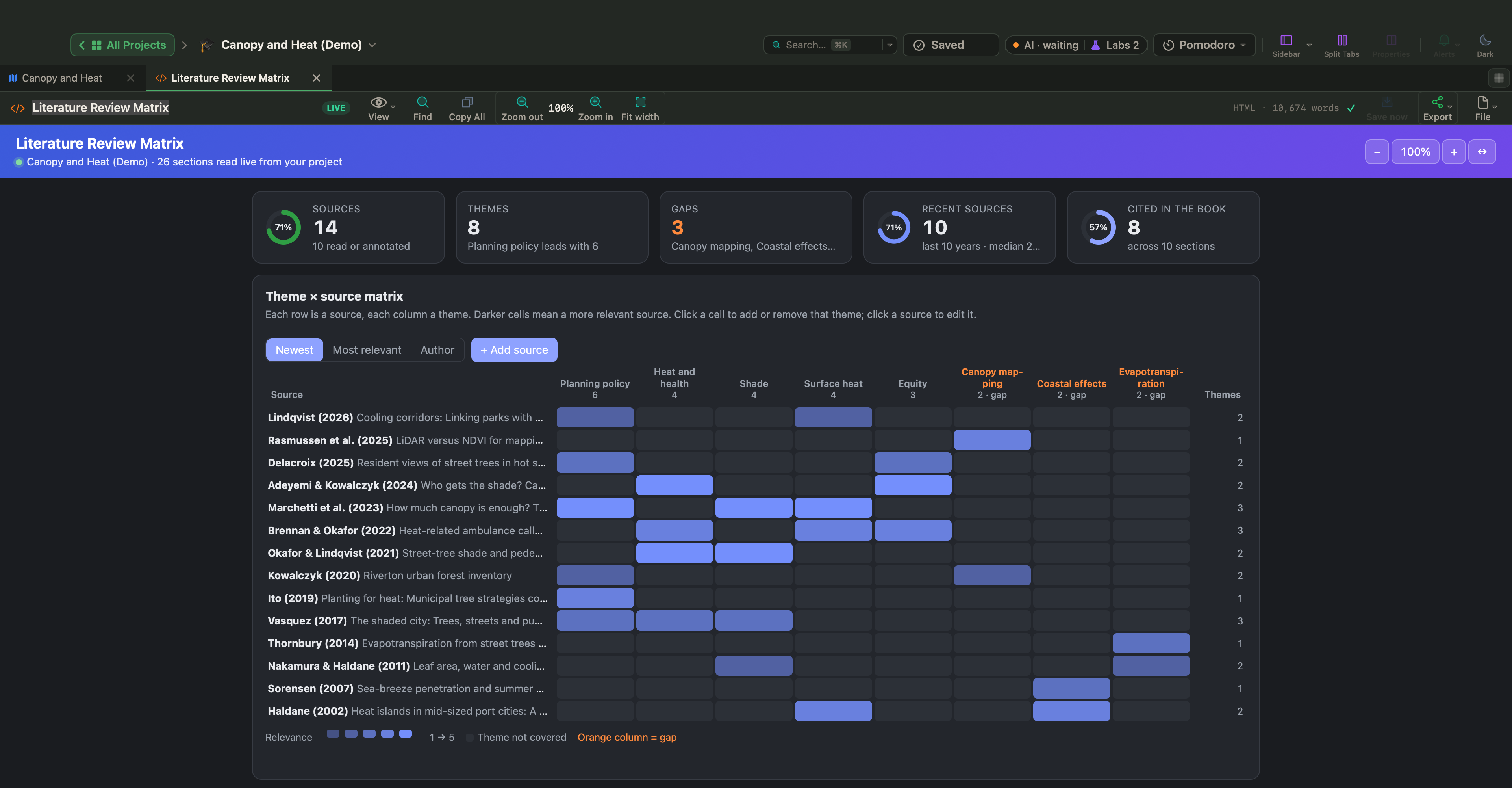
Live Pages are a Labs feature: turn on Turn HTML pages into small apps (Live Pages) in Settings › Labs, then add Literature Review Matrix from the sidebar's New ▾ › Live Page ▸ › Examples ▸ menu, under Academic & Research. In Canopy and Heat it sets every source against the themes of the thesis: empty columns are the gaps, and the counts at the top show how many sources the chapters actually cite.
Feedback rounds and the final document
Before you rework a section on your supervisor's advice, Documents › Snapshots › Take Snapshot with Title… (⇧⌘5) keeps its text as it was. To send one chapter, open one of its sections, choose Project › Compile… (⌥⌘E), set Contents to Current folder and pick Word (DOCX). When the file comes back, File › Import Files › Word, OpenDocument or RTF into the Book… brings Word comments in as comments, and Keep as Revision Marks lets you accept or reject each tracked change.
For the final thesis, compile to PDF or Word, choose your page size, such as A4, and pick your front and back matter folders under Front matter and Back matter so they are placed without chapter numbers. More in How to format and compile your manuscript.
Treat the plan as a working document: after each supervisor meeting, move the bars that need moving and adjust the word budgets as the research changes. A plan kept up to date is one you can still trust in the final month.