 WriterMorph

How to write a scene that works: goal, conflict and a turn
Give the viewpoint character something to want, put something in the way, and make the scene turn so the story is different at the end. Then plan and check each scene on its card in WriterMorph.
A scene is the smallest unit of story: one stretch of time, usually in one place, in which something happens to someone. Many of the problems a reader feels in a novel, such as a sagging middle or a plot that stalls, come down to scenes in which nothing turns.
The sections below cover what a working scene needs, a classic pattern for linking scenes and a checklist, then how WriterMorph keeps it all on the scene card.
What a scene needs
Before you draft a scene, answer four questions. The answers fit on an index card.
- What does the viewpoint character want, here and now? Not their goal for the whole book, but something they can get or fail to get before the scene ends: an answer, a signature, a way out of the room.
- What stands in the way? Another person who wants something else, the place itself, a deadline, the character's own fear. Without opposition there is nothing to watch.
- How does it turn? By the last line, the situation differs from the first. The character gets what they wanted, or doesn't, or gets it and finds it was the wrong thing. Robert McKee's Story holds every scene to this test.
- What does it cost? Trust, safety, a secret, a way back. A turn that costs nothing feels weightless; a cost the character still feels three chapters later keeps a reader going.
Check the turn first. A scene in which the character learns nothing, decides nothing and loses nothing reads like preparation for a scene that never comes.
Scene and sequel
Dwight V. Swain, in Techniques of the Selling Writer, described fiction as two kinds of unit that alternate. Jack M. Bickham's books on scene writing use the same pattern.
A scene, in Swain's sense, has three parts:
- Goal: what the viewpoint character is trying to do.
- Conflict: the opposition they meet.
- Disaster: the outcome, rarely a clean success. The character fails, succeeds at a price, or makes things worse.
A sequel follows, as the character absorbs the blow:
- Reaction: the feeling, before any thinking.
- Dilemma: the options, none of them good.
- Decision: a choice, which becomes the goal of the next scene.
The pattern makes cause and effect visible: each outcome forces a reaction, and each decision launches the next scene. It is also a pacing control. Short sequels speed a book up; longer ones give the reader room to feel what just happened. The disaster needn't be loud: a door that stays shut will do.
Enter late and leave early
Start a scene as close to its turn as you can. Most scenes can lose their arrivals, greetings and small talk. Open with the want already in motion or the obstacle already in the room.
Leave soon after the turn. Land the change, or the decision it forces, and stop. Pages after the turn tend to explain what the reader has already felt.
A drill for a finished draft: cover the first and last paragraphs of a scene and read what is left. If nothing is lost, cut them.
When a scene is not working
| Symptom | Likely cause | Try |
|---|---|---|
| Flat, though the sentences are good | Nothing turns: the end matches the start | Decide what changes, then rewrite toward it |
| People talk, but nothing happens | Nobody wants anything in this scene | Give the viewpoint character a concrete aim |
| The win comes too easily | Weak opposition | Give someone else a want that collides with it |
| Slow to get going | It starts too early | Begin at the first moment of pressure |
| The reader doesn't care how it ends | Nothing is at risk | Name what the character loses by failing |
| Two scenes in a row feel the same | Same goal, same kind of outcome | Merge them, or turn the second the other way |
| It could go without anything breaking | It causes nothing later | Tie it to a later scene, or cut it |
Taking apart a scene from The Salt Archive
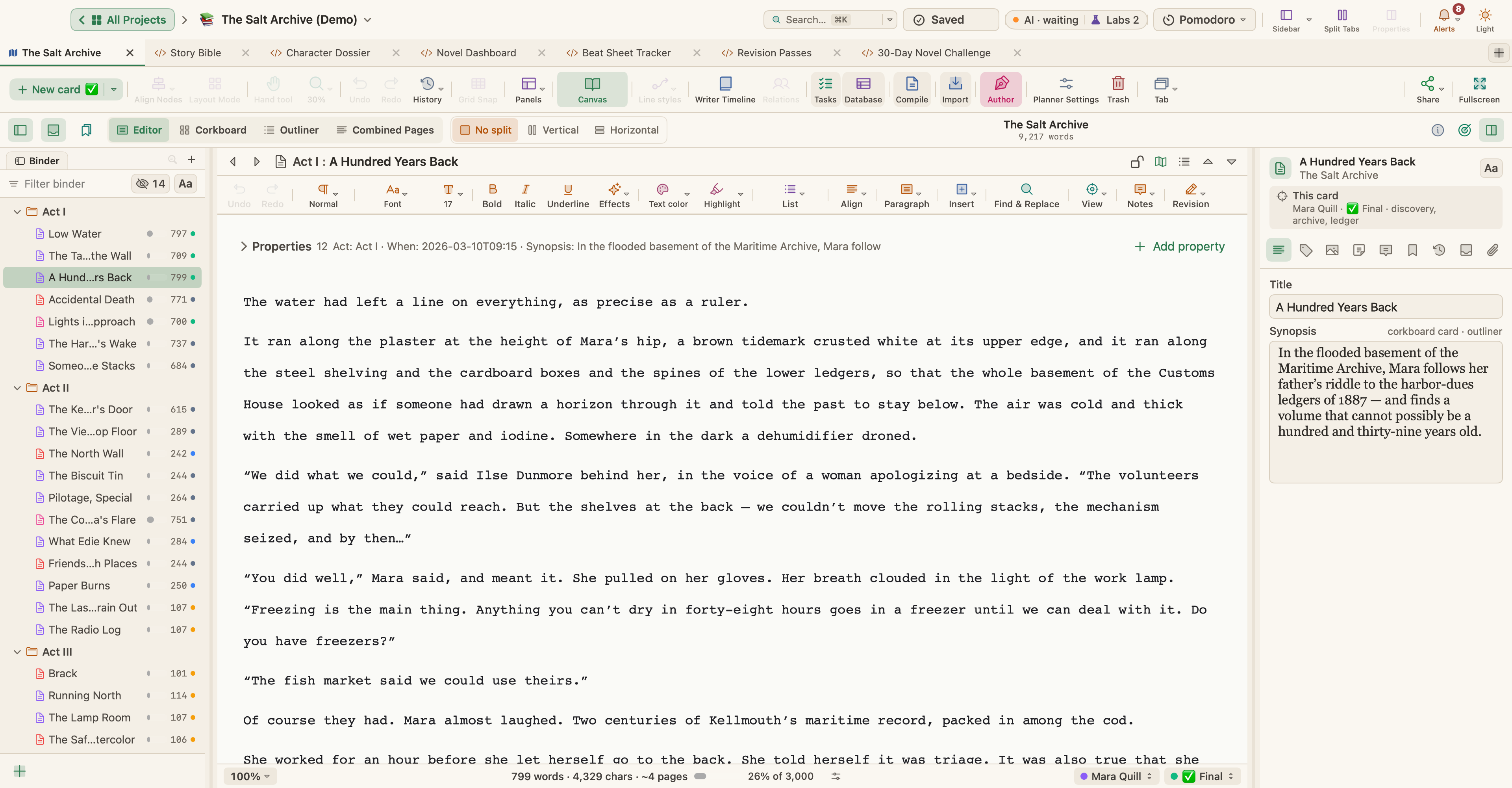
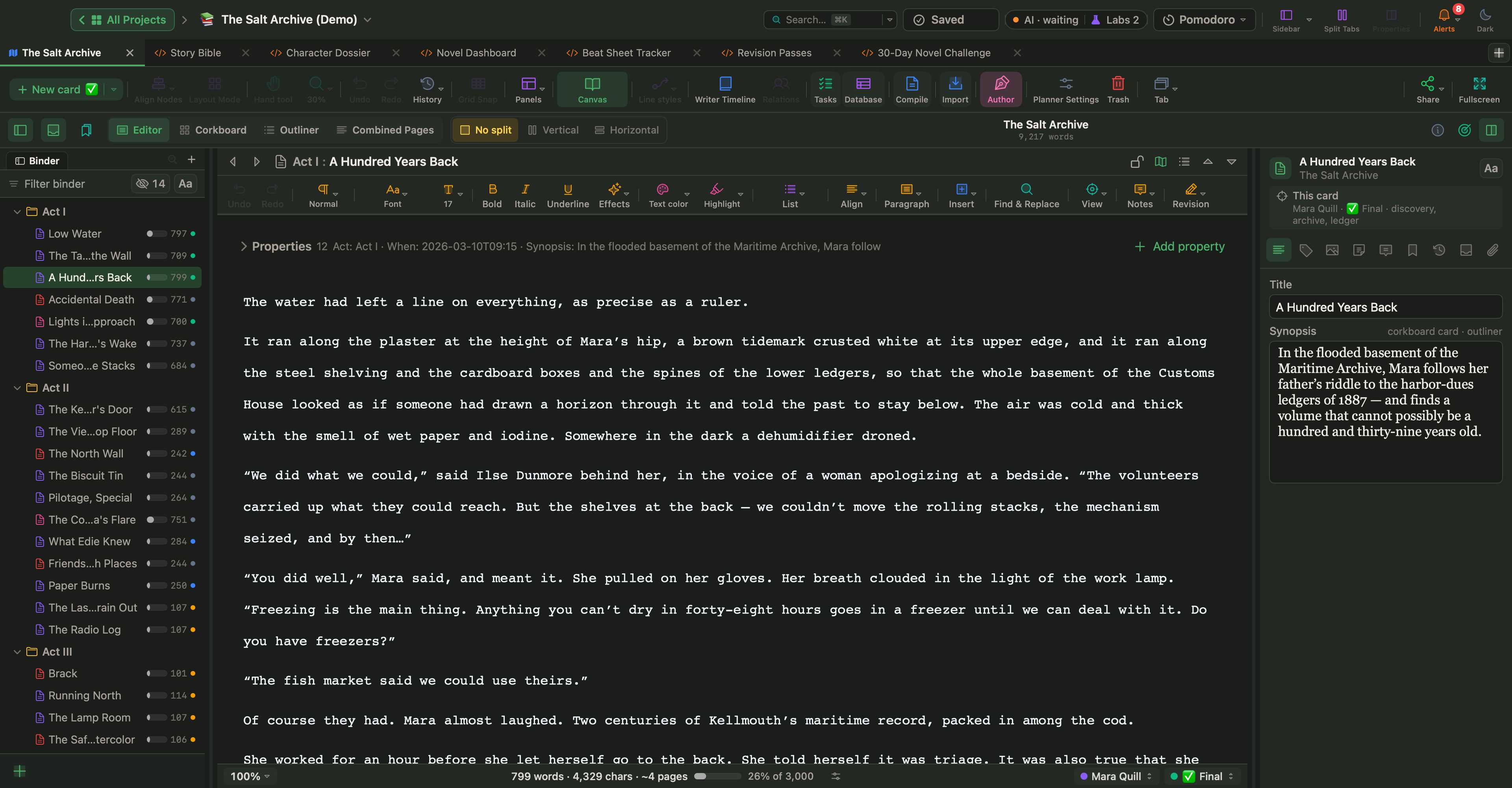
The Salt Archive is a sample mystery you can download. Its third scene, A Hundred Years Back, has this synopsis on its card: in the flooded basement of the Maritime Archive, Mara follows her father's riddle to the harbor-dues ledgers of 1887, and finds a volume that cannot possibly be a hundred and thirty-nine years old.
Read against the four questions:
- The want: to follow her dead father's riddle.
- The obstacle: the place, a flooded basement. The text opens on the water itself: "The water had left a line on everything, as precise as a ruler."
- The turn: a revelation. She came looking for an old record and found one that cannot be what it claims to be.
- The cost: the synopsis doesn't name one, but the next card shows where the turn leads. In Accidental Death, the detective sergeant who has already closed her father's drowning as an accident meets her on the harbor wall and is handed a ledger he very much does not want.
In Swain's terms, the discovery is the disaster: her search ends in a bigger question, and the next scene starts from what she decides to do with it.
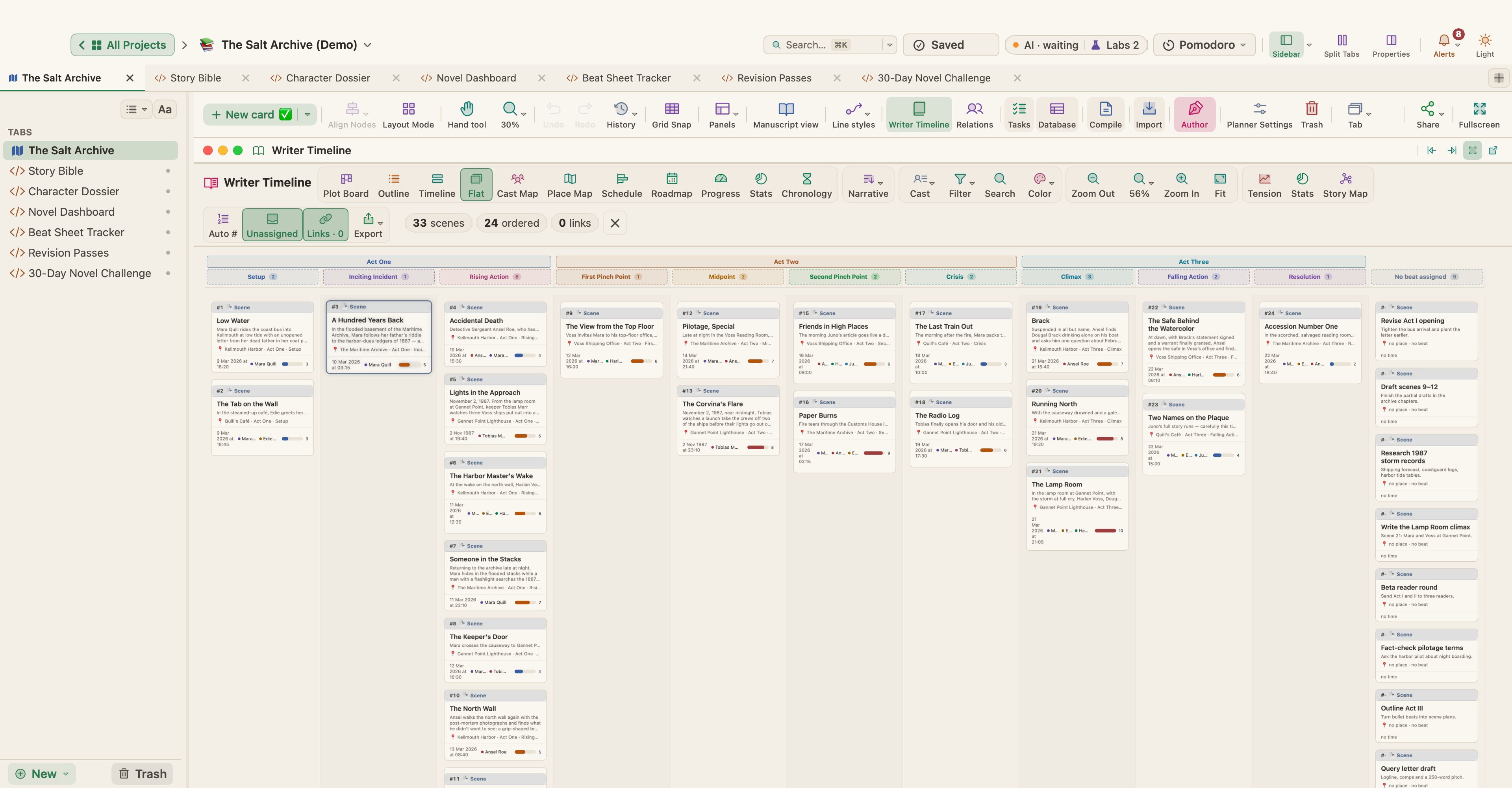
The card holds the rest. The point of view is Mara Quill, the only character in the scene. Its beat is Act One · Inciting Incident, its tension 5 out of 10. The scene that sets the plot going is not the loudest in the book: its turn is a discovery, not a fight.
Scenes in WriterMorph
In WriterMorph each scene is a card, and the card is also the document you write in. The canvas, Manuscript Mode and the Writer Timeline read the same cards.
Put the facts on the card
Select a scene card and choose View › Properties Panel (⌥⌘P). Fiction planners come with built-in fields such as Synopsis, Characters, POV, Beat, Tension and Location. The panel's Writer Timeline section holds Scene Type (Action, Dialogue, Description, Flashback, Dream, Montage, Revelation, Climax, or your own), Beat Assignment and Tension Level (1–10). In the Cast section, the first POV character is the primary POV.
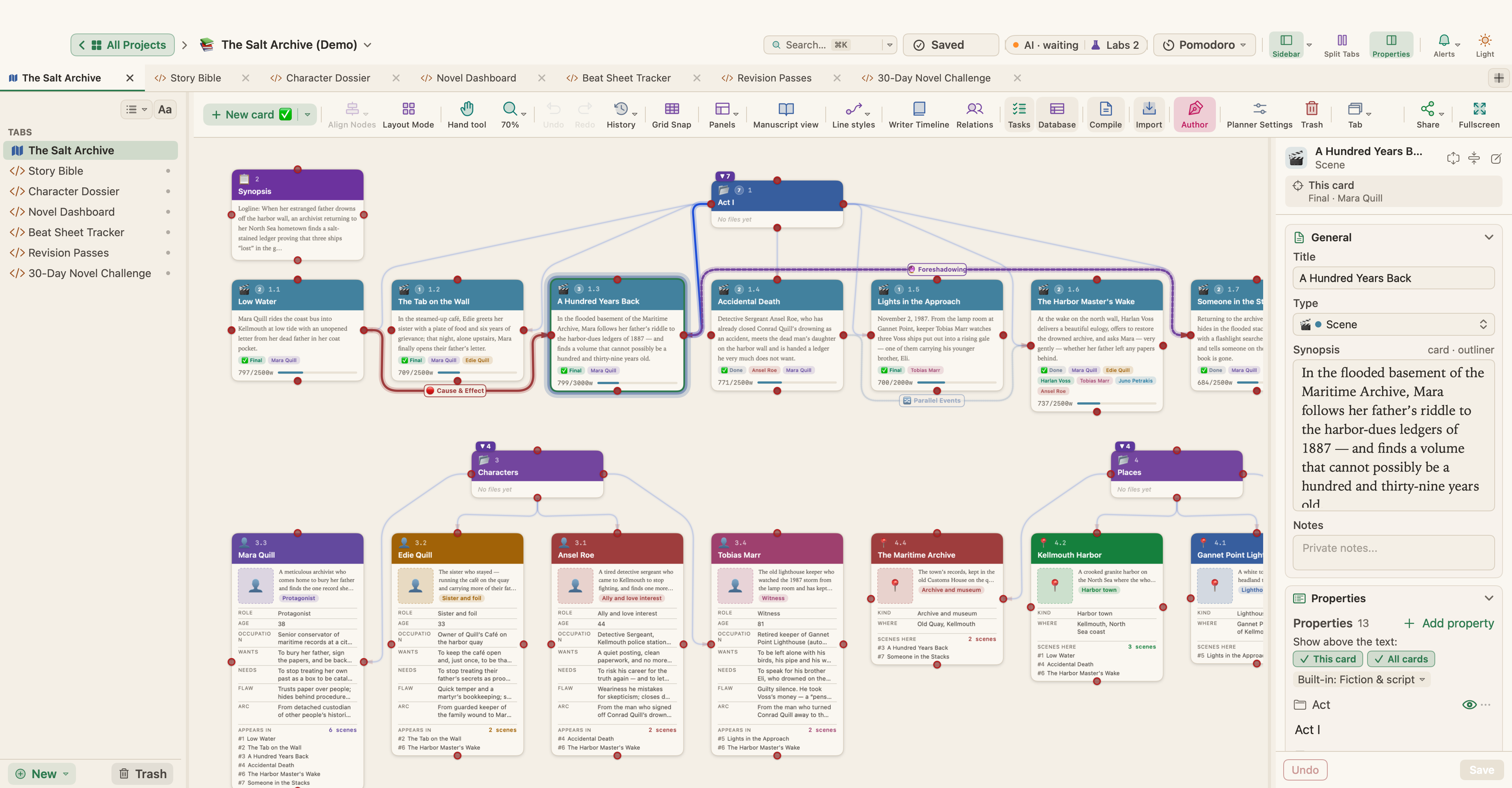
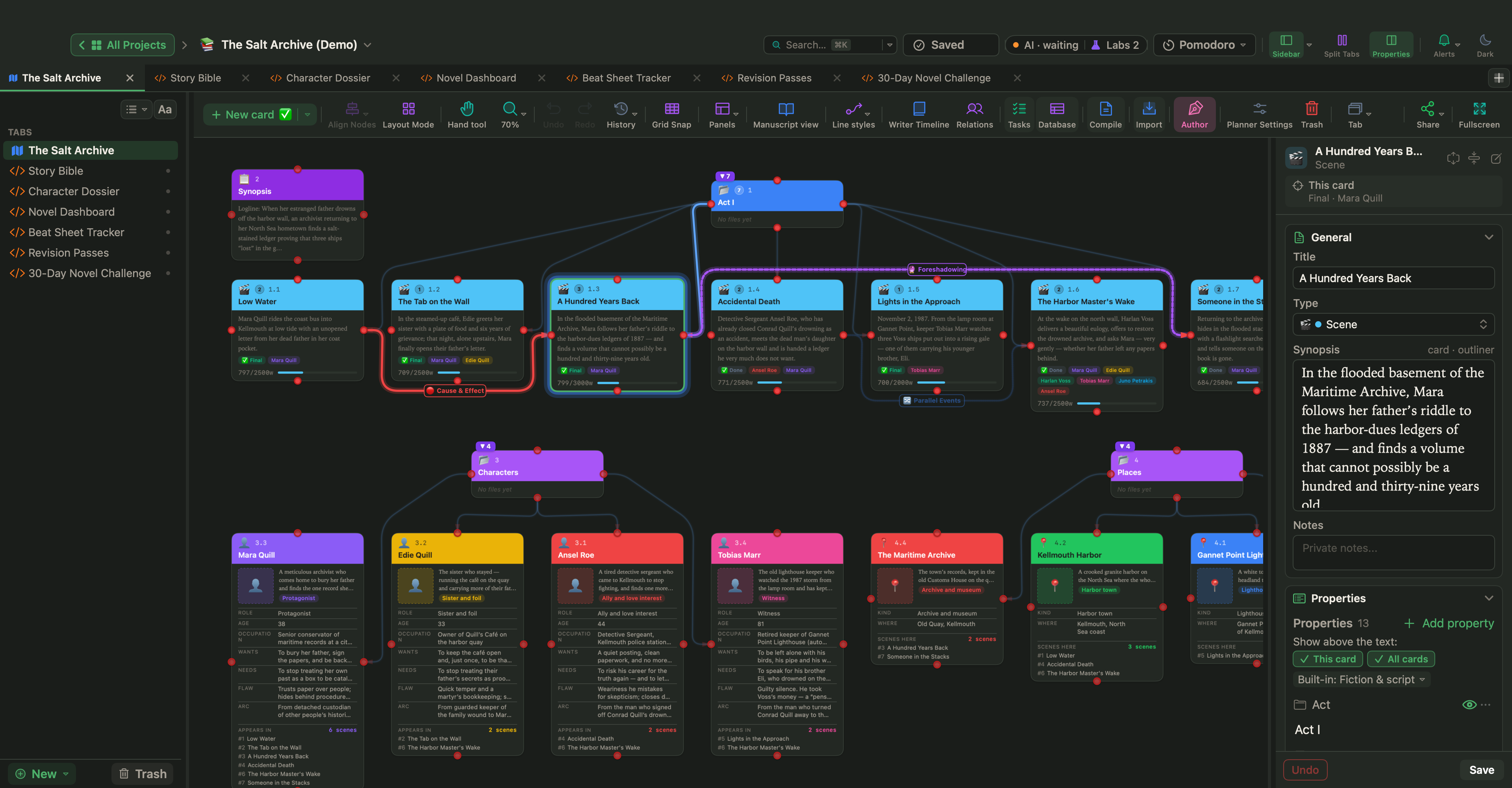
Write the synopsis as the scene's turn: who wants what, and how it ends. It appears on the canvas card, on the corkboard and in the Outliner, so a synopsis without a turn is easy to spot.
To plan with Swain's pattern, add your own fields: choose Documents › Add Property (⌥⌘;) or click + Add property, type a name such as Goal, Conflict or Disaster, and pick Long text as the type. A property can apply to all cards, to cards of one type, or only to this card.
Write with the facts above the text
Open the scene, and the same fields sit in the property block, a compact table above the text. Change the POV, the beat or the tension there and every other view follows. In Settings › Editing you can keep the block visible, collapse it or hide it.
Read the scenes in order
Press ⌃⌘M for Manuscript Mode. The Corkboard (⌘2) shows each scene as an index card with its synopsis. The Outliner (⌘3) lists titles and synopses, and View › Outliner Options can add your own properties as columns: with a Goal column, you can read what each scene's character is after, down a whole act.
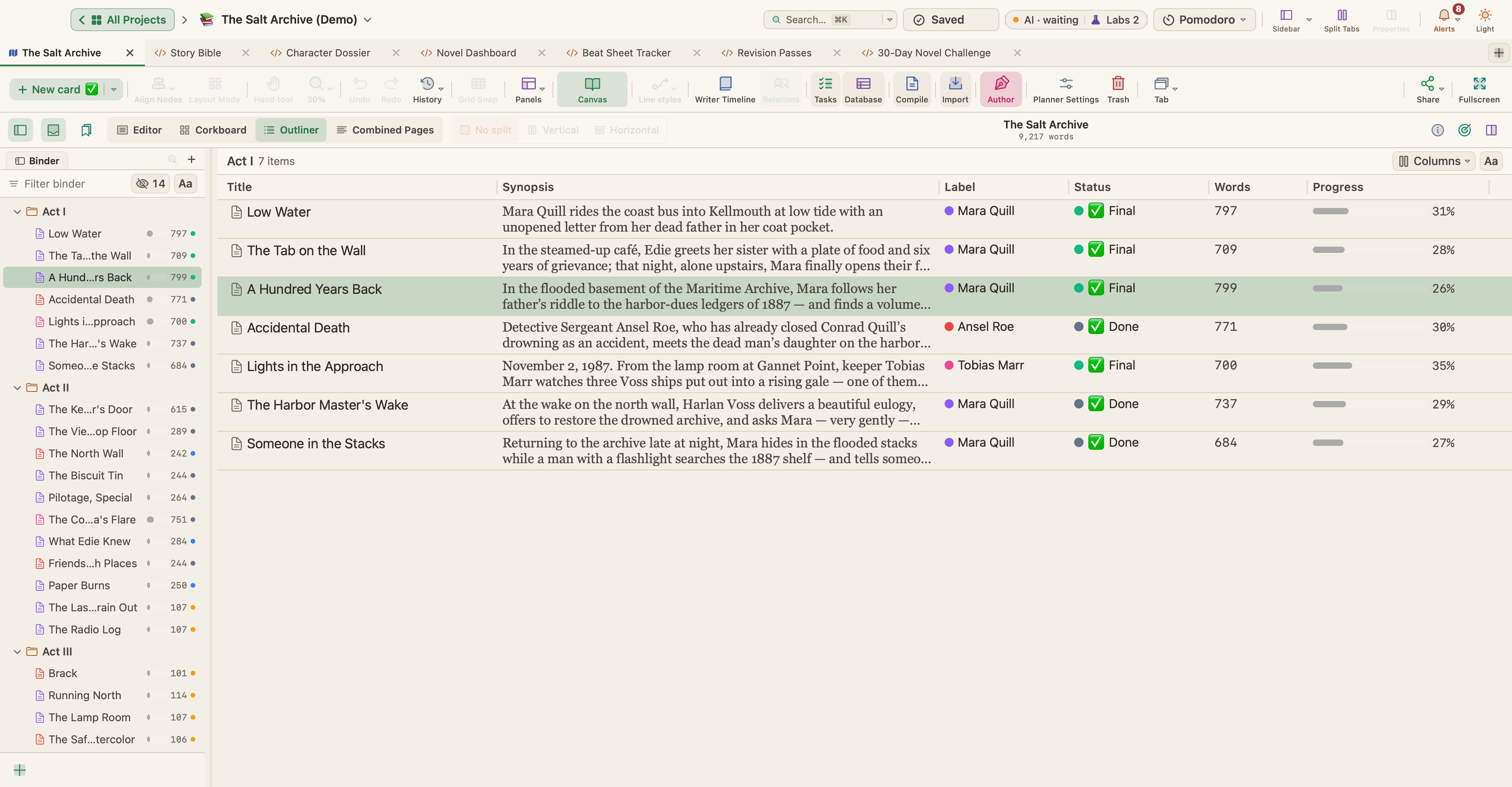
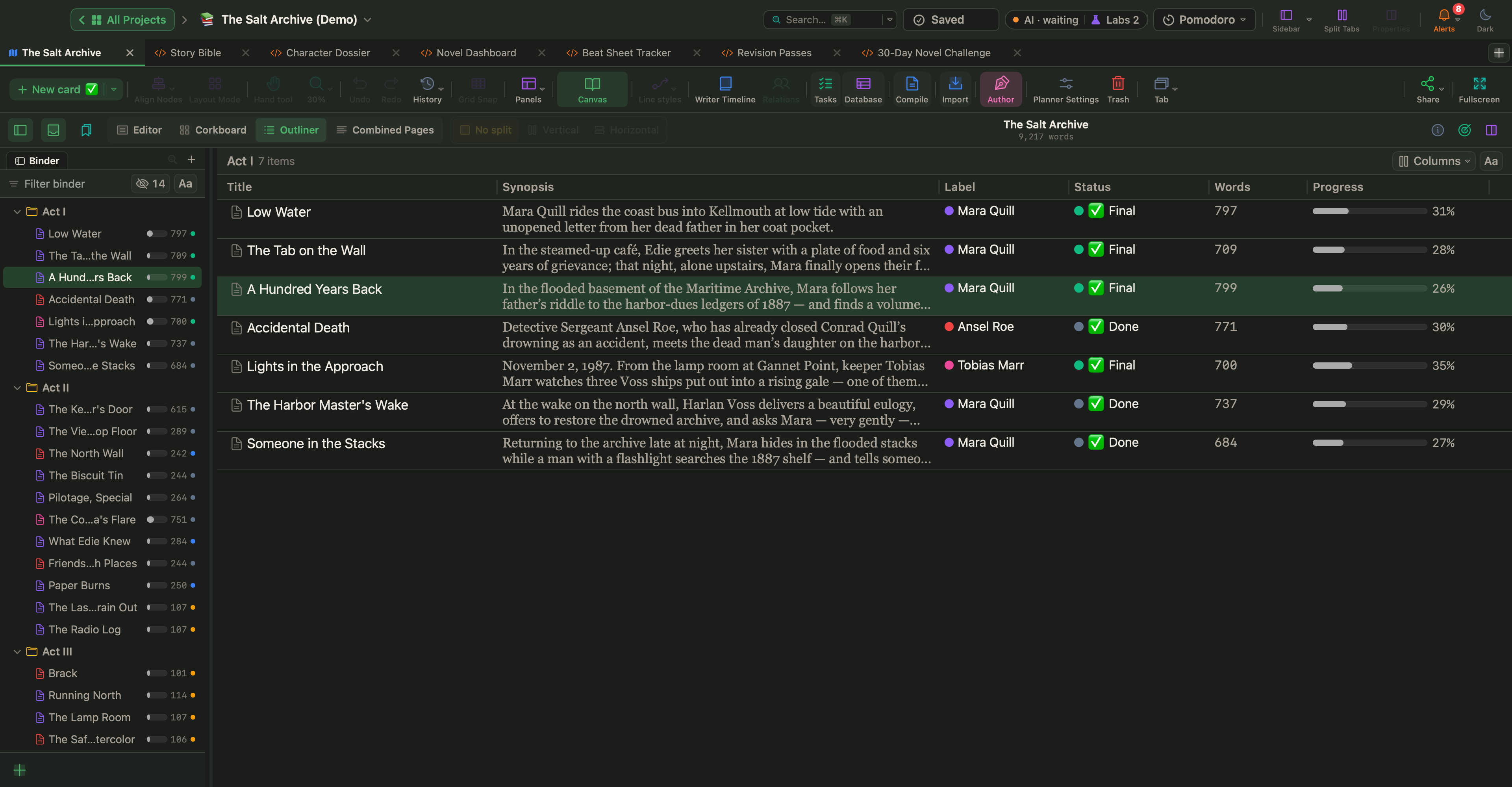
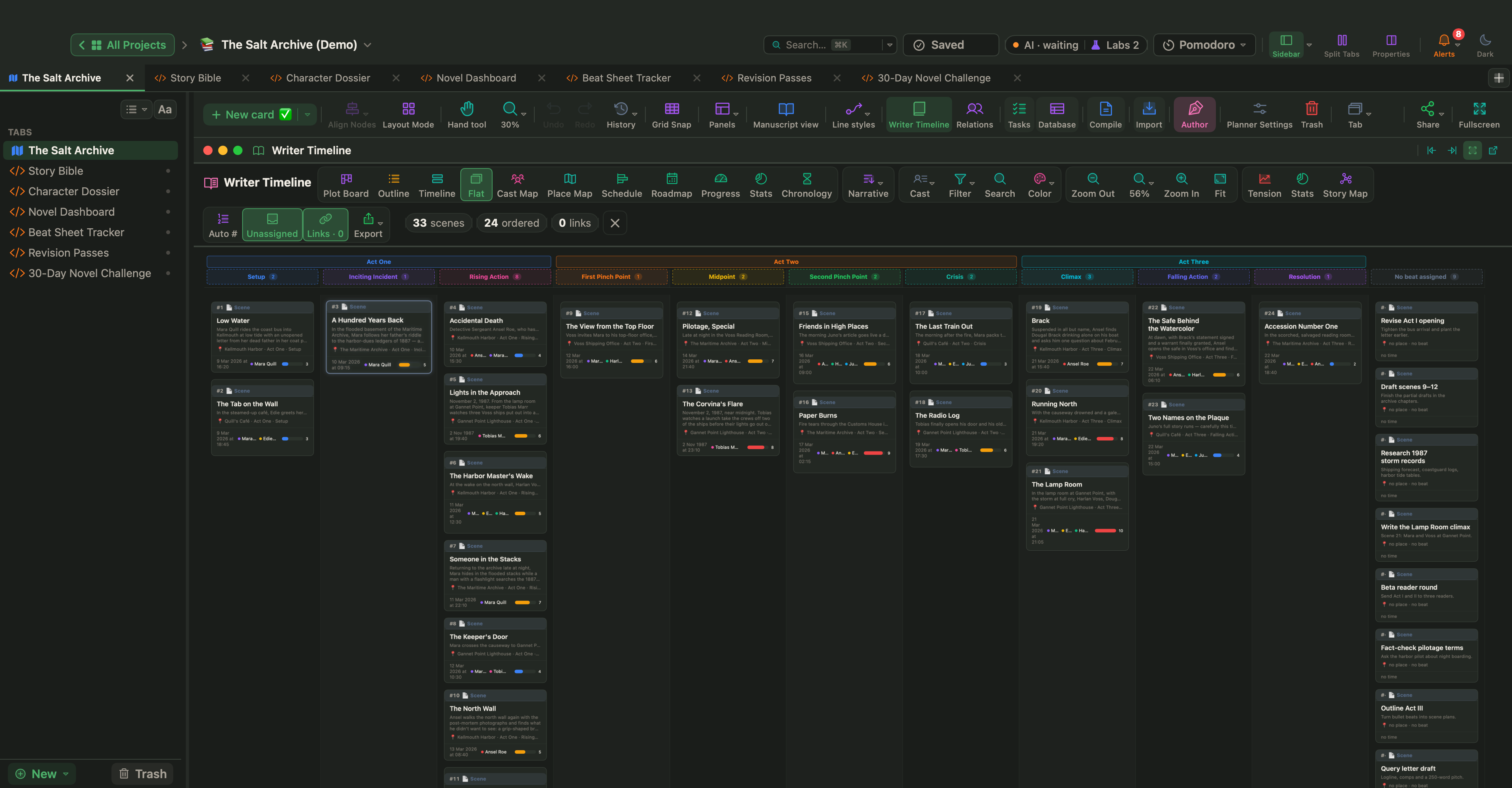
In the Writer Timeline (View › Writer Timeline, ⌥⌘T), the Flat view lays every scene card out in one grid, with its place, beat, POV and tension. Colour colors scenes by scene type, POV, tension level or beat, and Book Stats lists scenes with no summary or no tension rating under Needs attention.
Before you draft your next scene, write three lines on its card: the want, the obstacle and the turn. If you don't have a scene list yet, start with how to outline a novel; to see how scenes add up to acts, read about story structure and turning points.