 WriterMorph

Show, don't tell: what it really means, with examples, and when to tell instead
Showing gives readers the evidence; telling gives them the conclusion. Five ways to show, when telling is better, and how to find the telling in a draft.
"Show, don't tell" is the most repeated advice in writing workshops, and one of the most misunderstood. It does not mean "never state anything", and it does not mean "describe more". It means that for the things that matter, you give readers the evidence and let them reach the conclusion themselves.
This article explains the difference with examples, the five ways to show, when telling is the better choice, and how to find and rewrite telling in a draft. The last part does the same in WriterMorph. The examples come from The Salt Archive, the sample mystery that comes with the app.
What showing and telling mean
Telling hands the reader a conclusion: Edie was angry. Showing hands over the evidence, an action, a detail or a line of dialogue, and lets the reader conclude. The reader does a little work, and in exchange believes it, because they worked it out for themselves.
The idea is old. In a letter to his brother Alexander, Anton Chekhov advised that a moonlit night comes alive not by saying the moon is shining but through a glint of light on a piece of broken bottle; the neat one-line version quoted everywhere is a later paraphrase. In The Craft of Fiction, the critic Percy Lubbock argued that a novel works best when its story is shown rather than reported, and the idea has been a workshop rule ever since.
Telling and showing, side by side
| Telling | Showing, from The Salt Archive |
|---|---|
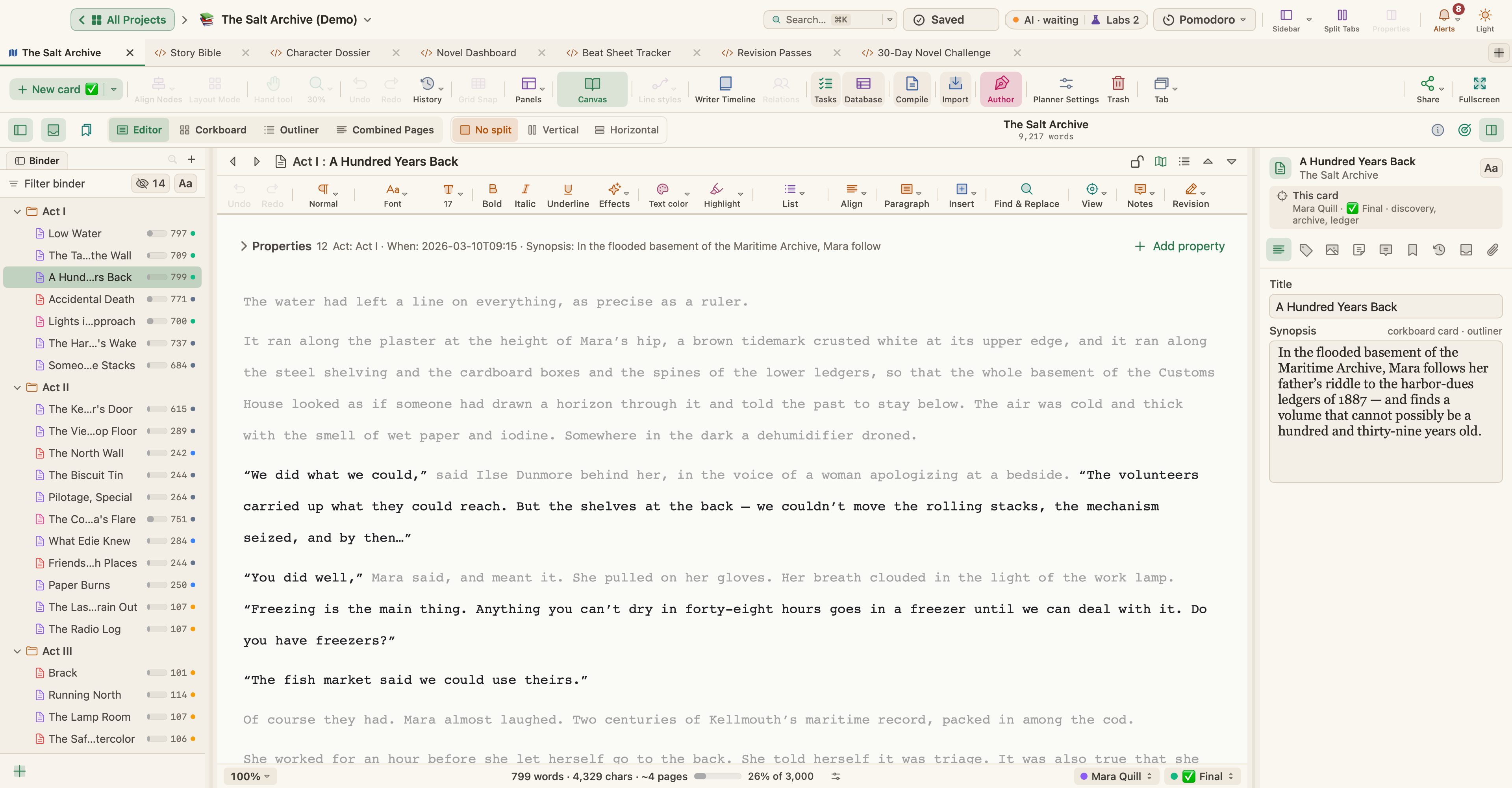
| The basement had been badly flooded. | "The water had left a line on everything, as precise as a ruler." |
| Mara was cold. | "Her breath clouded in the light of the work lamp." |
| Edie was hurt and angry. | "Edie's voice stayed level, but the cloth stopped moving." |
| Mara could not face her father's old seat. | Mara "could not make her legs move toward that particular booth." |
| Mara was afraid of what she would find. | "She worked for an hour before she let herself go to the back." |
Every line on the right is something a reader could see: a tidemark, a breath, a cloth, legs that won't move, an hour of work. That is a useful test. If a camera in the room could record it, you are showing.
Five ways to show
- Action. What a character does with their hands when they cannot say what they feel. Edie wipes a counter that is already clean.
- Concrete detail. One precise detail beats a paragraph of adjectives. A tidemark "as precise as a ruler" tells you how high the water came and how complete the damage is.
- Dialogue, and what it avoids. "Not there," Edie says, without turning, when Mara cannot bring herself to sit in their father's booth. "Fine. Anywhere. You're letting the heat out." She talks about the heat, not the booth, and the reader hears both.
- Choices. What a character does under pressure says more than any description of them. Mara sits at the counter instead.
- Perception without a filter. Words such as saw, heard, felt and noticed put a pane of glass between the reader and the scene. "She heard a dehumidifier somewhere" reports; the sample's "Somewhere in the dark a dehumidifier droned" puts the reader in the room.
When telling is the better choice
The critic Wayne C. Booth answered the showing camp in The Rhetoric of Fiction: great novelists tell all the time, and telling done well is an art of its own. Tell when:
- You are covering time or distance. "Three weeks passed" is telling, and right. Scenes are for the moments that change something; summary carries the reader between them. See How to write a scene.
- It doesn't matter much. Travel, routine, logistics. Dramatize every cup of coffee and the book slows to a crawl.
- The scene has already shown it. In A Hundred Years Back, after an hour of careful work, the narration says it plainly: "She told herself it was triage. It was also true that she was afraid." The plain sentence lands because the scene has earned it, and because it is short.
- An action needs reading. "Edie fed her first. That was how Mara knew it was going to be bad." The action comes first; the second sentence turns a kindness into a warning, which a stranger to the family could not have known.
- The narrator's voice is the point. A first-person narrator's opinions are telling, and they are also character.
A fair rule of thumb: show what matters most, and tell the connective tissue in between.
Words that give telling away
None of these is a mistake in itself. They are places to look.
| Look for | Example | Ask |
|---|---|---|
| Names of feelings | angry, nervous, relieved, sad | What would this person do, here, with these objects? |
| Filter verbs | felt, saw, heard, noticed, realized | Can the reader perceive it directly? |
| Seemed, appeared | He seemed tired. | What makes him seem it? |
| Adverbs on speech | she said angrily | Do the words already sound angry? |
| Explanations after dialogue | she said, trying to hide her hurt | Did the line already show it? |
The last row has a name. In Self-Editing for Fiction Writers, Renni Browne and Dave King call the fix RUE: resist the urge to explain.
How to rewrite a telling sentence
- Find the conclusion word, for example nervous.
- Put the character in the room. Where are they, what is in their hands, who is watching?
- Choose one action or detail that only a nervous person would do here. One, not five.
- Delete the conclusion, unless the moment needs the plain statement as well.
- Read it aloud. If the new version is three times as long and says nothing more, go back.
"Tom was nervous about the interview" becomes "Tom read the address in the email a fourth time, though he had walked past the building every day for a year." The reader gets the nerves and learns something about Tom.
Common mistakes when showing
- Stock body language. Pounding hearts, clenched jaws and rolling eyes on every page stop meaning anything.
- Showing, then telling the same thing. "She slammed the door. She was furious." Trust the door.
- Showing everything. Every step to the kitchen and every sip of tea. Showing is for what matters.
- More adjectives. Piling on description is not showing. Specific nouns and verbs are.
- Hiding what the reader needs. A reader who cannot tell what is happening is not intrigued, only lost.
Finding the telling in WriterMorph
Search the whole book at once
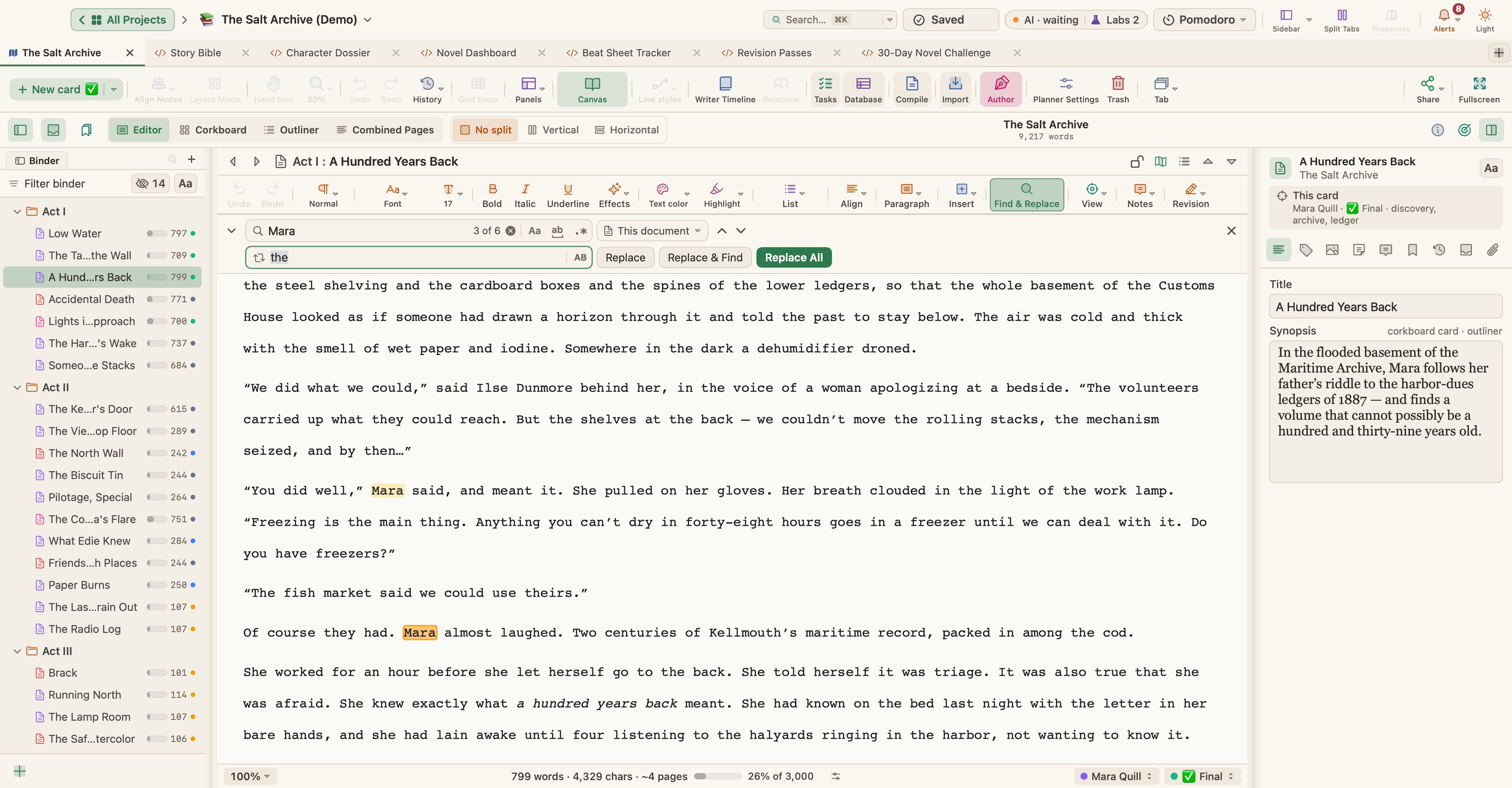
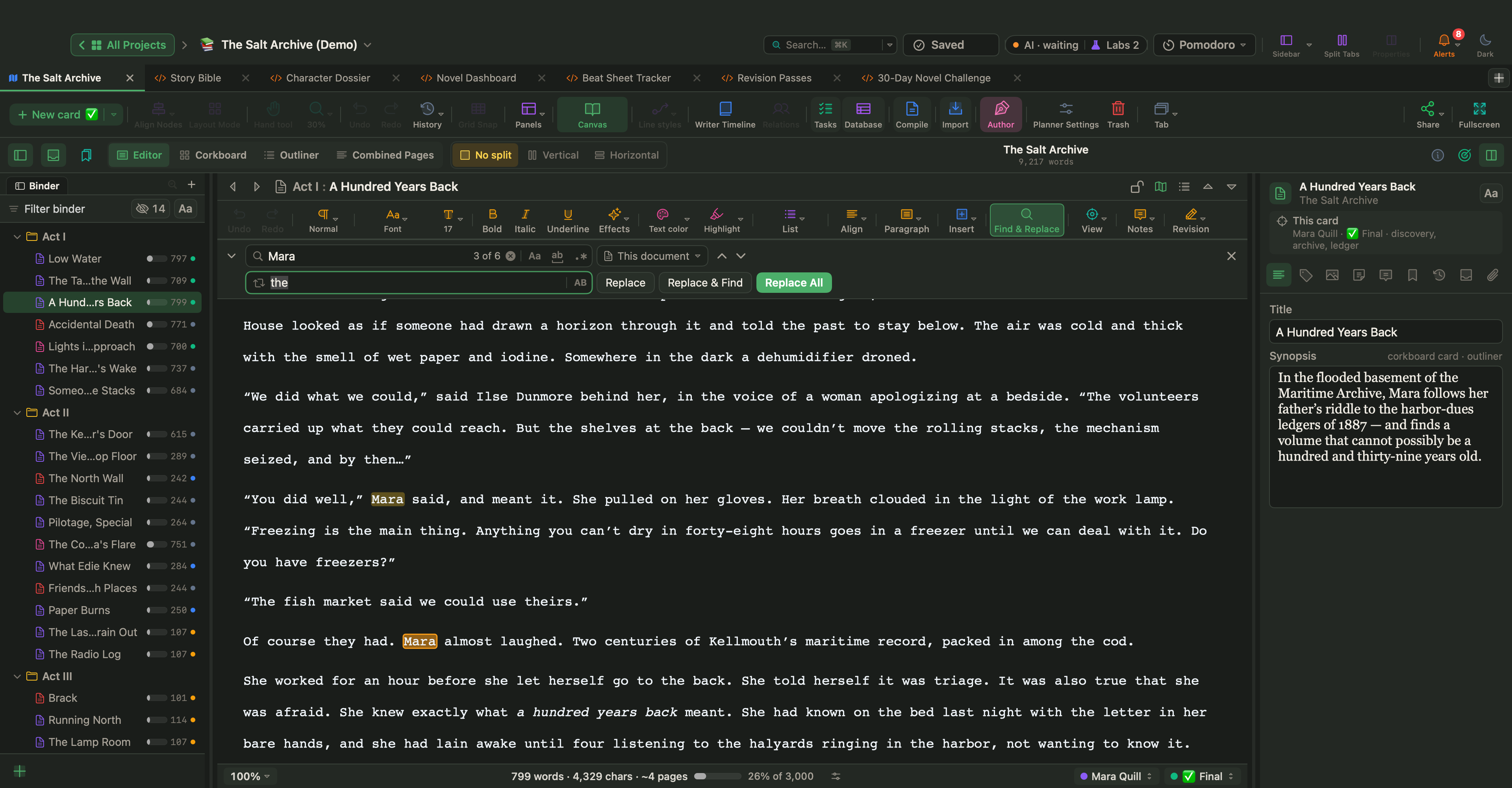
In a document, press ⌘F to open the find bar and set the menu next to the field to All documents. Turn on Regular Expression (the .* button) and Whole Word, and search for several words at once: felt|realized|noticed|seemed. A list shows every document with a match, and ⌘G steps from one to the next. Rewrite each one by hand; Replace All is the wrong tool for this job. See The Editor.
See which words you lean on
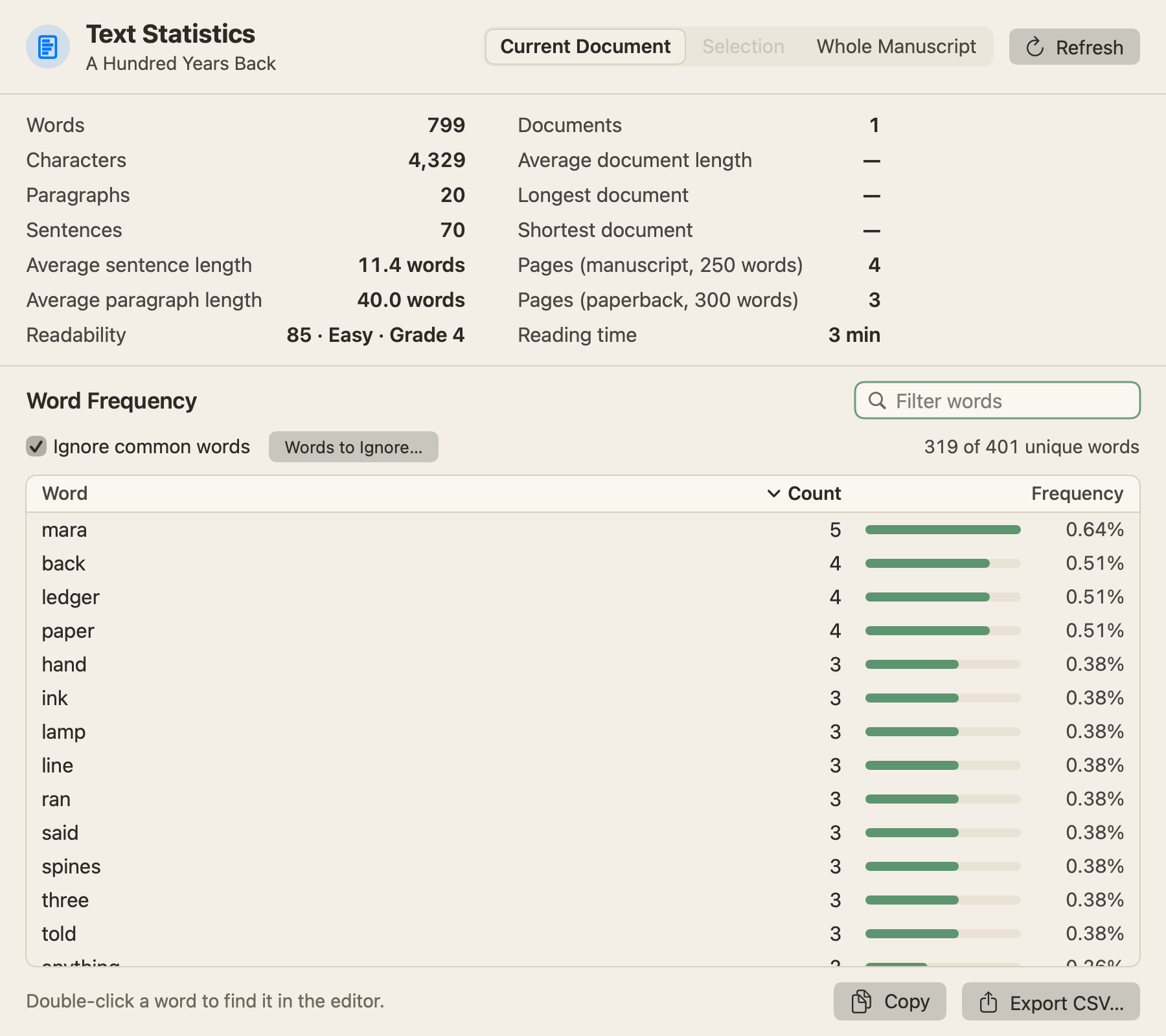
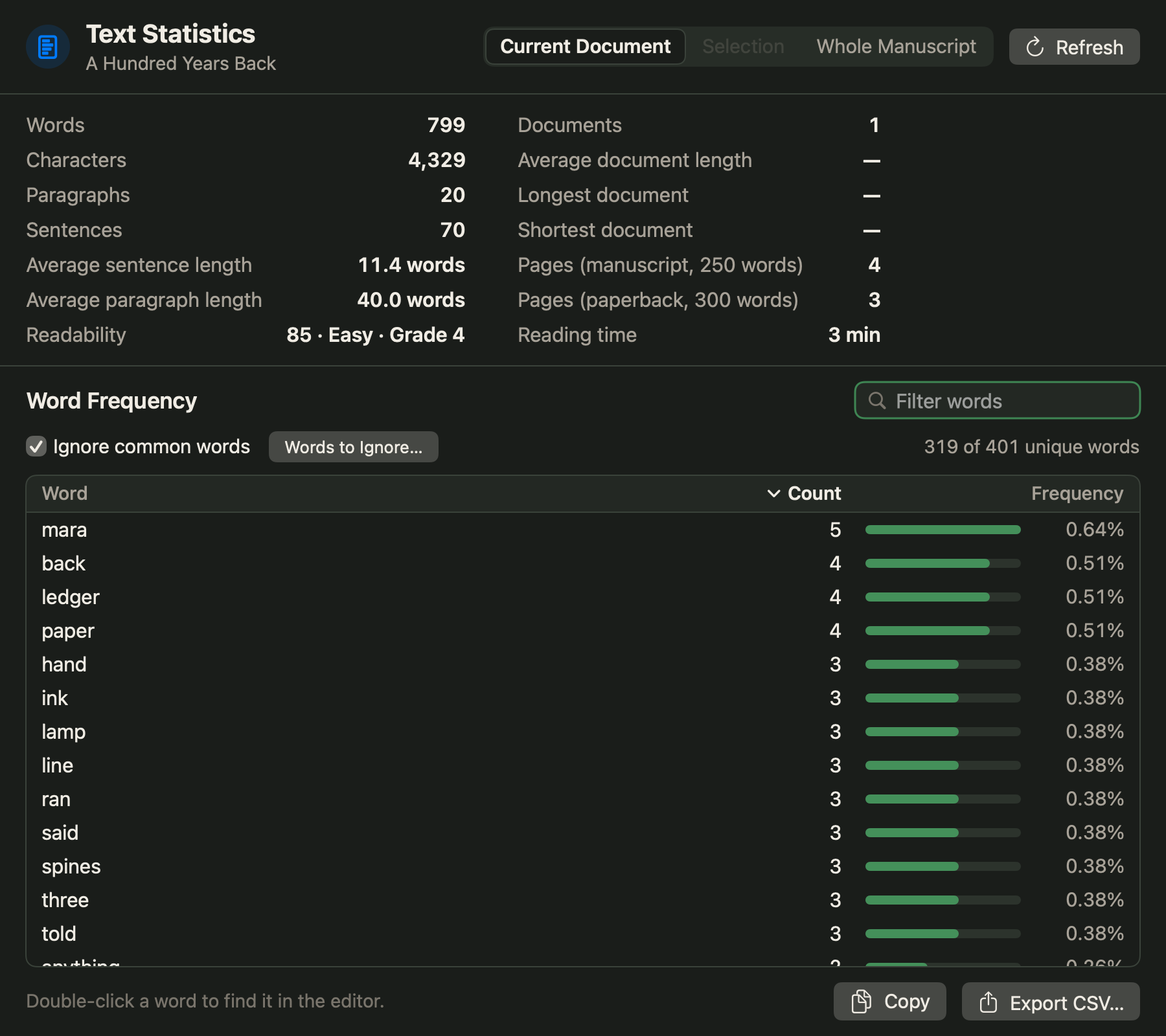
Project › Text Statistics & Word Frequency… lists the words you use most in the Current Document, the Selection or the Whole Manuscript. Turn on Ignore common words so the articles and pronouns drop out, then look for feelings and filter verbs near the top. Double-click a word to find it in the editor; with Whole Manuscript chosen, the find bar searches all documents.
Fade everything but one kind of word
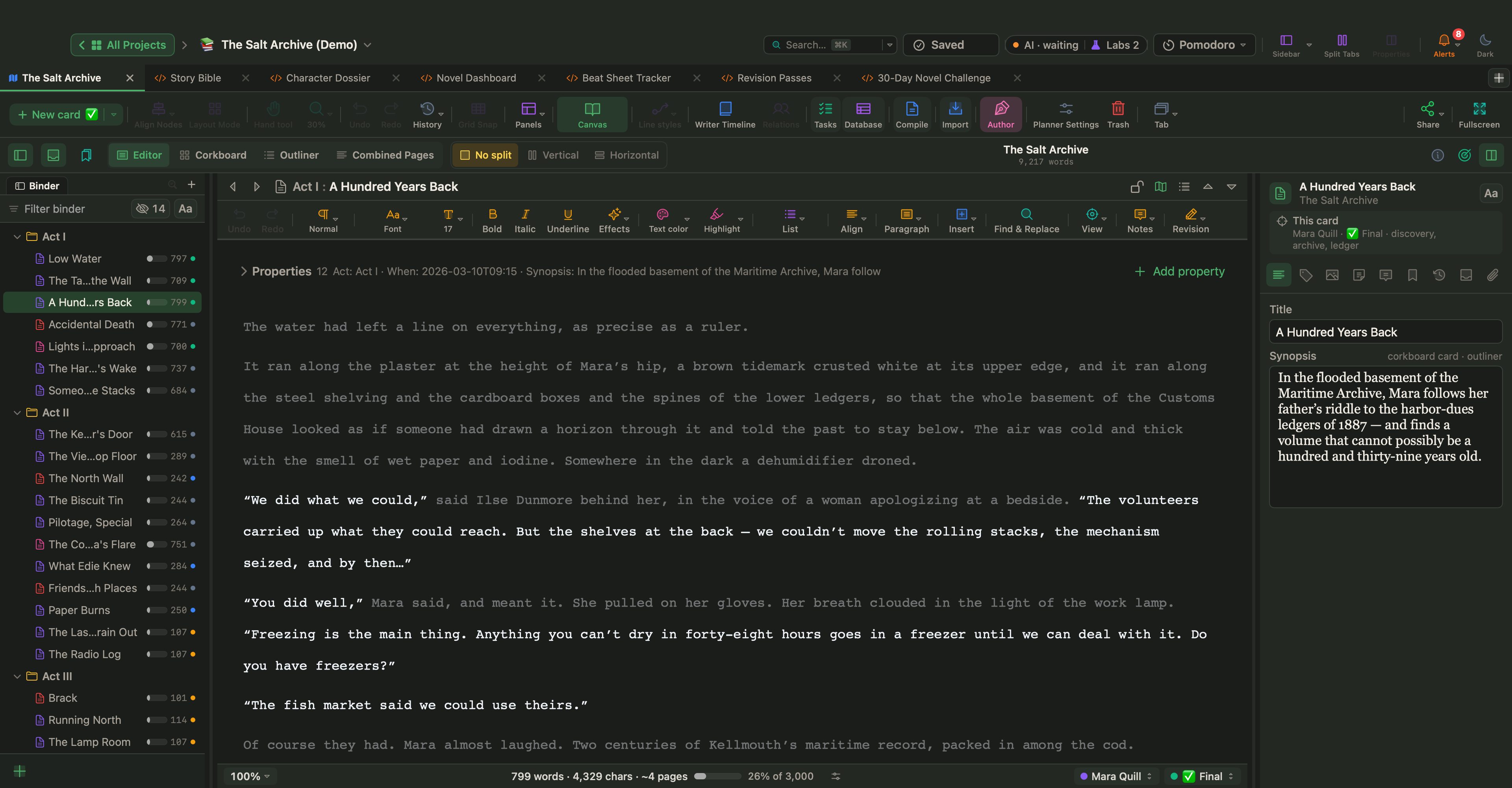
Edit › Spelling and Grammar › Linguistic Focus… (⌃⌘L) fades everything except the kind of word you choose. Adverbs finds the "said angrily" tags. Adjectives shows where description piles up. Direct Speech, as in the picture at the top, leaves only the dialogue, so you see at a glance how much of a scene is carried by what people say. Only the view changes; the text stays as it is. In Composition Mode, the Linguistic button opens the same panel.
Mark a passage to come back to
Select a sentence, choose Insert › Comment (⇧⌘8) and write a note such as "telling: show it?". The Inspector's Comments tab lists the comments in order, and Edit › Find › Find by Formatting…, with Comments and Whole Book chosen, steps through every one in the book.
Keep each character's tells on their card
Showing works best when a gesture belongs to one person and comes back. Select a character card and choose View › Properties Panel (⌥⌘P): the character profile has fields for Appearance and Voice as well as Wants (external goal), Needs (inner truth) and Flaw / wound. Mara Quill's Appearance mentions the cotton conservator's gloves she always has in her coat pocket, and the scenes use them. She reads her father's letter four times, then takes the gloves off and reads it a fifth time with bare hands. When she finds the false ledger, she discovers she has taken one off without noticing. The scenes never stop to explain the gloves. See How to write a character arc.
Pick one scene you know matters and find the sentence that names its main feeling. Rewrite it as one thing the reader can see, then decide whether the plain sentence still needs to follow. Usually it doesn't.