 WriterMorph

House style: keeping a manuscript consistent
Publishers keep a style sheet so a book spells, capitalises and punctuates the same way on page 300 as on page 3. How to make your own for a novel or a thesis, what belongs on it, and how to check a whole manuscript against it. Then the same in WriterMorph.
Is it "grey" or "gray"? "Okay", "OK" or "ok"? Does your detective drink "whisky" or "whiskey", and is it "the Duke" or "the duke" after the first mention? None of these choices matters much on its own. What matters is making each one once and keeping it for the whole book. A reader who meets "e-mail" on page 12 and "email" on page 40 may not know what is wrong, but they feel the book is less carefully made.
Publishers deal with this with a house style (their general rules) and a style sheet for each book (the decisions particular to it). Copy-editors build the style sheet as they read, so that the same question is answered the same way every time. You do not need a publisher to do the same. A one-page style sheet kept while you revise saves hours of hunting later, and an editor or agent who receives a consistent manuscript notices.
What goes on a style sheet
Write down anything you had to decide, and anything a reader could see done two ways:
| Category | Examples |
|---|---|
| Spelling | grey or gray, judgement or judgment, -ise or -ize, towards or toward |
| Names | Every character and place, spelled exactly; nicknames and when they are used |
| Capitals | the Duke or the duke, the Archive, Mum and mum, titles of invented books |
| Hyphens and compounds | e-mail or email, half-sister, no one, any more or anymore |
| Numbers | twenty-three or 23, times (half past six, 6.30), dates, ages |
| Abbreviations | Mr or Mr., OK or okay, a.m. or am |
| Punctuation | single or double quotes, the serial comma, dashes with or without spaces |
| Italics | ship names, foreign words, thoughts, titles |
| Invented words | spells, slang, technology: the same spelling every time |
For a thesis or a non-fiction book, add terms of art, how you cite, and abbreviations with the place each is first spelled out.
Make the decisions early, then write them down
You do not need a style sheet before the first draft; stopping to decide hyphens while drafting kills momentum. Start it at the first revision. Each time you notice yourself hesitating ("is it Lamp Room or lamp room?"), decide, write it down and move on. By the end of the second pass most of the decisions are made.
Two habits help:
- Follow a reference for the general rules. Pick one dictionary and, if you like, one style guide (for example the Chicago Manual of Style in the US, or New Hart's Rules in the UK), so the style sheet only records your exceptions and the book's own words.
- Keep the style sheet next to the manuscript. If it is in another app or a notebook in a drawer, you will stop opening it.
Checking a whole manuscript
Keeping a list is the easy half. Checking 90,000 words against it is where writers give up, because Find and Replace answers one question at a time and you have to remember to ask it. A good check is systematic:
- Search for each rule, not just the ones you suspect. The slip you did not expect is the one you missed.
- Look at every hit before changing it. "Mr." is wrong in your British manuscript, but not in the American letter a character quotes. A blind replace-all is how names get mangled.
- Watch for words spelled two ways that you never wrote a rule for. A consistency check that lists every word used in two spellings catches these.
- Check again after each revision. New text brings new slips.
House Style in WriterMorph
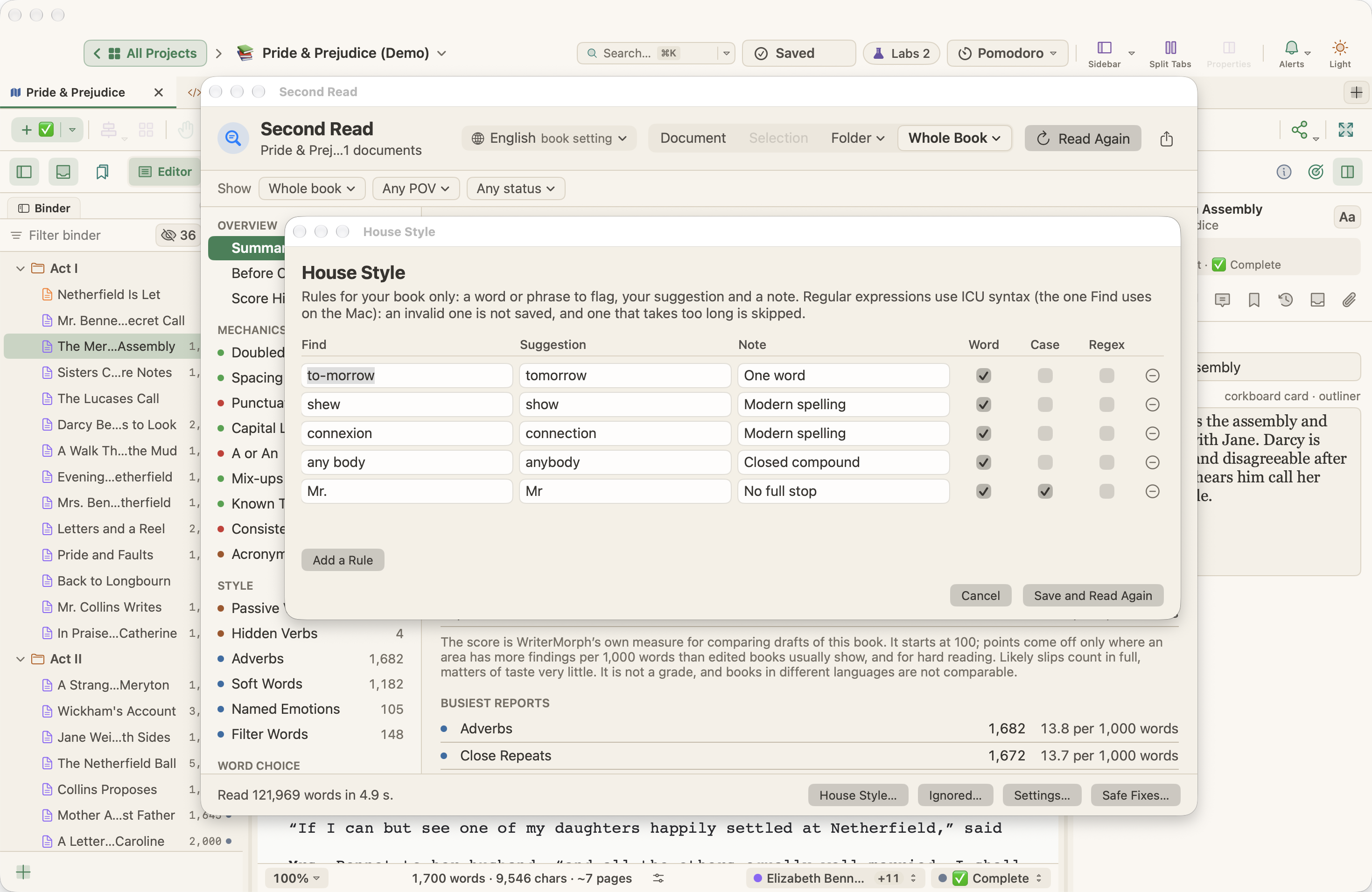
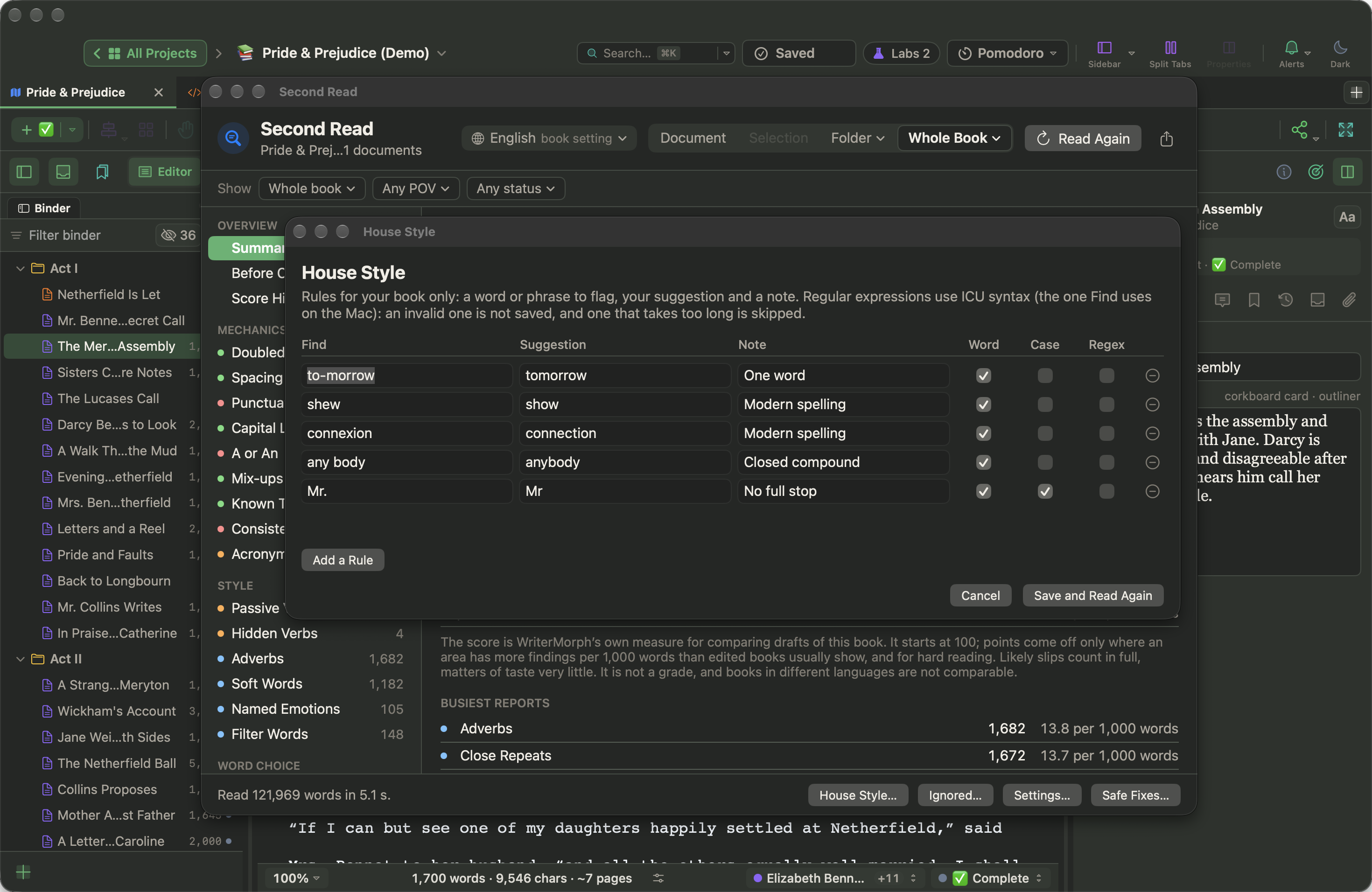
WriterMorph keeps the style sheet with the book. In Second Read, WriterMorph's second reader, House Style… holds your rules for the project: the word or phrase to flag, the form you want instead and a note to remind you why. The picture at the top shows five rules for Pride & Prejudice, one of the sample projects you can download: to-morrow → tomorrow, shew → show, connexion → connection, any body → anybody and Mr. → Mr.
- Word matches whole words only, so a rule for "shew" does not flag "shrewd".
- Case matches capitals exactly, which is what you want for "Mr." but not for "to-morrow".
- Regex takes a regular expression, for patterns such as a number written in figures at the start of a sentence. An expression that is not valid is refused, and one that takes too long is skipped and named.
Open Project › Second Read… (⌥⇧⌘R), choose Whole Book, then House Style… at the bottom of the window. After Save and Read Again, the House Style report lists every place in the book that breaks a rule, in its sentence. Click one and the editor selects it, so you look at each hit before you change it. The rules belong to the project, so they are the same on your Mac and your iPad.
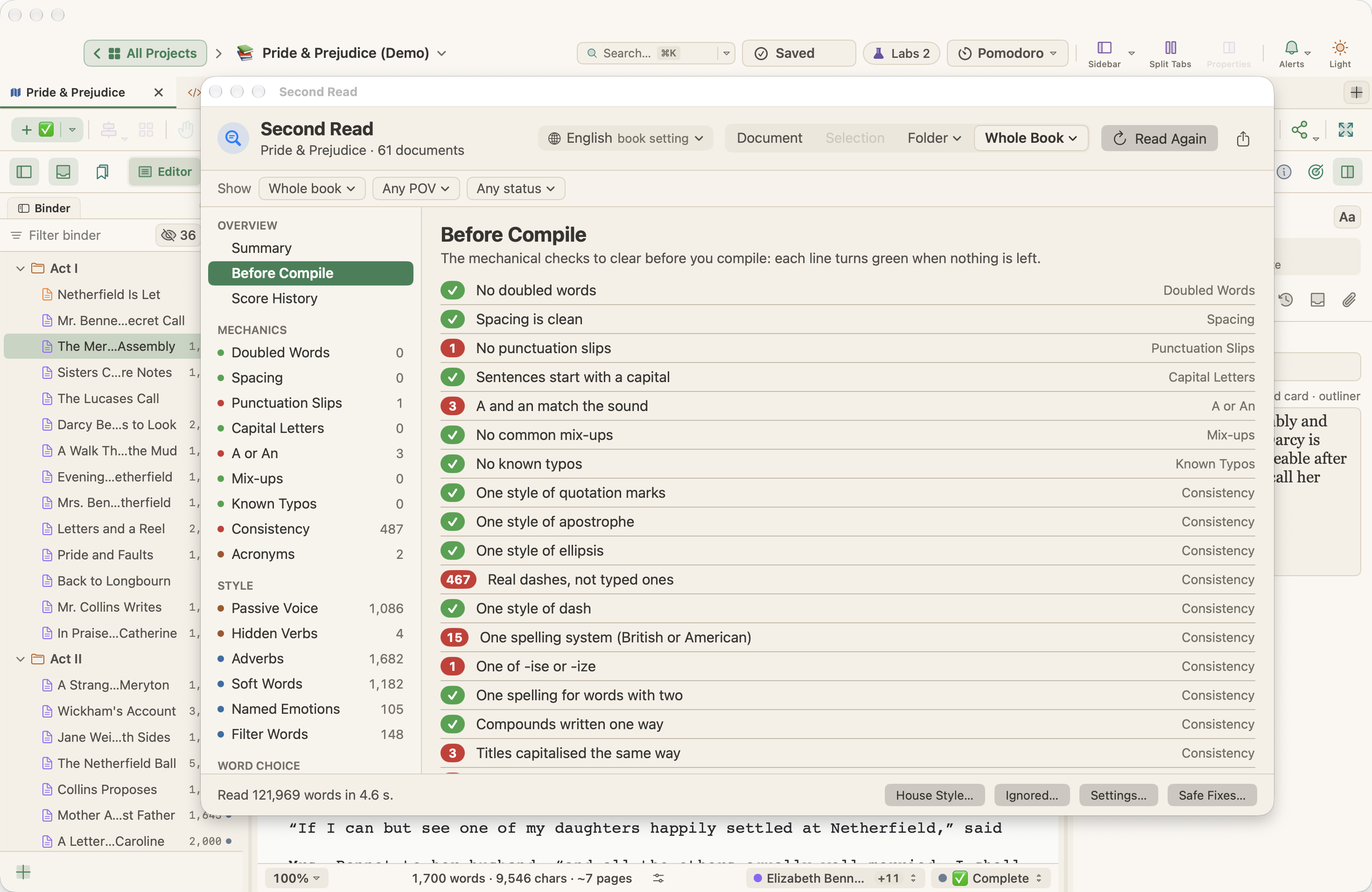
The rules you did not think to write are covered by the Consistency report: British and American spellings mixed in one book, -ise and -ize, a word written in two forms, titles capitalised two ways. Before Compile shows them as a checklist, and Safe Fixes… can make the book use one spelling for a word, with every change listed and ticked first and words that look like names left alone.
For the look of special paragraphs (letters, verse, epigraphs) the same idea applies to formatting: give each a named style once, and every letter in the book looks the same. More in the help center: Second Read.