 WriterMorph

How to revise a draft with a second read
A second read is the pass where you stop being the writer and read like a stranger. What to look for, in what order, and how to use counts and reports without letting them write the book for you. Then the same pass in WriterMorph.
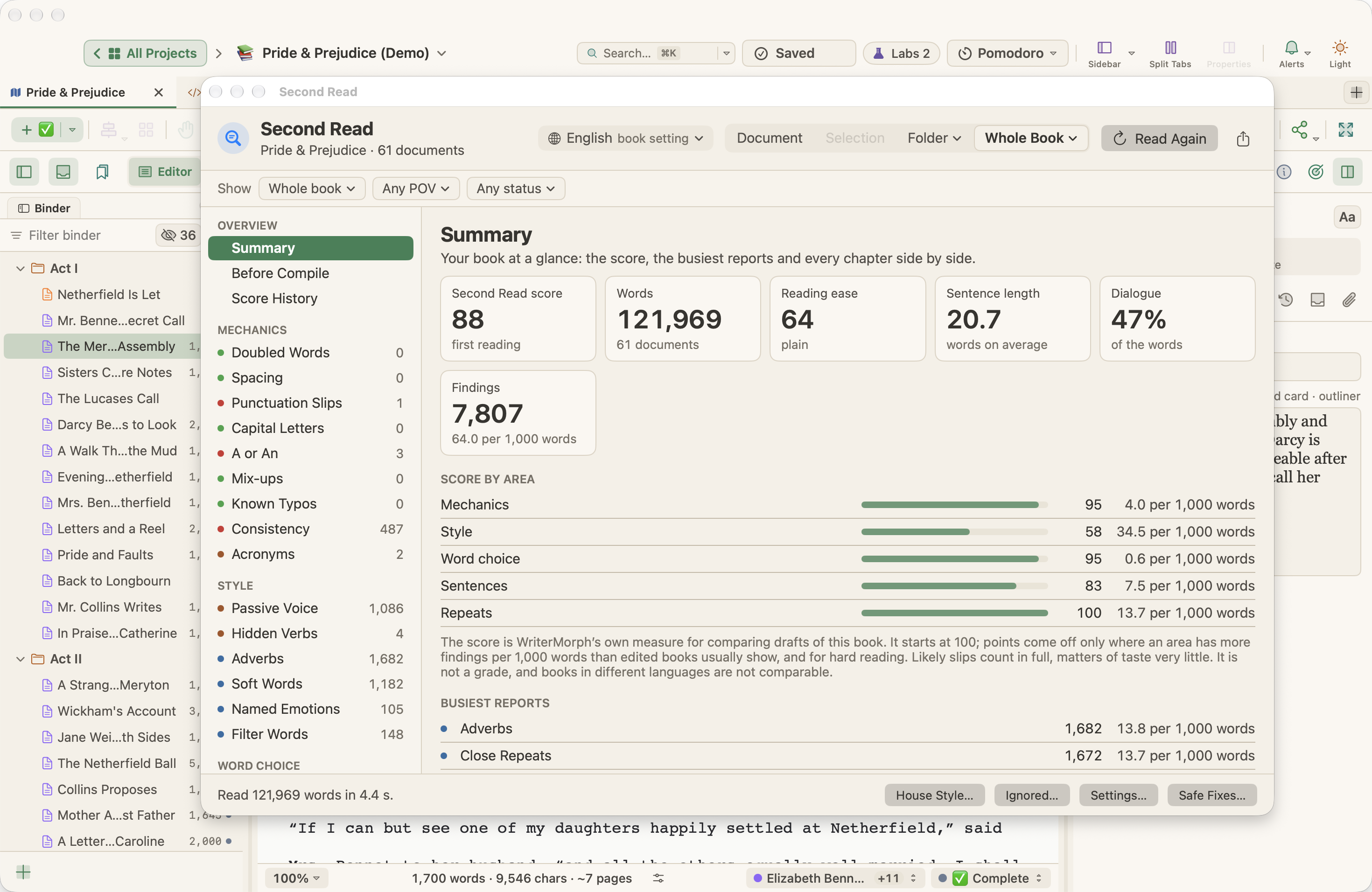
The first time you read your own draft, you read what you meant to write. Your memory fills the gaps: the missing word, the scene that only makes sense because you know what happens later, the sentence that runs three lines because you were thinking while you typed it. A second read is the pass where you try to stop being the writer and read the book as someone who has never seen it.
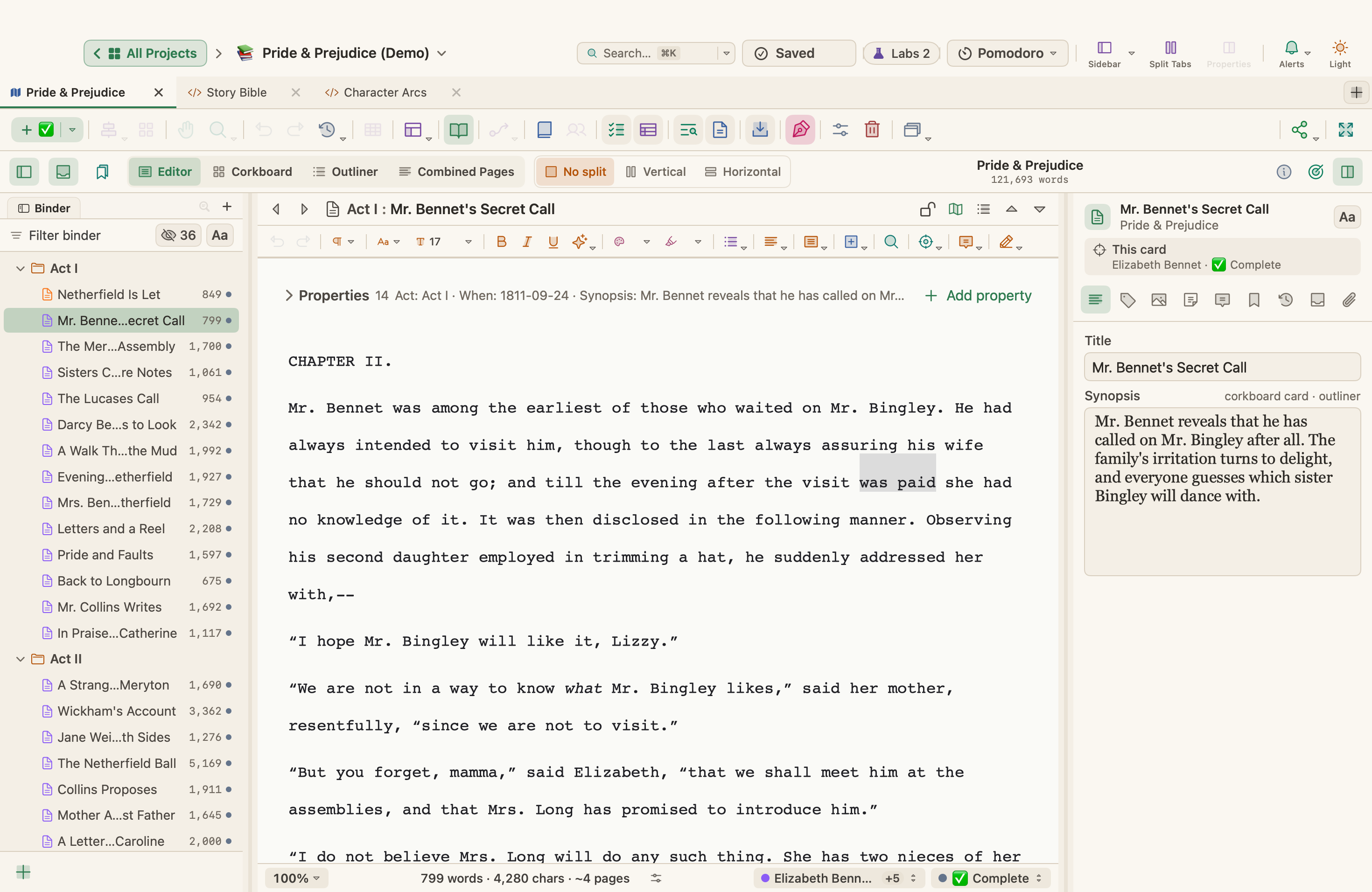
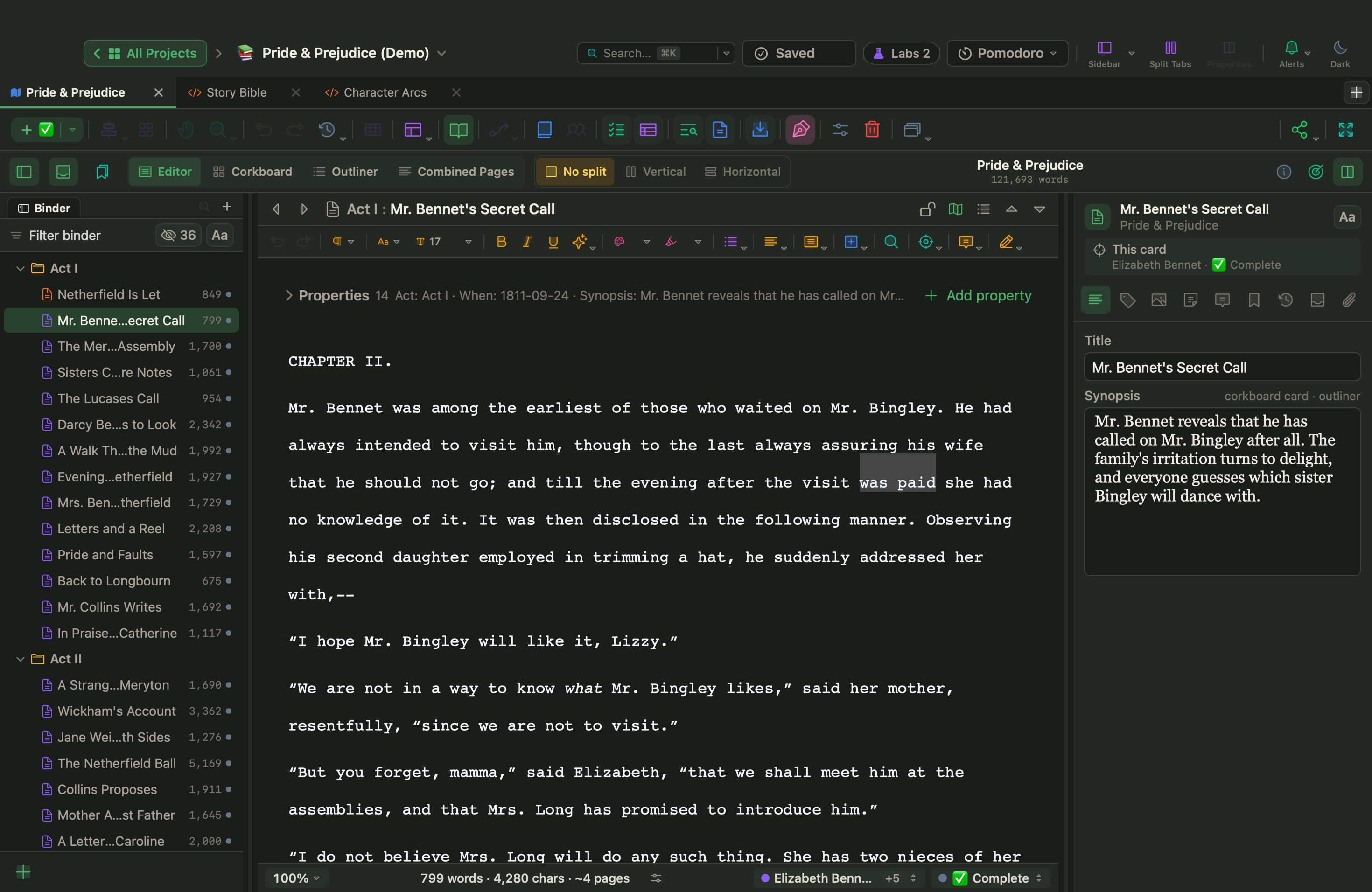
That is harder than it sounds, and it is why writers print their drafts, change the font, read aloud or wait a month. All of those tricks do the same thing: they make the text look strange enough that you notice it again. This article is about doing that on purpose, with a plan, and about where a second pair of eyes, human or not, fits in. The last part shows the pass in WriterMorph, with Pride & Prejudice, one of the sample projects, as the example.
Read for the book before the sentences
A second read is not proofreading. If you start by fixing commas you will polish paragraphs you later cut. Read the whole draft first, as fast as you comfortably can, and take notes instead of changing anything. You are looking for the things only a whole reading shows:
- Where your attention drifted. Mark the page. Boredom on a second read is information: the reader will feel it more.
- Where you were confused, even for a moment. A name you had to look up, a jump in time you missed, a room you could not picture.
- What you remember an hour later. The scenes that stayed with you are working. The ones you cannot recall may not be.
- Repetition at the level of the story. Two scenes that do the same job, two characters who say the same thing.
Only when you have a list of big things does it make sense to go down to the sentence.
Then read for the sentences, one kind of problem at a time
At sentence level, the trouble is that everything is wrong at once and nothing stands out. It helps to read for one kind of problem per pass:
| Pass | What you look for |
|---|---|
| Length and rhythm | Sentences that run on, or runs of sentences that are all the same length |
| Repeats | The same word twice in a paragraph, the same sentence opening three times on a page |
| The words you lean on | Every writer has them: just, really, suddenly, looked, smiled, nodded |
| Distance | Filter words (she saw, he felt, she noticed) and named emotions (he was angry) that keep the reader outside the scene |
| Passive and hidden verbs | "The letter was written", "made a decision", where an active verb would be shorter and clearer |
| Slips | Doubled words, a or an, missing capitals, a name spelled two ways |
None of these is a rule. Passive voice is right when the doer doesn't matter; a long sentence is right when the moment is breathless. The point of reading for one thing is to see each instance and decide, rather than to obey a checklist.
Counts are questions, not answers
This is where a tool can help, and where it can hurt. A computer is very good at counting: how long your sentences are on average, how often you use "just" compared with other books, which chapters are mostly dialogue. It is bad at knowing whether any of that is a problem.
Use the numbers to decide where to look, not what to do:
- A chapter whose sentences are much longer than the rest of the book is worth reading again. It may be the most beautiful chapter. It may be the one you wrote tired.
- A word you use three times as often as edited fiction is a habit. Some habits are your voice; cut the ones you didn't choose.
- A long stretch of narration with no dialogue may be exactly the slow, inward chapter the book needs. Or it may be where readers put the book down.
Keep your own judgement in charge. If a report says something and you disagree, ignore it and move on. The tool will not be hurt.
Fix the slips last, and all together
Mechanical slips (double spaces, straight quotes where you want curly ones, a word spelled "grey" in one chapter and "gray" in another) are the last pass, because every rewrite before it adds new ones. They are also the only problems worth fixing in bulk, provided you can see every change first. Names are the classic trap: an automatic "fix" that turns your character Hesper Grey into Hesper Gray is worse than the slip.
A second read in WriterMorph
WriterMorph has a second reader built in. Second Read reads a document, a chapter or the whole book and gives you the counts above as reports, each finding in its sentence with the reason. It is rules and word lists that run on your Mac or iPad: no AI, and your text never leaves your device. Pride & Prejudice, one of the sample projects you can download, is the example here.
Start with the summary
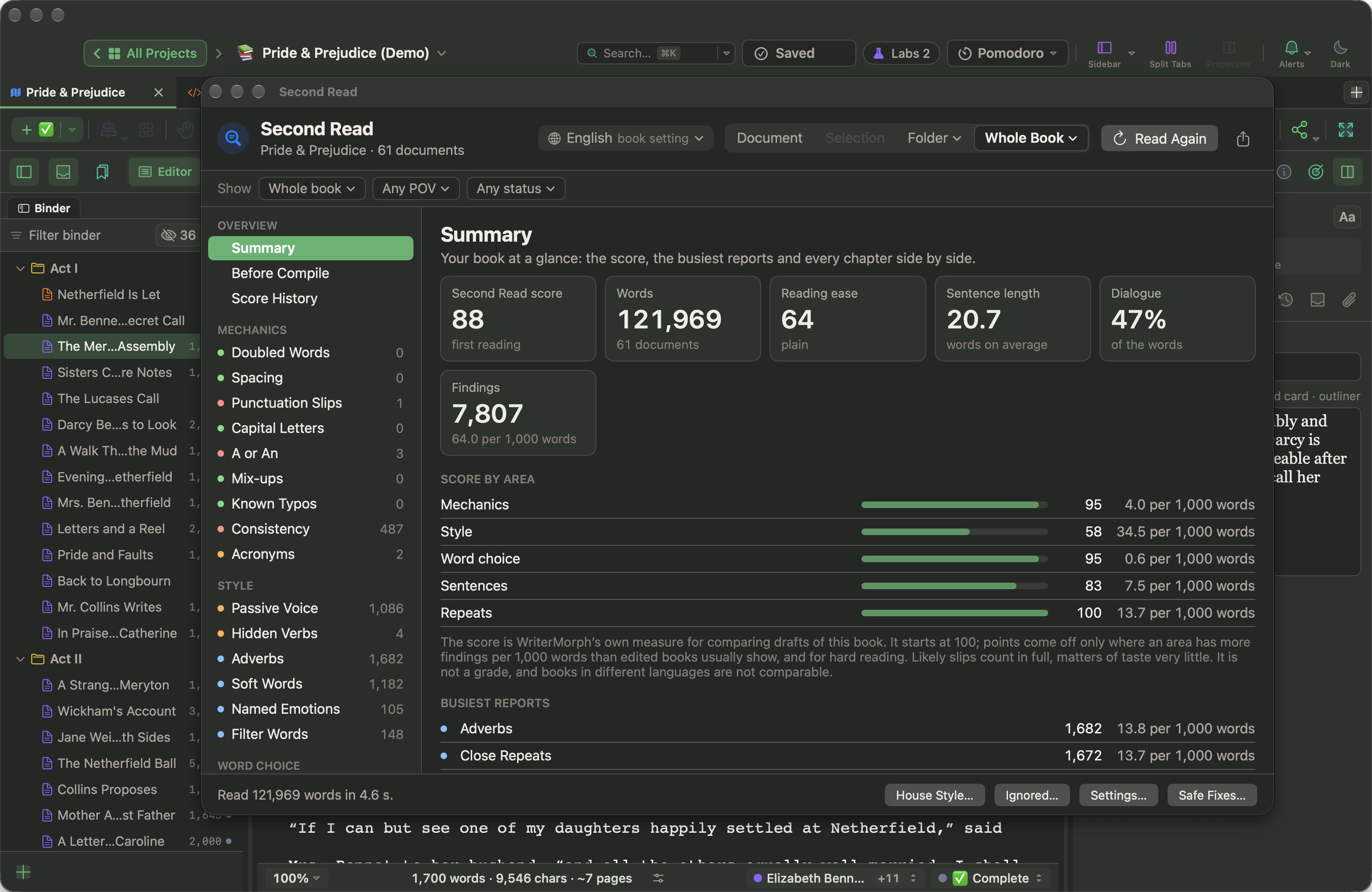
Open the book and choose Project › Second Read… (⌥⇧⌘R), then Whole Book. The summary in the picture at the top is the whole-book view: a score for comparing drafts of this book, the number of words, reading ease, average sentence length, how much of the book is dialogue and the reports with the most findings. The score is not a grade. It is useful the second time you read, when you can see whether a revision moved it.
Read one report at a time
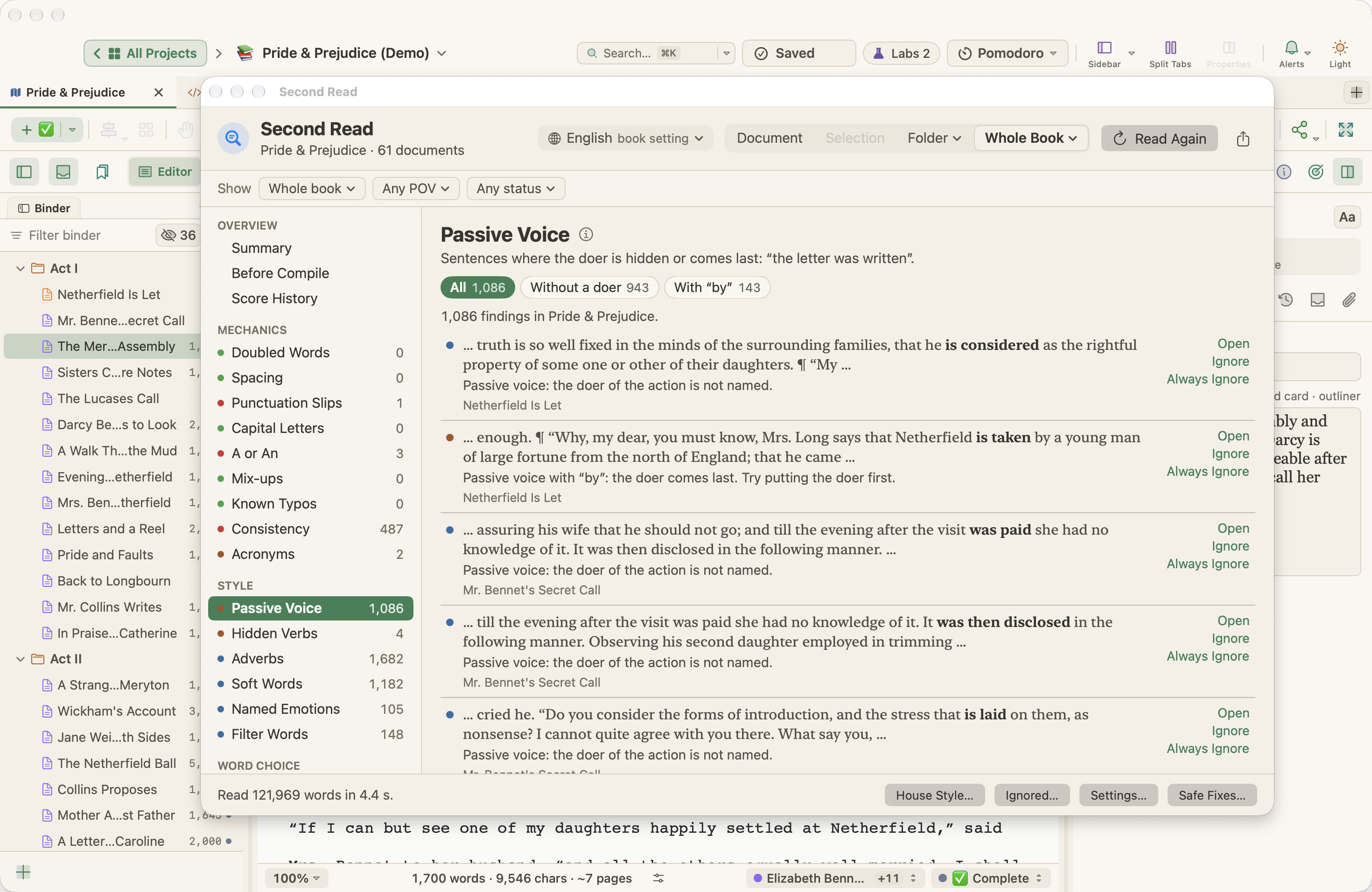
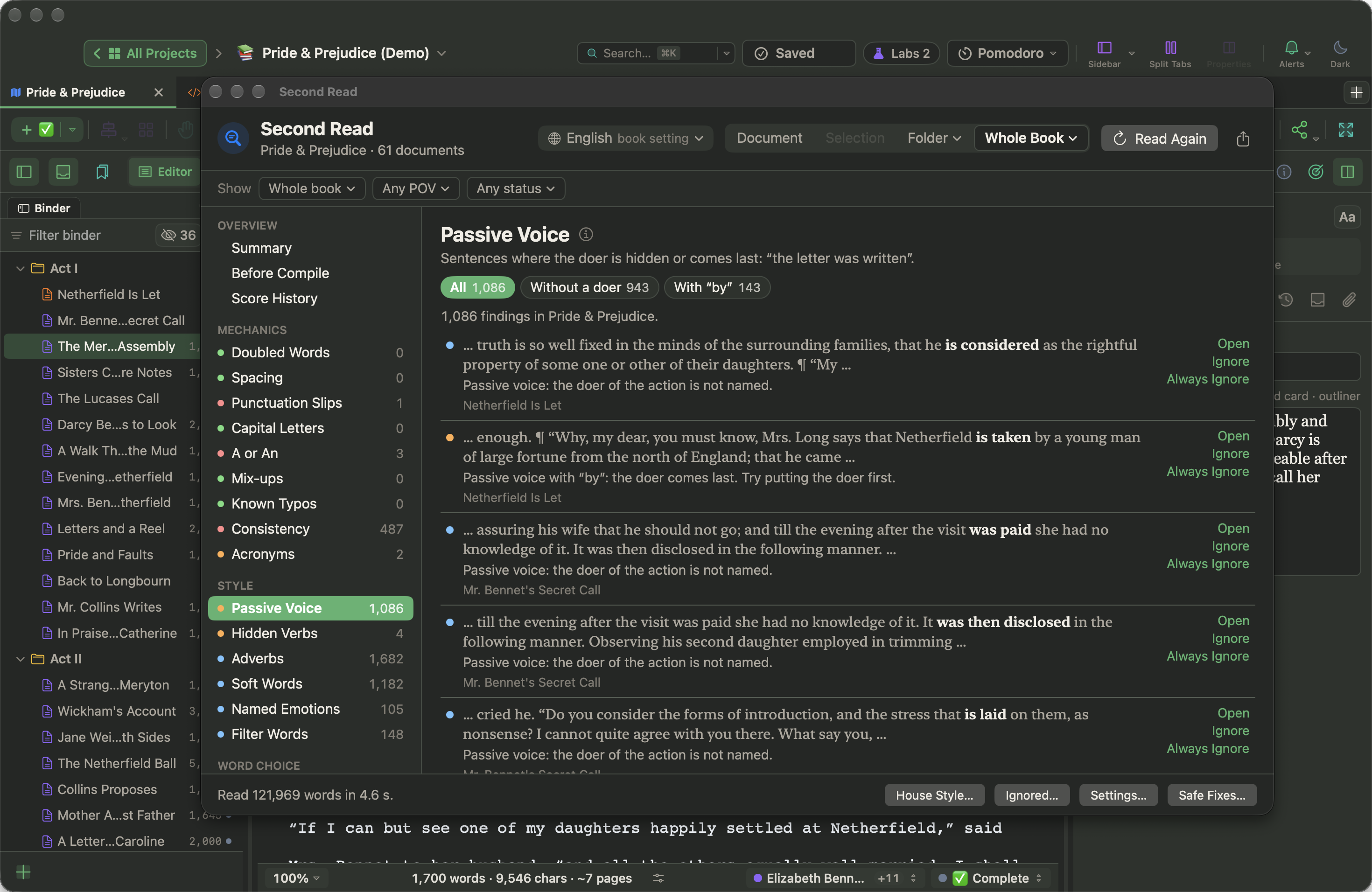
The list on the left is the passes from the table: Sentence Length, Close Repeats, Leaned-on Words, Filter Words, Named Emotions, Passive Voice, Hidden Verbs and the rest. Choose one and read only that. Click a finding and the editor selects the exact words, so you can change them there and then. Ignore hides a finding you have decided to keep; Always Ignore hides the word in that report for the whole book.
Look at the shape of the book
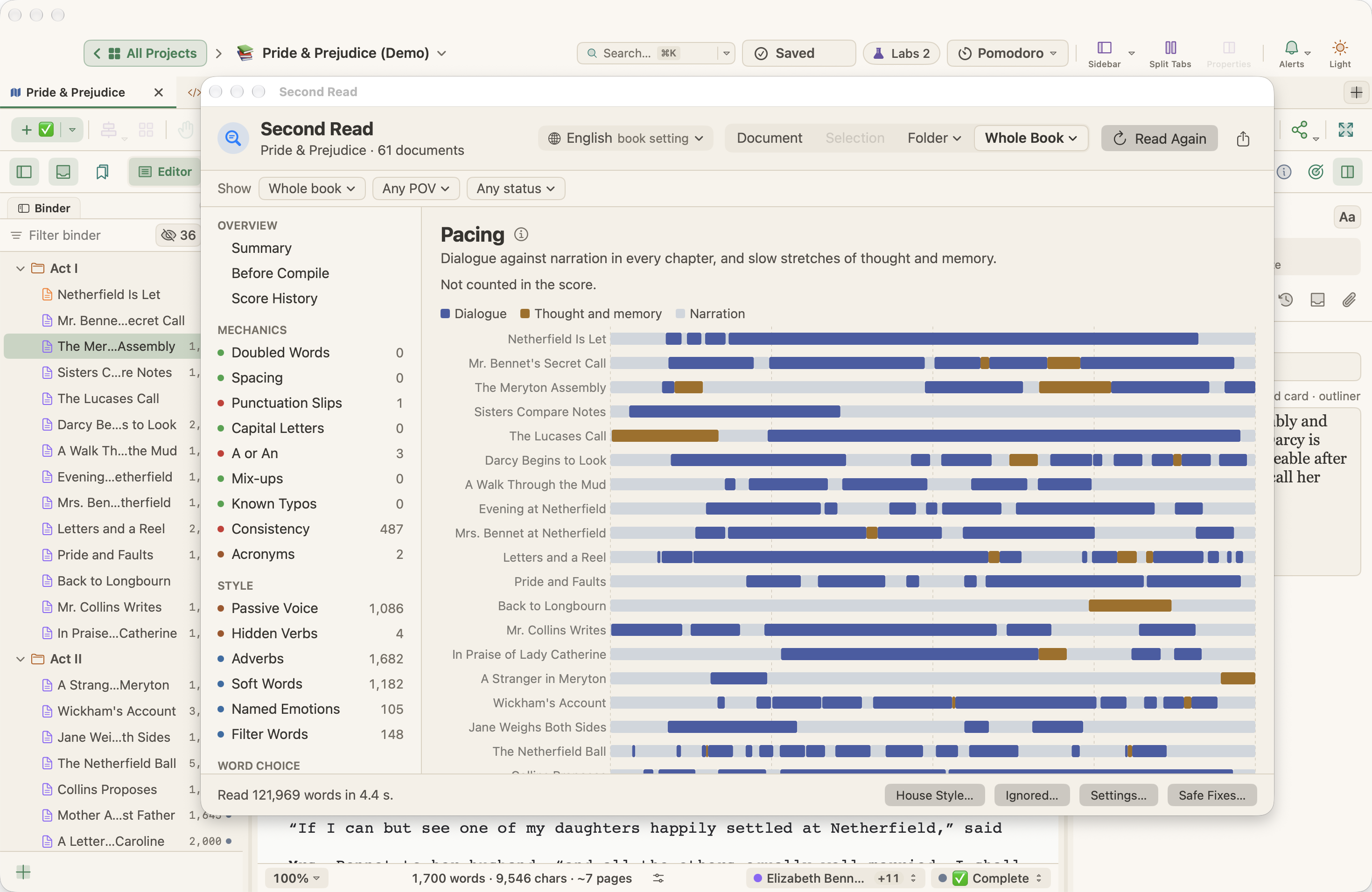
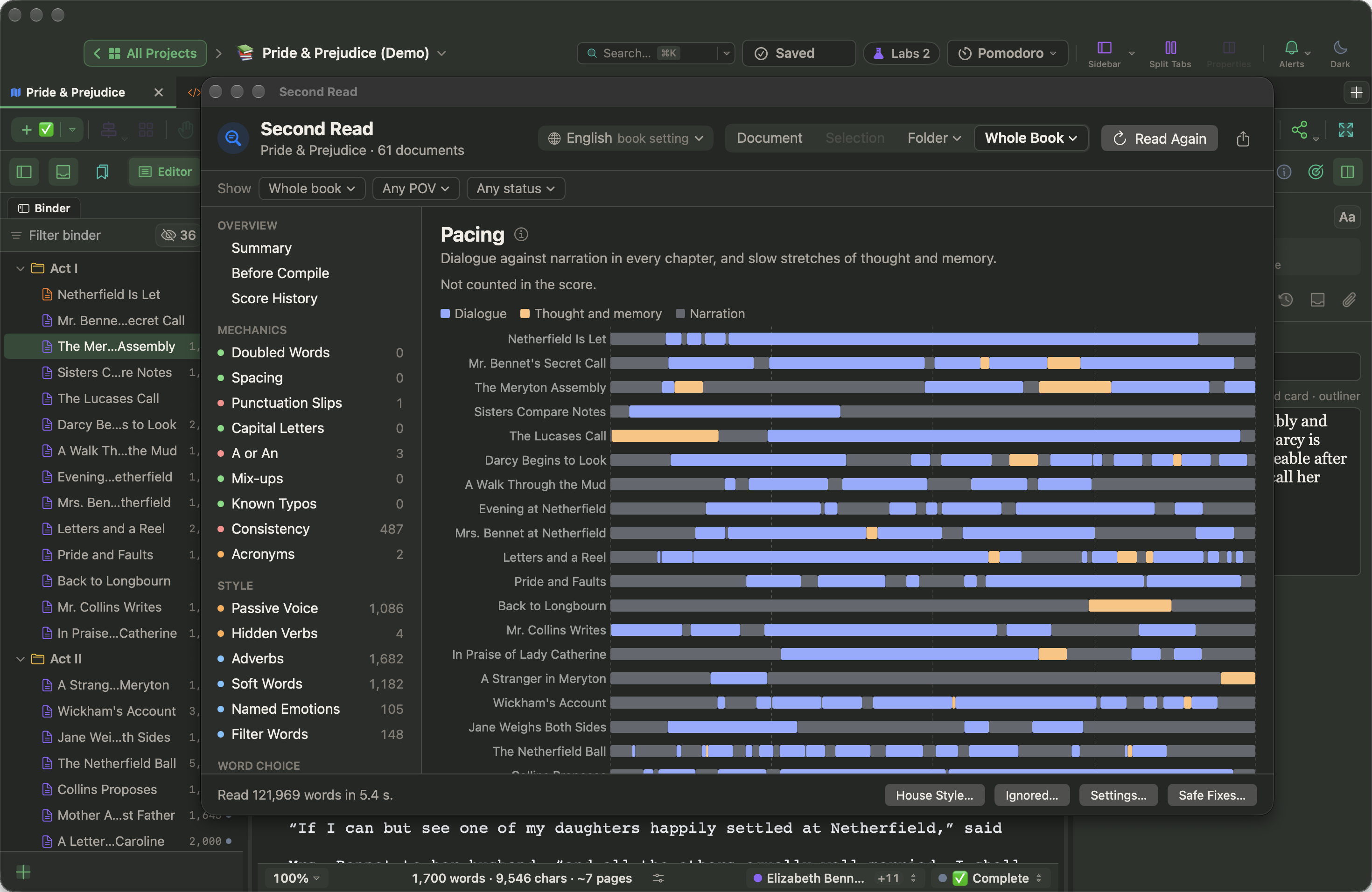
Pacing draws every chapter as a strip of dialogue, thought and narration, which is the "where did my attention drift" question as a picture. Click a chapter to narrow every report to it. Word Explorer answers "which words do I lean on": choose a word to see every sentence that uses it.
Fix the slips with a preview
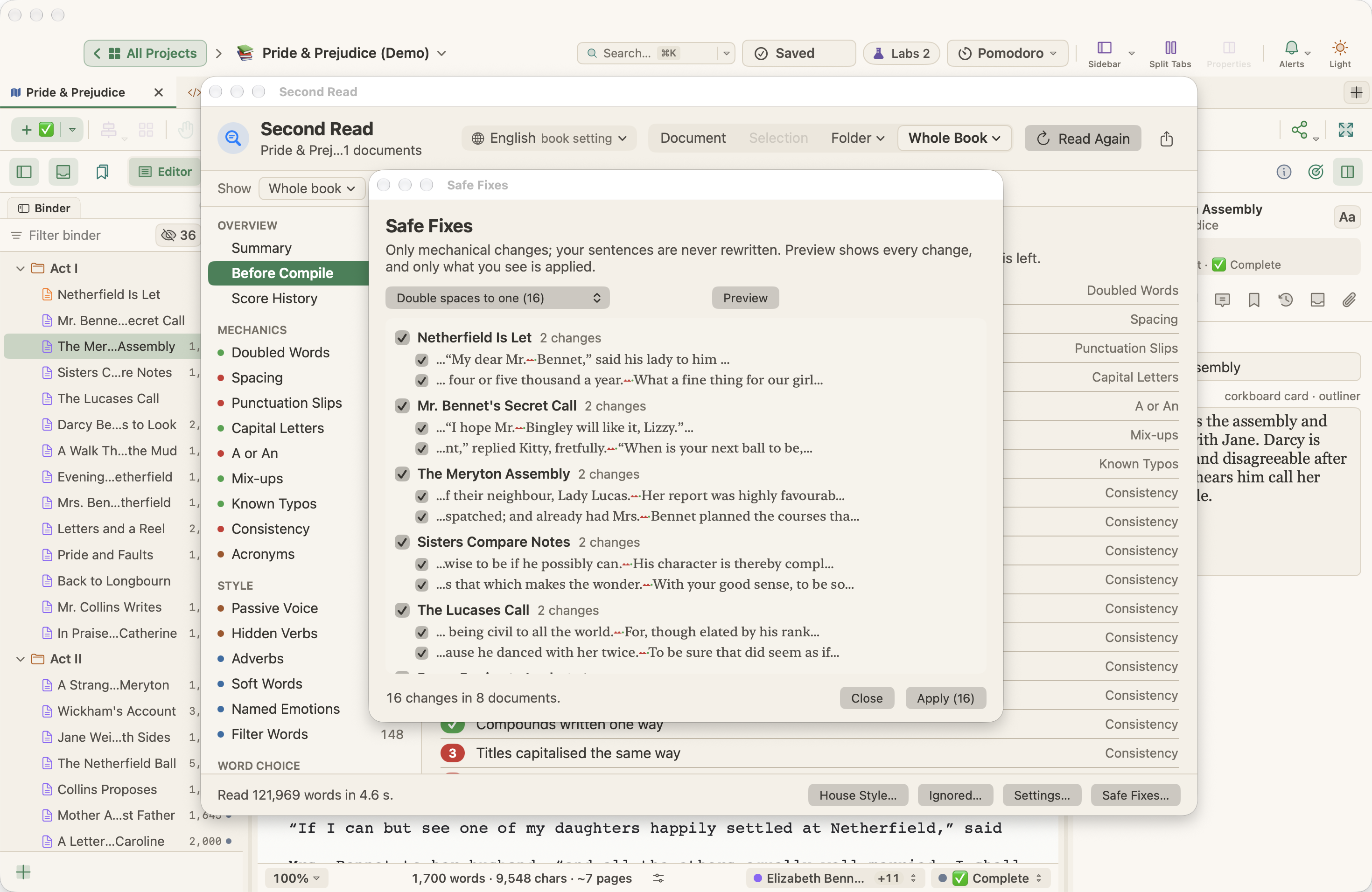
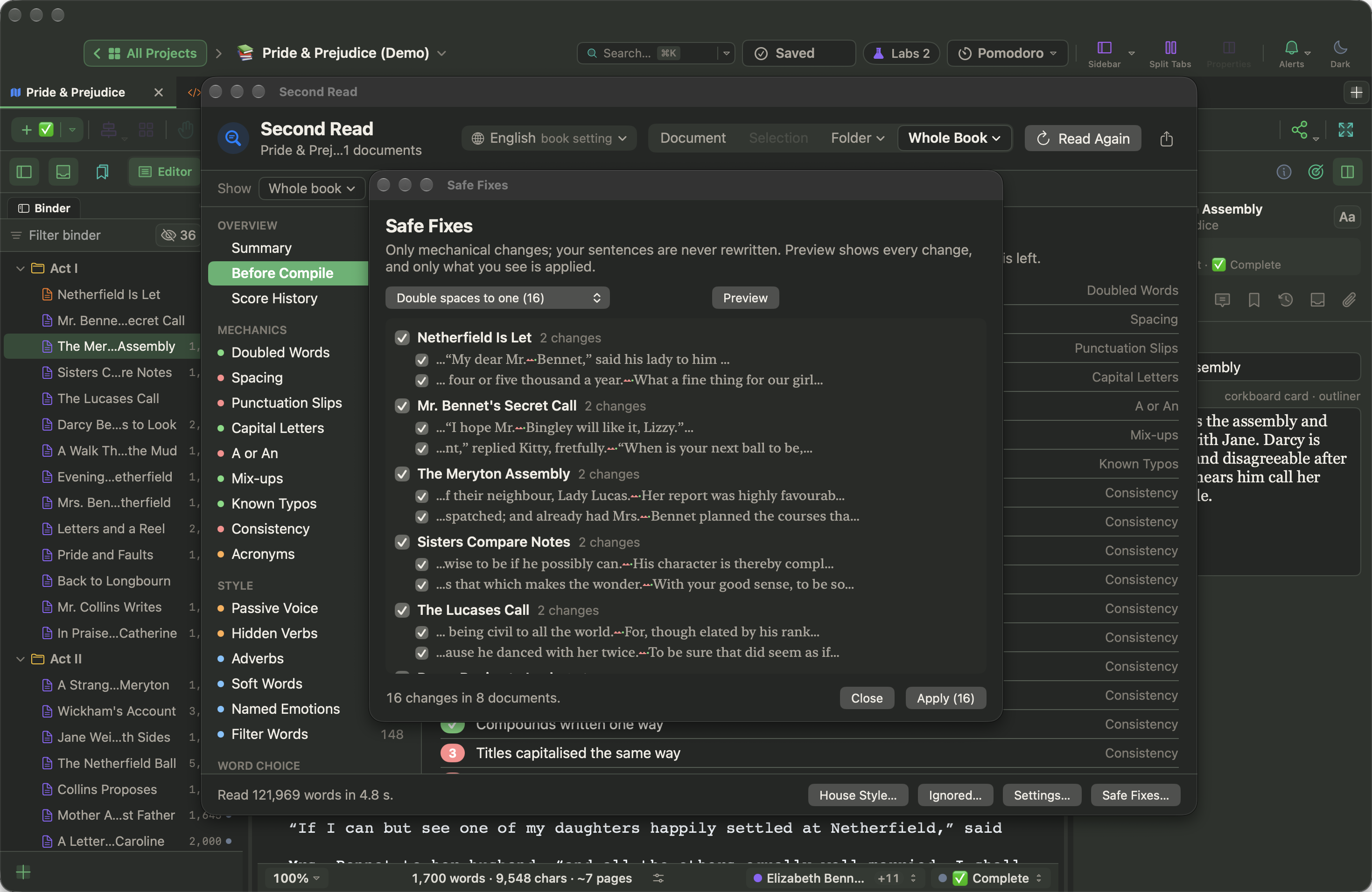
Last, open Before Compile, the mechanics as a checklist, and Safe Fixes…. It lists every double space, straight quote and two-way spelling it would fix, each with its own tick box. Words that look like names are listed but left unticked. Apply makes only the ticked changes, and one Undo takes them back.
Read again
After a round of changes, Read Again. Score History keeps every reading, so you can see what a revision changed, chapter by chapter. More in the help center: Second Read.